Dolphin{anty} Alternatives and Competitors

With 5 profiles for free right off the bat and an intuitive UI, Dolphin{anty} is a go-to for many people managing a few clients or a few social media accounts. It is a low-friction entry point. But a few things start piling up over time…
First, Dolphin doesn’t have any built-in proxies or a native proxy marketplace. So I always had to bridge third-party proxy services. And when something breaks, I find myself debugging two platforms at once.
Then we got the profile limits and pricing, which I found very steep compared to other platforms that have caught up, like, I’m not sure I’m okay paying $89 just because I want to add my virtual assistant as an additional user.
I also got flagged twice in my Meta accounts, which made me question whether Dolphin’s fingerprints were really that good and up to date with the latest techniques.
Updates also seemed less frequent than those from the newer alternatives, which ship new fingerprint-spoofing capabilities almost every week.
And don’t get me wrong, Dolphin does have a great visual drag-and-drop scenario builder for basic automation scripts, but even I, who’s not a developer, find its API lacking.
That’s my personal and honest take. Which led me to look for better options elsewhere, and I gathered all the information I got about Dolphin{anty} alternatives in this guide in case someone like you needs it.
Let me show you some great options.
30-second comparison: find the best Dolphin{anty} alternative at a glance
| Browser | Free Profiles | Starting price | Built-in Proxies | Best For | Biggest Drawback |
| 1Browser | 10 profiles | $9/month | Yes (5 free US/UK/DE/CA/IN proxies) | Frictionless setup and familiar, Chrome-identical interface | Fewer advanced cloud-scraping tools |
| GoLogin | Not specified | $9/month | Yes (Free residential & mobile) | Mobile-first workflows via a dedicated Android app | Advanced automation requires coding |
| Nstbrowser | 500 profiles | $29.90/month | No | Developers doing heavy cloud-based web scraping | Steep learning curve and complex UI |
| Multilogin | None ($2 trial) | $11/month | Yes (Bundled premium traffic) | Running native Android environments in the cloud | Completely lacks a permanent free tier |
| AdsPower | 2 profiles | $9/month | No | Flexible pricing and dual-engine setups (Chrome/Firefox) | Cluttered interface that feels overwhelming for beginners |
| Incogniton | 10 profiles (2 mos.) | $19.99/month | Yes (Free options included) | Simulating human typing speeds and automated cookie warmups | Completely lacks mobile device emulation |
| Lalicat | None (7-day trial) | $59/month | No | Granular, laboratory-level hardware fingerprint control | Restricted to Windows with a clunky interface |
Best pick overall: 1Browser.
We’ll find out why later, but before we get into the list of Dolphin{Anty} alternatives, let’s first learn some information about it so we can compare fairly.
Brief Overview of Dolphin{anty}
I’ve managed a few accounts with Dolphin. It did the job right because it always assigned a unique, highly customizable digital fingerprint to every browser profile I’ve created. That’s why it’s heavily used in affiliate marketing, e-commerce, and web scraping.
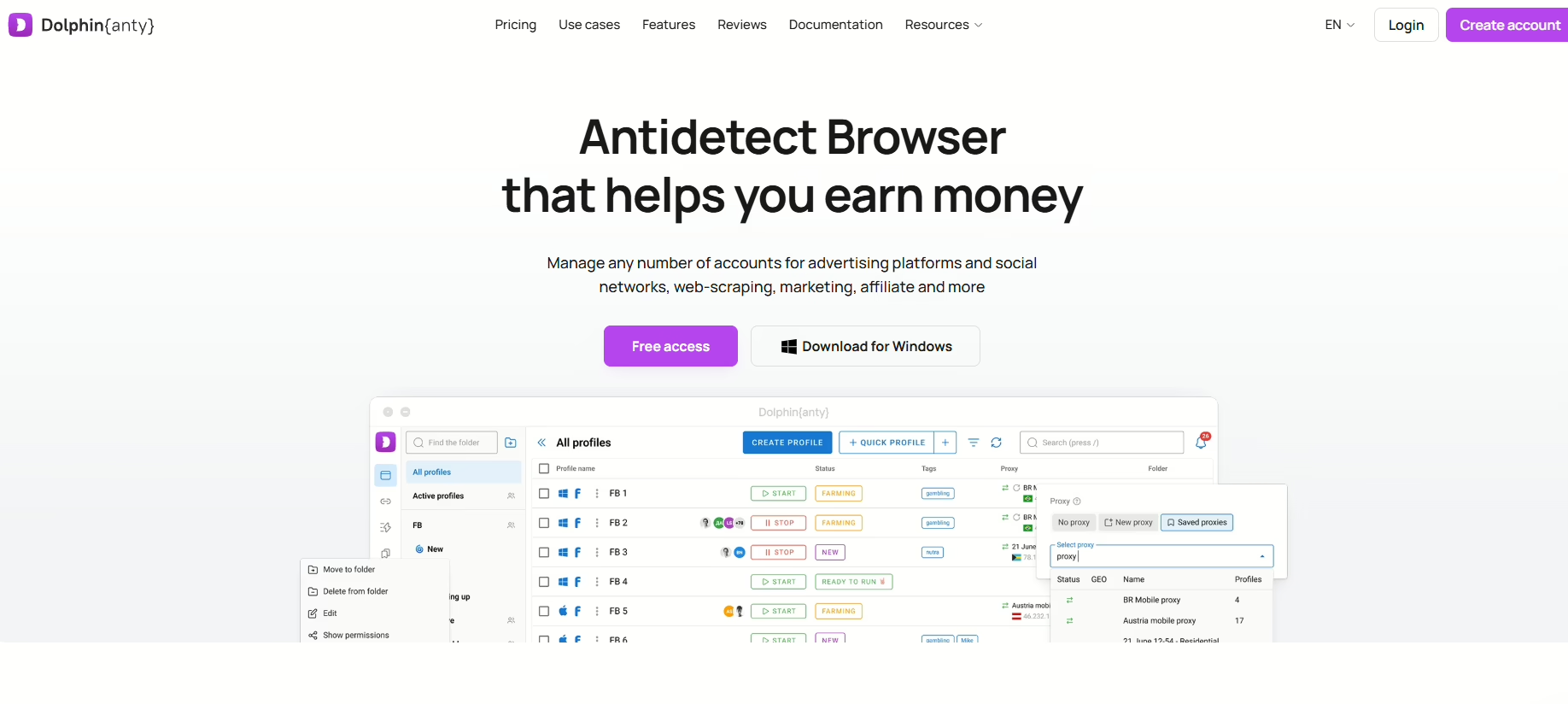
Key features of Dolphin{anty}
- It mimics real users with authentic browser profiles that you can create in one click
- It has a synchronizer that mirrors typing, clicking, and scrolling from one master profile across multiple others
- It allows you to automate tasks without writing code (drag-and-drop) with the scenario builder
- You can share profiles, proxies, and cookies with specific user permissions and limits with your team
- It lets you organize your workspace with color-coded tags, statuses, and custom folders to manage hundreds of accounts
Pros vs. Cons of Dolphin{anty}
| Pros | Cons |
| Extremely fast profile creation and launch times | Team management features require the expensive $89/month tier |
| Intuitive interface optimized for bulk account handling | Only spoofs mobile user agents rather than offering true mobile emulation |
| Low system resource consumption when running many tabs | Does not include built-in proxies (must be sourced separately) |
| Permanently free tier provides 5 fully functional profiles | Heavy loads can occasionally trigger cloud-syncing errors |
Dolphin{anty} pricing
Here’s how their current pricing plans are looking like:
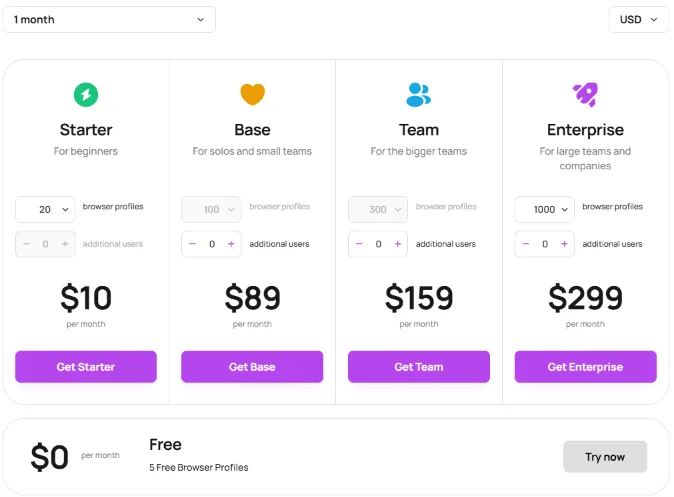
As I’ve mentioned before, the free tier is generous with the 5 free profiles. And the starting price of $10 is not that bad, either. But the jump straight to $89/month is too big of a leap.
The thing is that the free and the $10 plans completely lock out API access, automation frameworks, and team sharing. So if you need these (bare minimum) features, or you’re a solo user who suddenly needs to hire just one virtual assistant, you are forced to jump from the $10/month tier straight to the Base plan at $89/month (plus the seat fee).
This issue, among many others, is pushing Dolphin{anty} users to look for other options. Below are the 7 alternatives I recommend most.
Top 7 Dolphin alternatives for 2026
The current best Dolphin{anty} alternatives are 1Browser, Gologin, Nstbrowser, and Multilogin.
AdsPower, Incognito, and Lalicat are some great other options, too!
Let’s discover more about each one of them.
One browser is my favorite chromium based and to detect browser that I also use as a proxy browser because it has its own built-in residential and data center proxies.
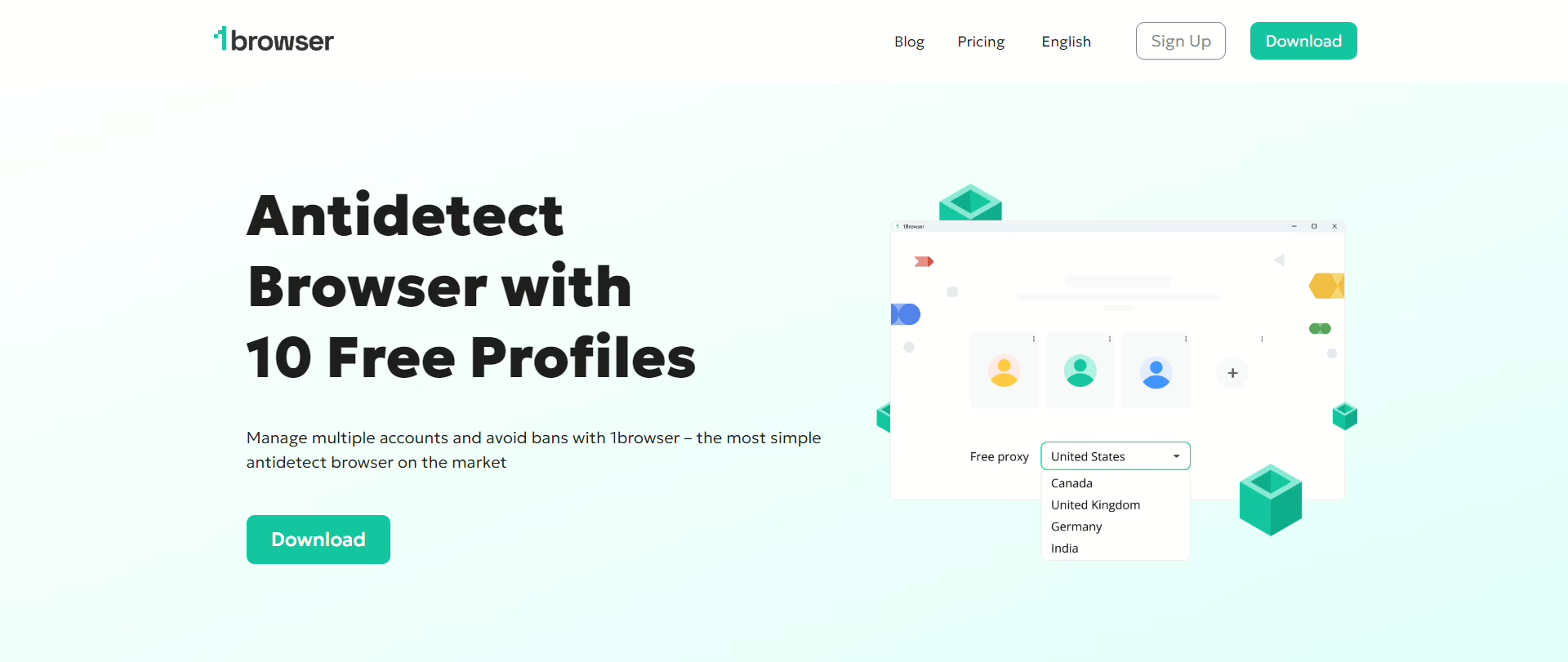
it has the exact same interface as Google Chrome the only difference is that it is working hard behind the scenes to isolate your cookies tabs and digital Hardware fingerprints to mask my true digital identity and make every profile I create look like a different legitimate user.
it is primarily used by affiliate marketers social media managers e-commerce drop shippers and privacy enthusiasts who need to operate multiple accounts simultaneously without triggering any fraud bans.
I’m someone who hates the friction of complex technical setups and one browser felt very straightforward in its design and in its generous free Trier, so it was perfect for me.
Key features of 1Browser:
- It comes with built-in proxies, some of which are free!
- Profile switching and session management feel as natural as navigating standard browser tabs because it looks a lot like Chrome
- Completely isolates Canvas, WebGL, WebRTC, fonts, and device configurations so each profile generates a distinct and verifiable identity
- Securely syncs session data, cookies, and profiles across multiple devices with a strict zero-logs policy
- Highly optimized for modern, lightweight hardware with dedicated installation builds for Apple M-series chips, Windows ARM, and Linux ARM.
1Browser pricing
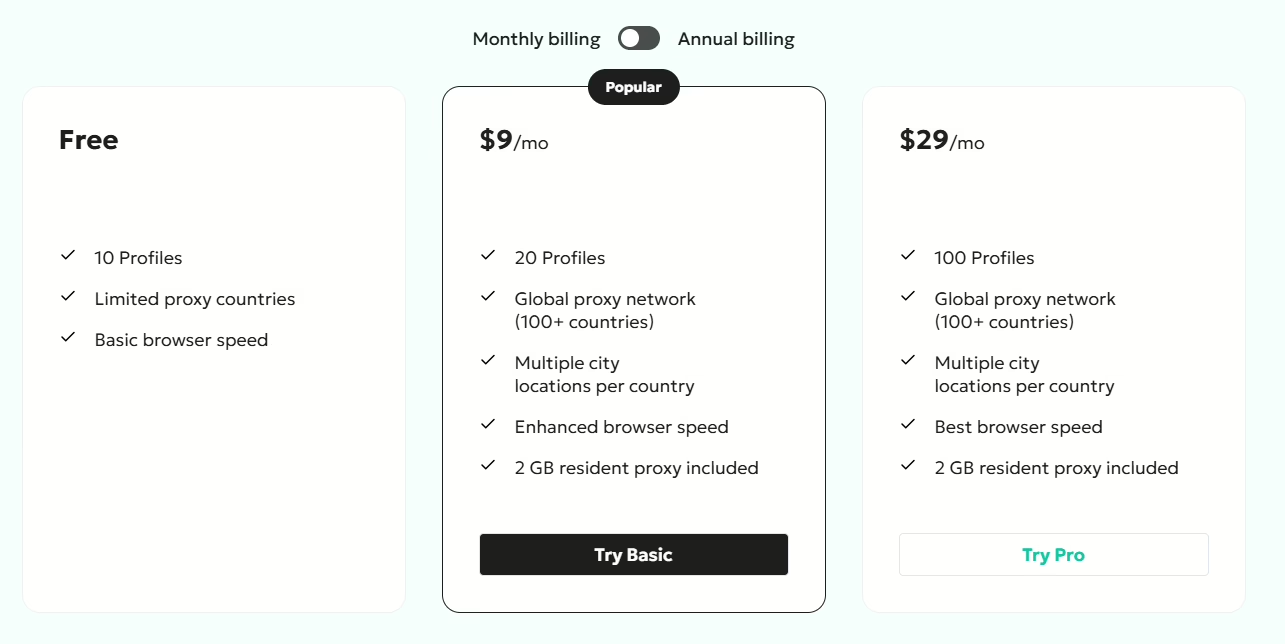
Beginners and growing teams will love 1Browser for its free tier and its cheap entry points. While Dolphin aggressively restricts its free plan to just five profiles and charges an $89/month base fee for business features with expensive per-seat additions, 1Browser provides double the free value with 10 fully isolated profiles and native free proxies at no cost. Even when scaling up, 1Browser’s paid plans are drastically cheaper, starting at $9/month and capping around $29/month for 100 profiles.
Why choose 1Browser over Dolphin?
If you want to eliminate the back-and-forth between different setups just to activate a proxy, use 1Browser. Especially if you’re a solo operator or small agency managing under 100 accounts, because 1Browser will offer you a significantly cleaner workflow, better free capacity, and a fraction of the cost without the aggressive team-seat taxes imposed by Dolphin.
Gologin
Gologin is another favorite anti-detect browser of mine.
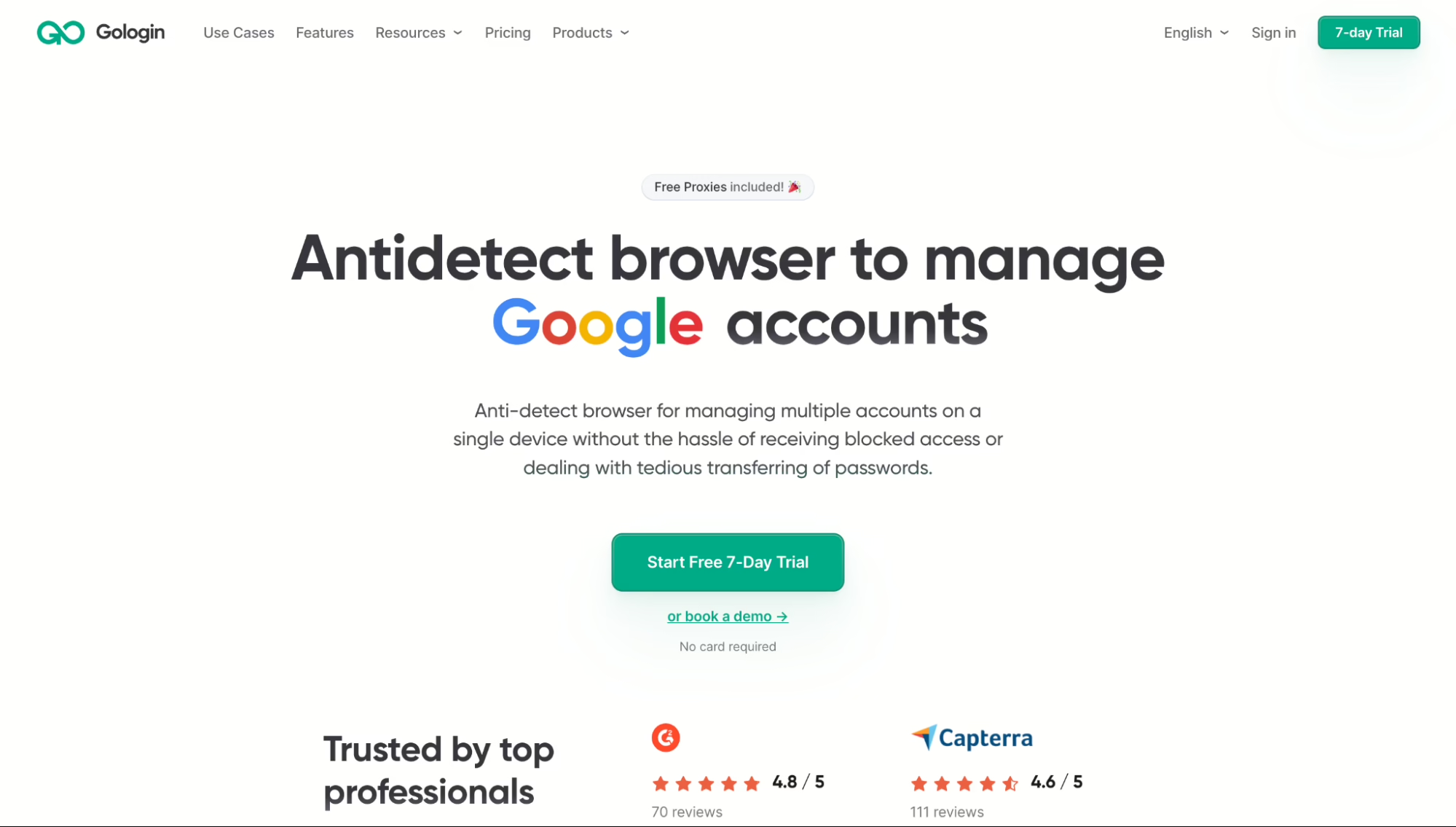
I manage multiple accounts from a single device with this one with no problem. It masks my digital fingerprint completely, and websites view each profile as a completely different physical person.
It also has built-in proxies, free ones too, residential and mobile, built directly into the app. That’s a huge plus for me compared to Dolphin.
It has high-performance API integration for Puppeteer, Playwright, and Selenium, so it’s very automation-ready.
And for those who’re looking for mobile emulation to use mobile-first platforms like TikTok, Gologin offers that through a dedicated Android app and mobile fingerprints.
Pricing-wise, Gologin is far cheaper. It starts at just $9/month (and offers a massive 50% discount for annual billing, dropping it to $4.50/month), which drastically undercuts Dolphin’s expensive starting tiers.
Nstbrowser
Now let’s talk about Nstbrowser.
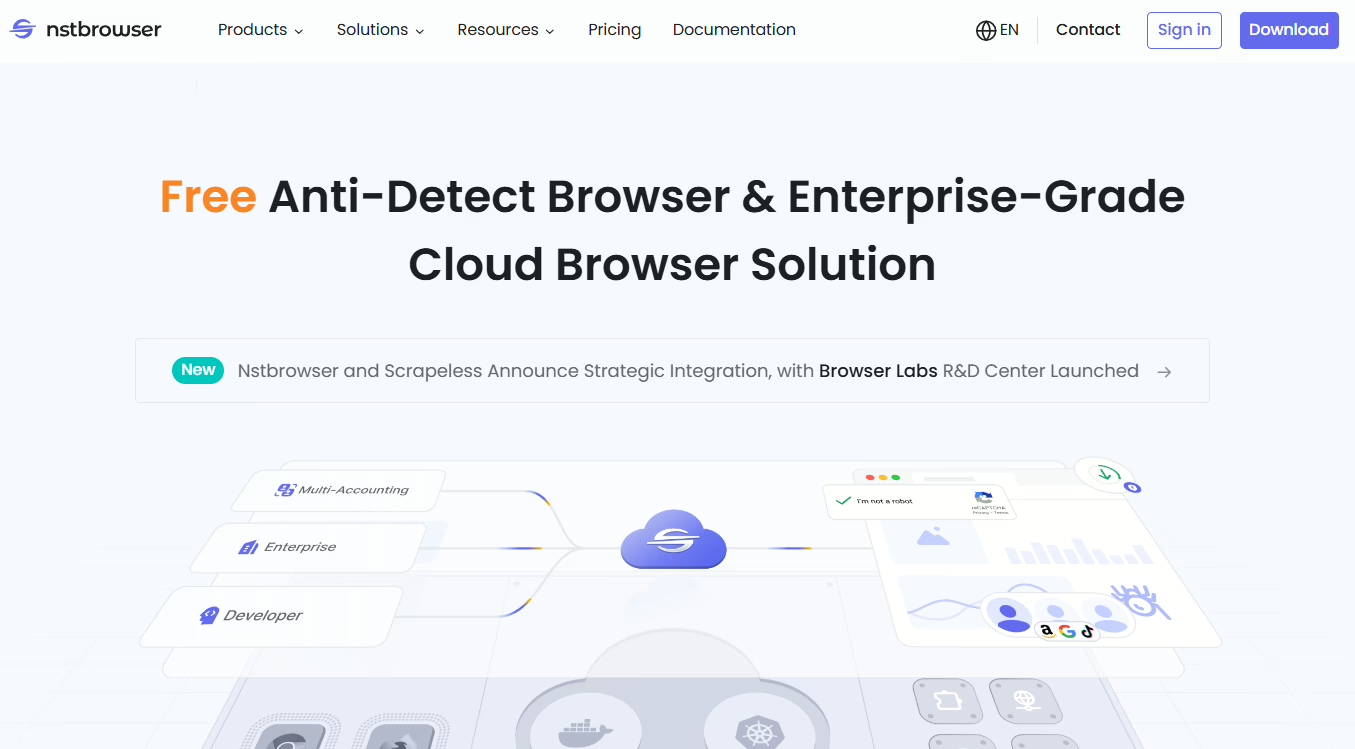
It’s a cloud-based, enterprise-grade anti-detect browser. So if you’re doing heavy multi-accounting, web scraping, and complex task automation, I think this one is for you.
Nstbrowser is so good at bypassing anti-bot systems like Cloudflare and CAPTCHA because it creates authentic, isolated digital fingerprints.
Since it’s cloud-based, you can run heavy automation scripts in the cloud without eating up your computer’s RAM and CPU. Dolphin, on the other hand, receives many complaints for crashing and lagging users’ PCs when running many profiles.
Developers especially love it as well for its seamless integration with dev tools like Puppeteer, Playwright, and Selenium.
And while Dolphin can handle basic automation scripts, Nstbrowser uses AI agents and headless “browserless” modes for advanced, enterprise-level web scraping.
As for the pricing, the value is so clear. Nstbrowser’s free tier gives you 500 profiles and 3 team seats. This is the most generous free plan I’ve ever seen. Its first paid plan is just $29.90/month for a massive 100,000 profiles and 20 team seats.
However, since it’s built mainly for devs and automation, it has a steep learning curve and an interface that’s not very beginner-friendly.
Multilogin
This one is a premium anti-detect and multi-accounting platform.
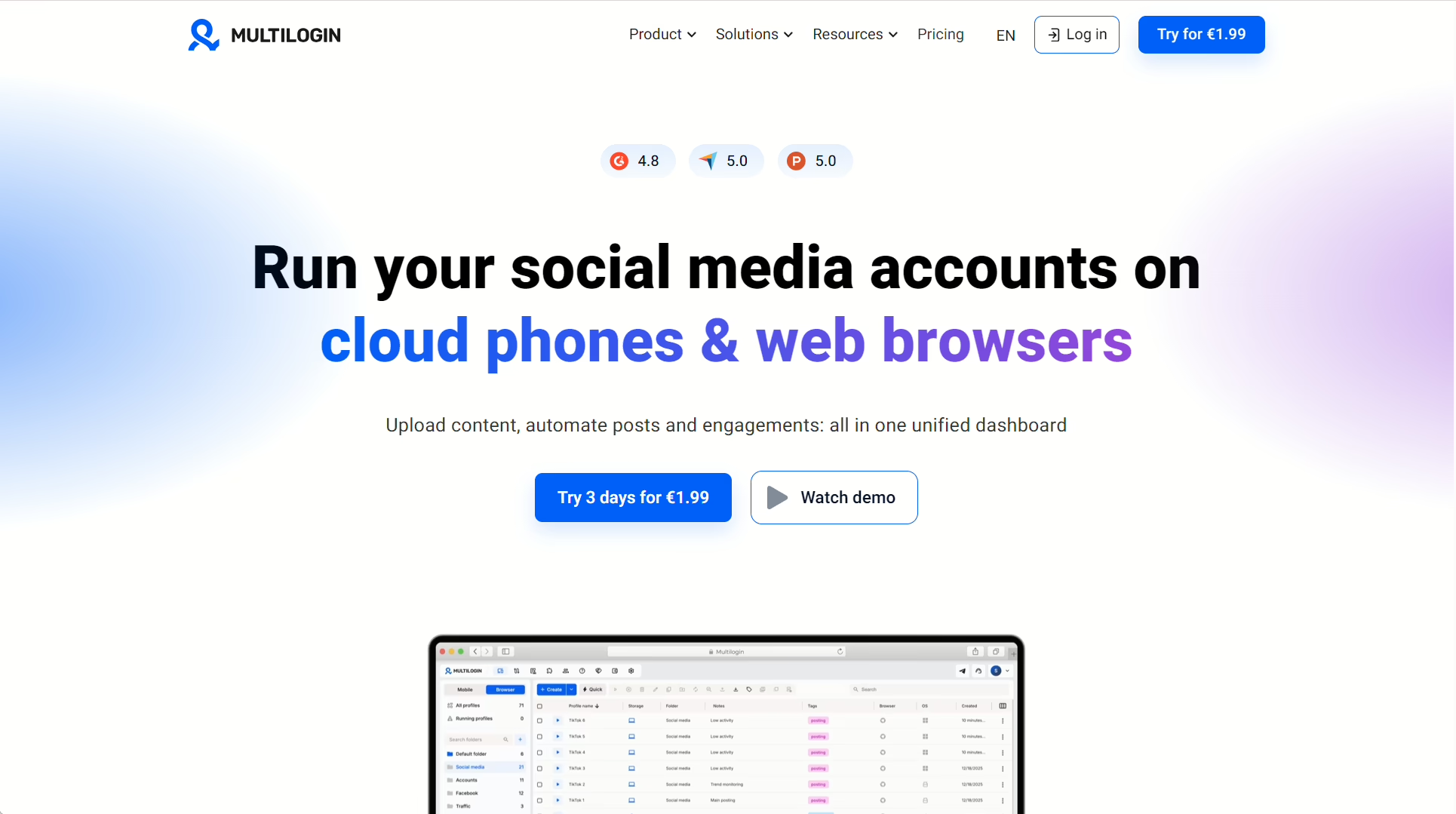
Built for managing both web browser profiles and virtual cloud phones, it protects its user’s identity using highly realistic custom fingerprints.
With Multilogin, you can run native Android environments directly in the cloud without needing an actual physical phone. That’s not something Dolphin offers.
Another thing it offers that Dolphin doesn’t is built-in proxies. And with AI Quick Actions, users can automate multi-step account tasks using simple text prompts.
Now let’s talk about pricing: Multilogin starts at just $11/month (or $6.50/month annually) and natively bundles premium proxy traffic and cloud phone minutes into your subscription, meaning you don’t have to pay external vendors for proxies right away.
The only drawback of Multilogin is that it doesn’t offer a permanent free tier as you need to pay a $2 fee just to access the 3-day trial.
AdsPower
This one is also built to manage hundreds of accounts across e-commerce, social media, and affiliate marketing platforms.
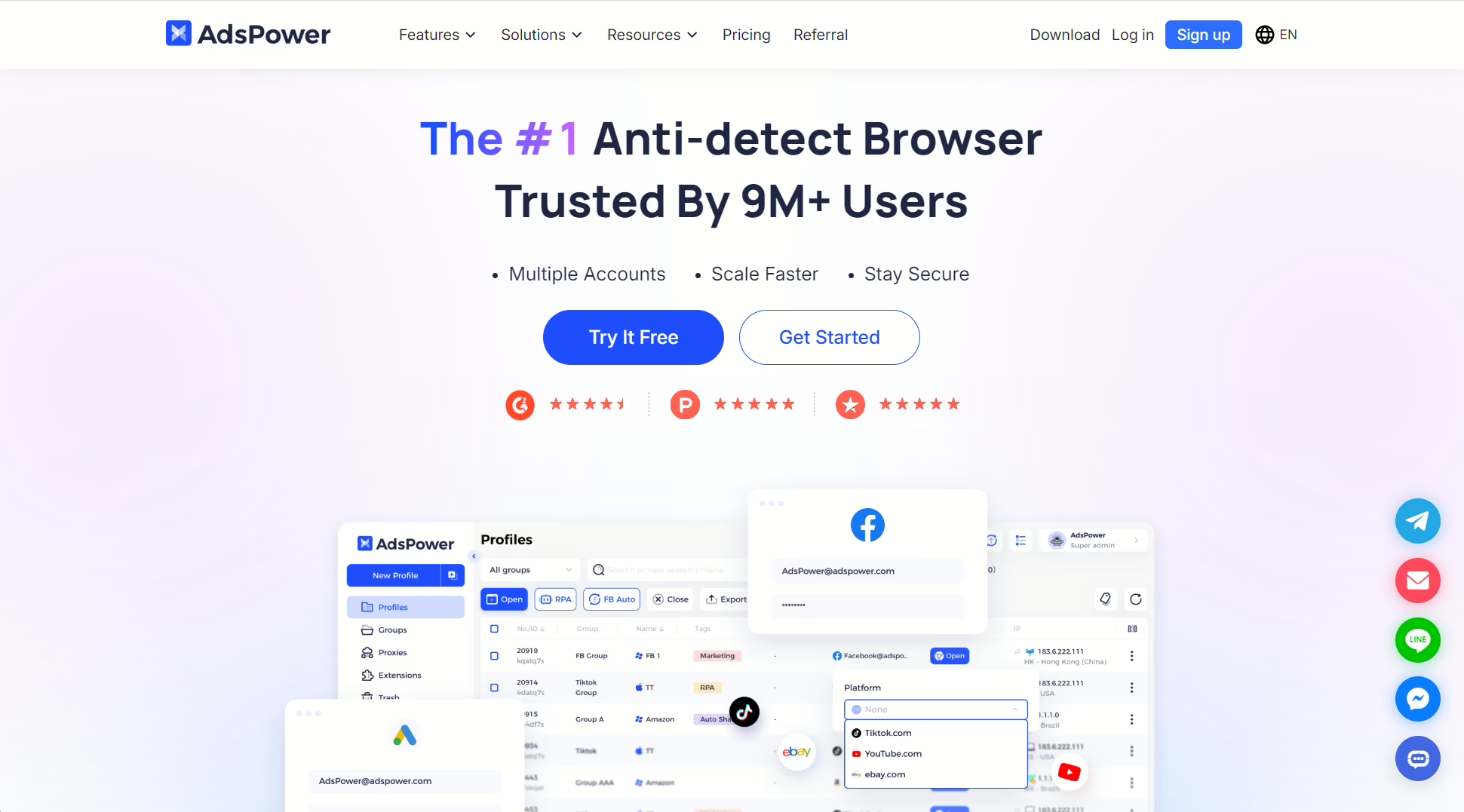
AdsPower is a very secure anti-detect browser. It can completely prevent platforms from linking your accounts together.
It offers two browser engines to give you diverse digital footprints :
- Chrome-based engine (SunBrowser)
- and a Firefox-based engine (FlowerBrowser)
And if you’re looking for automation, you get it with AdsPower too. With no code required, you can automate repetitive tasks like framing accounts with its drag-and-drop RPA (Robotic Process Automation) tool.
It also comes with a synchronizer so you can mirror your actions across dozens of other profiles from a single window.
AdsPower includes a forever free tier for 2 profiles. Its paid plans start at $9/month for 10 profiles, and you can pay only for the exact number of profiles and team seats you need, which is way more flexible that the rigid $89/month base plan of Dolphin.
I’ve seen only one con about AdsPower: because it’s packed with so many granular fingerprinting settings and heavy automation tools, the user interface feels very cluttered and has a steep learning curve for beginners.
Incogniton
Next on the list is Incogniton
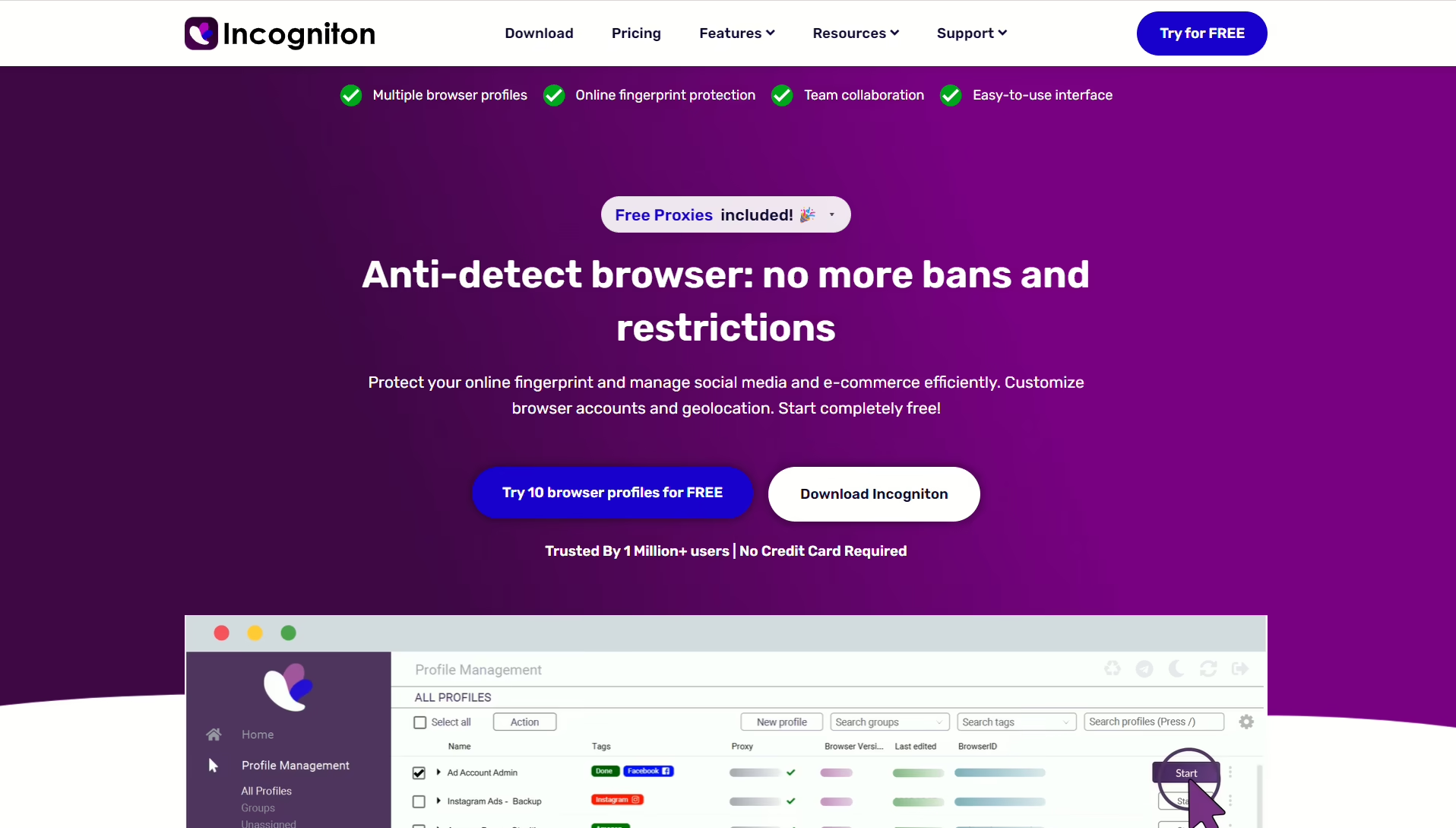
Another Chromium-based anti-detect browser that people use for social media multi-accounting without getting banned.
It actually does this very well by simulating natural human keystroke speeds to bypass strict bot-detection algorithms when filling out forms. It also automatically wams up your browser profiles a custom list of URLs to build a trusted, realistic cookie history before you log into any accounts.
It has a profile synchronizer that mirrors your licks, scrolling, and typing from one main window across dozens of other open profiles simultaneously (though this feature is currently limited to Windows).
And it has built-in proxies, and some of them are even free.
Pricing wise, Incogniton uses a scalable tiered model that starts with a free plan offering 10 profiles for 2 months, then a Starter Plus at $19.99/mo (10 profiles), Entrepreneur at $29.99/mo (50 profiles), and Professional at $79.99/mo (150 profiles with team seats).
So, more room to test than Dolphin’s 5-profile free tier, less extra user tax, and a better mid-tier option.
It just completely lacks mobile device emulation (no Android/iOS environments), making it a poor fit if your operations rely heavily on mobile-first apps like TikTok or Instagram.
Lalicat
Last but not least is Lalicat, the marketer’s favorite.
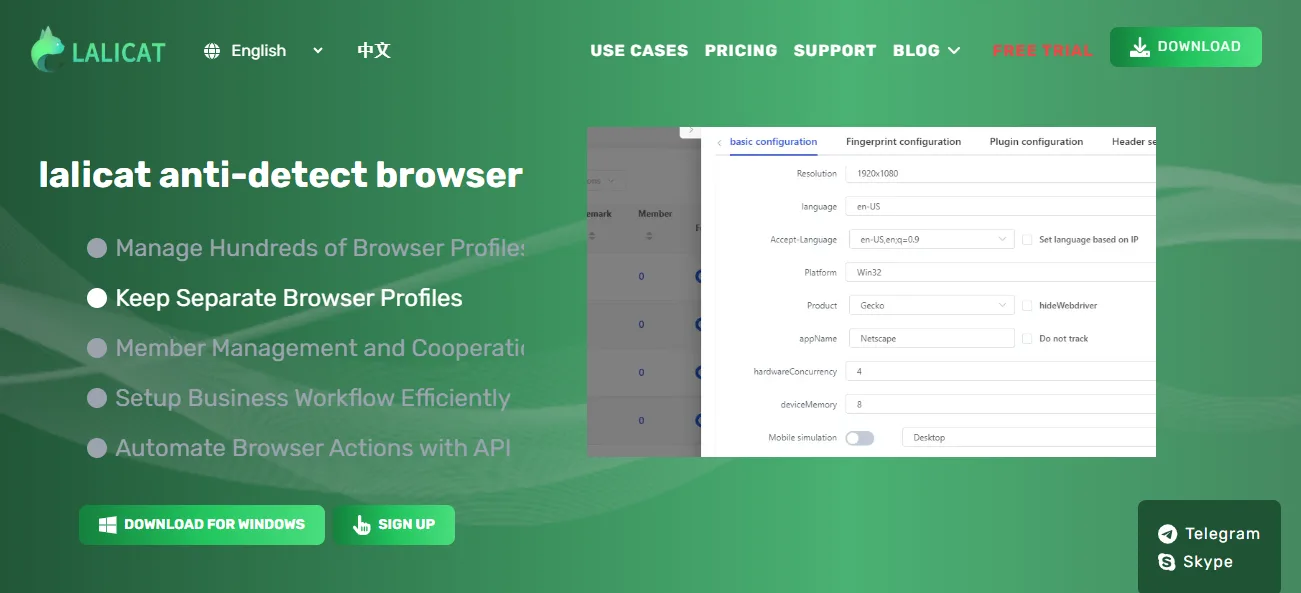
This one is a Windows-focused anti-detect browser designed for marketers. The fingerprinting on this one is deep and laboratory-level. It’s customizable so every tab looks a different human connecting on it.
What I like about this one is that it offers extreme manual control over obscure hardware signals like battery status, Bluetooth, SSL parameters, and media devices. It can also simulate mobile browser environments (Android) to run your TikTok, IG, or any mobile-first workflows.
It warms up your profiles behind the scenes and builds a cookie history that is so realistic no site can flag you.
And for its pricing, it provides a 7-day free trial with unlimited profiles to test the software. And then paid plans start at $59/month. So it’s not the best on the list pricing-wise, but it still has many advantages compared to Dolphin.
Another thing that can be a turn-off is its clunky user interface compared to modern competitors, but it’s not that bad.
Final verdict
So we’ve gone through the list of 7 Dolphin{anty} alternatives, comparing some of the best options on the market right now. We started with 1Browser, which, in my opinion, is the winner of this list. First because almost every other browser requires you to hunt down and purchase third-party proxies, 1Browser has them ready for you to run directy on your profile. The free tier is actually usable with 10 fully isolated profiles for free, which is arguably the most generous entry point in the market. The Chrome-Identical interface is also a huge plus, and the optimization for modern hardware is the cherry on top, so you’re not tied to windows and you’re not killing your RAM.
All in all, 1Browser delivers the fastest setup, the lowest barrier to entry, and the absolute least friction.