Best MoreLogin Browser Alternatives in 2026

If you scrape websites as often as I do, you know once the websites you crawl can link all your accounts and activity to the same device, you’ll get flagged. Over the years, managing aggregator websites for my clients, I’ve been forced to try many anti-detect browsers to find my best fit.
MoreLogin is one antidetect browser I had been hearing about recently, so I decided to give it a try. But the problems started coming in soon. One, MoreLogin has no built-in proxies. Their free plan is limited to only two profiles and I had frequent sync issues during sessions.
Just a few days after, I had to source for some MoreLogin alternatives and this article is my honest review of some of the best ones I found.
A Quick Comparison of Some of the Top Morelogin Alternatives
| Tool | Best For | Mobile Fingerprinting | Built-in Proxies | Team Collab | Cloud Profiles | Free Plan | Starting Price |
| 1Browser | Marketers/scaling multiple accounts | Android + iOS | ✅ Yes | Yes | ✅ Yes | 10 profiles (free) | $0/mo |
| Gologin | Solo businesses & beginners | Android | ✅ Yes | Limited | ✅ Yes | 7-day trial | $9/mo |
| Multilogin | Large teams & enterprises | Android | ✅ Yes | Yes | ✅ Yes | 3-day trial | $10.5/mo |
| Dolphin Anty | Web scrapers/Affiliate marketers | None | ❌ No | Yes | ✅ Yes | 5 profiles (free) | $10/mo |
| AdsPower | Heavy automation in Marketing | None | ❌ No | Yes | ❌ No | 2 profiles (free) | $9/mo |
| Incogniton | Small teams in Social media | None | ✅ Yes | Yes | ✅ Yes | 10 profiles (free) in the first 2 months | $20/mo |
| Linken Sphere | High-risk markets | Android Emulator | ❌ No | Limited | ❌ No | 5 profiles (free) | $30/mo |
| Octo Browser | Teams & advanced users | Android | ✅ Yes | Limited | ✅ Yes | No | €10/mo |
| Undetectable | Developers/Web scrapers | No | ❌ No | Limited | ✅ Yes | 5 cloud profiles (free) | $49/mo |
| BitBrowser | Multi-account management | Android Emulator | ❌ No | Yes | ✅ Yes | 10 profiles (free) | $10/mo |
Why Look for MoreLogin Alternatives?
When an anti-detect browser does not have a built-in proxy, beginner users struggle with setup and may still remain exposed if the third-party ones are not integrated well enough. One profile is already hard to manage, so keeping my close to 50 profiles encrypted was a nightmare. I found other user reviews on Trustpilot who had the same problem.
As some users complain, I also experienced frequent lagging up to 30 seconds and an uncomfortable mobile experience. Refunds also take the longest and users feel like their support agents intentionally stall refund requests until they get frustrated.
More than one user also complained about receiving slow support, which again was part of my experience. With several unaddressed issues, it became more obvious why MoreLogin couldn’t get an average 3-star review from its users on Trustpilot.
10 Best MoreLogin Alternatives I Tested in 2026
These are the top 10 best anti-detect browsers I have used this year.
1. 1browser – Overall Best MoreLogin Alternative
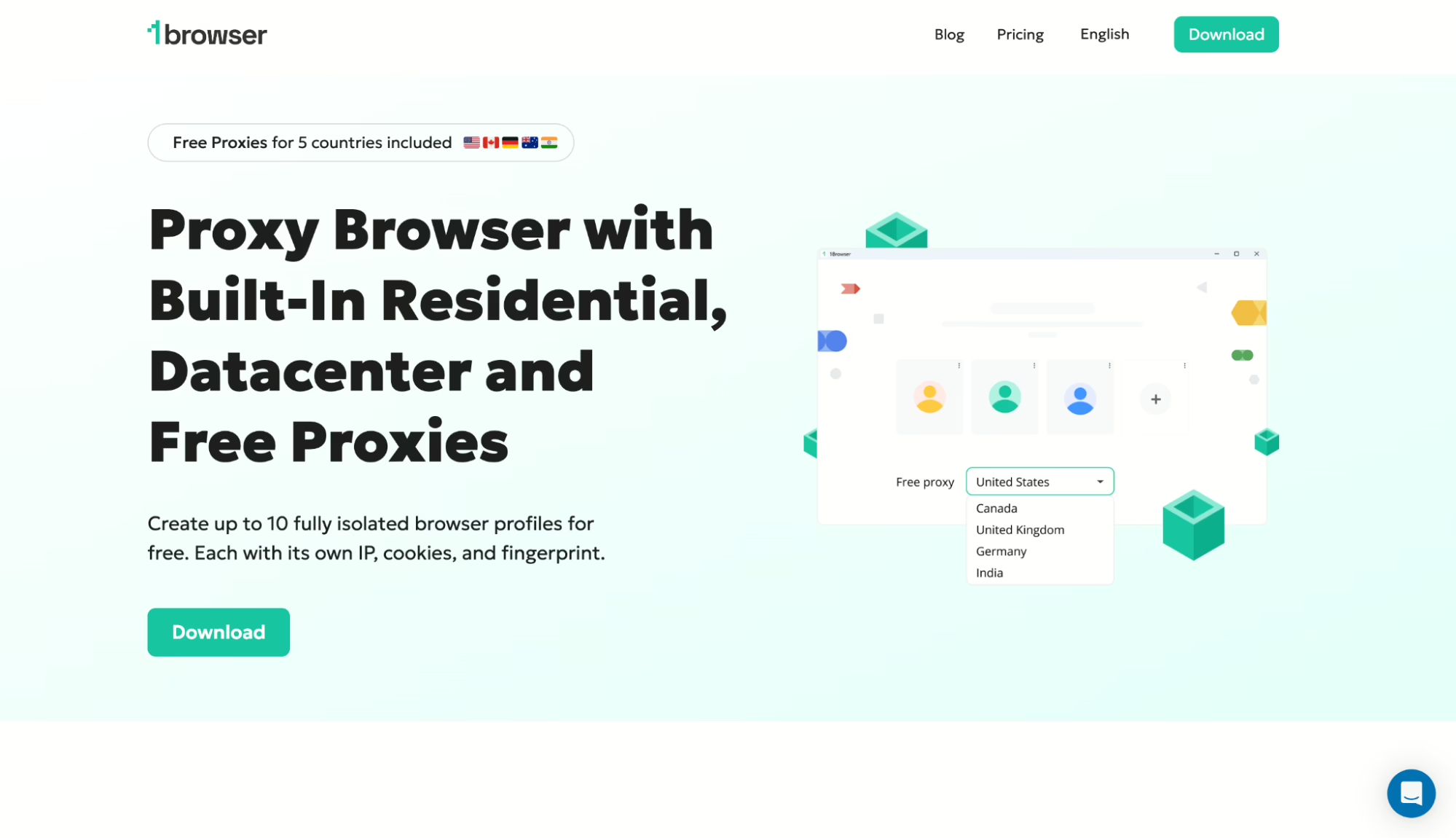
I recommend 1browser if you’re reading this. It was so easy setting my profile and I was given built-in proxies on every plan, including the free one.
I was able to set up my profile and start browsing anonymously in just 3 minutes because I didn’t need to buy proxies or set up IPs. I just logged in, created a profile, and launched.
Key Features:
- 1browser has built-in proxies from 5 free countries and 100+ countries on paid plans
- 2 GB residential proxy traffic on paid plans
- You can have 10 profiles permanently on the free plan with no time limit
- Your cloud profiles are stored encrypted on AWS
- Also offers a Chromium-based UI that wont make you miss Chrome
- Optimized for PixelScan, BrowserLeaks, Whoer, and IPhey fingerprint checks
- Excellent cloud sync for Windows, macOS, and Linux
Pros:
- It’s the fastest setup process I’ve tested
- 1browser has very generous free tier for beginners
Cons:
- You’ll need some tech knowledge for advanced automation
Pricing: Free plan is for 10 profiles; Basic plan starts at $9/month ($7/month annually)
How to Set Up 1Browser
1. Go to 1browser and download the desktop app for your operating system (Windows, macOS, or Linux).
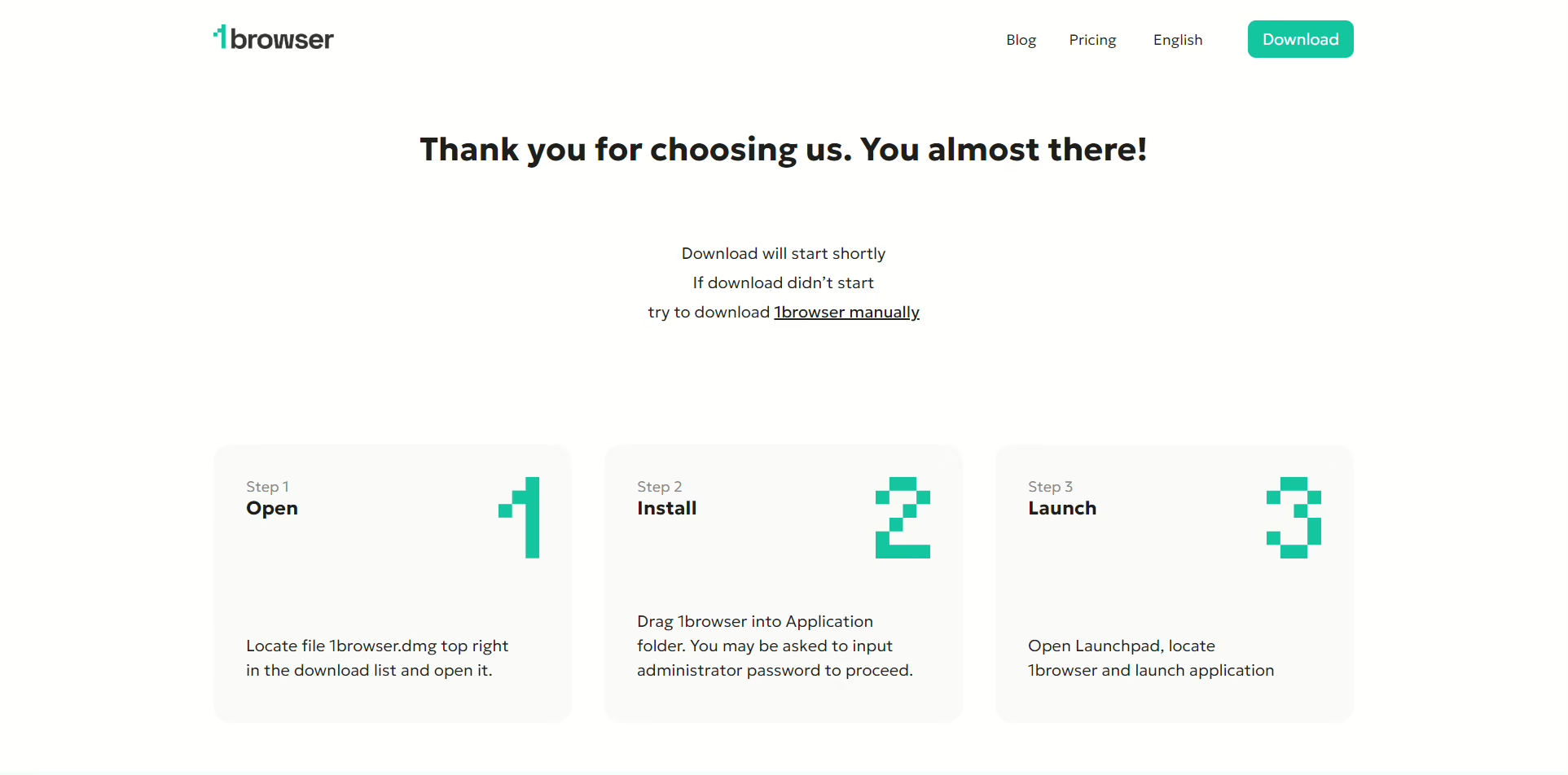
2. Launch the 1browser installer
After the download finished, I clicked the installer, and the full browser package was installed on my PC
3. Create an account
The browser will launch automatically or you can click on the app icon. Before creating an account, you can launch 2 browser profiles, but to enjoy the whole 10 profiles, you’ll need to sign up:
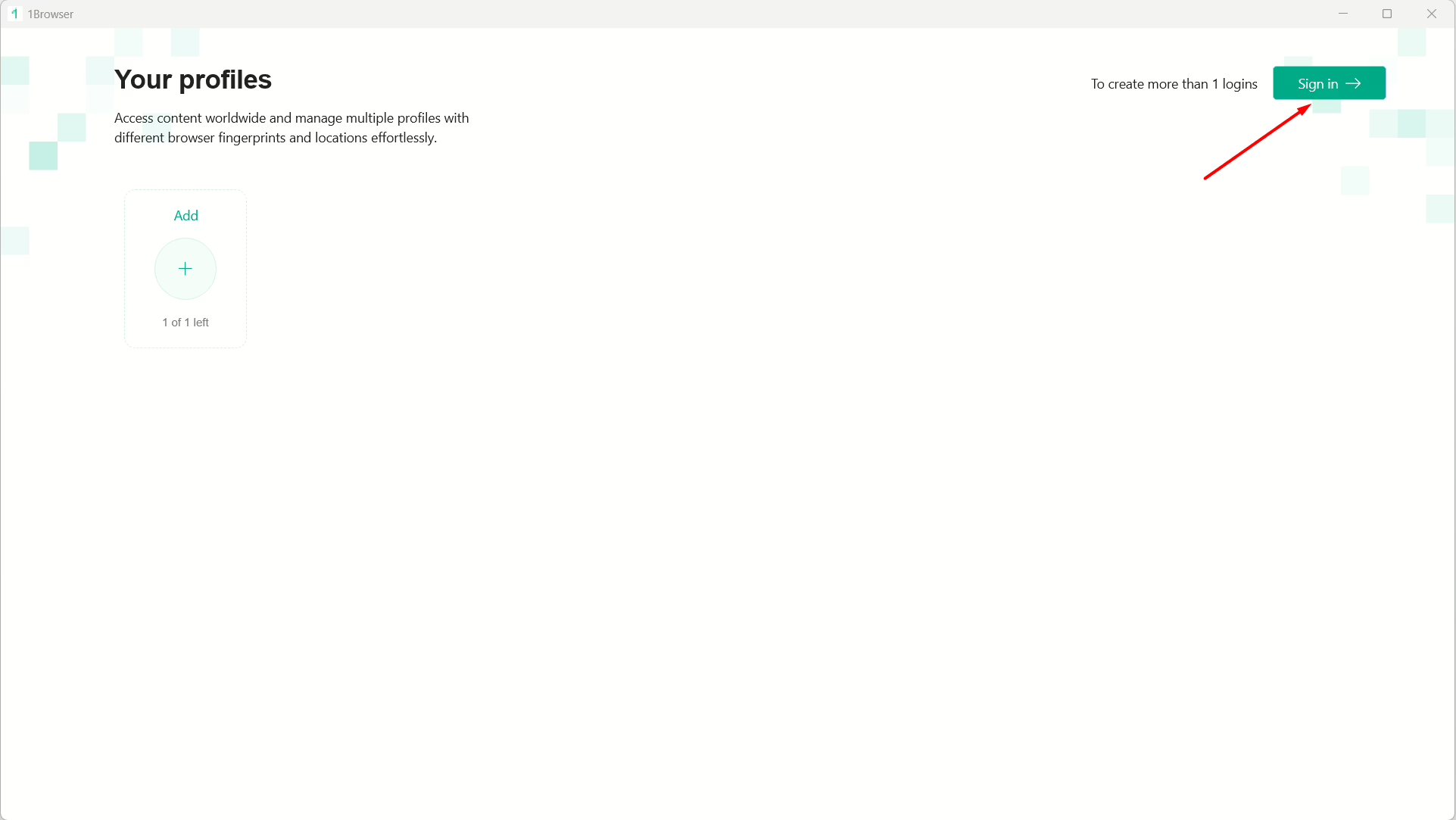
Click on ‘Sign in’ then on ‘Sign up’:
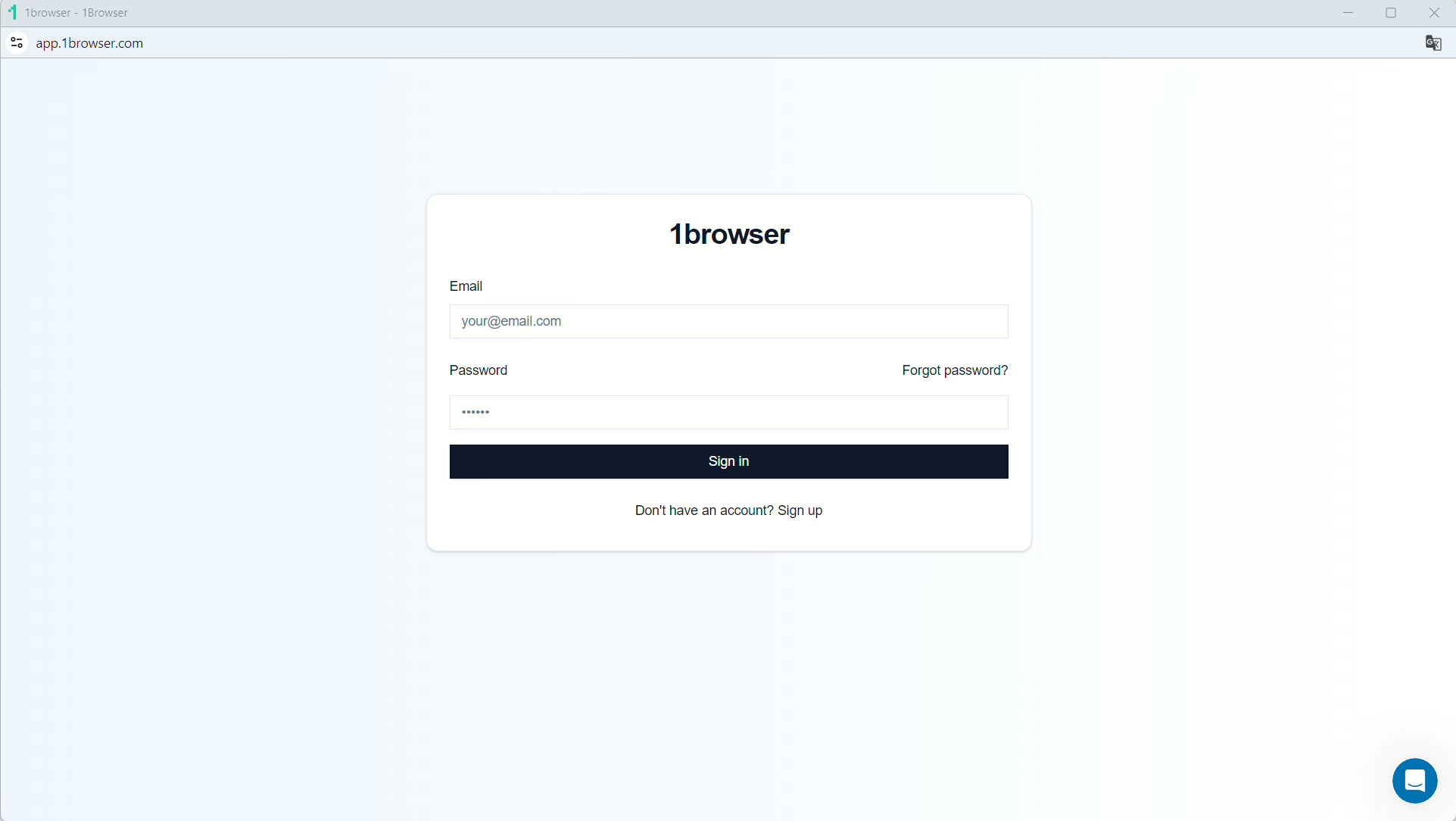
Simply type in your desired email and password, hit ‘Sign up’ and you’ll have your account! Now, close the app and launch it again, then set up your first profile
Give it a name, select a theme or color, and click ‘Done’
4. Select your free proxy
Once your profile is live, you can set up your proxy to one of the free ones built into 1browser by clicking the avatar icon at the top right:
Click on ‘Proxy’ to open up the settings:
1browser will be set to a ‘User proxy’ by default. Click on the drop-down and select ‘Free proxy’ or ‘Free Tor Proxy’:
1browser’s Resident Proxy also gives you access to real home internet connections. These are authentic IP addresses assigned to users by their ISPs that are highly trusted, and servers rarely block them.
You’ll see ‘Proxy connected’, and you can now click on the drop-down to choose from 5 regions.
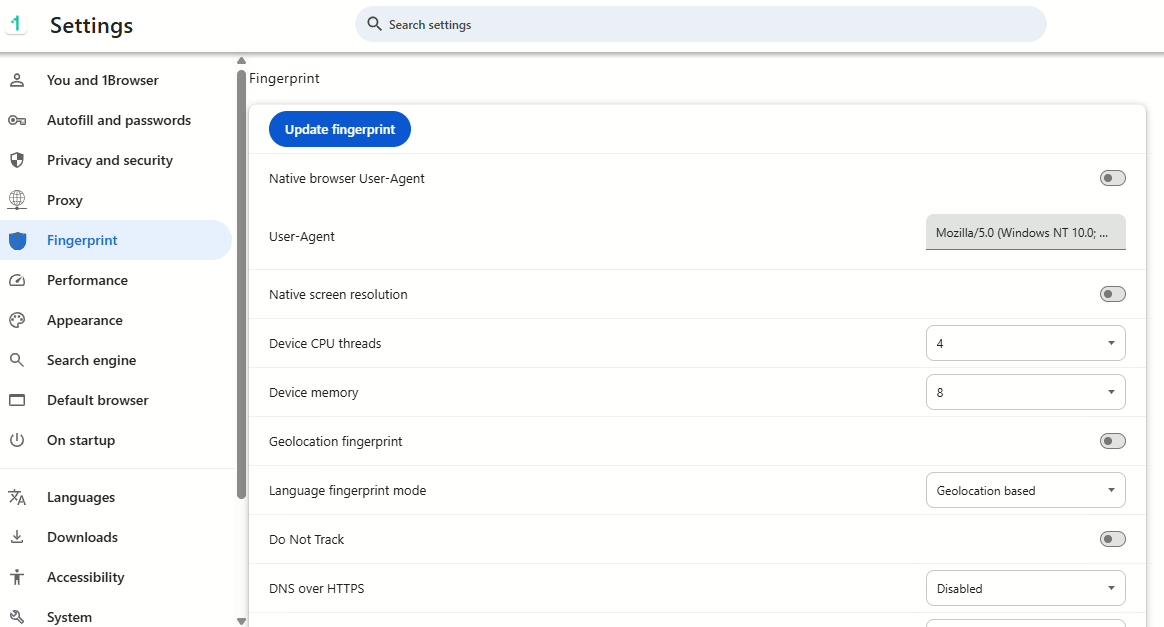
5. Configure your fingerprint
You can set up your fingerprint parameters by clicking on ‘Fingerprint’ but I usually let the browser set these parameters automatically.
I’ll recommend you turn on Canvas noise, WebGL noise, and Audio noise:
6. Verify anonymity
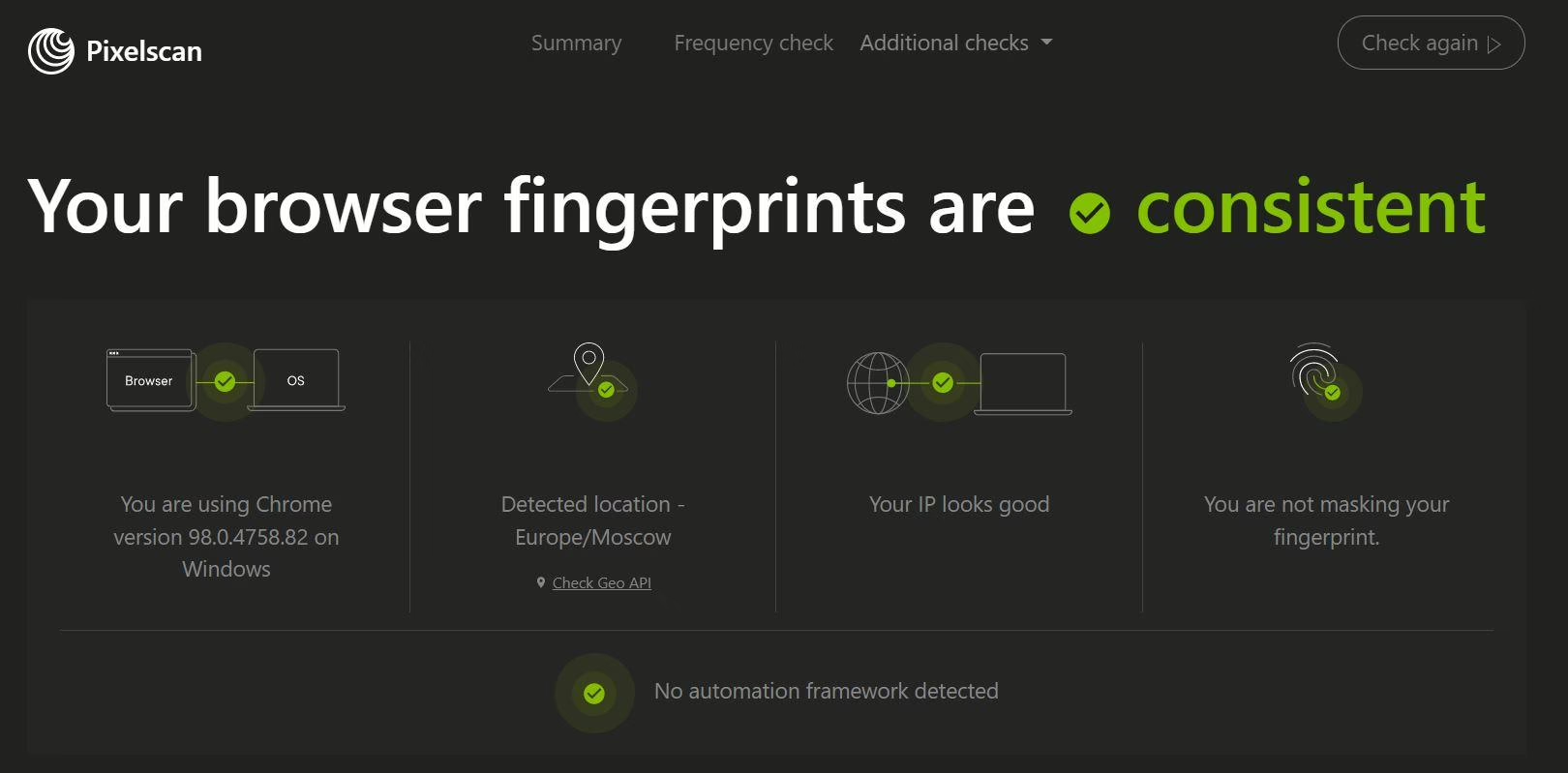
The final step is to launch the profile and verify if the browser is working fine at pixelscan.net
And that’s it!
2. Gologin
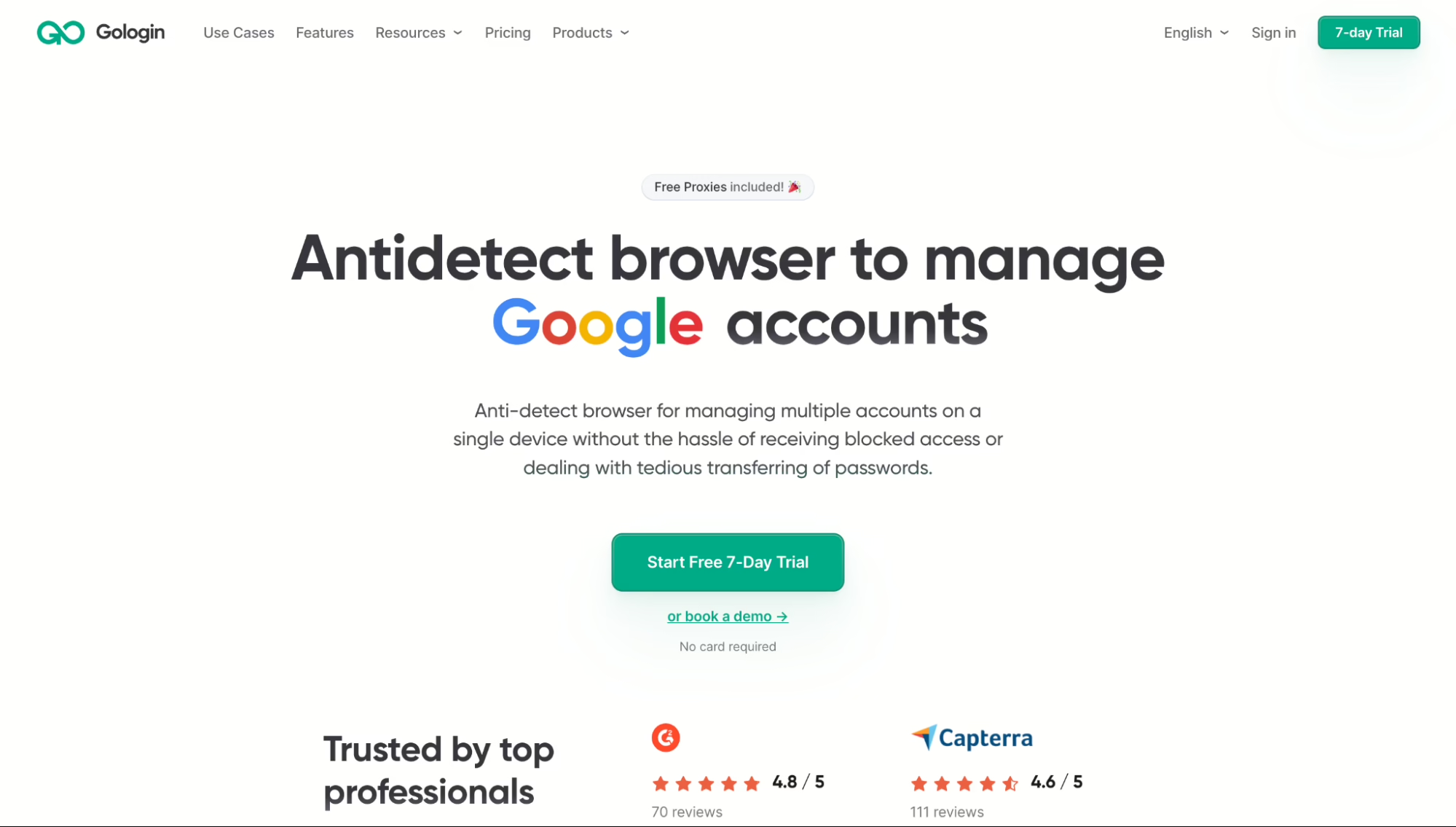
Gologin is one of the most user-friendly tool I’ve used. They have a clean interface and I was given 3 profiles for their free trial.
Gologin also gives you built in proxies and you can use the platform via their mobile app or in your browser.
Pros:
- Clean UI
- Built-in proxies
- Cross-platform sync
- Responsive 24/7 support
Cons:
- It’s slower if many profiles open
- There is inconsistent proxy browser quality
Pricing: Free (3 profiles), $49/mo (50 profiles), $79/mo (100 profiles)
3. Multilogin
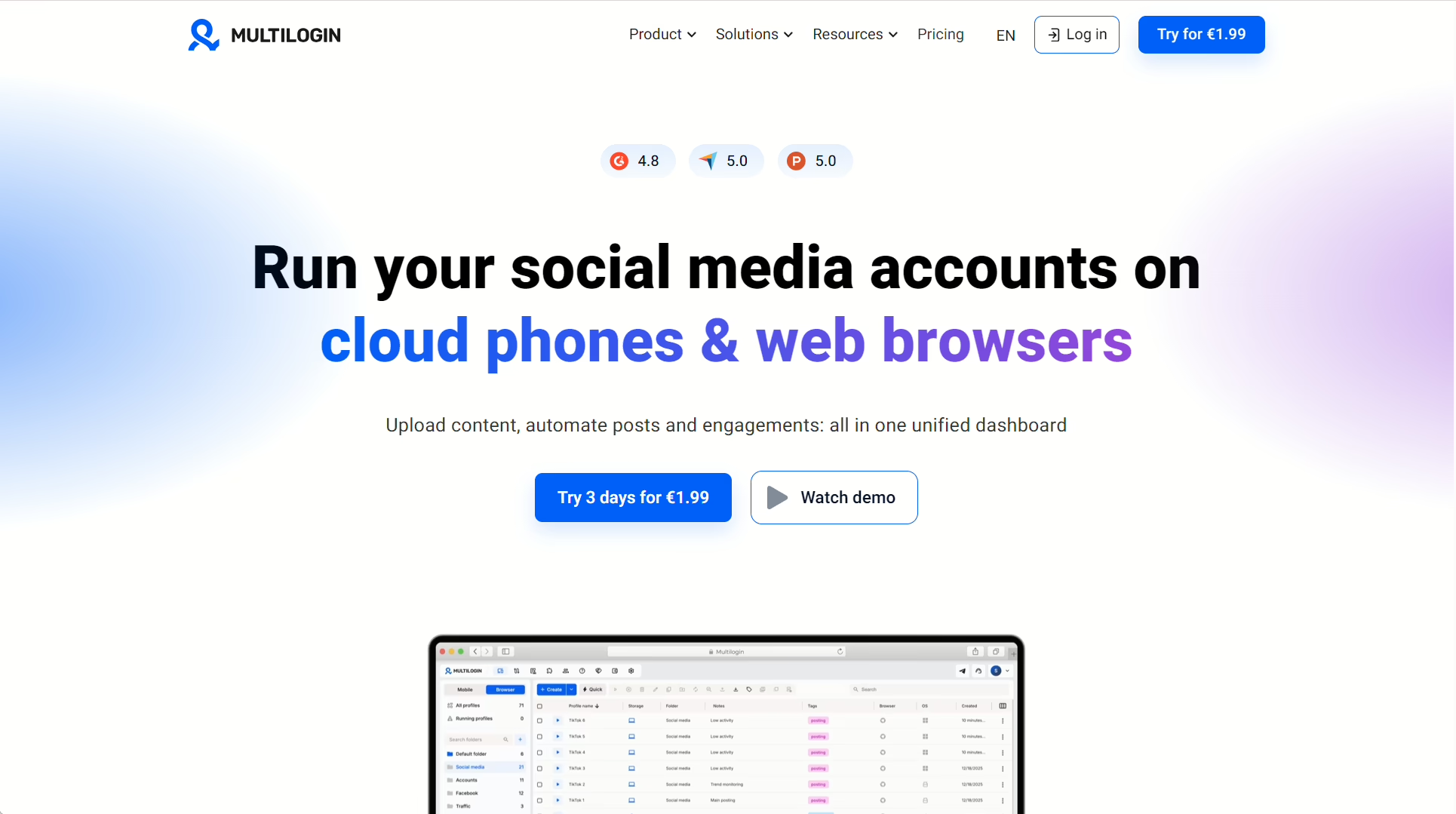
Multilogin runs Chromium and Firefox browser engines and includes residential proxies on paid plans. The team features allow users role-based access and workspace management.
Pros:
- Dual browser engines
- Fingerprinting
- Team controls
- Built-in proxies
Cons:
- History of DDoS outages
- Profile launch issues
- No Linux support
Pricing: From €1.99/mo (5 profiles) up to €75/mo (300 profiles)
4. Dolphin Anty
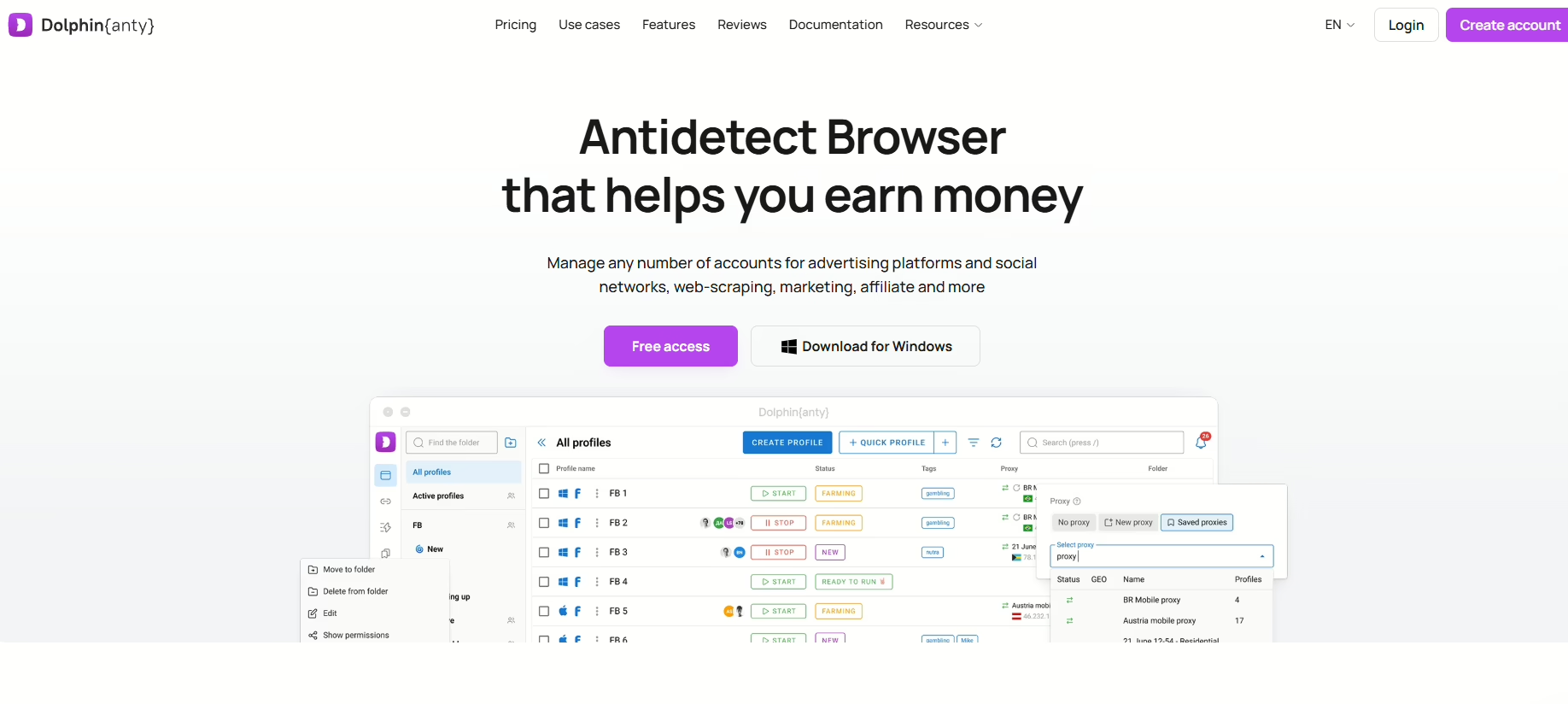
Dolphin Anty speciality caters to the needs of affiliates and ad managers nd features their no-code Scenario Builder which is great for automation. However, you’ll need to add proxies yourself and they’re desktop-only.
Pros:
- No-code automation
- Device Name Spoofing
- Good for Facebook Ads workflows
Cons:
- No built-in proxies
- No mobile fingerprinting
- No mobile app
Pricing: Free (5 profiles), $10/mo (20 profiles), $89/mo (100 profiles)
5. AdsPower
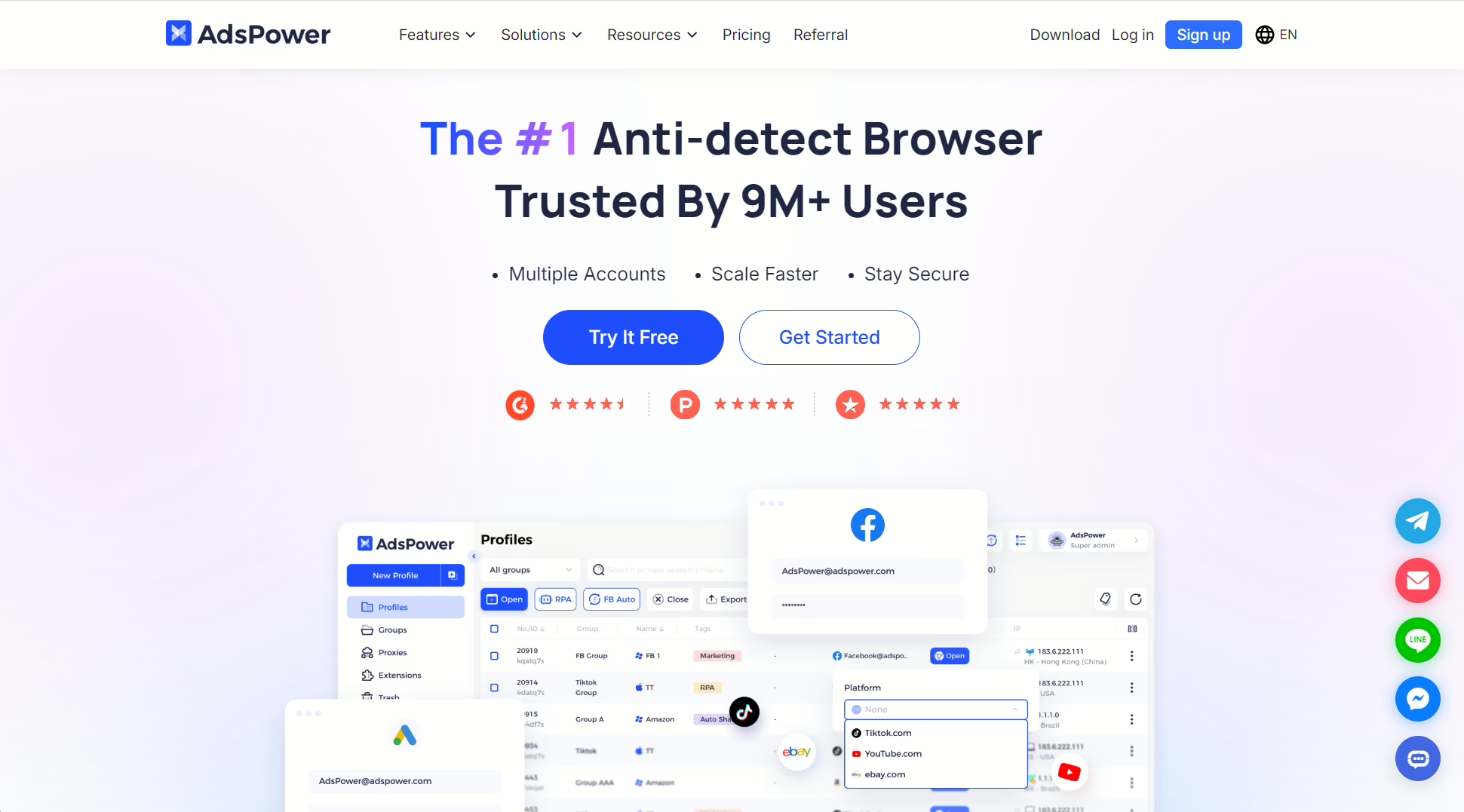
AdsPower is another niche tool that appeals to people who run ads often. The You get a dual engine skeleton built on Chrome and Firefox engines and a visual RPA automation builder. However, for newbies, setting up more functionality like proxies can be a bit intimidating.
Pros:
- Plans are quite affordable
- Comes with two familiar browser stacks
- Features no-code automation
Cons:
- No built-in proxies
- Only gives 2 free profiles.
Pricing: Free (2 profiles), $9/mo (10 profiles), $36/mo (100 profiles)
6. Incogniton
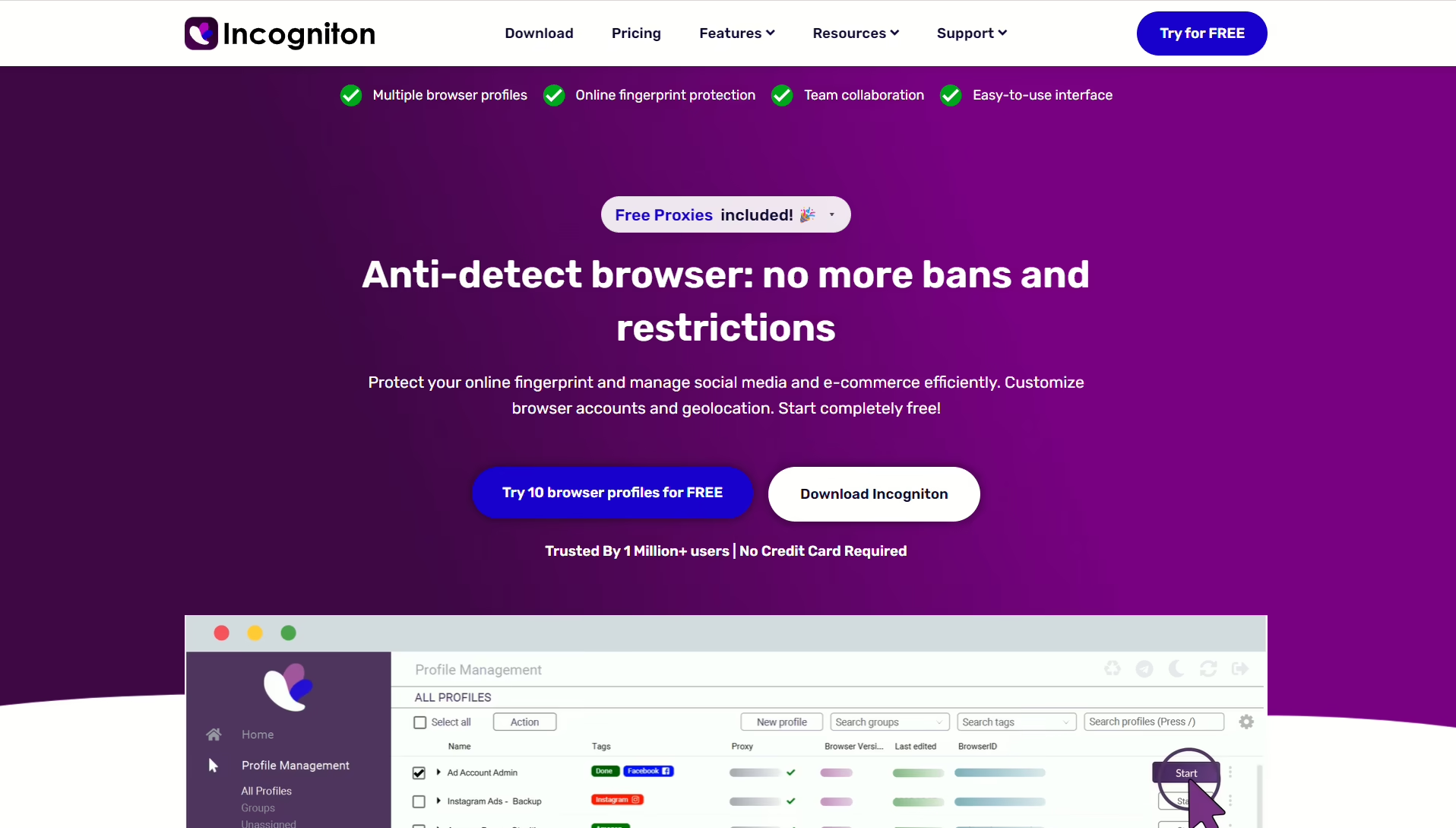
Incogniton’s team accounts, cloud storage, cookie management, and bulk profile creation make it a better alternative than MoreLogin. However, it still lacks mobile fingerprinting, and setting up proxies is largely manual.
Pros
- Comes with free proxies
- Free 2-month plan
- Great for beginners
Cons
- Manual proxy setup
- Automation requires technical knowledge
Pricing: Free (10 profiles for two months), $19.99/mo (10 profiles), $79.99/mo (150 profiles + team)
7. Linken Sphere
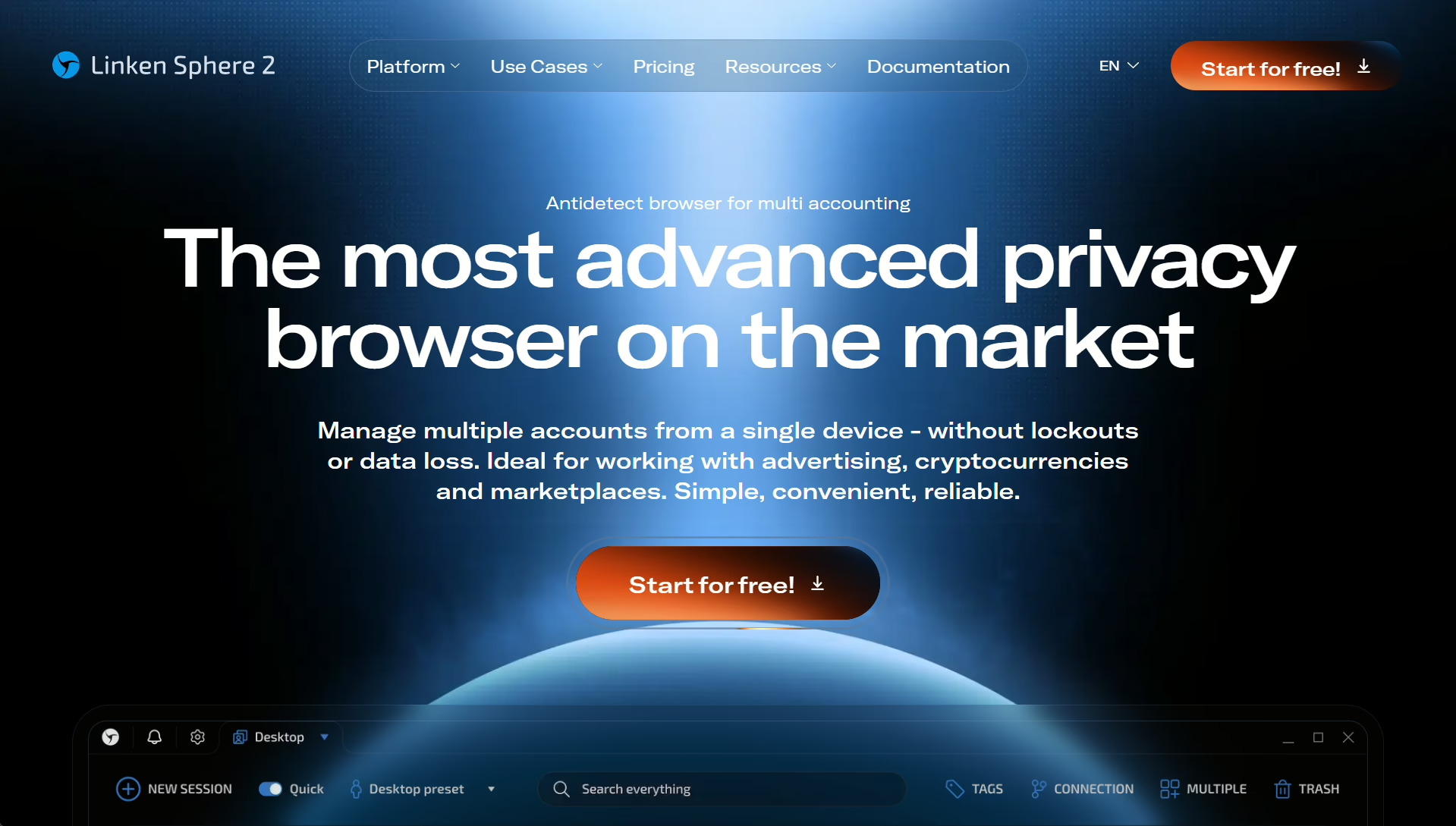
Linken Sphere is encrypted heavily and offers account “warm-up” and mass-action features. I found the fingerprint spoofing very convincing for desktop and I also liked that they give you both local and cloud storage. However, it’s very pricey and only offers cloud sync on its higher tiers.
Pros:
- Good for sensitive industries because of its privacy focus
- Great encryption and privacy
- Quality fingerprint spoofing
Cons:
- Expensive and complex for beginners
- Just android emulator
- Limited documentation and support
Pricing: 5 free profiles, then $30 for 30 sessions, up to $300 for 1000 sessions.
8. Octo Browser
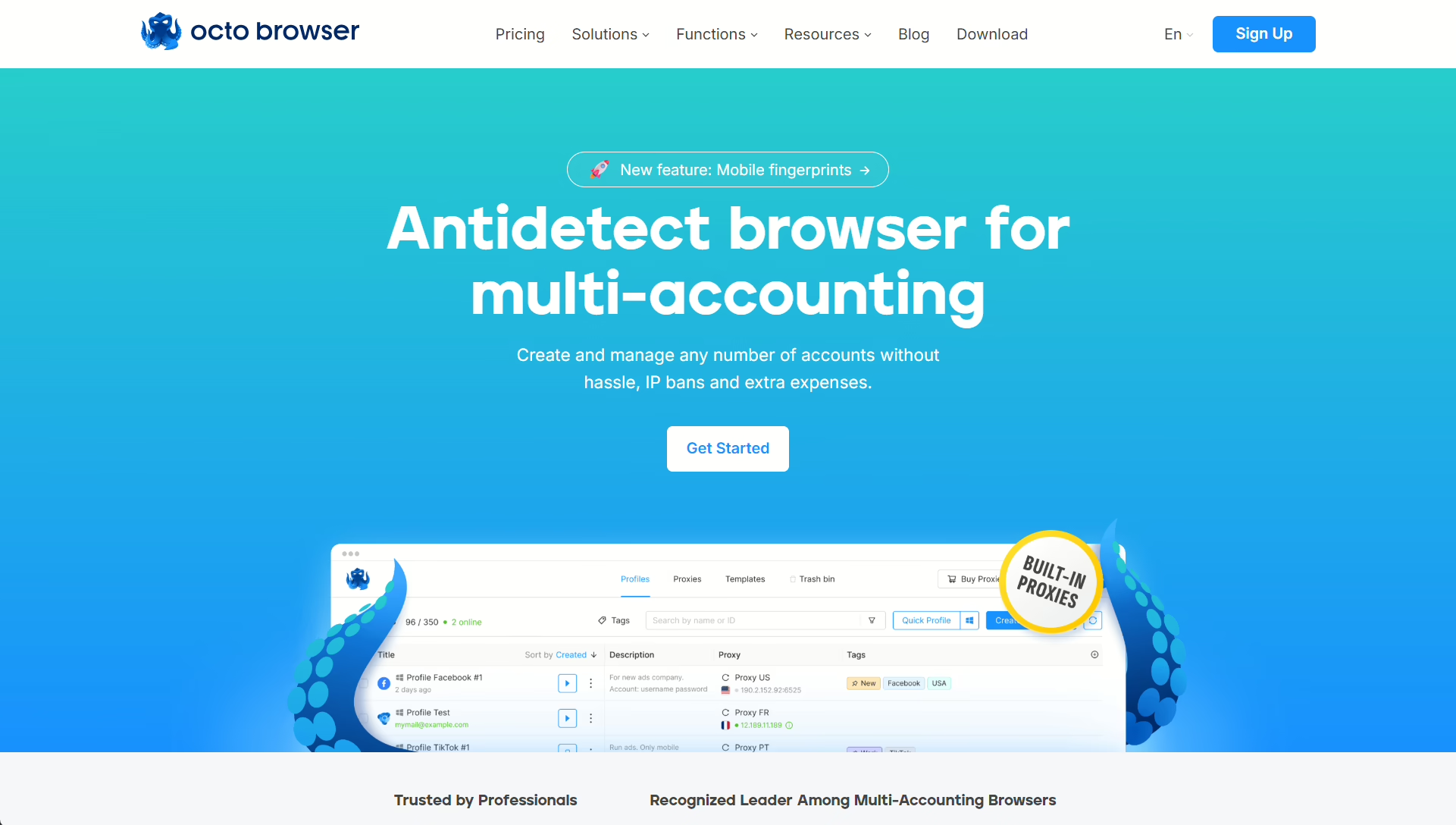
Octo Browser is another good MoreLogin alternative with good team collab tools and reliable footprinting. However, it’s also a pricey pick, has largely manual automation, no cloud phones, and no built-in proxies.
Key features
- Proxy shop
- Flexible resource allocation
- API automation and multi-accounting
- Team collaboration tools
Pros
- Pay-for-what-you-use model
- Great support
- Unlimited team members
Cons
- Slightly pricey
- No profile warmup
- Script only automation
Pricing: €10/mo (3 profiles), €29/mo (10 profiles), up to €329/mo (1,000 profiles)
9. Undetectable
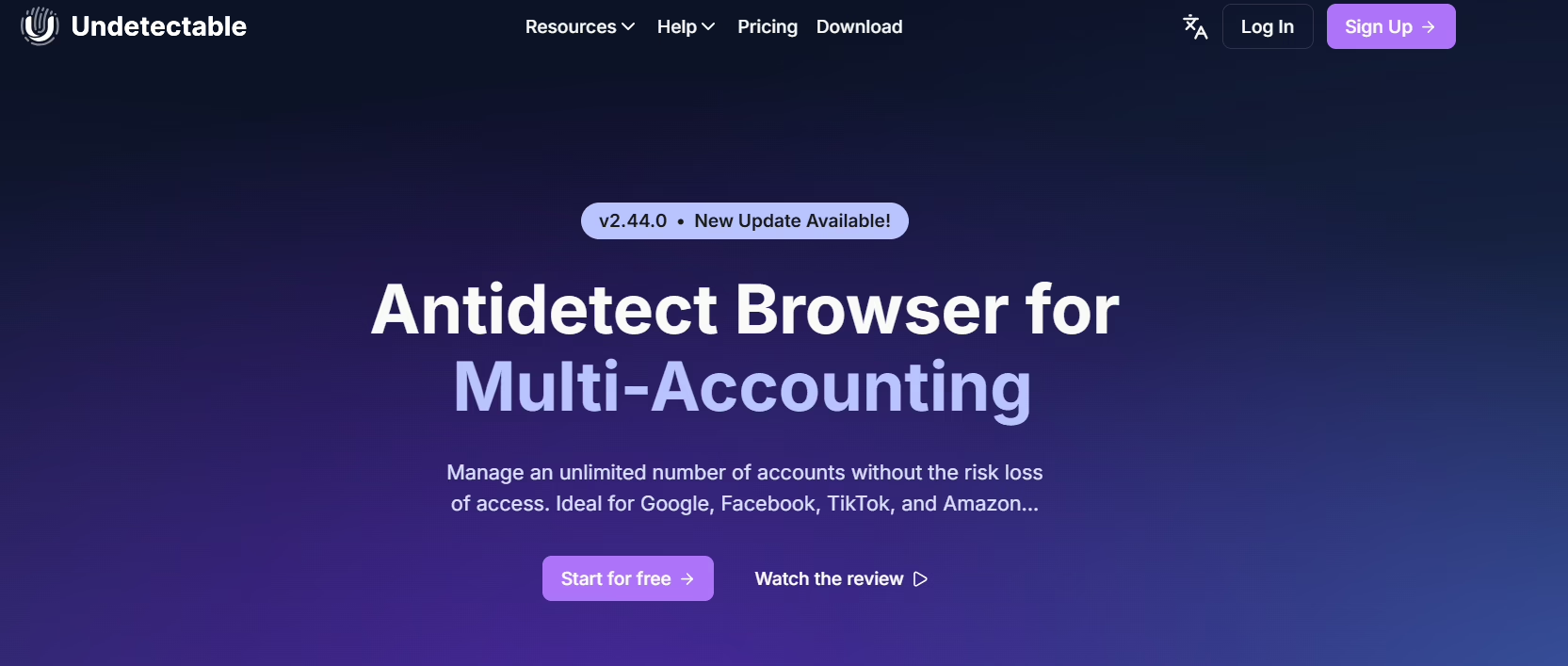
Undetectable gives you unlimited local profiles on every paid plan, and you get most of the functionality you’d expect from a proxy browser. However, privacy-conscious users like me don’t like submitting their Telegram details on sign up. There are also no built-in proxies and it’s actually pricey.
Pros:
- Good free tier and no restrictions on computer-stored profiles
- Its fingerprint spoofing is solid
Cons:
- Expensive
- No mobile emulation or built-in proxies.
Pricing: 5 cloud profiles (free), $49/mo (50 cloud profiles), $99/mo (100 cloud profiles, $199/mo (200 cloud profiles)
10. BitBrowser
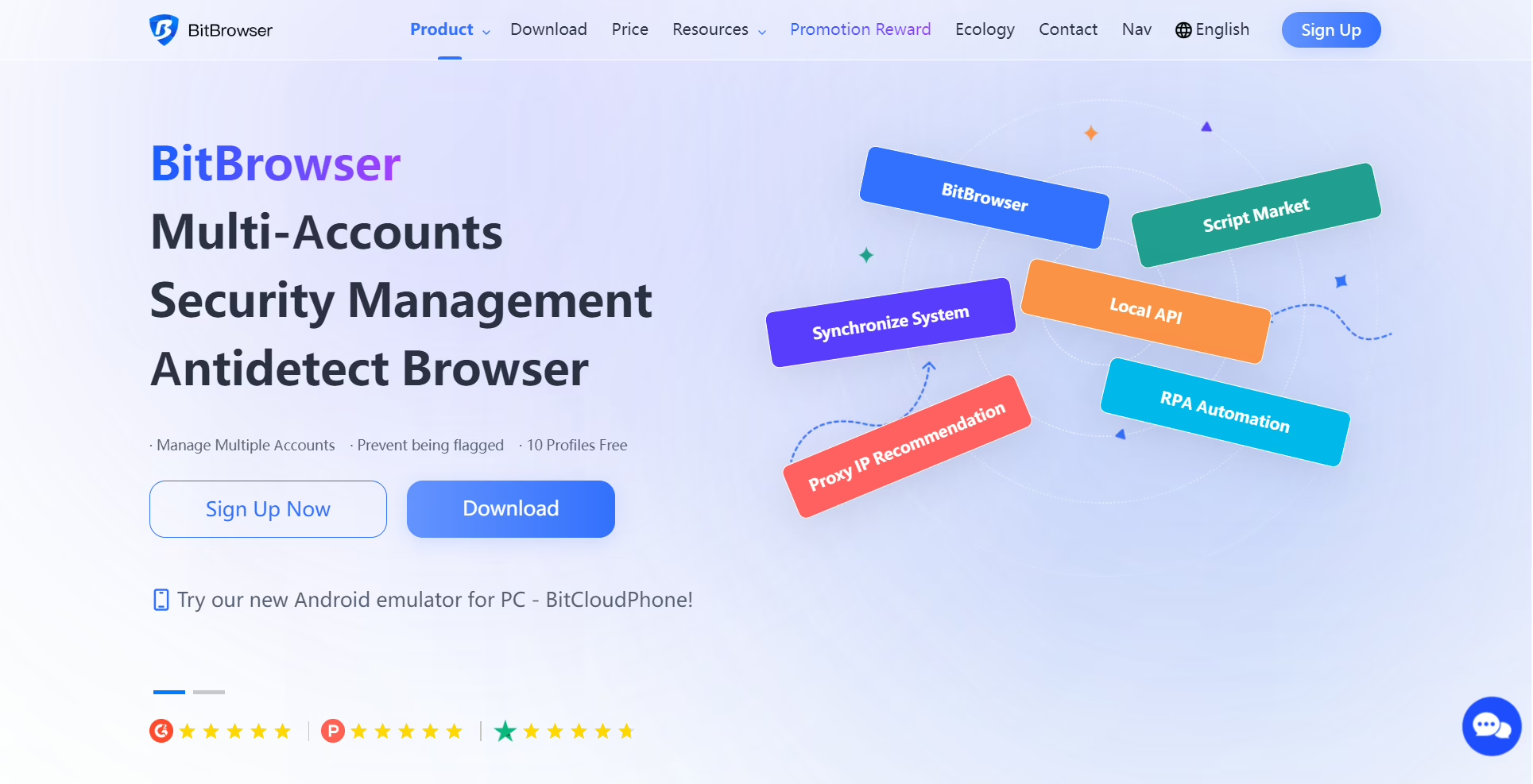
BitBrowser is another great MoreLogin alternative because it’s free to use, depending on how many profiles you need and it integrates with most third-party tools for script-based automation. I found it a bit unstable when running my profiles, but it’s a good choice if you’re on a tight budget.
Pros:
- Comes with affordable plans
- Convenient integration with automation tools
Cons:
- The tool does have frequent downtimes
- Not the most beginner-friendly support
Pricing: BitBrowser’s most basic plan starts at $10/mo for 50 profiles and up to $25/mo for 200 profiles.
Which MoreLogin Alternative Should You Choose?
MoreLogin does have its strong points but the alternatives we’ve discussed are better in terms of ease of use, the wealth of features you get out of the box, and performance.
Overall, 1Browser is the best antidetect browser if you’re looking to move from MoreLogin; you get built-in proxies, 10 free profiles on their free plan, and set up is super convenient. You can check out their free plan.
If you’re looking for something more ‘solo work’, another good option is Gologin.
Multilogin is a really great alternative for large teams while Dolphin Anty’s stack is a great fit for affiliate marketers.
FAQ
Is MoreLogin safe to use?
MoreLogin’s user reviews are mixed, with a Trustpilot rating of 2.9/5, and many user reports of billing issues and bugs.
Does MoreLogin include built-in proxies?
No. MoreLogin requires you to bring your own proxy or buy from a third-party. Many MoreLogin competitors, including 1Browser, offer proxies as part of their plans.
What is the best free alternative to MoreLogin?
Once you’ve figured out what you need, it’s easy. 1Browser gives you 10 permanent profiles and 5 built-in proxies on its free plan. Gologin offers 3 permanent profiles plus a full 7-day trial. Both options are more generous than MoreLogin’s free 2-profile plan.