Best Antidetect Browsers for USA Users in 2026

I’ll just say it upfront: I use 1Browser. If you don’t want to read 1,500 words to get the recommendation, that’s it. The rest of this article is context for why, and reviews of the other tools I tested before landing on it.
I run ecommerce out of Austin and do affiliate marketing as a side thing that honestly makes more money than the ecommerce some months, which is a weird situation I didn’t plan for. Between the two I have about 40 accounts across Amazon, eBay, Facebook, TikTok, and some platforms I’d rather not name publicly.
Three years ago Amazon caught me running two seller accounts from the same machine. I knew the IP was a problem, I had a VPN for that, but I didn’t know what canvas fingerprinting was or that Amazon was checking it.
Both accounts suspended. Around $12,000 in FBA inventory I couldn’t access for four months. They eventually released it but I’d already sourced replacements for most of it so I had double inventory on products that were seasonal. Anyway that’s how I learned about antidetect browsers.
Comparison Table – Antidetect Browsers in the USA
| Tool | Built-in Proxy | Free Profiles | Best For | Cloud | Price |
| 1Browser | ✅ Yes (5 countries) | 10 | All-around | ❌ No | Free / $9 mo |
| Gologin | ✅ Yes (shared) | 3 | Team workflows | ✅ Yes | Free / $24 mo |
| Dolphin Anty | ❌ No | 10 | Facebook ads | ❌ No | Free / $89 mo |
| AdsPower | ❌ No | 5 | Ecommerce | ✅ Yes | Free / $9 mo |
| Multilogin | ✅ Yes (paid) | 0 | Enterprise | ✅ Yes | €99 mo |
| Incogniton | ❌ No | 10 | Automation | ❌ No | Free / $30 mo |
| Octo Browser | ❌ No | 0 | Fingerprinting | ✅ Yes | €29 mo |
| Kameleo | ❌No | 0 | Multi-engine | ❌ No | €59 mo |
What US Sellers Actually Need Anti-Fingerprinting USA Tools For
If you’re running one account per platform none of this matters. Seriously. Close the tab.
For everyone else: platforms fingerprint you. I didn’t believe this when someone first told me. I thought IP was the only thing that mattered. But I sat down one afternoon and actually read through an Amazon seller forum thread where people were posting their suspension notices and comparing notes.
The pattern was always the same. Different emails, different cards, different addresses, same canvas hash. Canvas is this thing where your browser draws a tiny invisible graphic and the way your specific GPU renders it is basically a serial number. Amazon sees that. Facebook sees it too.
WebGL is similar but for 3D rendering. Then there’s your timezone, your language settings, your screen resolution, the fonts installed on your machine, how many CPU cores your browser reports. I counted once and got to about thirty-five distinct signals before I stopped. A VPN covers exactly one of those. The IP. That’s it.
I had a friend who was running seven eBay stores through separate Chrome profiles, thinking that was enough isolation. It wasn’t. Chrome profiles share certain system-level fingerprint values. All seven got linked in one afternoon.
He called me from his car because he’d pulled over on I-35 to check his email and all the suspension notices had come in at once. We drove to a Whataburger and I showed him 1Browser on my laptop. He set up his first profile in the parking lot. All seven stores are back now, running through separate antidetect profiles, and he hasn’t had an issue since. That was fourteen months ago.
8 Best Antidetect Browsers in the USA for 2026
1. 1Browser
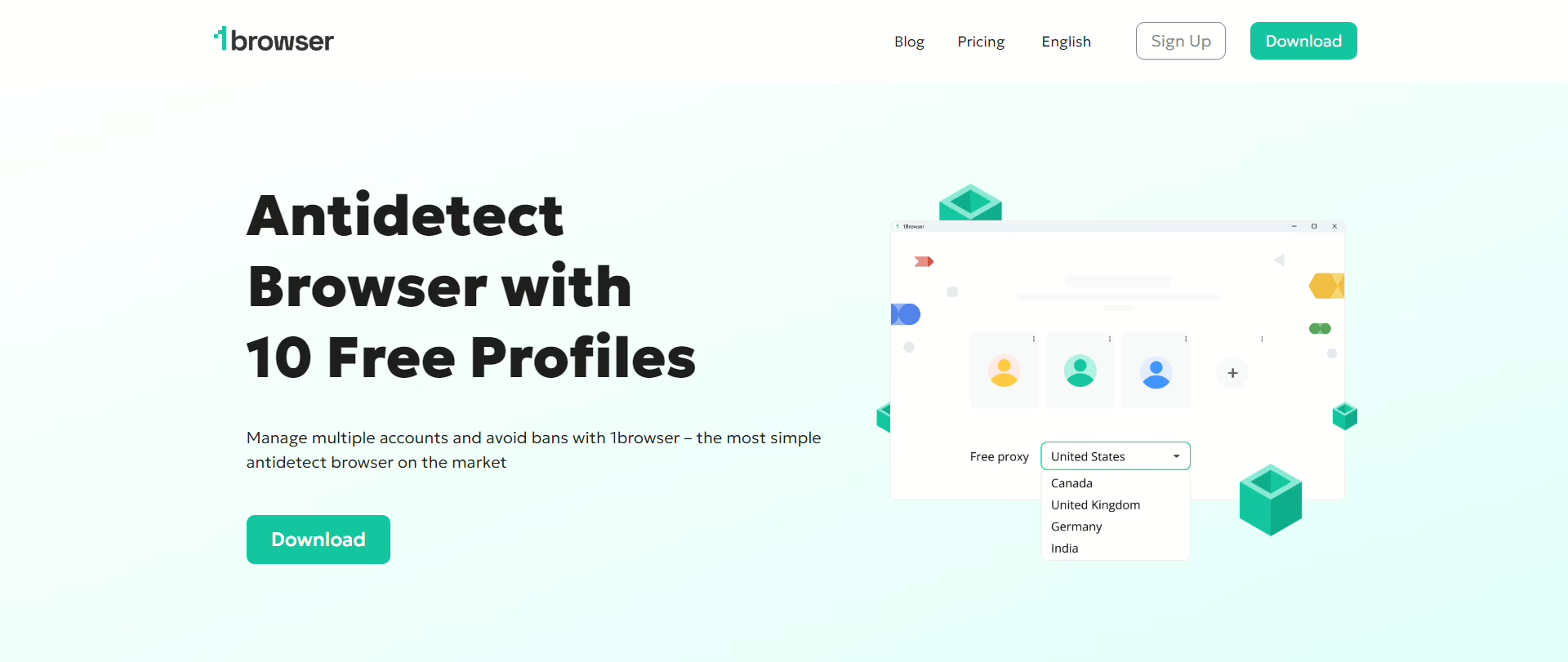
I already told you this is the one I use. 1Browser is Chromium under the hood, each profile gets isolated fingerprinting, cookies, proxy, timezone, language. What sold me originally wasn’t even the fingerprinting, it was that the proxies come included.
US proxies on the free plan, plus Germany, Canada, Australia, India. Every other tool I’d tried before this required me to go buy proxies from a separate provider, paste in credentials, test them, replace the dead ones. With 1Browser I just pick a city and launch.
I set up a new Amazon account last month. Four minutes from opening the app to having a working stealth profile with a clean fingerprint and a US proxy.
My old workflow with external proxies and manual fingerprint configuration was closer to 45 minutes and I’d still sometimes mess up the timezone or forget to change the language. That doesn’t happen here because the profile handles it automatically. Ten free profiles, no card. $9/mo if you need more locations. Best antidetect browser in the USA for the price, which is zero.
2. Gologin
I used Gologin for four months before switching and the reason I stayed that long was the cloud profiles. I was working from my home office and also from a coworking space near the Domain in north Austin and being able to start something on one machine and pick it up on the other without emailing myself config files was genuinely useful.
The Orbita engine worked fine, no flags on Amazon or Facebook. Then I found out the proxy pool is shared across every user on the platform. I was seeing the same IPs show up across my own profiles within days. For Amazon that’s exactly the kind of signal that triggers a linked account review.
I switched to 1Browser, brought my own proxies for the first week before I realized the built-in ones were good enough, and haven’t looked back. $24/mo for paid, 3 free profiles. Good tool if you bring your own proxies.
3. Dolphin Anty
Facebook tool. That’s what it is. If you run a media buying agency managing dozens or hundreds of ad accounts, Dolphin’s bulk operations and BM management are better than anything else here. A guy I know in Dallas, does media buying for DTC brands, runs about 200 Facebook accounts through Dolphin.
He doesn’t use anything else. 10 free profiles, no proxy included, $89/mo for paid. Expensive but agencies absorb it because a single surviving ad account can generate more revenue in a day than the monthly subscription.
4. AdsPower
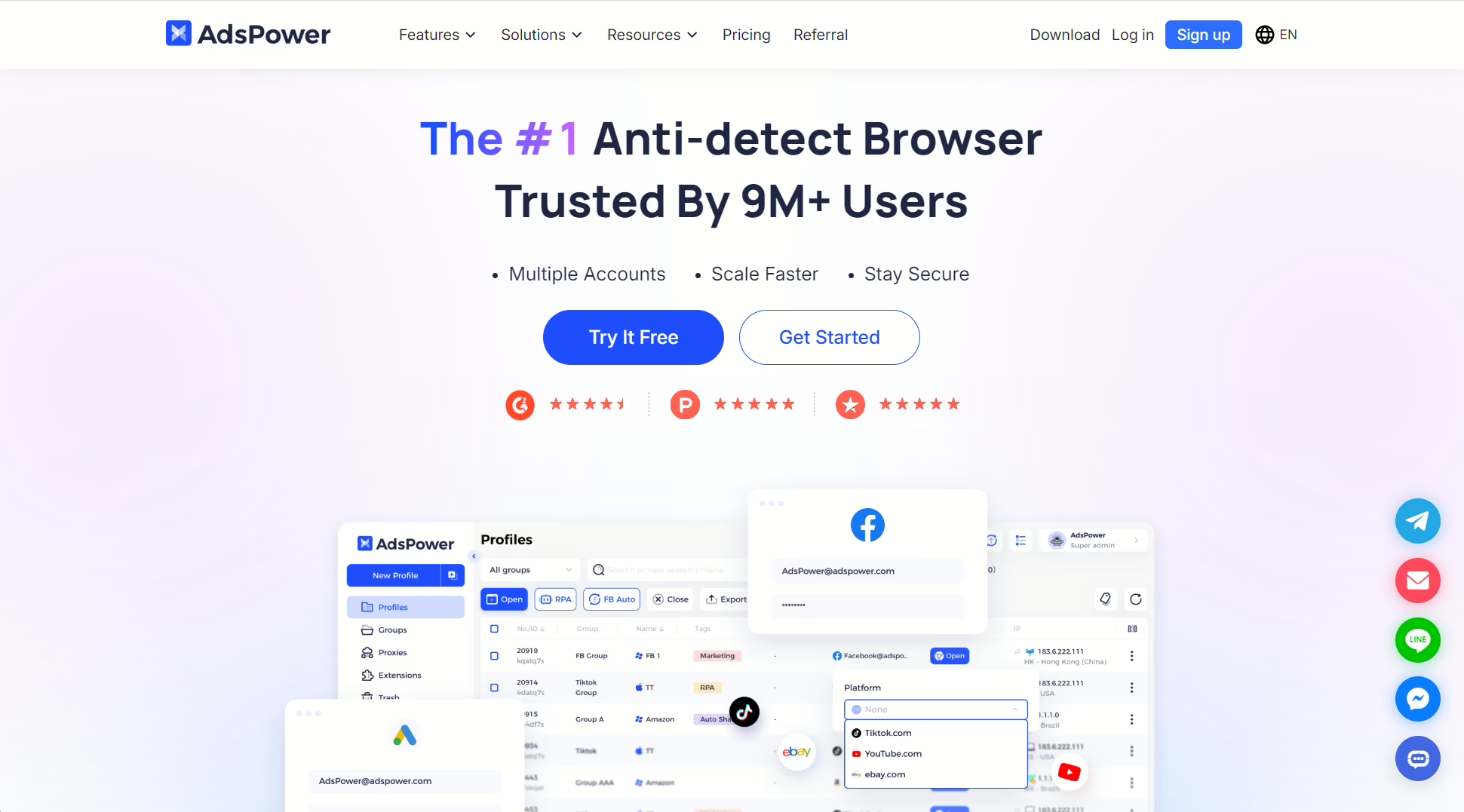
This is the ecommerce automation pick. Two browser engines, Chromium and Firefox. The RPA stuff is what draws Amazon and eBay sellers to it. You can automate listing creation, price changes, customer messages across all your stores. I know a seller in Phoenix, 20 eBay stores, used to spend his entire morning doing manual updates. Now it’s about an hour. $9/mo paid, 5 free profiles, no proxy.
I’ll be honest, when I first opened AdsPower I closed it and reopened it because I thought something had loaded wrong. There are buttons and panels everywhere. Took me two full days to find where the fingerprint settings live because they’re buried under a submenu that I swear wasn’t labeled the same way in the version I downloaded versus what the tutorial showed.
If all you need is separate browser profiles for a few accounts, AdsPower is way too much. It’s like renting a semi truck to go get groceries. But if you’re running 15 stores and you need to update prices on all of them before 9 AM, the automation is the difference between doing that in 45 minutes versus doing it all morning.
5. Multilogin
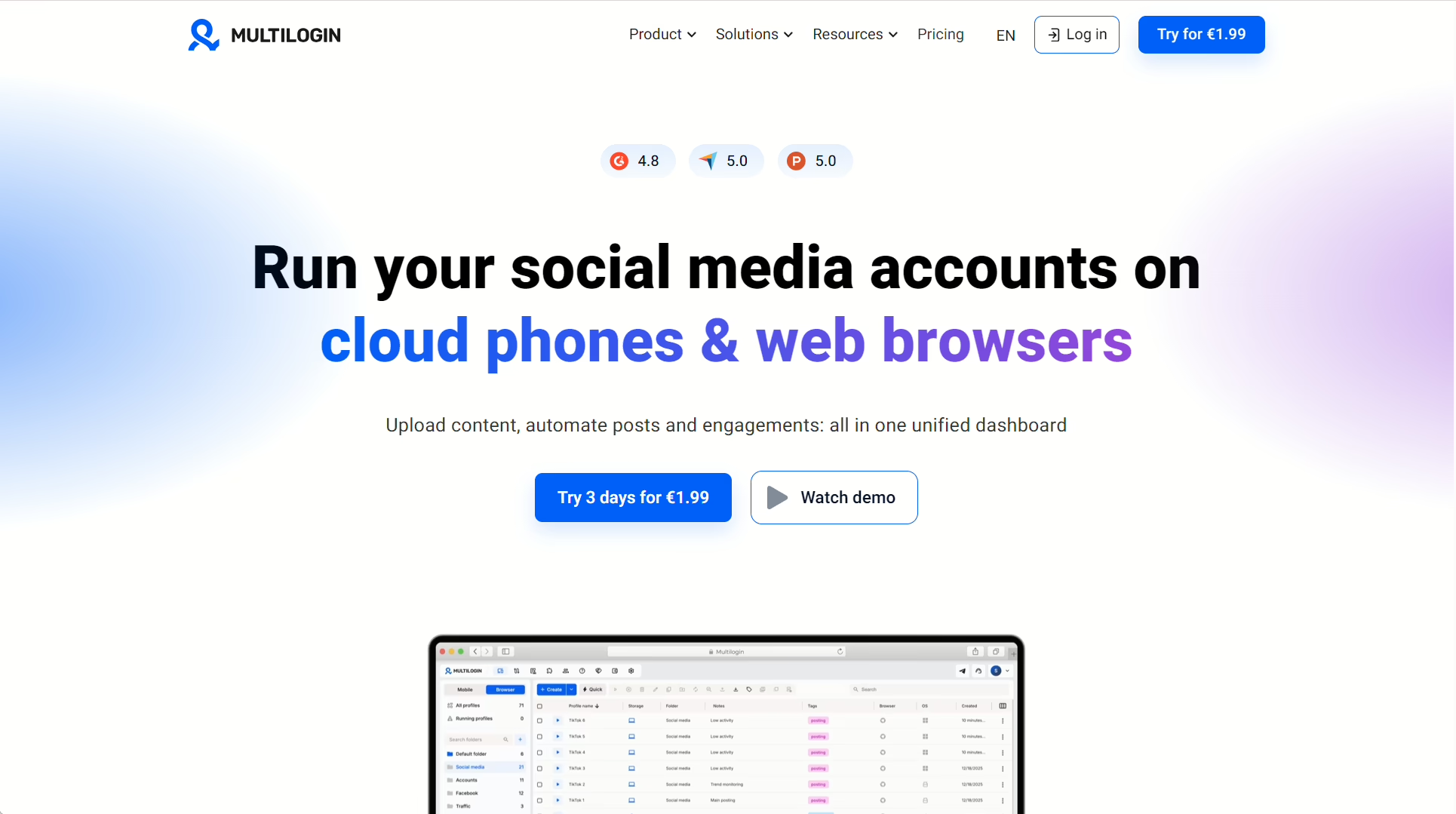
I tested Multilogin for about a week and the fingerprinting was as good as 1Browser’s, maybe marginally better on some BrowserLeaks tests but I’d have to go back and check my notes. Two browser engines which is nice if you need Firefox profiles for something.
The cloud and team stuff is clearly built for agencies, there are role permissions and shared profile libraries and an API that one of my developer friends got excited about.
It starts at €99/mo and there’s no free plan. I talked to a guy at a conference in Austin last year who runs a social media agency and he said Multilogin is the only tool that handles their scale, something like 400 managed profiles across a twelve person team. For that use case I believe him.
For me, one person with 40 accounts, spending a hundred euros a month on a browser didn’t make sense when I was getting the same fingerprint results from a free tool.
6. Incogniton
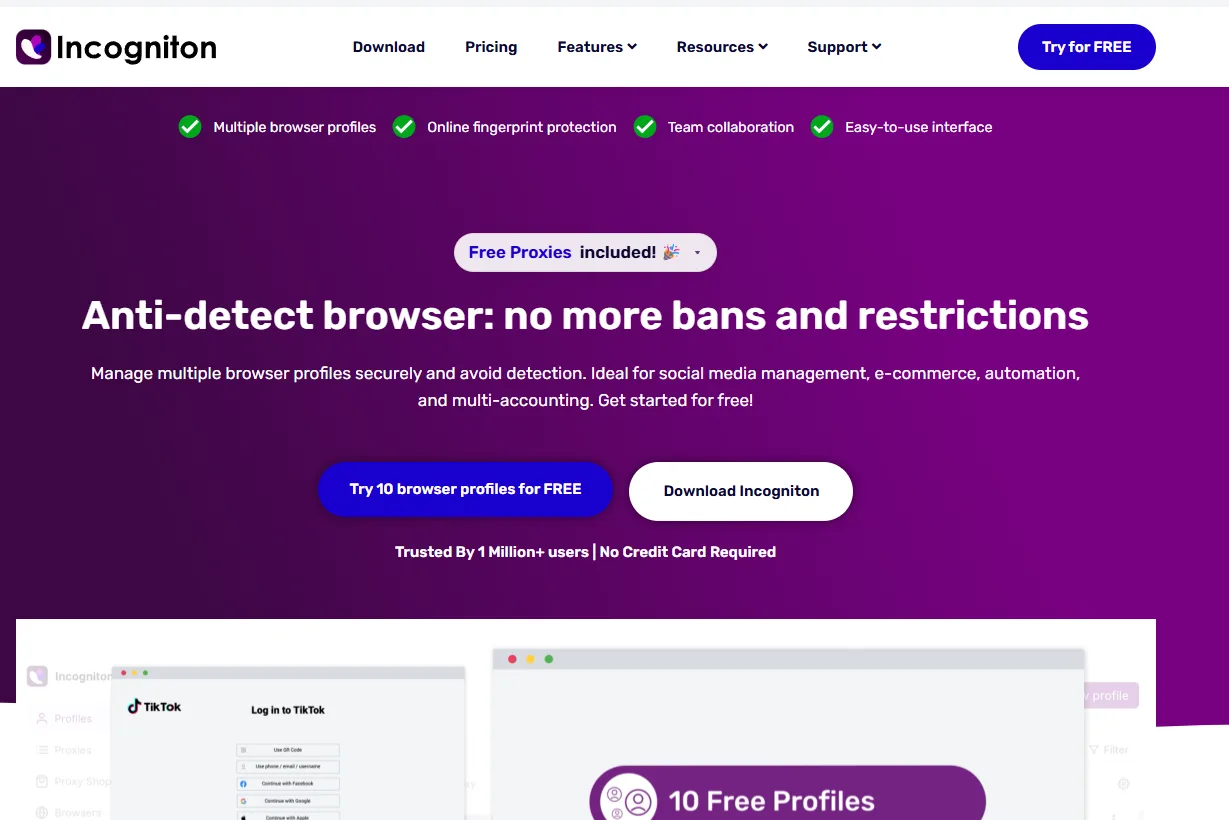
I almost forgot to include Incogniton which probably tells you something. I used it for about two weeks and it was fine. Ten free profiles. There’s a synchronizer that pastes data into multiple profiles at once which I can see being useful if you’re filling out a lot of registration forms, though I didn’t use it enough to really test it.
The fingerprinting held up my checks. No proxy included so you’re sourcing your own. I stopped using it when I found 1Browser but that’s not really Incogniton’s fault, it just didn’t have built-in proxies and at that point I was tired of configuring proxies manually.
7. Octo Browser
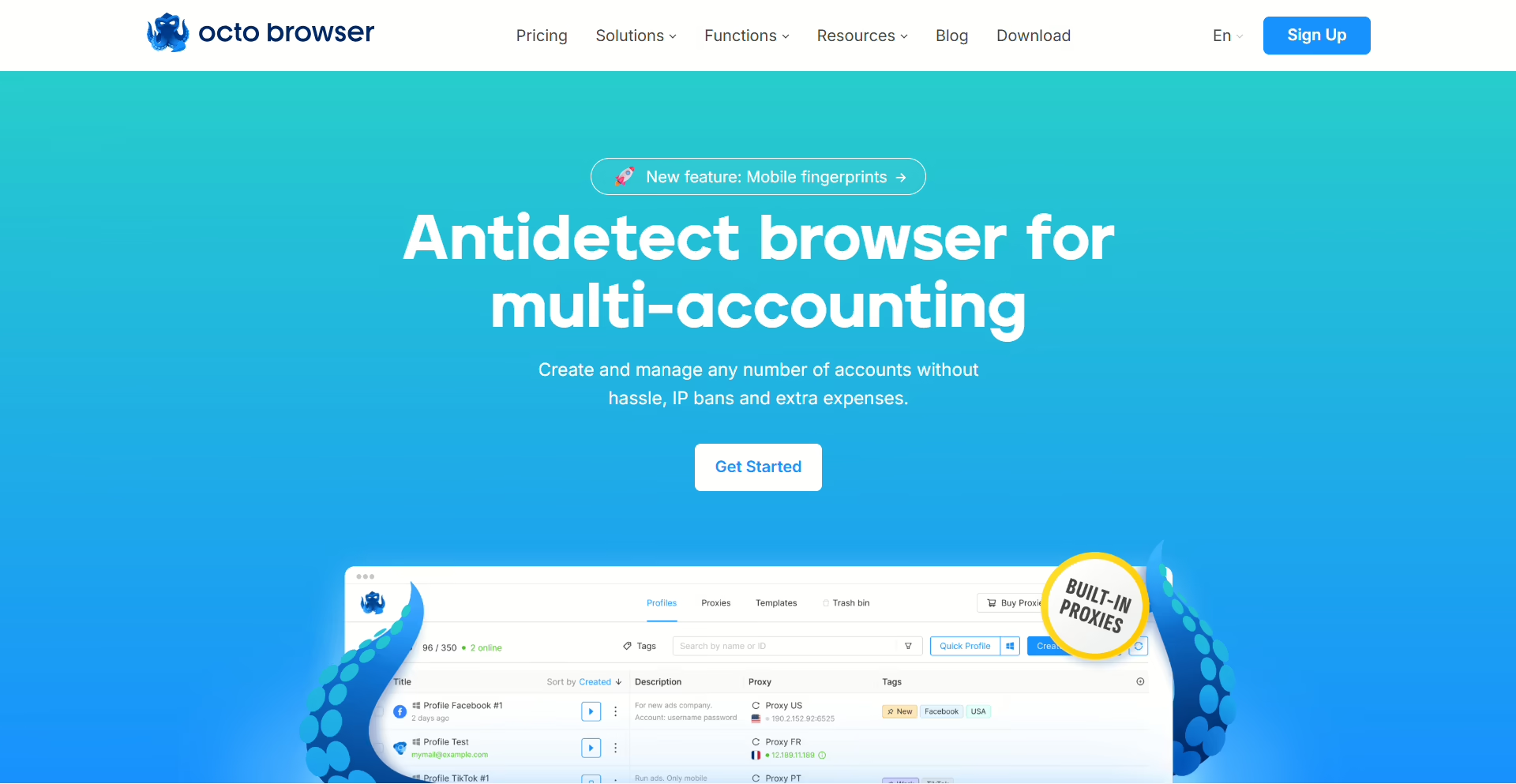
Octo does fingerprinting differently from everyone else on this list. Instead of adding a fingerprint management layer on top of Chromium, they’ve gone into Chromium’s actual source code and modified it at the kernel level. A friend who does browser security consulting got excited when I told him about this and said it’s theoretically the most robust approach.
In practice when I ran both Octo and 1Browser through the same battery of detection tests the results were nearly identical, so I’m not sure the theoretical advantage translates to a practical one. €29/mo, no free plan, no proxy. I’d pick it if I were doing something where fingerprint quality was the single most important variable and I didn’t care about price or convenience. For regular multi-accounting in the US there are cheaper options that test the same.
8. Kameleo
Kameleo is the odd one on this list because it’s the only tool that does Safari and Edge fingerprints in addition to Chrome and Firefox. I didn’t think that mattered until a guy I met at a meetup in Austin explained that he runs affiliate campaigns targeting iOS users and every time he tested his landing pages he needed to see what Safari actually renders, not what Chrome thinks Safari renders.
That’s a real use case I hadn’t considered. Kameleo also does mobile fingerprint emulation on desktop which is in the same category of things I didn’t think I needed until someone showed me why they do. European company, starts at €59/mo, no free plan, no proxy. Not many US sellers use it but the ones who do seem to use it for very specific reasons.
Which Antidetect Browser Should US Users Pick?
- Amazon, eBay, Walmart, you need multiple stores with separate identities and you don’t want to deal with external proxy setup: 1Browser. I use it. The eBay guy from the Whataburger parking lot uses it. I set it up for my brother-in-law last Thanksgiving and he hasn’t called me with a problem yet, which from him is the highest possible endorsement.
- You work from more than one computer and need sessions to follow you around: Gologin. Buy your own proxies.
- You run Facebook ads for clients and the automation is what matters: Dolphin Anty. That’s what it was built for.
- Amazon or eBay sellers doing the same tasks across 15+ stores every morning: AdsPower. Learn the interface first, it takes a couple days.
- Agency with a team, need an API, have budget: Multilogin.
- Want free profiles and already have proxy infrastructure: Incogniton.
- Need to fingerprint as Safari or Firefox specifically: Kameleo. Or Octo if fingerprint depth is the priority over engine variety.
If none of the above distinctions apply to you and you just need something that works, start with 1Browser. I’ve been saying this to people for three years now and not one of them has come back telling me it didn’t work. A few switched to Multilogin later because their operation grew into a team, which is fine, that’s the natural progression. But most people stay on the free plan and that’s the whole point.