Top 10 Proxy Browsers in 2026

You can enjoy the privacy, anonymity, and security of proxies without the tedious configurations. Simply install a proxy browser on your device, and you’re good to go! Although there are hundreds of them on the market, only a handful possess the features you need to get full value for your money.
This post will explore the 10 best proxy browsers in 2026. I spent months testing dozens of programs to come up with an honest list of the very best. Before we get into the review, you need to understand how these browsers work, why you need them, and how to choose the perfect one.
What Are Proxy Browsers?
A proxy browser is software that masks your original IP address using a built-in or external proxy server, which serves as a mediator between your device and the websites you access. With proxy browsers, you don’t need to configure your device’s settings. All proxy configurations take place within the app. In cases where the browser has built-in proxies, you don’t need to do any setup at all!
How Do Proxy Browsers Work?
Unlike traditional browsers, which give you access to the internet using your device’s IP address, proxy browsers allow you to browse with a proxy server’s IP. Websites that receive your access request will see the IP assigned to you by the browser, not your original IP.
The proxies used in such applications are often built into their systems. However, some tools allow you to add proxies from external sources. Most proxy browsers also let you create multiple profiles, each one with a different IP address. Many of them spoof digital fingerprints so that each profile appears as a real, unique user. Geolocation, fonts, cookies, time zone, and language are some of the most common identifiers used in these fingerprints.
Google Chrome, Mozilla Firefox, Microsoft Edge, Safari, and other traditional browsers can only set up proxies by accessing the settings of your device’s operating system. You can’t use them to reroute browser-only traffic without third-party tools or extensions. Hence, they are NOT real proxy browsers.
Why You Need a Proxy Browser (Benefits and Use Cases)
There are several ways to configure device proxies, but using a proxy browser is the best option for many people. The list of benefits and use cases below should tell you if you’re one of them.
- Easy to use: These applications require little to no manual setup. Your proxy settings are available to you every time you open the browser profile. If you need to mask your IP regularly, proxy browsers are the easiest options.
- Better flexibility: They make it easier to manage multiple accounts and switch IPs seamlessly. You can switch between proxies in an instant and access different accounts on the same website without detection.
- Improved anonymity: The browser lets you hide your IP and change your digital fingerprint (unique identifier), allowing you to bypass restrictions and access geo-locked content. It’s the perfect solution for skirting around government policies, copyright laws, and broadcasting schedules.
- Better protection: As with other proxy-based systems, your sessions are private and secure from cyberattacks, spam, and hacks. Advanced solutions provide protection from ads, trackers, and malware.
- More effective data isolation: You get to keep all of your browsing data, including cookies, history, and cached files, in one environment. This perk can be extremely useful in social media management roles.
How to Pick the Best Proxy Browser Online?
All apps on my list have something special to offer. But to find the best one for your use cases, consider these important factors:
- Browsing speed: Proxy browsers with low latency and fast response times offer a much better browsing experience.
- Privacy level: The app should give you complete anonymity. For most purposes, IP masking is enough. But if you’re dealing with sensitive data, you want an app that also encrypts browsing history and cookies, isolates sessions, and imitates digital fingerprints.
- Stability: You want to choose a proxy browser that maintains a stable server connection at all times. This will keep you from getting flagged or banned by firewalls. You also want to use services with minimal downtimes and reliable IPs.
- Browser profiles: The best apps allow you to create dozens of browser profiles, each one with a unique IP and fingerprint. This is a must-have feature if you want to manage multiple accounts. Bonus points for browsers with multiple proxy types (HTTP, SOCKS, residential, datacenter, etc.).
- Public reviews: The software should have mostly positive reviews from verified customers on platforms like Trustpilot, Capterra, and G2.
- Pricing: The best ones offer useful features at a reasonable price. You should also consider the availability of free plans and free trials.
- Compatibility: The app must support your device’s operating system, such as Windows, macOS, iOS, Android, etc.
- API integrations: Browsers that support API integrations are better for running automated tasks that require access to proxies. Popular automation frameworks you might want to connect your browser to are Selenium, Playwright, Puppeteer, and Cypress.
Review of the Best Proxy Browsers in 2026
I tested dozens of apps and ultimately curated a list of proxy browsers ranked according to quality and value for money.
| Supported Platforms | Proxies Supported | Free Plan | Starting Price | Best Use Case | |
| 1browser | Windows, macOS, Linux, Apple M-series | Built-In + Third Party | 10 profiles | $9/month | Anonymous multi-accounting |
| AdsPower | Windows, macOS, Linux | Third Party | 2 profiles | $9/month | Large-scale automated tasks |
| CroxyProxy | Web-based | Built-In | 1 profile | Free forever | Accessing video websites anonymously |
| MoreLogin | Windows and macOS | Third Party | 2 profiles | $5.4/month | Bypassing multi-account limits |
| Tor Browser | Windows, macOS, Linux, and Android | Third Party | 1 profile | Free forever | Avoiding ISP and government tracking |
| Multilogin | Windows, macOS, Linux | Built-In + Third Party | N/A | €9/month | Professional marketing projects |
| Gologin | Windows, macOS, Linux, Apple M-series, and Android | Built-In + Third Party | 3 profiles | $24/month | Low budget automation projects |
| Dolphin Anty | Windows, macOS, Linux | Third Party | 5 profiles | $10/month | Automated workflows |
| Octo Browser | Windows, macOS, Linux, Apple M-series | Built-In + Third Party | N/A | €10/month | Simple multi-accounting |
| Lalicat | Windows | Third Party | N/A | $59/month | Automated business workflow |
1. 1browser
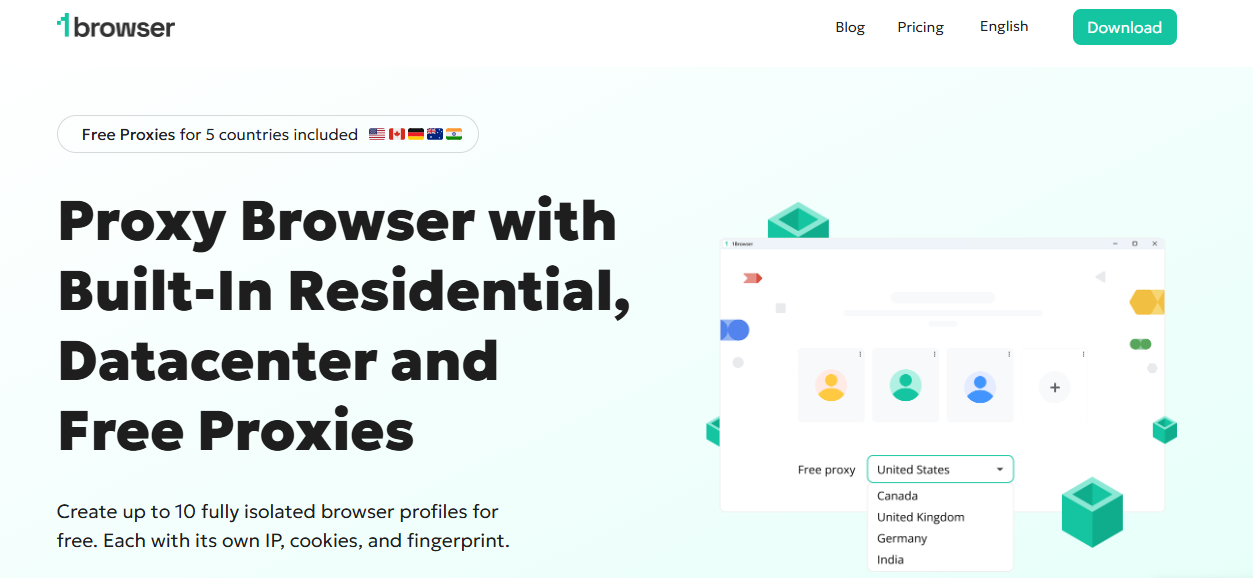
If you want a proxy browser that’s fast, reliable, affordable, and easy to use, 1browser should be your #1 choice. It lets you create up to 100 fully isolated browser profiles. The best part is that the first 10 of them are absolutely free! Each profile has its unique fingerprint and IP. You can also select from different proxy types, including residential, Tor, mobile, and datacenter.
1browser gives you the option to either use one of its built-in proxies (covering 100+ countries) or add yours from an external source. Whichever option you choose, expect high browsing speed, premium anonymity, and reliable service. The app’s interface resembles that of Chrome browser, making it one of the easiest anti-detect browsers to use. People all over the world have left positive reviews about 1browser’s simple design and advanced features, such as
- Browsing encryption
- Cloud-based mobile and desktop support
- Free proxies in the US, Canada, Germany, India, and the UK
- Enhanced browser speed
Supported platforms: Windows, macOS, Linux, and Apple M-series.
Pricing: 1browser has a free plan, which entitles you to 10 browser profiles and proxies from 5 countries. The cheapest paid plan costs $9/month. The biggest plan costs $29/month and allows 100 unique profiles. You can try any of the packages for free.
Best for: This is the perfect free anti-detect browser for anyone looking to manage multiple accounts on the same device by mimicking separate users. 1browser will keep you from getting banned, blocked, or flagged.
2. AdsPower
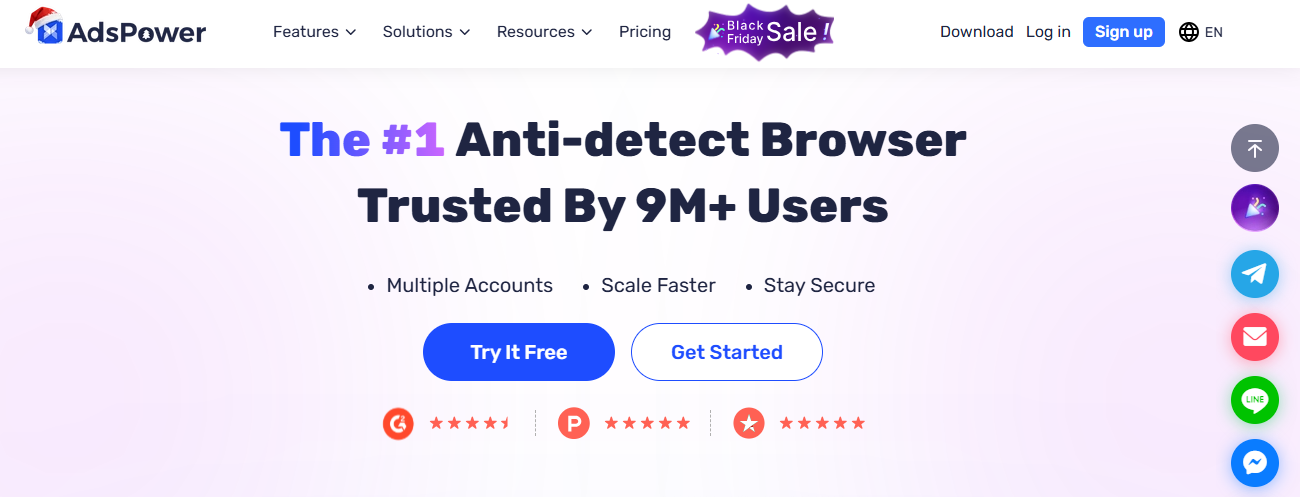
With over 9 million users, Adspower is one of the most popular anti-detect browsers in the world. You can find thousands of positive user reviews on Trustpilot that highlight just how much people enjoy using the tool.
Adspower is designed for multi-accounting at scale. You can create hundreds of thousands of browser profiles and assign third-party proxies to each profile. The app does not offer built-in proxies. However, it has profile templates for popular platforms like TikTok, Amazon, Facebook, and eBay. With perks like API integration, synchronized browser windows, and no-code RPA workflows, Adspower is a powerful tool for performing large-scale automated tasks on those sites.
Adspower’s profile fingerprints are fully customizable. You can set IPs, cookies, geo-locations, WebGPU, and more. The app also offers maximum security with end-to-end data encryption, 2FA, and anti-malware safeguards. You can choose to use it on a Chromium-based browsing environment (SunBrowser) or a Firefox-based engine (FlowerBrowser). SunBrowser even allows you to install extensions from the official Chrome Web Store.
Supported platforms: Windows, macOS, and Linux.
Pricing: Adpower offers 2 browser profiles for free. You’ll have to pay as little as $9 a month to get more. The service has a unique pricing system that lets you set the exact number of profiles you need and charges you accordingly.
Best for: Digital marketers, web scraping experts, and e-commerce businesses can use Adspower to evade detection while performing automated tasks online.
3. CroxyProxy
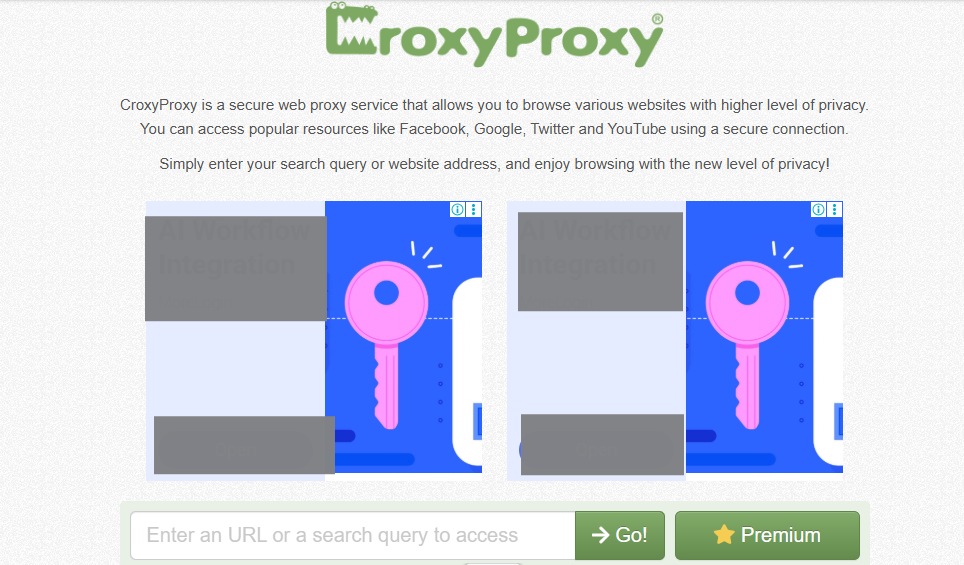
This is one of the more peculiar options on the market. It’s an online proxy service that lets users input URLs and browse anonymously without leaving its web-based environment. It basically turns any traditional browser into a proxy browser by functioning as a virtual pipeline for your traffic. CroxyProxy is free to use, and you don’t have to install an application. However, it does have an extension for Chrome.
Although it works differently from other proxy browsers, CroxyProxy offers the same level of security and privacy. It opens web pages through secure proxy servers, masking your real IP address for as long as you remain in the browsing window. It also encrypts all traffic to and from the servers. CroxyProxy has other cool features, including the following:
- Shareable link to opened pages
- Zero configuration required
- Advanced video playback support
Supported platforms: Web-based (supports all OS but requires a web browser)
Pricing: CroxyProxy is a free service.
Best for: It works best for anyone looking to access a video website anonymously by using a free proxy.
4. MoreLogin
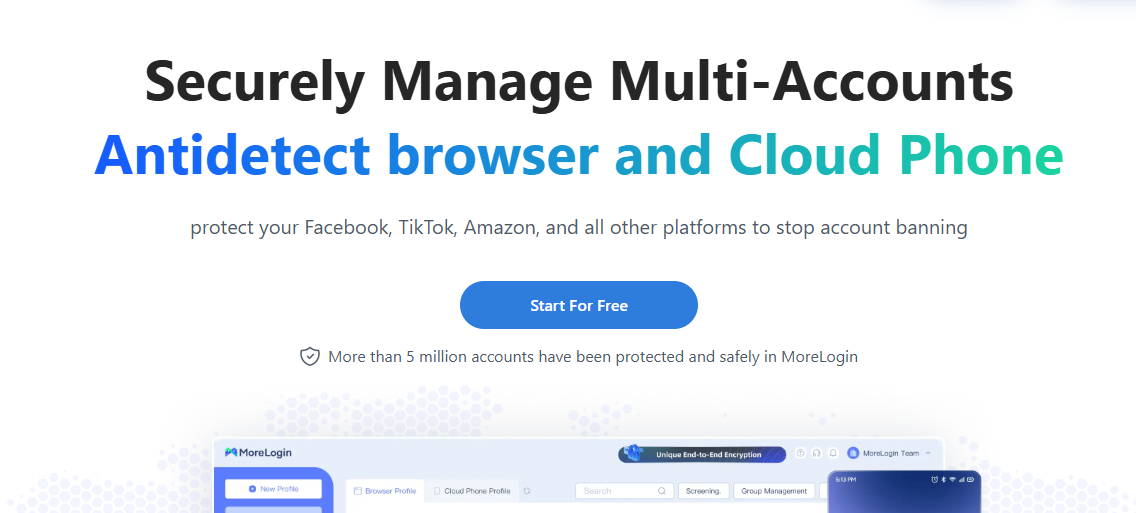
MoreLogin is both an anti-detect browser and a cloud phone. In case you’ve never heard of “cloud phone,” it’s a virtual phone that can make calls, install mobile applications, and open mobile versions of sites.
MoreLogin’s anti-detect system helps to prevent account bans by generating canvas fingerprints based on real internet users. You may assign authentic fingerprints to an unlimited number of profiles. The app seems to take data protection seriously, as it uses advanced end-to-end encryption (6 layers) and supports 2FA.
You can use MoreLogin to perform advanced automation. The app’s synchronizer lets you send the same commands to multiple profile windows using your keyboard or mouse. MoreLogin also supports API integration.
Supported platforms: Windows and macOS.
Pricing: You can start using MoreLogin for free and get 2 free browser profiles. The Pro version starts from $5.4/month (10 profiles). However, you can choose the number of profiles you want and pay the additional costs.
Best for: It works great for bypassing multi-account limits and restrictions on e-commerce and ticketing platforms.
5. Tor Browser
Since 2008, Tor Browser has been the go-to choice for millions of people who want to browse the internet anonymously. It heavily relies on the Tor network and its onion routing protocol, which encrypts all user requests and communication. This free, open-source software can mask your location and hide your browsing activity, offering high-level anonymity.
Tor Browser remains the most common way to access the dark web. It’s also less likely to compromise your data to government officials. While it uses its own multi-node rerouting protocol, Tor does not have in-app proxies. However, you can configure proxy servers by entering credentials in the app’s settings. Doing that won’t give you extra protection, but it can mask your use of the Tor network.
Despite its high encryption level, Tor Browser has some drawbacks. It’s slower than most of the browsers on this list and can be vulnerable to security leaks. Also, some countries, like China, Russia, and Venezuela, have either blocked or outlawed the service.
Supported platforms: Windows, macOS, Linux, and Android.
Pricing: Free to use.
Best for: You’ll love Tor Browser if you’re worried about tracking or detection by your ISP or government.
6. Multilogin
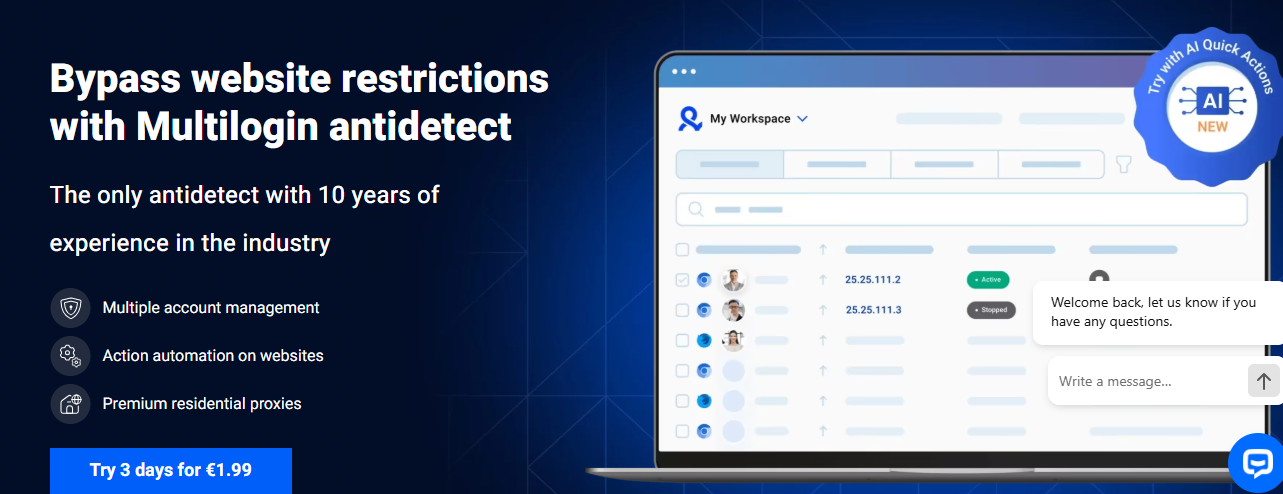
Multilogin has been around for over a decade, making it one of the oldest proxy browsers on the market. So far, the app has received tons of awards and glowing user reviews. Multilogin’s superpower lies in its customizable browser profiles. You can create up to 10,000 of them—each one with its own fingerprint. The platform also offers top-quality residential proxies that minimize the chances of account bans and improve multi-account management.
Here’s a list of other Multilogin features you might find useful:
- Masked web automation
- Headless browser for automation and scrapping
- Mobile browsing simulation
- API integration
- Regular software updates informed by daily tests
- Rotating IPs
- 24/7 customer support
Supported platforms: Windows, macOS, and Linux.
Pricing: Multilogin offers a 3-day trial for €1.99, which grants you access to 5 browser profiles. Paid plans start from €9/month.
Best for: The app is useful for professionals in affiliate marketing, web scraping, and ad testing.
7. Gologin
Gologin is a great anti-detect browser for managing multiple accounts on a single device without getting banned or flagged. It allows you to create as many as 100,000 profiles and configure fingerprints based on 53 parameters. You also get access to multiple built-in proxies in 100+ countries.
The app features a simple interface that’s a lot like regular browsers. It has several tools for better organization and collaboration, such as folders, notes, shared access, and account statuses. And if you ever get stuck, help is never far away, thanks to the 24/7 customer support via 4+ channels (email, live chat, Facebook, WhatsApp, etc.).
Other helpful features are:
- Mobile fingerprint emulator
- Seamless integration Selenium and Puppeteer
- 99.99% uptime
- 1200 requests/min API
- Drag & drop app interface
Supported platforms: Windows, macOS, Linux, Apple M-series, and Android.
Pricing: Gologin offers a free plan with 3 profiles. The cheapest paid package costs $24/month and features 100 profiles.
Best for: Use Gologin as a cheaper alternative to other automation-focused proxy browsers.
8. Dolphin Anty
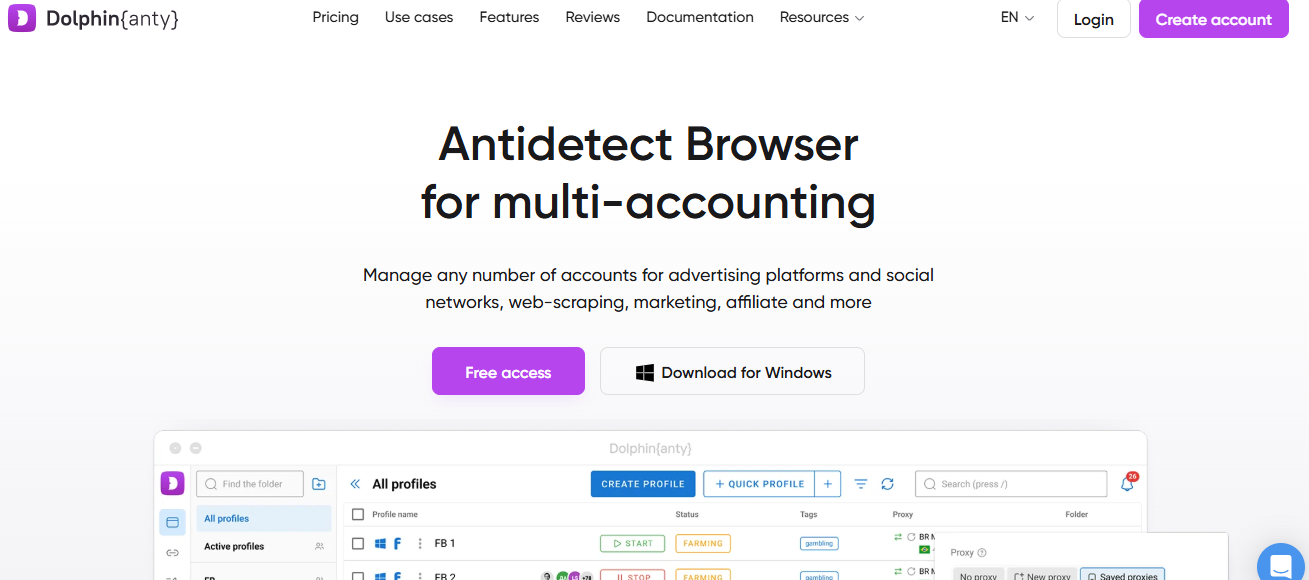
A solid multi-accounting tool with anti-detect capabilities, Dolphin Anty was designed to maximize speed and ease of use. The app allows users to buy thousands of browser profiles and customize 20 parameters to create unique fingerprints. It also lets you integrate third-party proxies from trusted suppliers.
What sets Dolphin Anty apart is how well it implements automated profiles. You can use a builder to create instructions that tell in-app bots exactly what to do during a browsing session. The available synchronizer, API, and browser extensions add to Dolphin Anty’s value as an automation tool.
Supported platforms: Windows, macOS, and Linux.
Pricing: You can get 5 browser profiles for free. The Starter plan has up to 60 profiles and costs $10 per month.
Best for: Dolphin Anty is one of the best tools for creating and managing automated workflows. It has endless use cases in digital marketing, e-commerce, and crypto.
9. Octo Browser
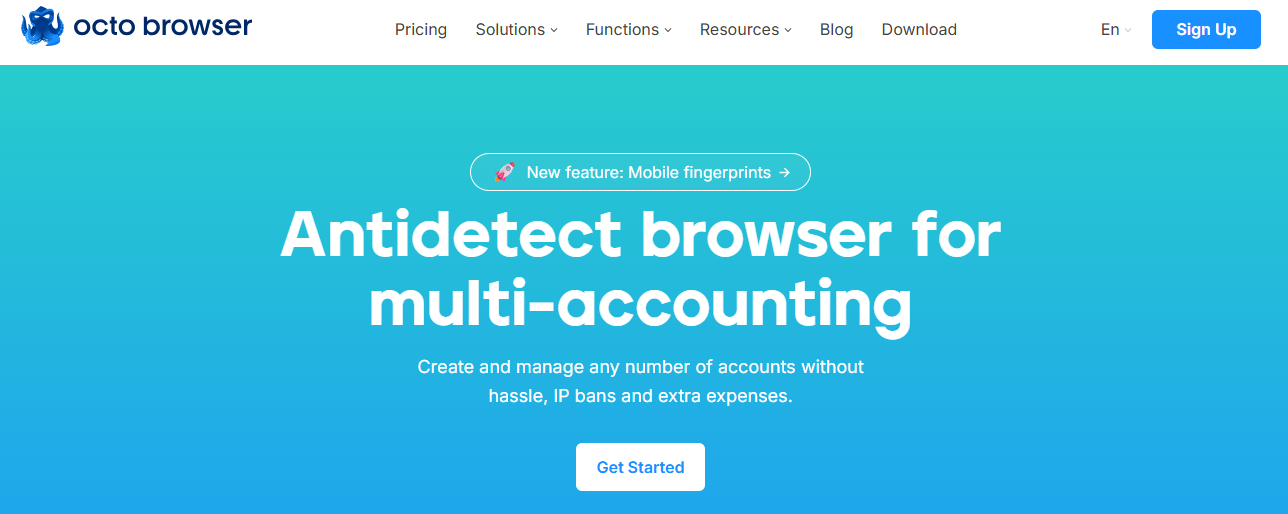
Octo Browser is a popular multi-accounting tool that offers built-in proxy servers while letting users add third-party proxies. It supports all common protocols and provides tools for testing the quality of their connection.
Octo Browser boasts a near-perfect G2 rating of 4.8 stars. You can use it for easy profile management thanks to features like templates, mass actions, and tags. It’s also useful for automating routine tasks using API.
Supported platforms: Windows, macOS, Linux, and Apple M-series.
Pricing: There is no free plan on Octo Browser. The cheapest package costs €10 a month and offers 3 profiles. You have to buy proxies separately using the in-app shop.
Best for: The app offers a seamless, simpler way to manage multiple accounts.
10. Lalicat
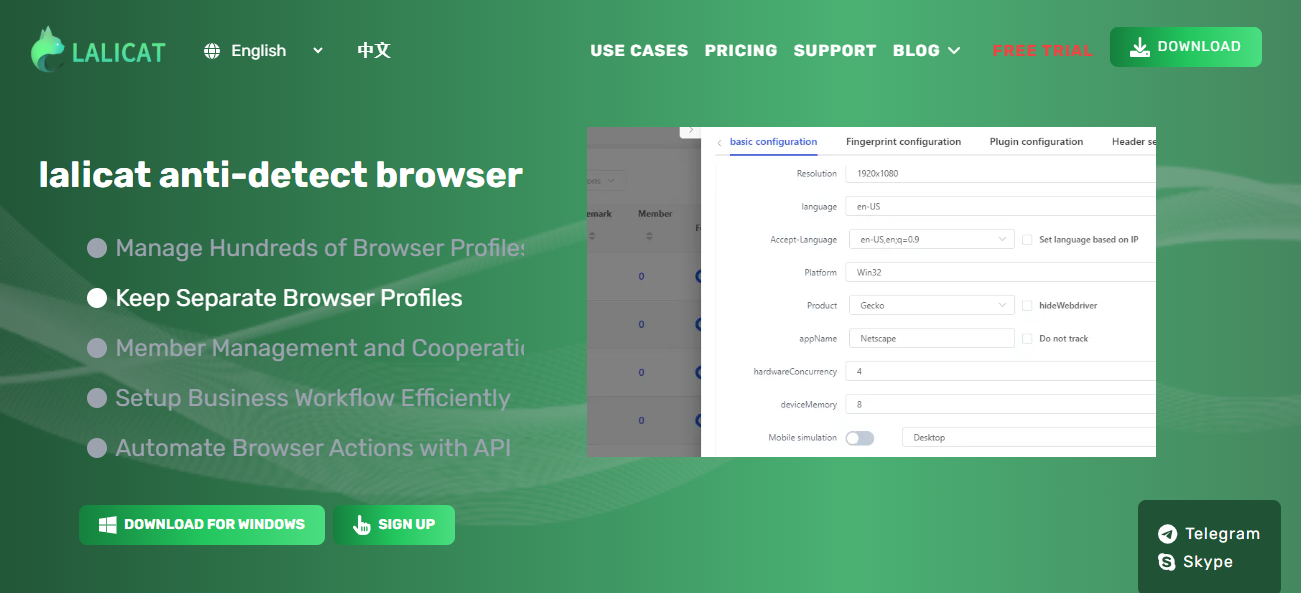
Lalicat is a Windows-based proxy browser with a stellar reputation for effective multi-accounting. The app does not have in-built proxies but allows you to integrate third-party options. It configures browser fingerprints for each profile and supports local API automation. Lalicat is also useful as an anti-detect browser for team collaboration.
The app is compatible with the Tor Network, thereby offering more anonymity on the web. Lalicat’s automation system has a simple interface that anyone can understand.
Supported platforms: Windows only.
Pricing: Lalicat comes with a 3-day free trial. The cheapest plan costs $59/month.
Best for: If you can afford it, the app is ideal for automating business workflow on a simple interface.
Final Verdict
So, what is the best proxy browser in 2026? There are several fantastic options and the ideal choice depends on your use case. But if I had to pick one, I would choose 1browser. Its browsing speed, stability, and anonymity level set it apart. With 1browser, you can manage multiple accounts on popular websites without bans or blocked content. It’s also compatible with all major platforms.
1browser gives 10 free profiles with quality built-in proxies, ensuring you get instant value. Download the app to start enjoying anonymous browsing for free.