How to Unblock Viber in 2026

A few months ago, a friend travelled to Dubai for a conference, and within a few hours of landing, he messaged me on Instagram to complain that his Viber calls were not connecting. He could send texts, but audio and video calls weren’t working.
Then it hit me, and I quickly realized what was happening. Most countries let you use Viber freely, but in some places it’s restricted or outright just banned.
That conversation prompted me to put together this guide. Over the past few weeks, I have tested every method I could find to bypass Viber in restricted countries. While some worked really well, I can’t say the same for the rest. However, a few options surprised me.
If you are in a country where Viber is blocked or restricted, I will share exactly what I found.
What is Viber?
Viber is a popular instant messaging app that allows users to send messages and place voice or video calls for free. It is used by hundreds of millions of people in approximately 200 countries worldwide.
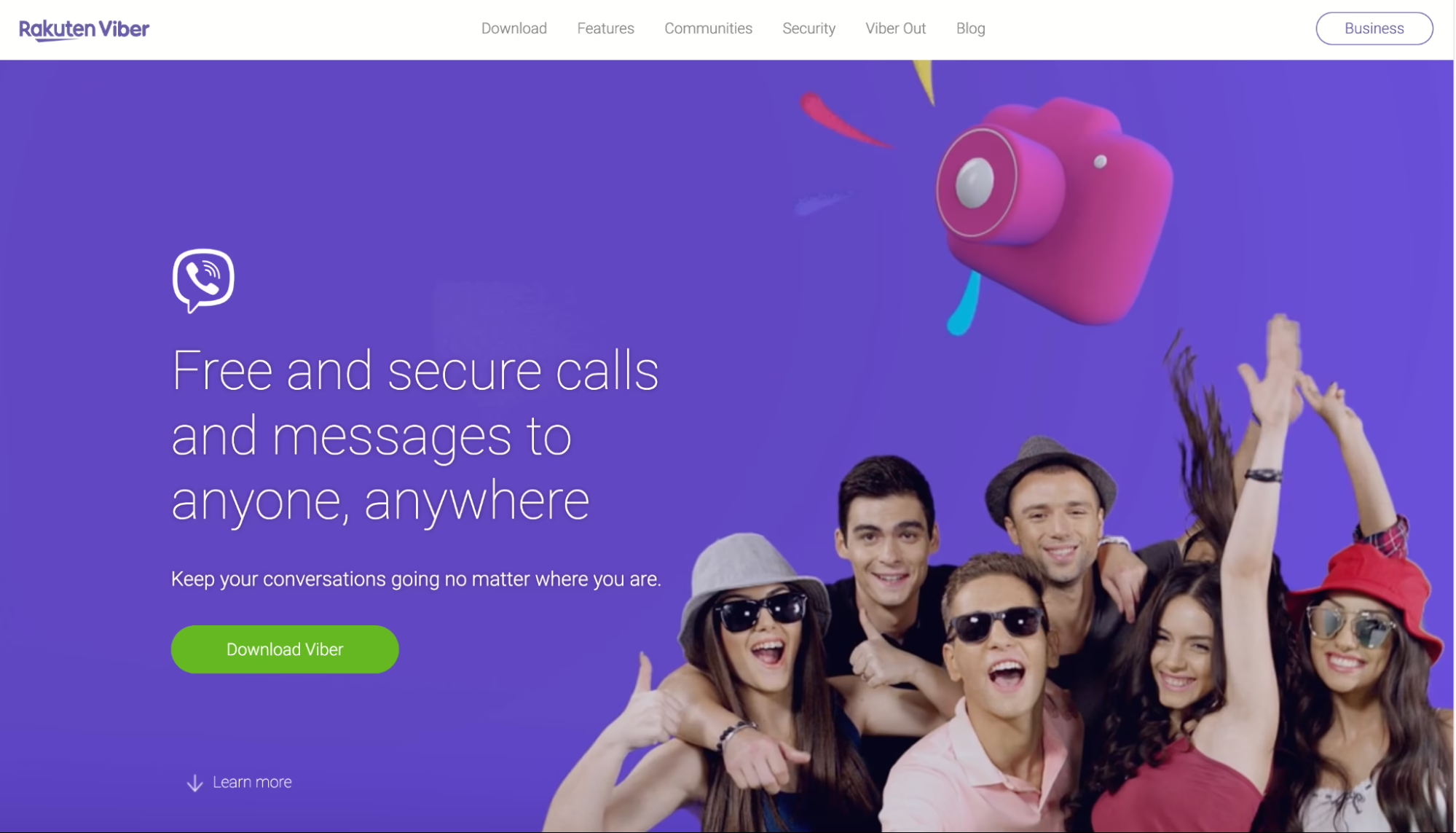
Viber users can call or message anyone with the app installed for free. You can also make calls outside the network but that would require a subscription.
To get started with Viber, all you need to do is install the app on your smartphone and enter your phone number. The service works on other devices, such as tablets, laptops, and PCs.
Where is Viber blocked?
The first thing I checked was where Viber was blocked or restricted.
Viber is blocked in countries like China, Qatar, Saudi Arabia, Egypt, Iran, Jordan, Kuwait, North Korea, Yemen, and the UAE. In some countries, Viber is banned entirely, while in others you can use it to send messages, but not to make voice or video calls.
The latest country to add Viber to its deny list is Russia, which did so in 2024. The UAE is a bit different, as VoIP services are tightly regulated. TDRA states that voice and video call services are regulated, and unapproved third-party apps can be blocked or considered illegal to use for calling.
Other areas with temporary or partial restrictions include:
- Myanmar
- Syria
- Sri Lanka
- Morocco
Hence, users who are traveling to or living in any of these countries will have to bypass these geo-blocks if they want to access and use Viber.
Why is Viber blocked?
Sometimes these blocks are not imposed by the government itself, but instead, the ISPs may enforce the restrictions themselves to prevent local telecom companies from losing market share to these international companies.
Governments aren’t all innocent as in other countries, they may block Viber because it refuses to comply with their demands for user information or censorship.
Schools and work networks may block services like Viber to prevent people from getting distracted by texting friends or to prevent these apps from taking up too much bandwidth.
How to bypass any Viber restrictions
When I started searching for ways to bypass Viber blocks, the most common method I saw online was VPNs, and I get why. Most VPN services are familiar, easy to explain, and easy to use.
However, over time, my experience testing blocked apps has led me to be more curious and stop treating VPNs as the automatic answer as they are not without problems. Sometimes a VPN can also experience slow traffic or announce its presence to its target.
Moreso, government firewalls in China, Russia, and Iran have gotten remarkably good at identifying VPN traffic. China’s Great firewall is a very good example of this. With this in mind, I tested three different solutions side by side and I’ll start my ranking with what actually worked best.
1. Use a proxy browser to unblock Viber
A few runs in, I found that a proxy browser actually gave me the best balance of ease, reliability, and consistency.
Sure, a regular browser with a proxy will change your IP. But it can still leak your real timezone, language settings and browser fingerprint, which means any half-decent firewall can easily pick up on those data and flag your activities.
This is where a proxy browser takes things up a notch. It works by creating a separate browsing profile with its own proxy, fingerprint, and session data, rather than changing or using your default device connection.
Compared to a VPN, users likely have to share an exit IP with lots of other users and if one of them gets flagged, everyone on that IP may get blocked too. But with a proxy browser, your proxy IP belongs to only you, and your entire browser fingerprint matches the location you’re connecting from.
Pros vs Cons
| Pros | Cons |
| Easy to set up and manage | Limited to the Viber web app |
| Full profile isolation | |
| Built-in Proxies | |
| Automatic fingerprint matching |
2. Use proxies
While digging through Viber’s help documentation, I found out the app supports SOCKS5, ShadowSocks, GoQuiet, Cloak, and SSH proxy protocols. That means you can configure proxies right inside the Viber app itself, on your phone or desktop.
Surprisingly, this is something almost nobody talks about online. A good proxy lets you route your traffic through a different location, which can help you get around country-level or network-level restrictions.
To use this method, you need to buy a proxy IP from an external proxy provider and then add it to Viber’s settings. However, you first need to find the right proxy provider. For these kinds of tasks, you want a provider with a high-quality IP pool, lots of countries, and ethical sourcing. The one I recommend is Floppydata, because it checks all the boxes at a fair price.
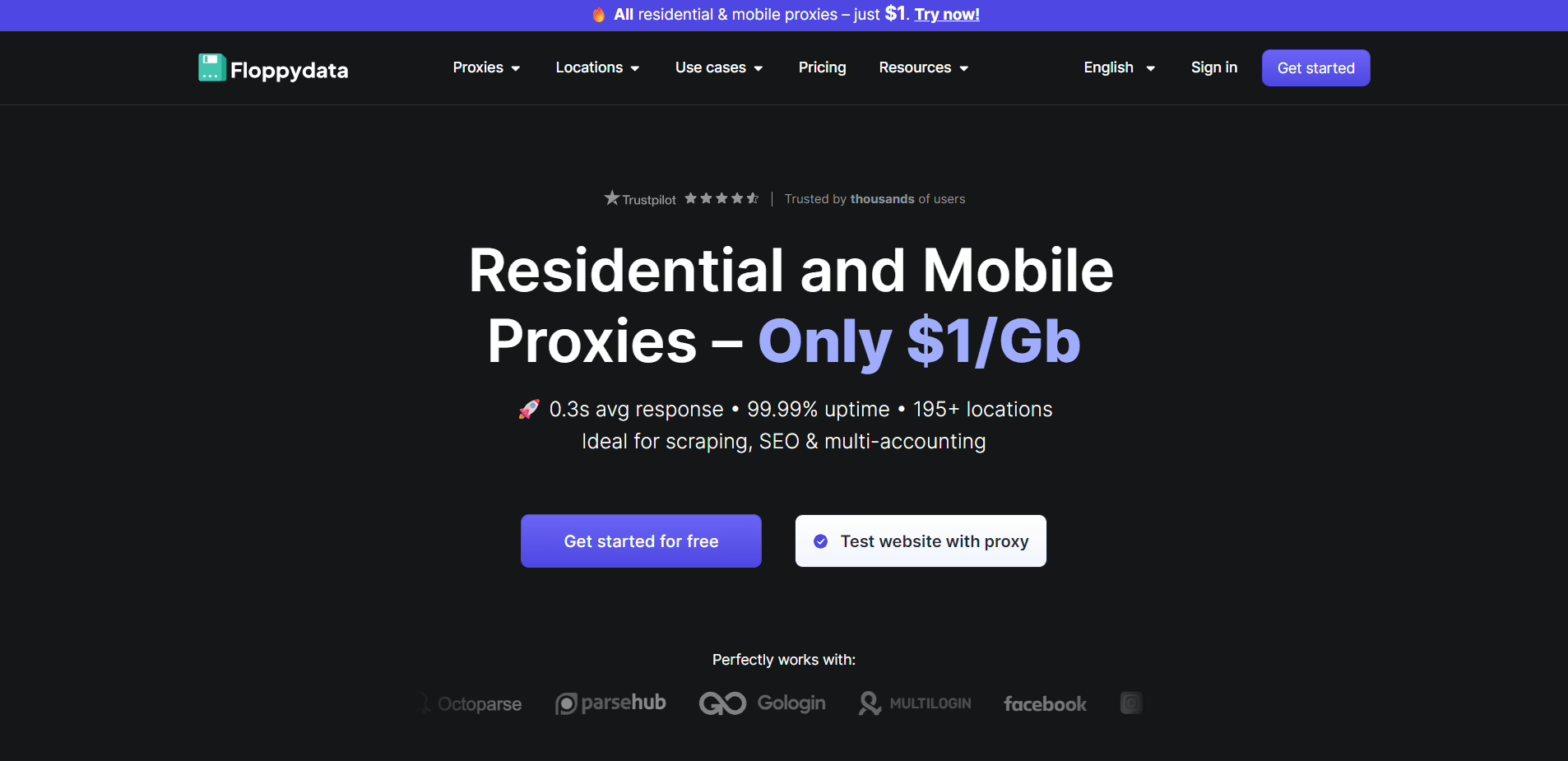
Floppydata has over 65 million IP addresses across 195+ countries. They offer residential, mobile, datacenter, and ISP proxies. I recommend residential or mobile SOCKS5 proxies, since they tend to look more natural and are less likely to get flagged than cheaper datacenter options.
How to Set Up a Proxy for Viber With Floppydata
Create an account on Floppydata and log in to your dashboard. Then create a proxy pool and select your proxy type and information. I recommend choosing residential proxies and ensure the protocol is SOCKS5.
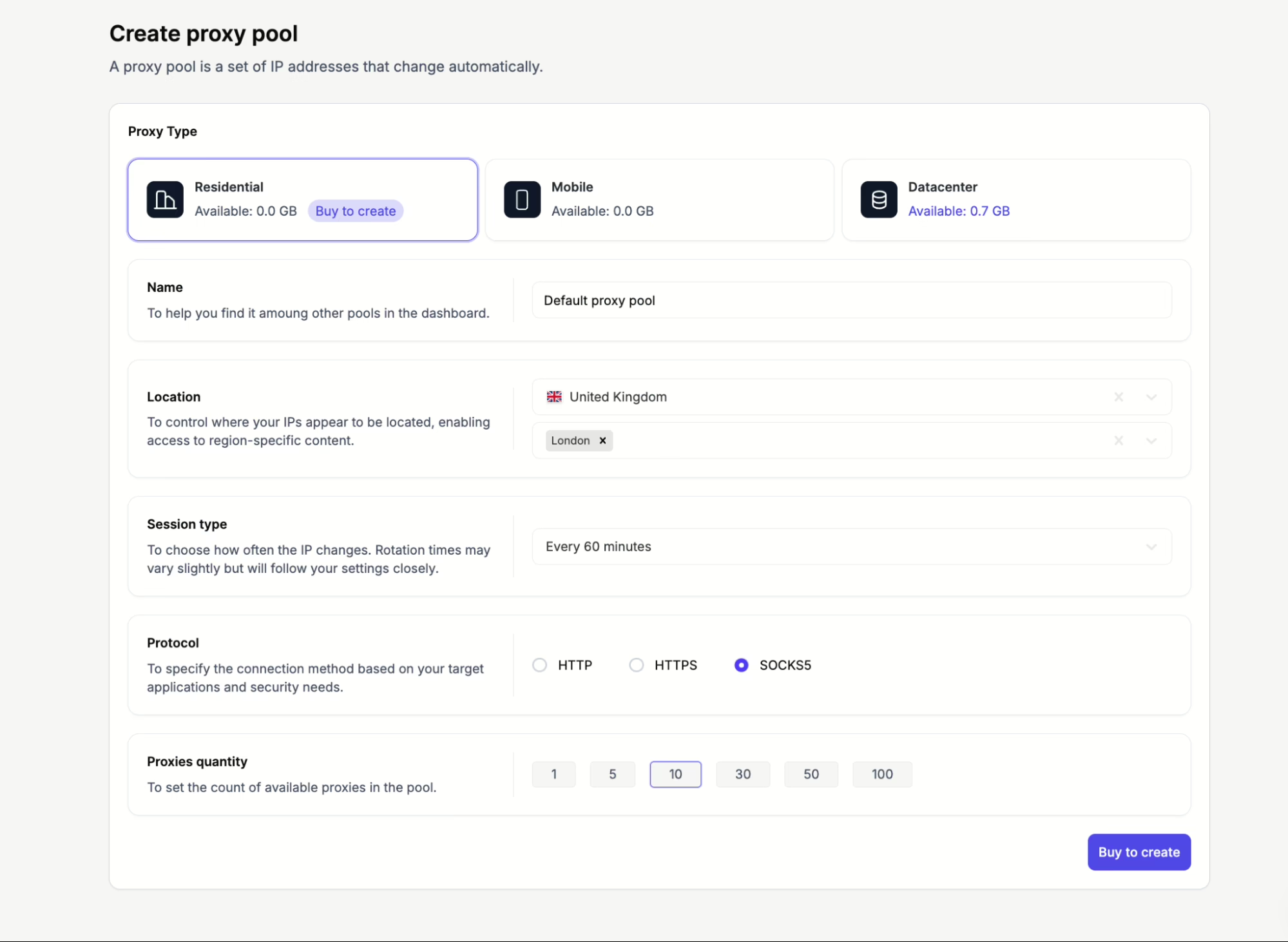
After that, choose a country where Viber is unrestricted. Once you have made your selections, click Create new proxy pool, and your proxies will be ready.
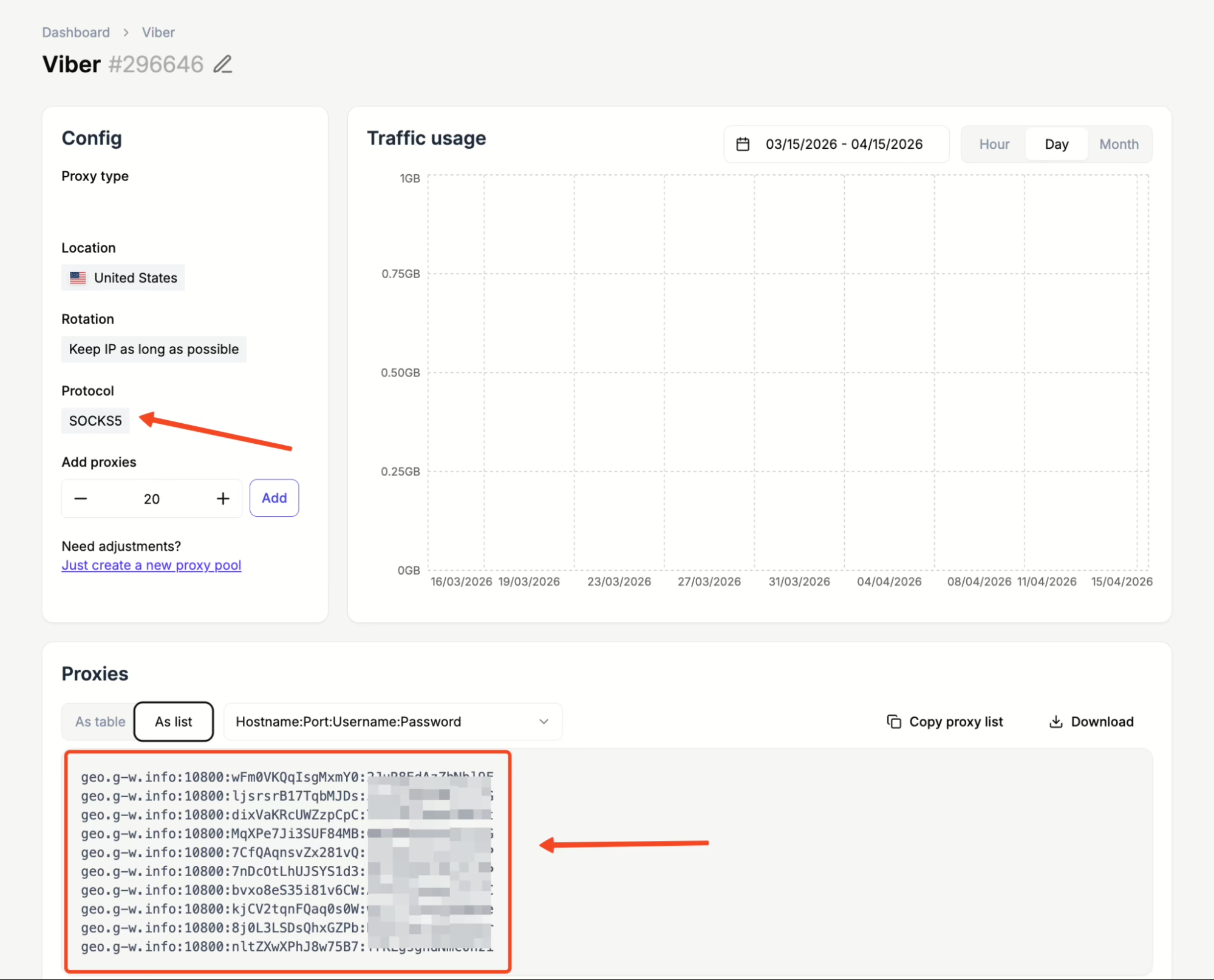
Floppydata will then provide the connection details you need, including the IP address, port, username, and password. Copy those details and paste them into Viber’s proxy settings on your device.
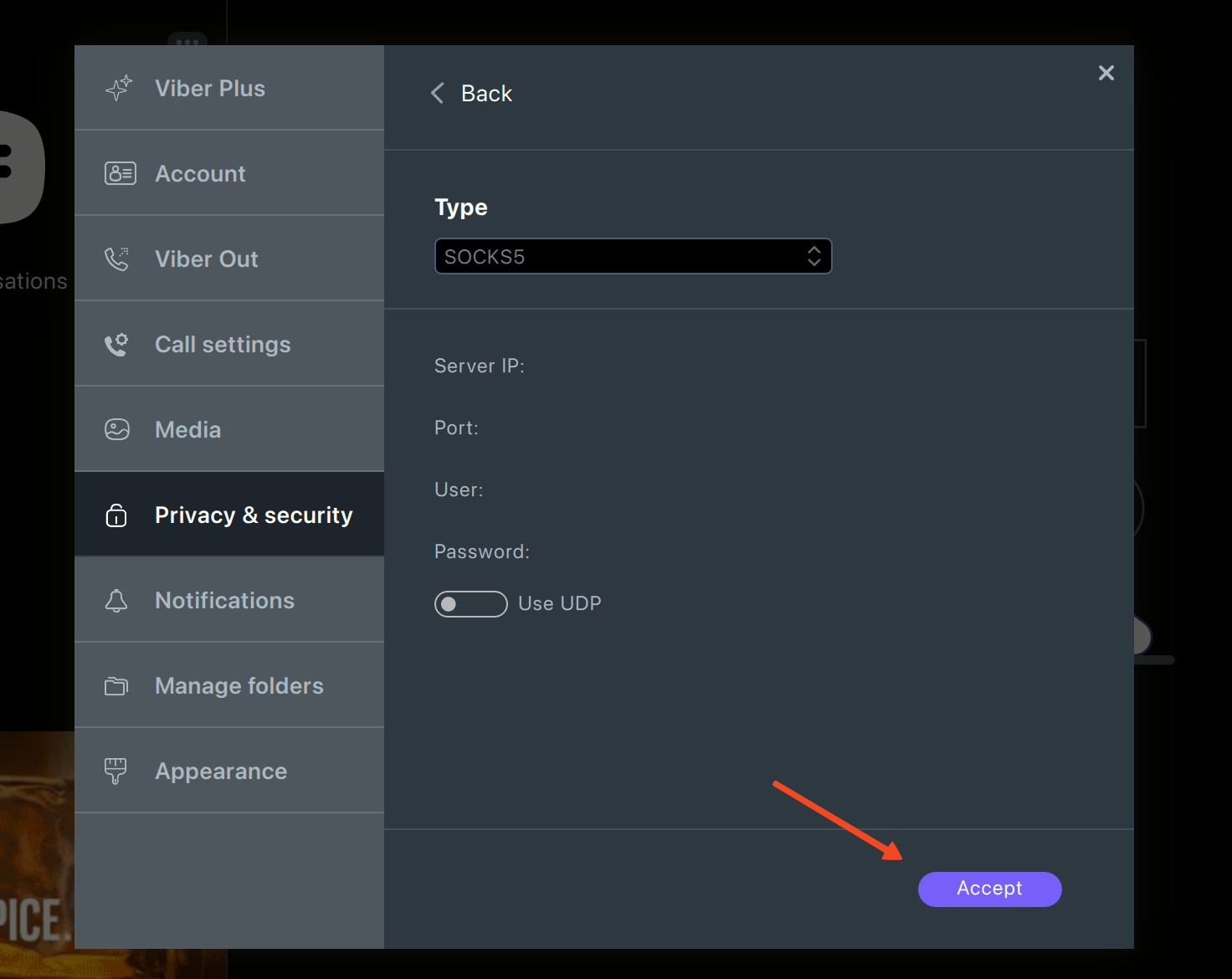
What I like about this method is that it gives you more direct control. Instead of rerouting your whole device through a VPN, you are just assigning a clean IP that Viber can use for its traffic.
Pros vs Cons
| Pros | Cons |
| No extra software is needed | Requires buying a proxy from a provider |
| Supports voice and video calls when UDP is enabled | The setup is slightly more technical than a VPN |
| Your IP is unique to you | Free proxies are unreliable and risky |
3. Use a VPN
A VPN routes your connection through a remote secure server, changes your IP address, and encrypts your connection. If Viber is blocked or restricted in your country, you can unblock it by connecting to a VPN server in a country where it’s available without restrictions. VPNs are still useful, but they are also the most obvious bypass tool, which means they are often the first thing restrictive networks and government firewalls look for.
Another thing I do not love is that many VPN services put you on shared IP addresses. This means you’re likely using the same exit IP as hundreds of other users and if that IP has already been flagged or abused, your connection can easily become unstable or fail
Pros vs Cons
| Pros | Cons |
| Widely available | Can be slower than proxies for voice and video calls |
| Encrypts all your internet traffic, not just Viber | VPN traffic is easier for some firewalls to detect |
| Useful for privacy beyond Viber | Shared IPs can get flagged or blacklisted |
| Good VPNs usually require a paid subscription |
How to unblock Viber in 1browser step by step
If I had to recommend just one method to start with, this would be it. 1browser is both an antidetect browser and a proxy browser, which means it not only protects your browsing fingerprint and gives you a more anonymous identity, but it also allows you to use its built-in proxies to change your IP address.
Let’s quickly see how we can set up 1browser in a few easy steps:
Step 1: Download 1browser and create your account
Head over to 1browser to download and install the app on your device. It supports mobile and desktop devices across all major systems.
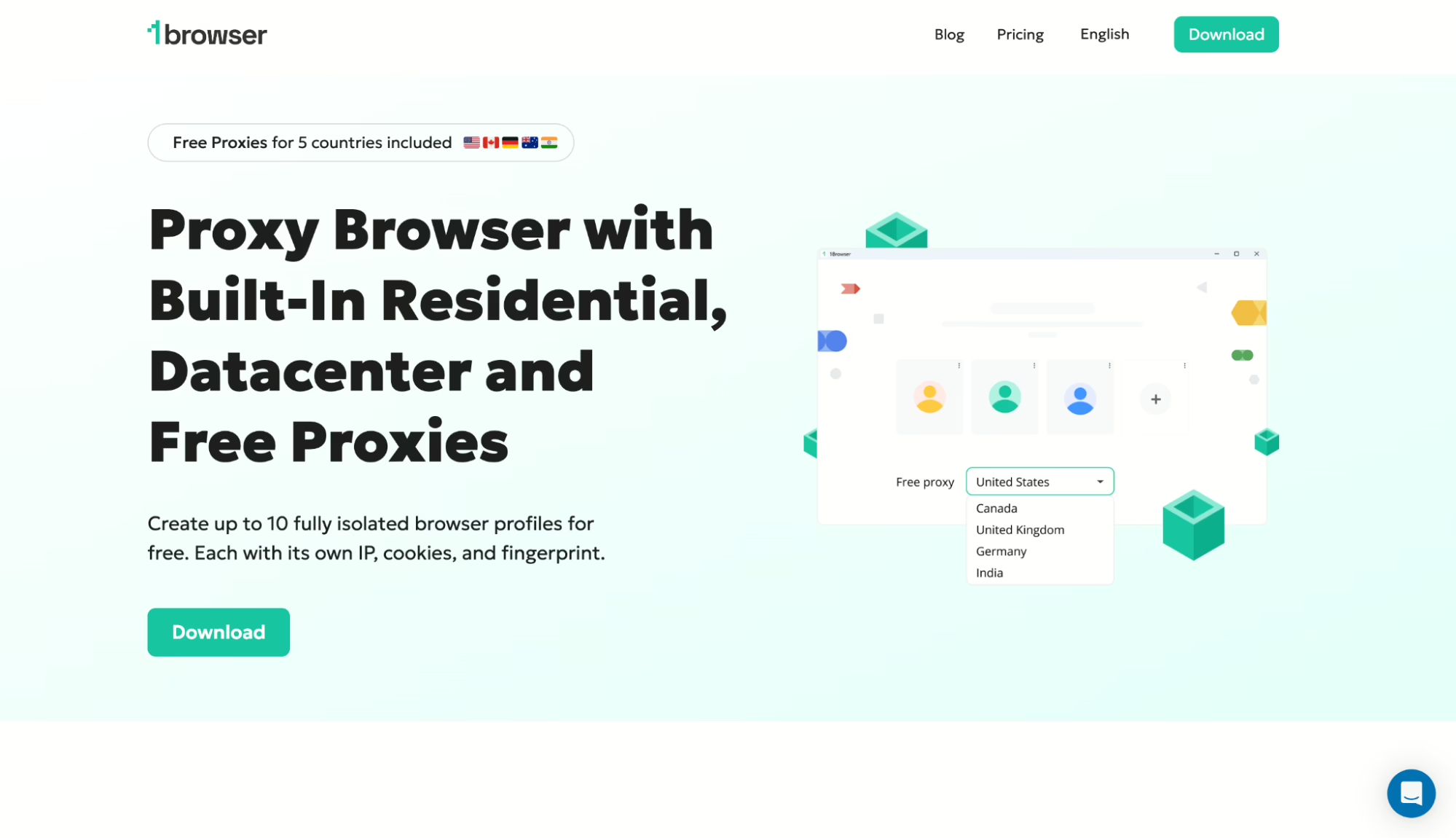
Once 1browser is installed, open it and create a free account. The free plan gives you 20 browser profiles and access to built-in proxies in 5 locations.
Step 2: Create a new browser profile
Next, launch the app, create a new browser profile and name it. The interface is very similar to a regular Chrome browser which makes for easier onboarding.
Step 3: Add a proxy to the profile
Inside the profile settings, select for the Proxy option. You can either use 1browser’s built-in proxies or use an external proxy. I want the quickest setup, so I’ll be using 1browser’s free proxies for this demo.
If you want to use an external proxy instead, just select “User proxy” and paste in your proxy details. This is the better option if you need a specific country or want a dedicated residential proxy.
Step 4: Launch the profile once the proxy connects
Once your proxy is set up, wait until you see the green Proxy connected message.
After that, click Run to launch the profile. At this point, your browser session should be using the proxy location you selected.
Step 6: Run your profile
With everything set up, open Viber and log in as you normally would.
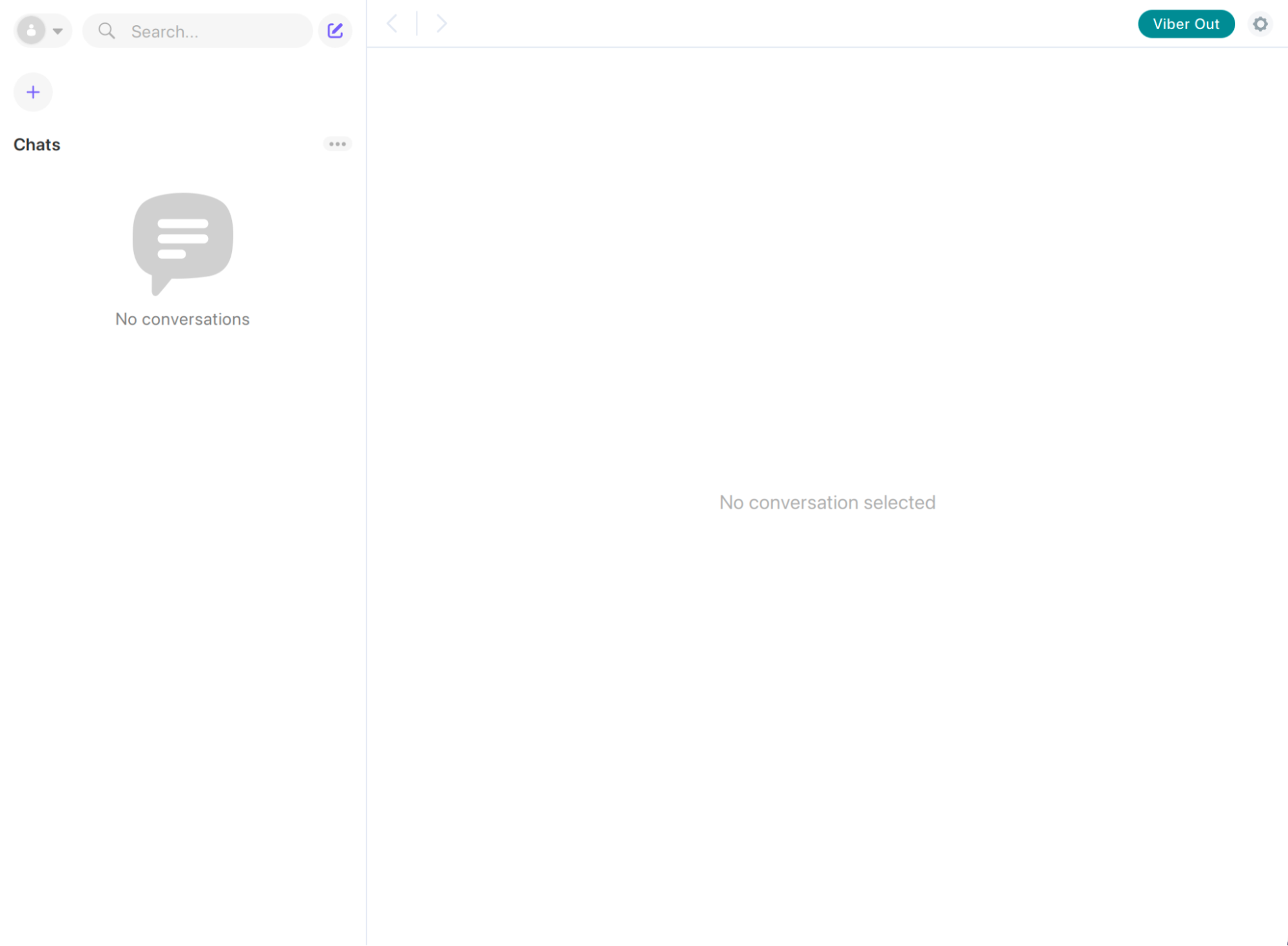
You should now be accessing Viber through your proxy browser rather than your original device network.
Honorable mention: Gologin
Since we’re still talking about antidetect browsers, I should mention Gologin as well as I think it deserves our honorable mention. Gologin is one of the more popular antidetect providers with over 350,000 active users and lots of solid features.
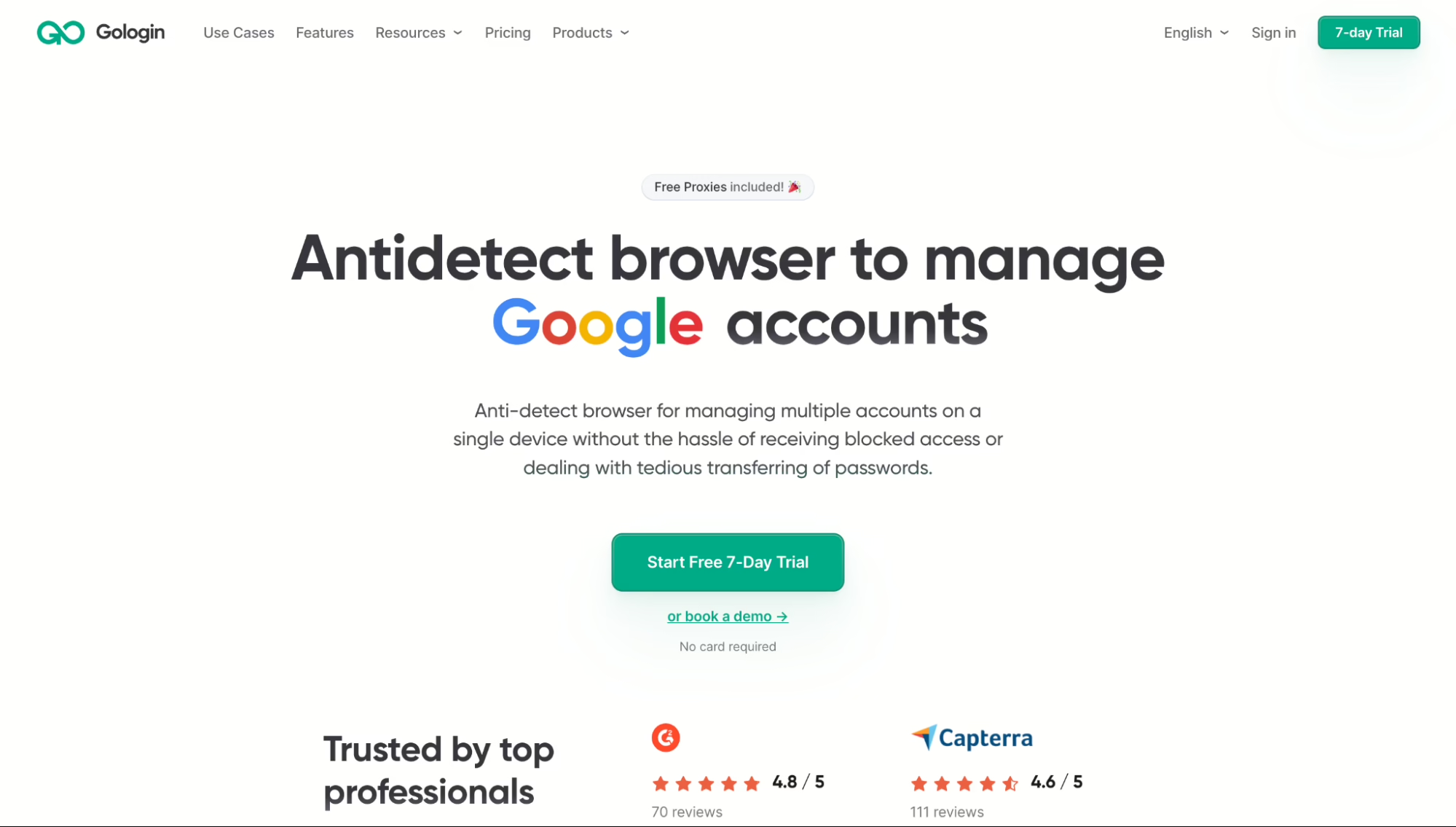
It also supports profile isolation and proxy integration, so it can help unblock Viber. However, I still think 1browser feels simpler and more familiar for a beginner. That said, Gologin is better suited for large-scale use and for agencies that run thousands of profiles or need team collaboration in the cloud.
Methods That Don’t Work Well for Viber
I would not be honest with you if I only covered the methods that worked. Here are the ones I tested that either failed completely or caused more problems than they solved.
Changing DNS settings
I tried switching to Google’s 8.8.8.8 and Cloudflare’s 1.1.1.1 DNS servers. In most cases, this does absolutely nothing for Viber DNS changes only help if the block is purely DNS-based, and that is rare as most countries use IP-level blocking or deep packet inspection to restrict Viber.
Tor Browser
Of course, I also tried accessing Viber through the Tor browser, and that connection was remarkably slow and unstable. Also, voice and video calls through Tor are basically out of the question. It didn’t take long to rule out Tor as a viable option, although many services block known Tor nodes outright anyway.
Free VPNs
I tested two well-known free VPN services, and one could not connect to Viber at all because its IP pool was already blacklisted. That is the biggest problem with free VPNs. Too many people are using the same IPs, which means those IPs are often blacklisted or blocked. Even when they do connect, the speeds are usually too poor for stable voice or video calls.
Final thoughts
After testing all the main options, my conclusion is pretty simple: if you want the easiest and most reliable way to unblock Viber, start with a proxy browser. For me, 1browser is much easier than using a regular browser with a proxy, and it avoids some of the biggest problems that come with VPNs, like shared IPs and easy detection.
VPNs still have their place, but they would not be my first choice for this specific task. At the end of the day, the best method depends on the restrictions and how much control you want over your setup. But if I had to point most people to one starting point, it would be 1browser.
FAQ
Is Viber blocked in every country?
No. Viber works normally in most countries. However, some countries block the app completely, while others only restrict voice and video calling features.
Can I unblock Viber without a VPN?
Yes. You can unblock Viber without a VPN by using a proxy browser like 1browser or by configuring a proxy directly inside the Viber app.
Does Viber support proxies?
Yes. Viber supports proxy protocols such as SOCKS5, Shadowsocks, GoQuiet, Cloak, and SSH. This means you can manually add proxy details inside the app.
Is it legal to unblock Viber?
That depends on your local laws and regulations. It is important to check the rules in your location before proceeding.