Epic Privacy Browser Alternatives and Competitors 2026

I used Epic on and off for over a year. Recommended it to people, told friends about it, the whole thing. It’s private by default, blocks trackers, and has a proxy built in. For a while I genuinely thought it was the best privacy browser you could get without going full Tor.
Then the cracks started showing. The proxy covers seven countries and the speeds are mediocre at best. Their blog hasn’t been updated since 2023 which is never a good sign. No multiple profiles, limited extensions because they stripped most of the Chrome Web Store out for security reasons. Which is ok, fair, but that also means I can’t use half my workflow tools. And I found out recently they removed the built-in VPN entirely, citing costs.
So I started testing Epic Privacy Browser alternatives. I tried twelve of them over a few months. Here’s what I found.
Comparison Table — Sites Like Epic Privacy Browser
| Tool | Type | Built-in Proxy | Multi Profiles | Free Plan |
| 1Browser | Antidetect | ✅ Yes (5 countries) | ✅ Yes (10) | ✅ Yes |
| Gologin | Antidetect | ✅ Yes (shared pool) | ✅ Yes | ✅ Yes (3) |
| Brave | Privacy browser | ❌ No | ❌ No | ✅ Yes |
| Tor | Privacy browser | Onion routing | ❌ No | ✅ Yes |
| Vivaldi | Browser | ❌ No | ❌ No | ✅ Yes |
| Firefox | Browser | ❌ No | Containers | ✅ Yes |
| Mullvad Browser | Privacy browser | ❌ No | ❌ No | ✅ Yes |
| LibreWolf | Privacy browser | ❌ No | ❌ No | ✅ Yes |
| Ungoogled Chromium | Browser | ❌ No | ❌ No | ✅ Yes |
| DuckDuckGo | Browser | ❌ No | ❌ No | ✅ Yes |
| Opera | Browser | ✅ Yes (limited) | ❌ No | ✅ Yes |
| Multilogin | Antidetect | ✅ Yes (paid) | ✅ Yes | ❌ No |
12 Best Epic Privacy Browser Alternatives
1. 1Browser
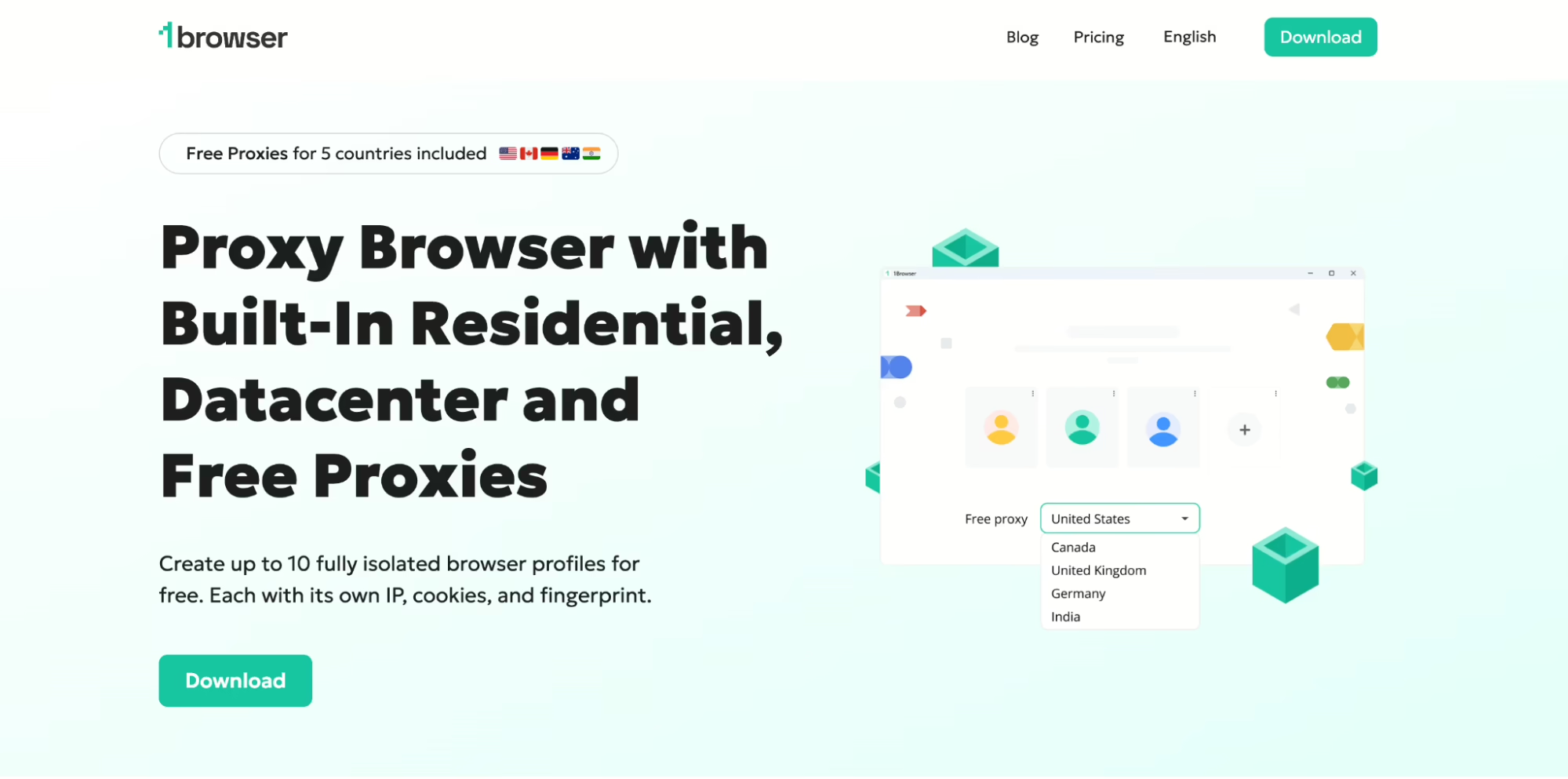
This is the one I switched to. 1Browser is an antidetect browser, which basically means Chrome with proxy and fingerprint management built in. Every profile gets its own fingerprint, its own cookies, its own proxy. To websites each profile looks like a different person on a different machine.
Why it’s better then Epic: proxies in 5 countries free plus 500 MB datacenter, 10 browser profiles you can run at once, and fingerprint randomization per profile. Epic gives you one browser and one identity. 1Browser gives you ten. That’s the feature. I ran all profiles through PixelScan and they came back clean which I was not expecting from a free tool.
The proxy setup is dead simple too. You pick a country in the profile settings and that’s it, it’s already configured. I didn’t have to paste credentials or buy anything from a third party provider. For someone coming from Epic where the proxy was also built in, this is the closest experience except with way more countries and actual profile separation on top.
2. Gologin
The other big antidetect browser. Gologins cloud profiles are the standout, you can start a session on your desktop and continue it on a laptop without transferring files. Their Orbita engine works well. I used it for about a month.
The issue: shared proxy pool. Everyone on the platform uses the same IPs. I saw repeats across my own profiles which defeats the purpose. Paid starts at $24/mo, free gives you 3 profiles. As an Epic Privacy Browser competitor it is solid but the shared proxies are a real weakness compared to 1Browser.
Where Gologin does have an edge is the cloud infrastructure. If you work from multiple devices and hate redoing setups, the fact that profiles live on their servers and sync across machines is genuinely convenient. I just wish the proxy situation was better because everything else about it is fine.
3. Brave
First thing people try when searching for Epic Privacy Browser alternatives. Blocks ads and trackers by default, Tor integration in private windows, fast. But no proxy, no profile separation, no fingerprint control. Great for daily browsing, not enough if you need what antidetect browsers offer.
I will say the ad blocker is probably the best of any browser I’ve tested. Pages load noticeably faster than Chrome because it’s not downloading tracking junk. And unlike Epic, Brave has a massive user base so it gets updated constantly and sites almost never break. If privacy during normal browsing is all you care about, Brave is the easiest switch.
4. Tor Browser
The best option for pure anonymity, nothing else comes close. Traffic bounces through three nodes, aggressive fingerprint protection. The tradeoff is everything takes 5-10 seconds to load, videos don’t work, and lots of sites throw CAPTCHAs at you constantly. I keep it around for specific situations but using it daily is honestly miserable.
Also worth mentioning that some countries block Tor entry nodes now so you need bridges to even connect. The Tor Project knows about this and they have workarounds but it’s another step in an already annoying setup. If Epic’s simplicity was what you liked about it, Tor is the opposite end of that spectrum.
5. Vivaldi
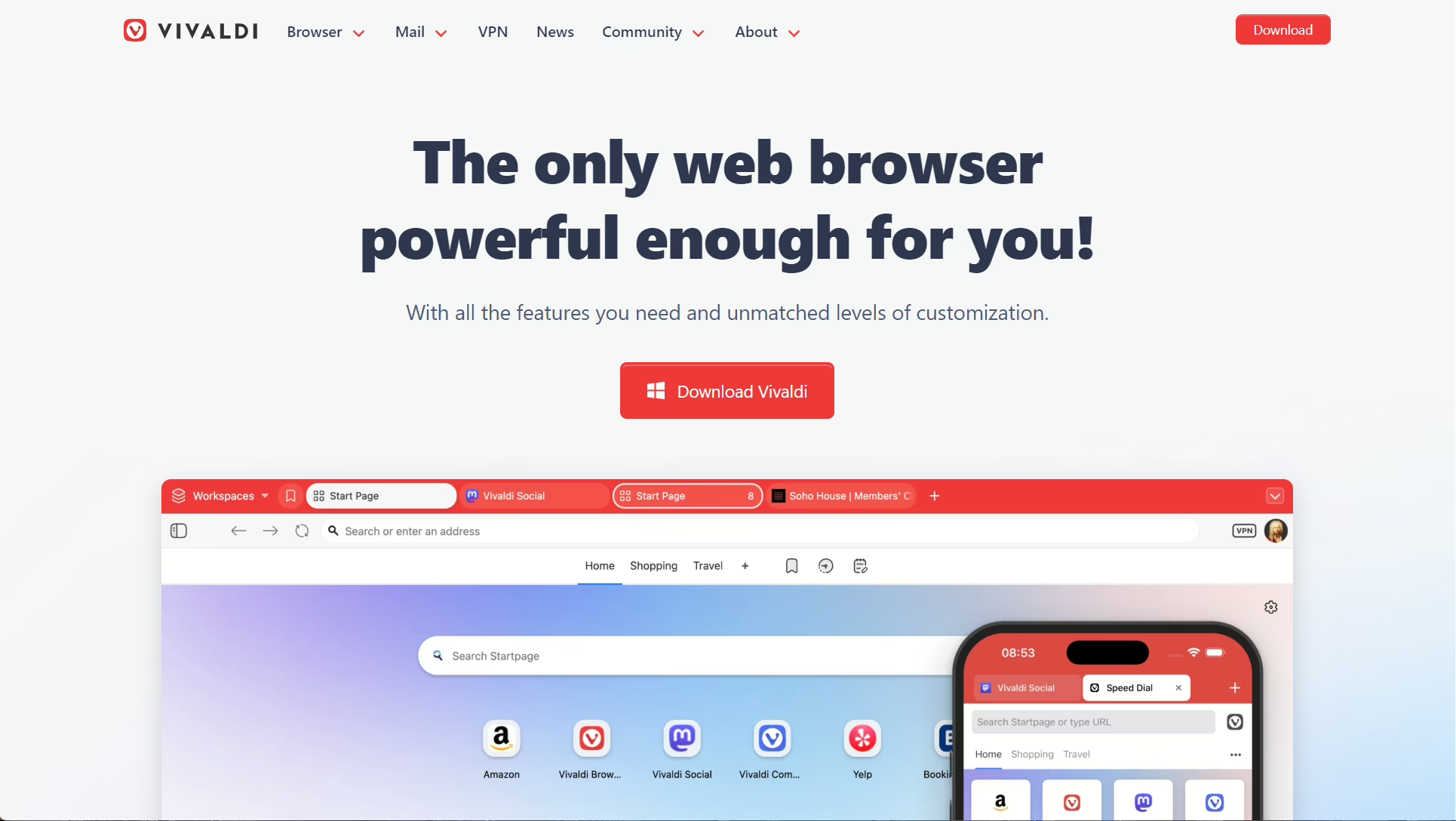
Vivaldi is for people who want to customize literally everything. Great tab management, built-in mail client, solid tracker blocking. As an analog to Epic Privacy Browser it’s decent for daily use but there’s no proxy, no profiles, no fingerprint management.
What I liked about Vivaldi that I didn’t expect was the tab stacking. You can group tabs visually and even tile them side by side in the same window. If you’re the kind of person who has 40 tabs open at once, and I am that person, this is a lifesaver. But again, no proxy, no identity separation. It’s a power user browser not a privacy tool.
6. Firefox with Containers
Multi-Account Containers give you some profile isolation within Firefox. Combine that with uBlock Origin and some about:config tweaks and you get a reasonably private setup. But it takes work. Epic and 1Browser are private out of the box. Firefox requires configuration and even then there’s no proxy or fingerprint spoofing.
I actually used Firefox as my main browser for years before I found Epic. The container feature is clever but it’s not real profile isolation. Cookies are separated but the fingerprint is the same across all containers. A website can still identify you as the same person in different containers through canvas fingerprinting or WebGL hashes. For casual separation it’s fine. For actual privacy between identities, it’s not enough.
7. Mullvad Browser
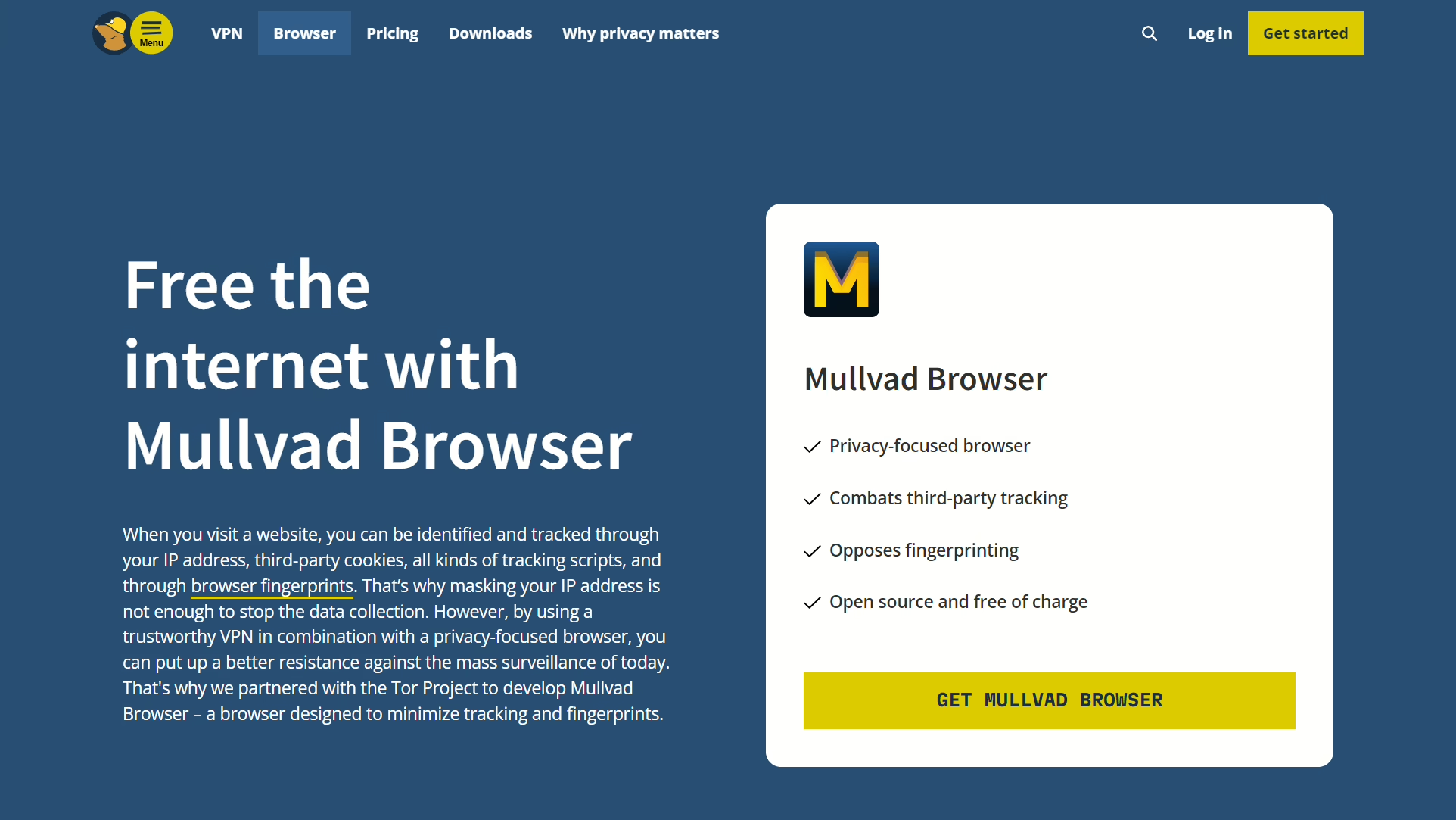
Built by the Tor Project and Mullvad VPN together. Same anti-fingerprinting as Tor but at normal speeds because it doesn’t route through the onion network. The approach is different, instead of randomizing fingerprints it makes every user look identical. No built-in proxy though so you need Mullvad VPN ($5/mo) or another VPN to actually hide your IP.
The fingerprint uniformity approach is interesting. Instead of trying to look unique you look the same as every other Mullvad user. If everyone has the same fingerprint there’s nothing to track. Works well but no built-in proxy means you’re still paying for a VPN separately, which Epic at least included for free.
8. LibreWolf
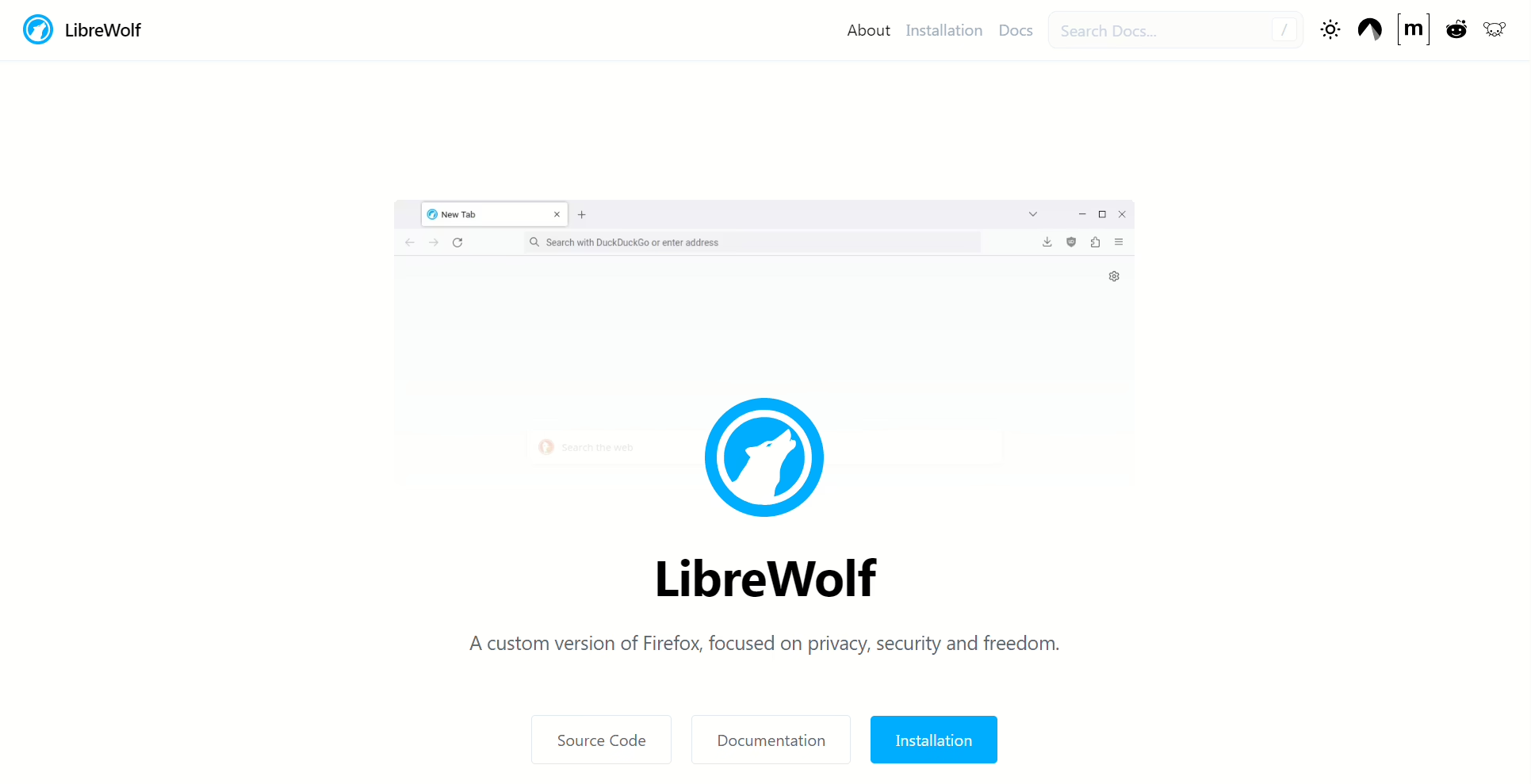
I wanted to like LibreWolf more than I did. The idea is great — take Firefox, rip out all the Mozilla telemetry, set every privacy setting to maximum, ship it like that. No Pocket, no sponsored tiles on the new tab page, no usage data going back to Mozilla. It’s what Firefox should be if Mozilla didn’t need ad revenue to survive.
But after two weeks I realized it’s just Firefox with different defaults. Same Gecko engine, same extensions, same sites break the same way. Updates come a bit later than Firefox proper because a small team has to review and repackage everything, which means security patches arrive slower. Weird tradeoff for a browser that’s supposed to be more secure. No proxy, no profiles, no fingerprint management.
9. Ungoogled Chromium
This is for people who like Chrome but hate Google, which is a lot of people. They took Chromium and removed every Google service. No sync, no safe browsing pings, no background connections. When you open it there’s no login prompt, no suggested articles, nothing. Just a browser.
The extension situation is the pain point. Chrome Web Store doesn’t work natively so you download .crx files and install them yourself. There’s a helper extension that makes it easier but the first time I tried installing uBlock this way I spent like 20 minutes figuring out why it wasn’t loading. Turns out I had the wrong version. Anyway, As an Epic Privacy Browser alternative it’s similar in spirit — both strip things out for privacy — but no proxy, no profile isolation, no fingerprint stuff.
10. DuckDuckGo Browser
Started as a search engine, now has a browser. On mobile it’s actually quite good, the fire button that wipes everything is nice. The desktop version is still playing catch-up. Similar website to Epic Privacy Browser in philosophy — both prioritize simplicity — but there’s no proxy and no profile management at all.
The email protection feature is worth mentioning though. DuckDuckGo gives you a @duck.com email address that strips trackers from incoming emails before forwarding them. None of the other browsers on this list do anything like that. It’s a small thing but I still use it even though I switched browsers.
11. Opera
Has a built-in “VPN” which is technically a proxy not a real VPN. It’s free and integrated which is convenient. Ad blocker works fine. But Opera was acquired by a Chinese consortium back in 2016 and the privacy reputation has taken hits since. As an Epic Privacy Browser alternative it works functionally but if privacy is the reason you’re switching, that’s worth thinking about. No fingerprint management, no profiles.
Opera also has this sidebar with built-in messaging apps — Telegram, WhatsApp, Messenger, all accessible without opening a separate tab. For productivity it’s nice but from a privacy standpoint having Facebook Messenger built into your browser is kind of the opposite of what you want. Mixed signals from a browser that markets itself as having a VPN.
12. Multilogin
Enterprise-grade antidetect browser. Two engine options (Mimic and Stealthfox), cloud profiles, team features, API access. Plans start around €99/mo which puts it way out of range for individuals looking for an Epic Privacy Browser alternative. For agencies running hundreds of accounts it’s worth it. For everyone else 1Browsers free plan does 90% of the same thing.
The API is what justifies the price. You can automate profile creation, launch browsers programmatically, integrate with Selenium or Playwright. If you’re building automation workflows this is the tool. But if you just googled “Epic Privacy Browser alternatives” because you want a better private browser, this is not what you’re looking for.
Which Epic Privacy Browser Alternative Should You Pick?
- Need proxies + profiles + fingerprinting in one tool, for free: 1Browser. Best all-around replacement.
- Need cloud profiles and team collaboration: Gologin or Multilogin.
- Just want a fast private browser for normal use: Brave or Vivaldi.
- Maximum anonymity, speed doesn’t matter: Tor or Mullvad Browser.
- Open source, no telemetry: LibreWolf or Ungoogled Chromium.
- Mobile privacy: DuckDuckGo.
For most people who are outgrowing Epic, 1Browser is the move. It’s the only free option that does proxies, multiple profiles, and fingerprint control. Everything Epic does and the stuff it doesn’t.