Best Antidetect Browser for Russia in 2026

I moved to Russia for work in late 2024 and within about two weeks I realized the internet situation here is significantly worse than anything I’d imagined. Instagram has been blocked since 2022. Facebook gone. Twitter gone. YouTube throttled so hard it takes four minutes to load a 30 second video.
LinkedIn has been dead since 2016. Discord blocked. WhatsApp calls stopped working in early 2025 and now the whole app is unreliable. Telegram started getting restricted in early 2026 and there’s talk of a full block coming soon.
My first move was VPNs, same as everyone else. Had three paid ones. By March 2026 none of them could hold a connection for more than a few minutes.
Roskomnadzor confirmed they’ve blocked over 460 VPN services and they’re not just blocking apps anymore, they’re blocking VPN protocols at the network level using the TSPU deep packet inspection system.
That was when I started looking into antidetect browsers in Russia as an alternative. Turns out they work better than VPNs here and I want to explain why.
How I Tested These Browsers
I downloaded and used every browser on this list from my apartment in Moscow over the past eight months. Some I used for a few days, some for weeks, 1Browser and Gologin I used for months. I wasn’t doing this as a formal review, I was just trying to find something that worked. The criteria ended up being pretty simple because the situation here doesn’t leave room for nice-to-haves:
- Does it actually bypass Russian blocks? I tested each browser against Instagram, YouTube, Twitter and Discord from my home connection. If it couldn’t load all four consistently over a week of daily use it was out.
- Connection reliability. VPNs kept dropping on me so this was the big one. If a browser failed to connect even once during a workday I noted it. Some of them had intermittent issues that only showed up after a few days.
- Speed. I ran basic speed tests through each browser and compared to my raw connection. Also did a Google Meet call through each one because that’s my real-world benchmark for usability.
- Fingerprint quality. I ran every browser profile through PixelScan and BrowserLeaks to check for fingerprint leaks. If the timezone, language or WebGL hash did not match the proxy country the profile was misconfigured.
- Ease of setup. Some of these tools took me five minutes to get running, others took an afternoon. For someone in Russia who just needs internet access today that matters a lot.
I also checked if each tool has a Russian language interface and whether the company has any known issues operating in or shipping to Russia. A couple of these browsers have had payment processing problems with Russian cards which is worth knowing upfront.
Quick Comparison – Best Antidetect Browsers for Russia
| Tool | Built-in Proxy | Free Profiles | Russia Friendly | Cloud Profiles | Price |
| 1Browser | ✅ Yes (5 countries) | 10 | ✅ Yes | ❌ No | Free / $9 mo |
| Gologin | ✅ Yes (shared) | 3 | ✅ Yes | ✅ Yes | Free / $24 mo |
| Dolphin Anty | ❌ No | 10 | ✅ Yes | ❌ No | Free / $89 mo |
| AdsPower | ❌ No | 5 | ✅ Yes | ✅ Yes | Free / $9 mo |
| Multilogin | ✅ Yes (paid) | 0 | ✅ Yes | ✅ Yes | €99 mo |
| Incogniton | ❌ No | 10 | ✅ Yes | ❌ No | Free / $30 mo |
| Octo Browser | ❌ No | 0 | Partial | ✅ Yes | €29 mo |
| Undetectable | ❌ No | 5 | ✅ Yes | ✅ Yes | Free / $49 mo |
Why Antidetect Browsers Work Better Than VPNs in Russia
This is the thing that took me a while to understand. VPNs create a tunnel with a specific protocol signature. Doesn’t matter if it’s OpenVPN, WireGuard, IKEv2, whatever.
The TSPU system that Roskomnadzor deployed on all major Russian ISPs can identify these protocols through deep packet inspection and block them. It’s like putting a neon sign on your traffic that says “this is a VPN.” That’s why they keep getting blocked.
Anti-detect browsers work differently. They route each browser profile through a proxy, and proxy traffic looks like normal HTTPS. Just a person visiting a website. The TSPU system has nothing to flag because there’s no VPN protocol signature.
On top of that, antidetect browsers handle the fingerprint problem that VPNs don’t even try to solve. If your IP says Germany but your browser timezone says Moscow and your system language is ru-RU, platforms notice. Anti-fingerprinting Russia tools like antidetect browsers fix all of that by giving each profile its own complete identity.
I switched from VPN to an antidetect browser for Russians about eight months ago and haven’t had a connection failure since. Not one.
8 Best Antidetect Browsers in Russia for 2026
1. 1Browser – Best Overall
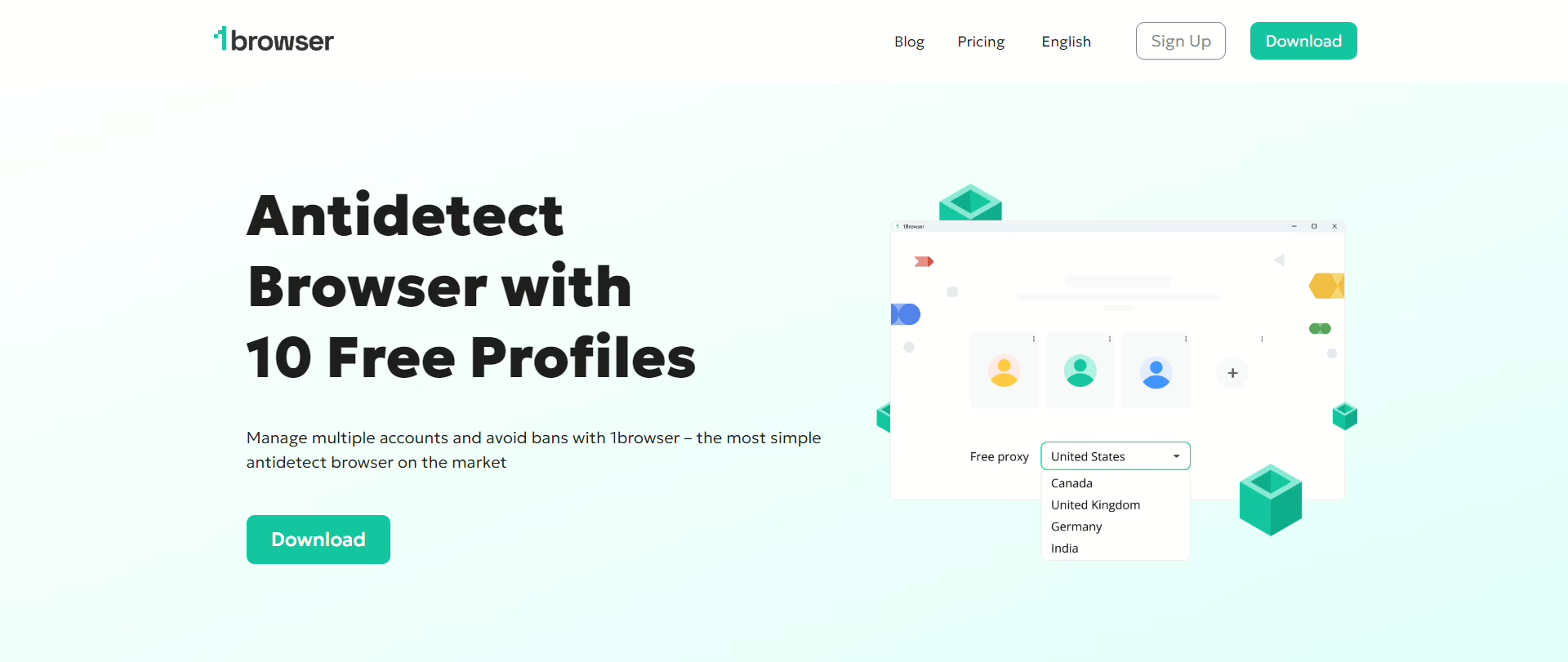
This is the one I use every day and it’s the reason I was able to stop thinking about internet access as a problem. 1Browser is Chromium-based so it looks and feels exactly like Chrome.
Extensions work, password managers work, bookmarks sync. You create a profile, pick a proxy country, hit launch. That’s it. A Chrome window opens and everything that’s blocked in Russia just loads.
The proxies come included on the free plan. Five countries: US, Canada, Germany, Australia, India. Plus 500 MB of datacenter. I ran all five through PixelScan and they came back clean which I was genuinely not expecting from a free tool.
Each profile gets its own fingerprint, cookies, timezone, language, proxy. To the websites you visit each profile is a completely different person. I have seven profiles running for different platforms and haven’t been flagged once since September.
Free plan: 10 profiles, 5 proxy countries, no card. Paid is $9/mo for 100+ locations. I stayed on free for four months before upgrading because I needed a Swedish proxy for something specific. For the best antidetect browser in Russia right now this is my pick and it’s not close.
2. Gologin
Gologin is the second best option and it’s the one I used before switching to 1Browser. Their Orbita engine works well, no flags on any platforms I tested. The cloud profiles are the standout feature, you can open a session on your desktop at work and continue it on your laptop at home without redoing anything. I genuinely liked that. The app is available in Russian which matters for people here who don’t read English well.
What made me switch was the proxy pool. It’s shared between all users. I ran two profiles simultaneously and one of them got assigned an IP my other profile had used the day before.
In Russia where Roskomnadzor is specifically building systems to detect circumvention patterns, shared IPs are a real risk. Paid starts at $24/mo, free gives you 3 profiles versus 1Browsers 10.
3. Dolphin Anty
Dolphin Anty is popular in Russian-speaking markets, the interface is available in Russian and a lot of the user community is on Russian Telegram groups. The free plan gives you 10 profiles which is generous.
The automation features are strong if you do media buying or run campaigns across multiple ad accounts. I tried it for about three weeks and the browser profiles worked fine.
No built-in proxies though. You have to bring your own, which means buying from a separate provider and configuring them manually.
For someone who just wants to unblock restricted websites in Russia without dealing with proxy credentials, that’s a friction point. The paid plans also jump to $89/mo for 100 profiles which is steep compared to what else is available.
4. AdsPower
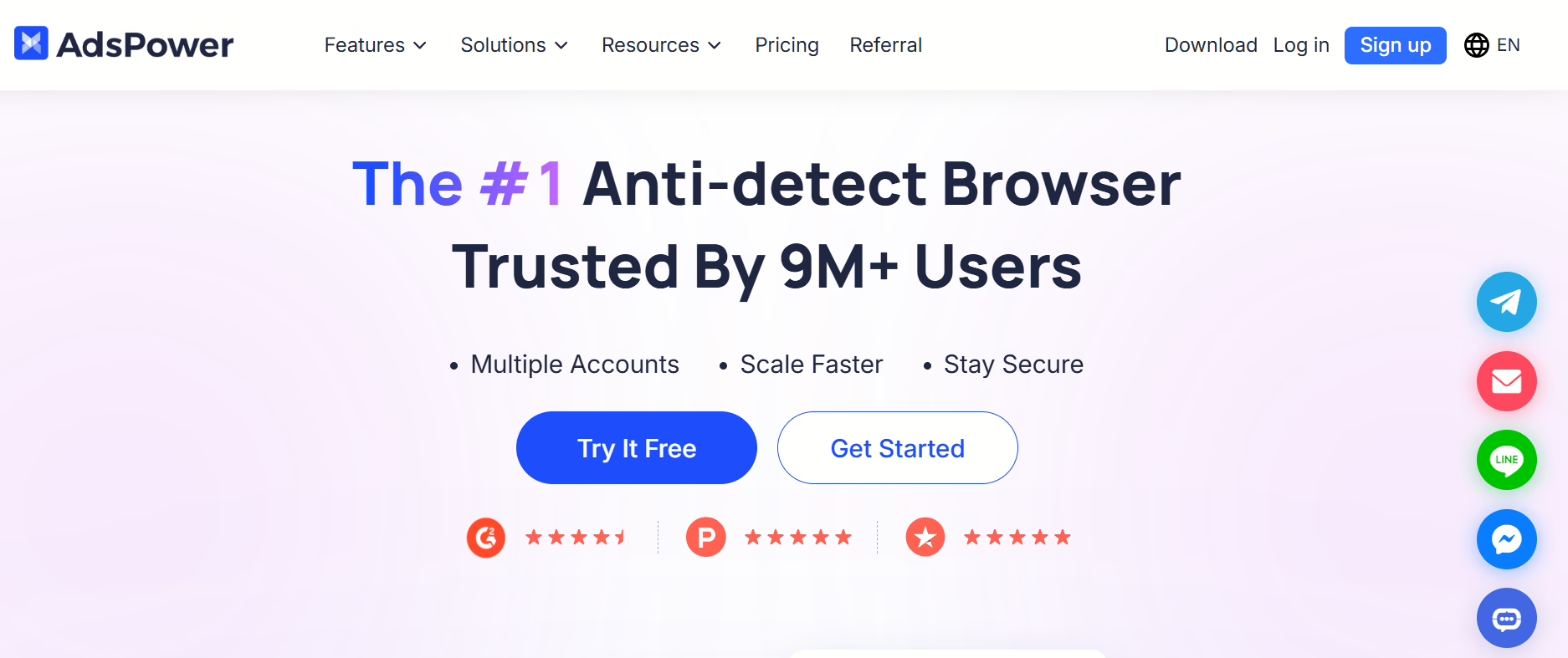
Another one that’s big in Russian affiliate and ecommerce circles. Two browser engines to choose from, Sun Browser which is Chromium-based and Flower Browser which is Firefox-based.
The RPA automation is useful for repetitive tasks across Ozon and Wildberries storefronts. The free plan gives you 5 profiles. The interface is available in Russian.
Same issue as Dolphin though, no built-in proxies. You need your own. And I found the UI a bit overwhelming when I first opened it, there’s a lot going on. For a pure antidetect browser for Russians use cases like just accessing blocked sites is more tool then you need.
5. Multilogin
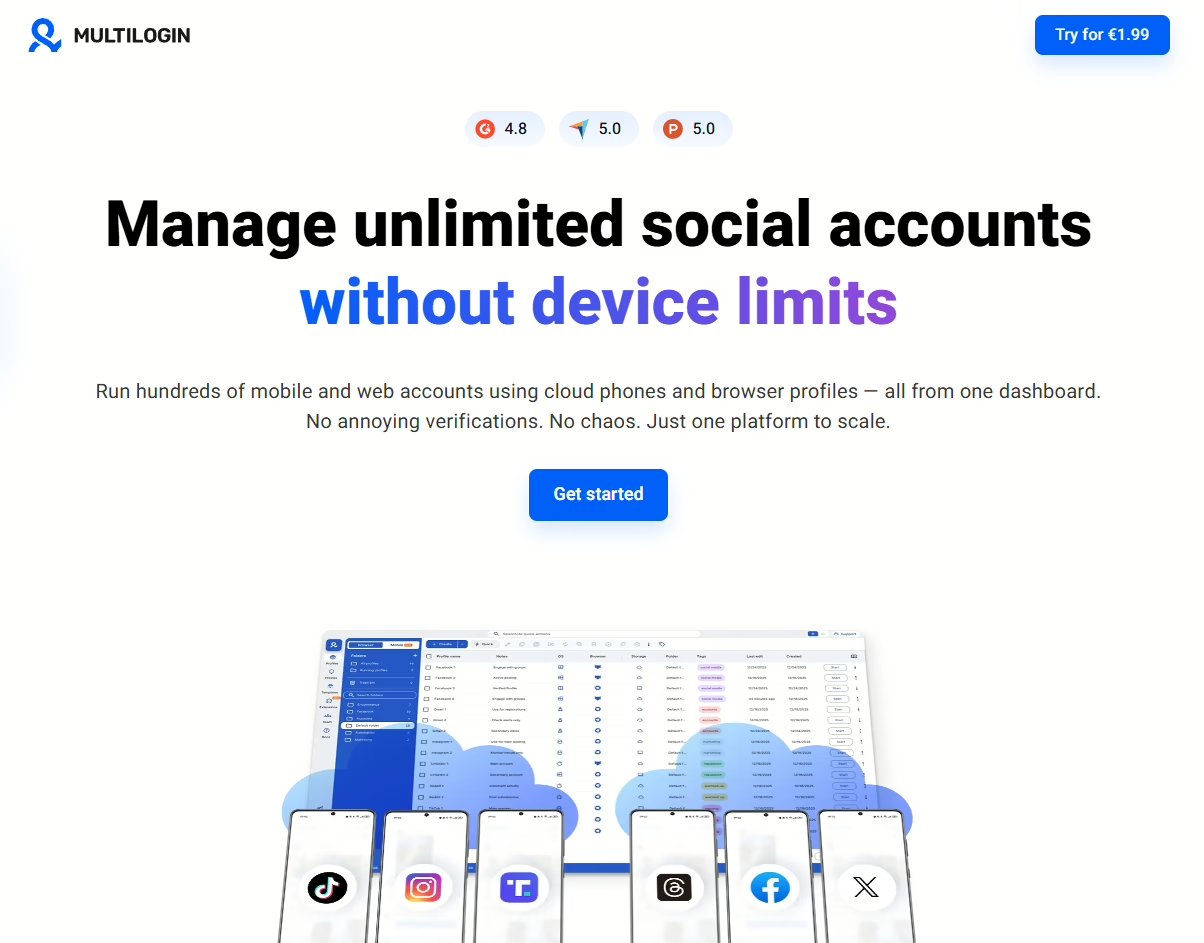
Enterprise option. Two engines, Mimic and Stealthfox. Cloud profiles, team management, API access. If you run a large operation with hundreds of accounts across a team, Multilogin is probably the right tool.
But plans start at €99/mo with no free tier which puts it out of range for most individuals in Russia just trying to access Instagram. The fingerprint quality is excellent though, best I’ve tested if you don’t count 1Browser.
6. Incogniton
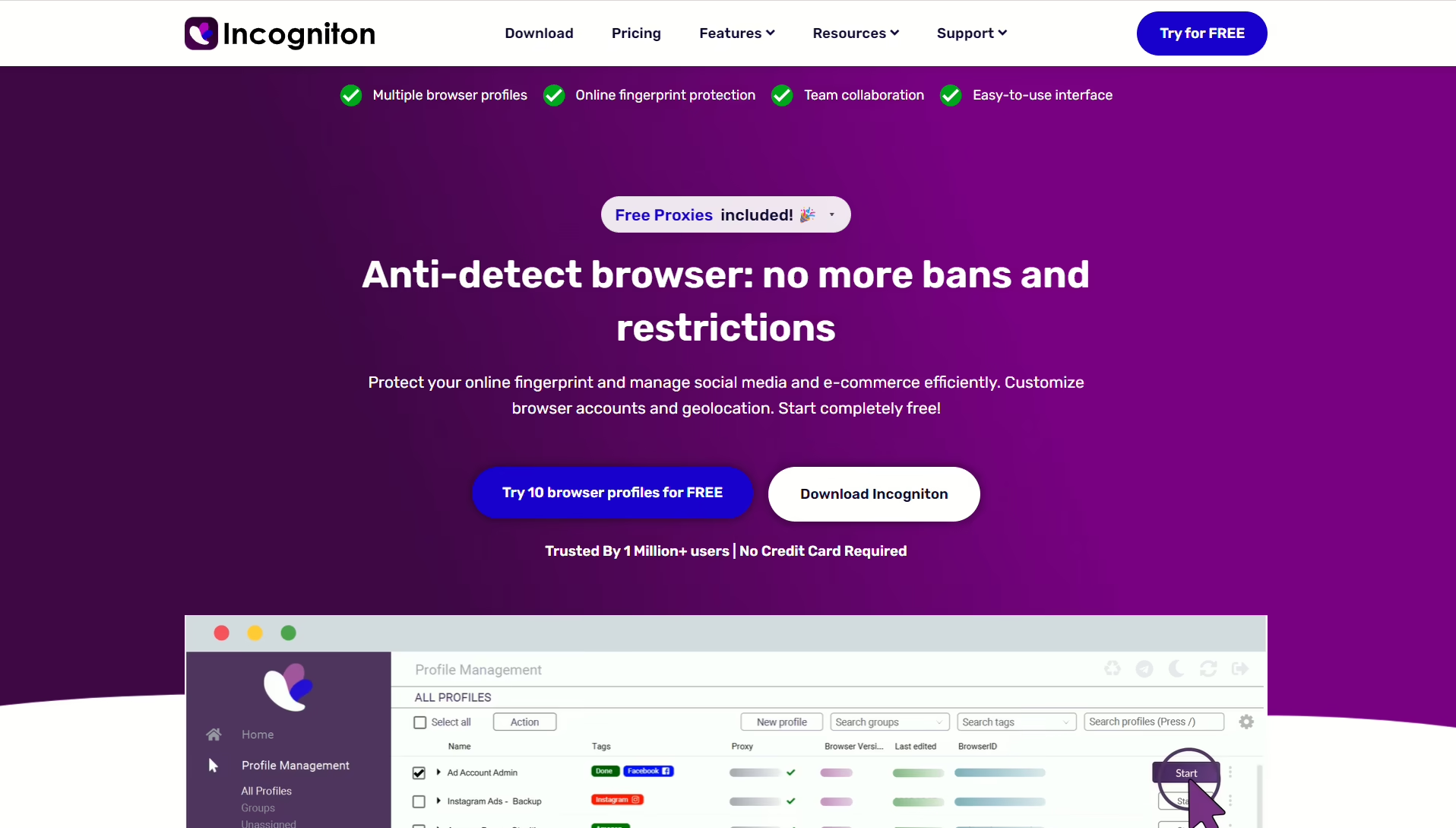
Incogniton gives you 10 free profiles and the Selenium and Puppeteer integration is useful if you do browser automation. I tested it for a couple weeks and the fingerprint consistency was good.
The synchronizer feature that lets multiple profiles paste the same data simultaneously is interesting for specific workflows. No built-in proxy. The interface is English only which limits accessibility for Russian users.
7. Octo Browser
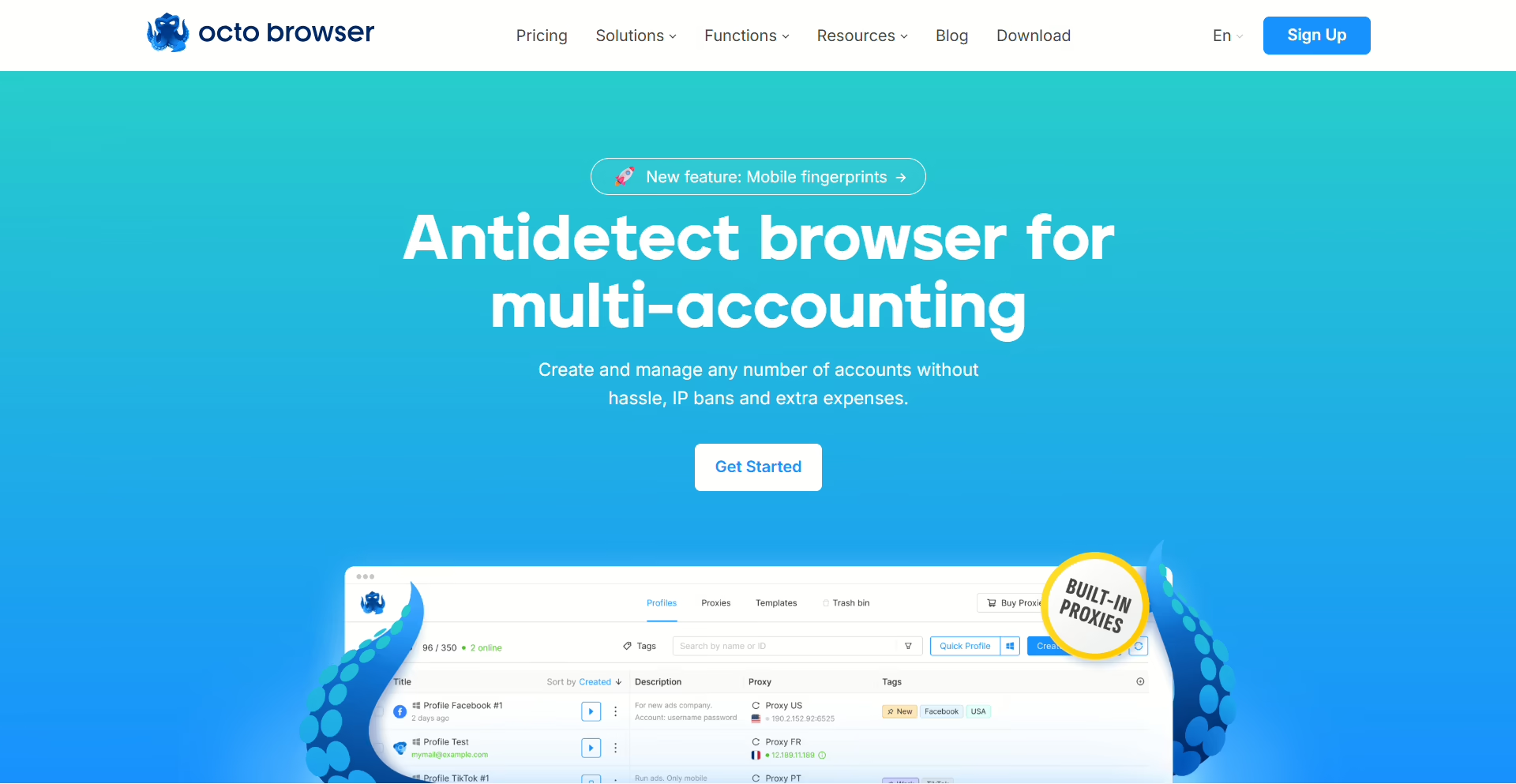
No free plan which is a negative right away. Starts at €29/mo. The kernel-level fingerprint management is technically impressive, they modify Chromium at the engine level rather than layering on top.
Cookie import works well, I tested it with exported sessions from regular Chrome and everything transferred cleanly. The issue for Russia specifically is that their proxy integration doesn’t include any built-in options, you configure your own. And the team behind it is less transparent about their company structure than I’d like.
8. Undetectable
Undetectable gives you 5 free profiles with unlimited local profiles which is a unique offering. Cloud profiles require payment. The config import from other antidetect browsers is convenient if you’re migrating from another tool.
I used it briefly and the fingerprint quality was decent. No built-in proxy. The interface has Russian language support. For antidetect browsers in Russia it’s a solid budget option but the proxy situation means extra setup.
How to Choose the Best Antidetect Browser in Russia
People in the expat Telegram group ask me this like once a week now so I’ll just put it here. It depends on what you’re actually trying to do:
- You just want Instagram and YouTube back and you don’t want to configure anything: 1Browser. Proxies are already in there, 10 profiles free, you open it and things work. I set my mom up with this when she visited and she figured it out in about two minutes. She doesn’t know what a proxy is.
- You work from a laptop and a desktop and need the same sessions on both: Gologin. Cloud profiles are the real selling point. The shared proxy pool is a problem but if you bring your own proxies it’s fine.
- You do media buying or manage ad accounts for clients: Dolphin Anty or AdsPower. Both have automation that the others don’t. Dolphin is bigger in Russian Telegram communities if that matters to you.
- You run an agency with a team: Multilogin. Expensive but nothing else has the team management and API at that level.
- You want free profiles and plan to add your own proxies anyway: Incogniton or Undetectable. Both give you enough to start without paying.
People ask me about Tor a lot. Yes, I tried it. Russia blocks most of the entry nodes now so you can’t just open it and connect, you need bridge addresses first and good luck finding those from inside Russia because the website where you request them is also blocked.
I ended up getting bridges from a guy on Signal who got them from someone else. Even with bridges working the speed was so bad I couldn’t scroll a Twitter timeline without waiting eight or nine seconds per page load. Images would half-load and just sit there.
I made it ten days before I uninstalled it. For sending one anonymous email maybe. For daily social media use in Russia it’s not serious.