

Manage multiple accounts and avoid bans with 1browser – the most simple antidetect browser on the market
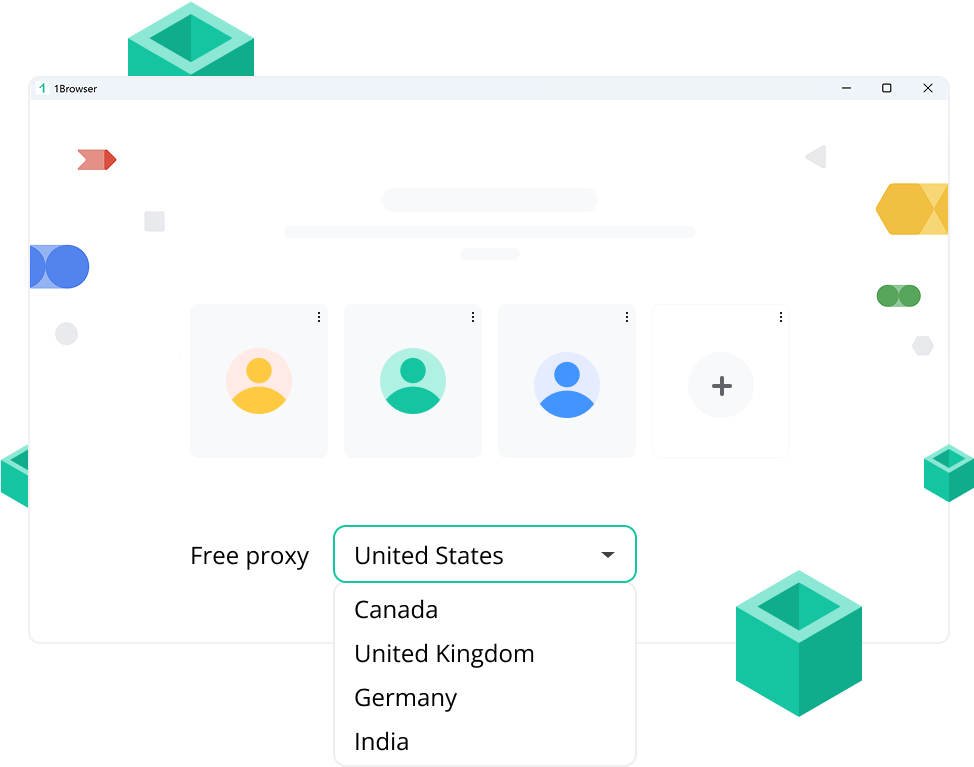

Each one is fully isolated – like a new device.

Choose any country or IP address per profile.

Keep your accounts safe on any platform or service.

Manage hundreds or even thousands of accounts with 1browser. Work with Facebook, Linkedin, Reddit, Amazon, Ebay, Shopify or any other platform you need. We provide 10 profiles on our free plan.
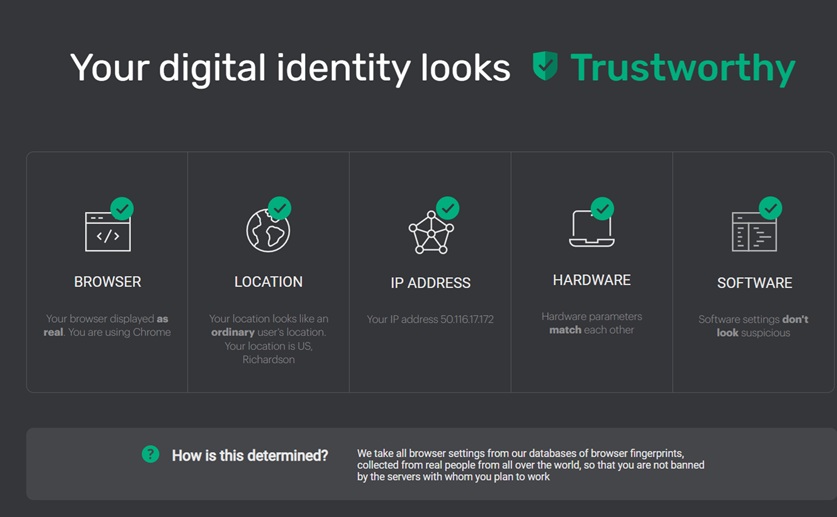
We pass all checker tests including IPhey, Browserleaks, PixelScan, Whoer, etc. Our team regularly monitors all new tools appearing in the market (like fv.pro) to make sure all fraud scores of our users are in the safe range.
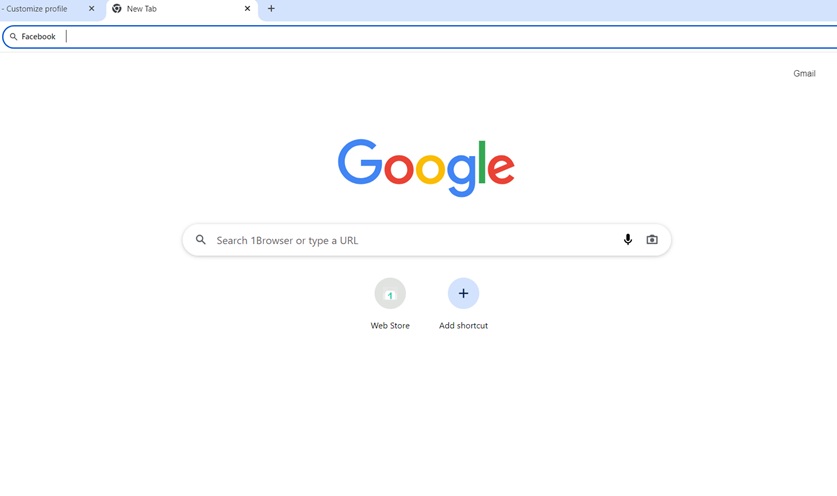
Our antidetect browser is built on Chromium which means interface will be the same as in Google Chrome. What differs us from competitors – no need to spend hours of time learning how to use a browser. Everything is intuitively clear.
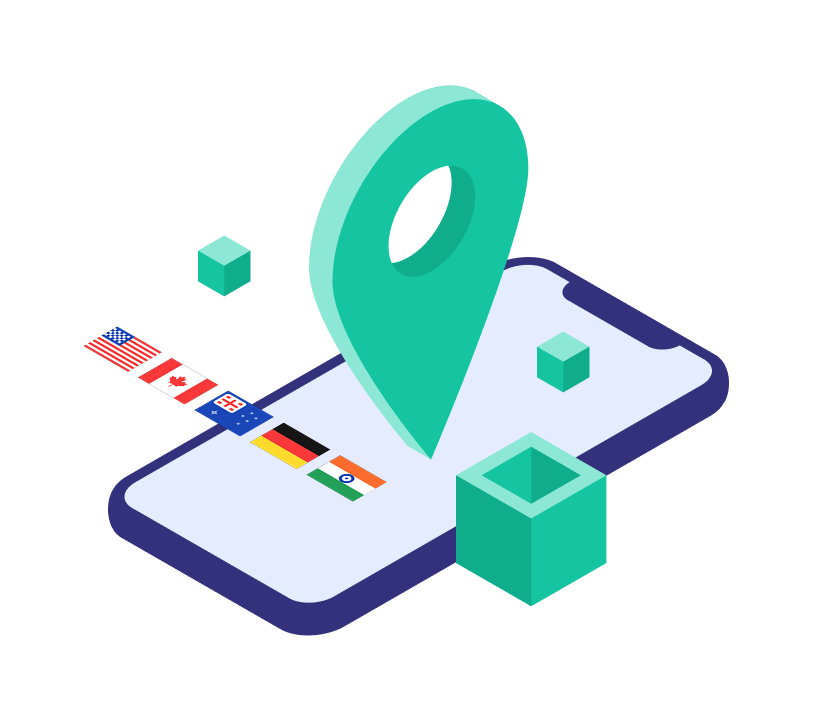
We include 5 free proxies to every plan: USA, UK, Germany, Canada and India. You can also use your own proxies or turn on Tor proxy. It helps to mask your fingerprint and bypass all restrictions.
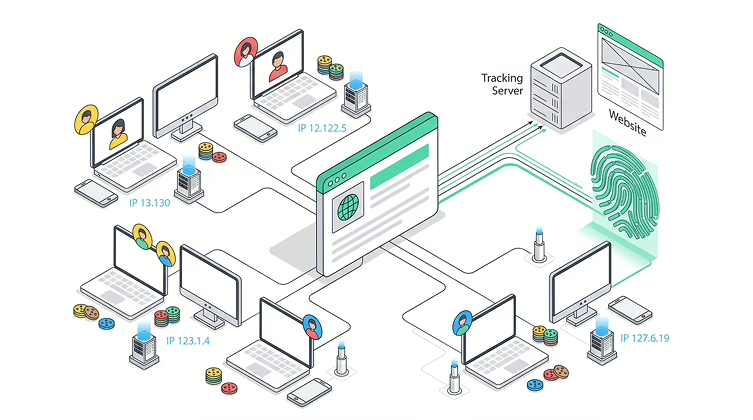
Websites read your browser quietly and constantly. Not just your IP – your GPU, screen size, installed fonts, timezone. These details combine into a fingerprint that survives proxy changes and cookie clears.
Anti-detect browser gives each profile its own identity: separate cookies, separate IP, separate set of characteristics. To any website, each profile is a different person on a different machine. That’s the mechanic behind multi-accounting that actually holds up.
1Browser is a free antidetect browser built on Chromium. The free plan includes 10 profiles and 5 proxies – no extra purchases. The interface is identical to Chrome, most users are running in under a minute.
Antidetect browser intercepts identification signals before the page can read them. Instead of your real device data, each profile returns a predetermined set of values. Every profile looks like a unique device to any site or fraud system.
Such antidetect browsers are used wherever real session isolation matters: multi-accounting, ad campaigns, traffic arbitrage, SEO research, data collection.
Undetectable browsers go further than private mode. Incognito hides local history — but doesn’t change the fingerprint, doesn’t isolate cookies between tabs, and doesn’t change your IP. Anti detect browser handles all three at once.
Any anti fingerprint browser works with the same set of signals that websites read through JavaScript. 1Browser replaces each one independently at the profile level.
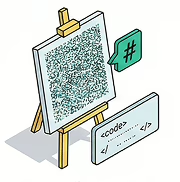
A hash generated during GPU rendering. Replaced with a unique noise pattern per profile.
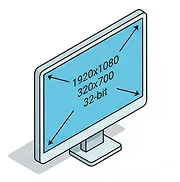
Display parameters passed to the page.
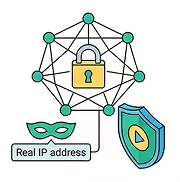
Prevents real IP leakage during media negotiation.
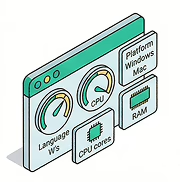
Language, platform, CPU cores, RAM amount.

Installed system fonts used to identify a device.
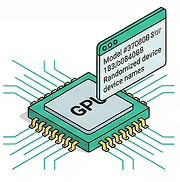
GPU model string visible via JavaScript. Randomized or locked to a specific device type.
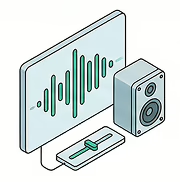
Subtle variations in audio processing, unique to each hardware setup. Controlled per session.
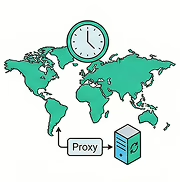
Synced automatically with the proxy’s geolocation.
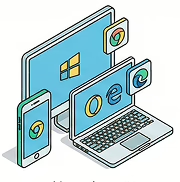
Browser version, operating system, and device type seen by the server.
All values are consistent within a profile. A profile claiming Windows 11 with NVIDIA gets matching WebGL and User-Agent — inconsistencies between parameters are the first thing detection systems look for.
1Browser is regularly tested against IPhey, BrowserLeaks, PixelScan, and Whoer. The team monitors new detection tools as they appear.
Which tool to choose depends on your workflow, team size, and budget. Data from each service’s current public offering.
| Browser | Free plan | Proxies | Tor | Cloud | Win/Mac/Linux | Setup time | Paid from |
|---|---|---|---|---|---|---|---|
| 1 browser | 10 profiles | 5 countries free | yes | yes | all three | < 1 min | $9/mo |
| Gologin | 3 profiles | no | paid | yes | all three | 15-30 min | $49/mo |
| Multilogin | none | no | no | yes | all three | 15-30 min | €99/mo |
| AdsPower | 10 profiles | no | no | partial | Win/Mac | 15-30 min | $10/mo |
| Dolphin Anty | 10 profiles | no | no | no | all three | 15-30 min | $89/mo |
Looking for the best antidetect browser with the lowest barrier to entry? No other tool in the table gives you 20 free profiles plus built-in proxies without a credit card.
Three steps. Under a minute. No technical knowledge needed.
Head to 1browser.com and click Download — the installer detects your OS automatically: Windows, macOS, or Linux. Run it, follow the prompts.
Click New Profile. Each profile is sealed: its own fingerprint, cookies, browsing history. Assign a free proxy from the dropdown or paste in your own credentials.
It opens like a normal Chrome window. Log into Facebook, Amazon, or wherever. Close it – next time you open that profile, the session is still there.
Running 10 accounts? Create 10 profiles, log into each once, then switch between them. The accounts don’t know about each other — and neither does the platform.
Anti detect browser for multi-accounting is the core use case. Managing dozens of accounts across Facebook, LinkedIn, Reddit, or Amazon from one browser — each profile a separate user with its own IP and session history.
Antidetect browser for multi-accounting lets you switch between accounts in two clicks without re-logging in. All sessions save independently.
Facebook ad account bans tend to cascade: one flagged account and the platform looks for connected ones. Isolated profiles break that chain. Works the same for Instagram, Reddit, LinkedIn, TikTok
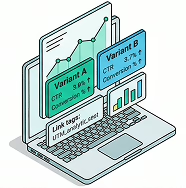
Affiliate teams run campaigns across different geos, offers, and traffic sources. Each profile has its own IP — platforms see no connection between accounts. When one gets hit, the others keep running.

Sellers manage accounts in different regions, test pricing, monitor competitors from different IPs — without triggering marketplace policies against linked accounts.
Search results are personalized. Separate profiles with separate proxies deliver clean, unbiased data — no influence from your search history or account settings.
Each profile looks like a real user’s browser session. Rotating profiles with different proxies mimics organic behavior and reduces IP-based blocks.
Running 10 accounts? Create 10 profiles, log into each once, then switch between them. The accounts don’t know about each other — and neither does the platform.
Anti detect browser for multi-accounting is the core use case. Managing dozens of accounts across Facebook, LinkedIn, Reddit, or Amazon from one browser — each profile a separate user with its own IP and session history.
Antidetect browser for multi-accounting lets you switch between accounts in two clicks without re-logging in. All sessions save independently.
We have a free plan which includes 20 profiles and 5 proxies. Basic plan has 50 profiles, 24/7 support and unlimited usage for $9 per month. Pro plan has 100+ profiles (or even more by request) for $14 per month with a 30% discount for annual billing.
A browser that replaces your real device fingerprint with a custom one and keeps each profile’s data — cookies, storage, session history — completely separate from every other. Each profile looks like a different person on a different machine.
Download 1Browser, create a profile, assign a proxy, open the profile, log in. The session saves automatically. The full walkthrough is in the step-by-step section above.
Same thing described differently. The term emphasizes fingerprint prevention: the browser intercepts JavaScript calls that read hardware and software details and returns controlled values instead of the real ones.
For multi-account work you need a dedicated tool. Tor Browser and Brave reduce tracking globally but don’t give per-profile fingerprint isolation — which is what you actually need when accounts must appear unconnected.
They cross-reference fingerprints, cookies, IP addresses, and behavioral patterns. Clearing cookies and switching IPs helps — but a matching canvas hash still links profiles. Anti-detect browser addresses this at the source.
Under GDPR, fingerprinting for tracking generally requires informed consent. Many companies cite ‘legitimate interest,’ though enforcement varies. Consult a lawyer for your specific situation.
In most countries, yes — it’s a privacy and productivity tool. Whether specific actions comply with a platform’s terms is your responsibility. Affiliate marketers, SEO teams, and agencies use these tools routinely for legitimate work.
For scraping without automation APIs, 1Browser works well — each profile looks like a real browser session and rotating proxies reduce IP blocks. If you need Puppeteer or Selenium hooks, check the current feature list on the site.