Best Antidetect Browser for Android and iOS

I remember, back when I was a beginner media buyer, waking up and finding three of my clients’ ad accounts banned.
I didn’t violate any policies, though. So I was so confused about what happened.
That’s until I learned the platform detected the same device fingerprint (aka my phone’s) across all three accounts, so it banned them.
Actually, 60% of global web traffic is now coming from mobiles, so fraud detection systems have shifted their attention to mobile-side fingerprinting.
In 2026, platforms track a layered stack of hardware and software signals that only one thing can hide: a good anti-detect browser.
That’s why in this guide, I’ll show you the best anti-detect browsers for Android phones, so you can do your multi-accounting and do your job without any bans or triggers.
But before we get into the different browsers, let me explain what mobile fingerprinting actually tracks.
What Mobile Fingerprinting Actually Tracks (Android vs iOS)
Every time you enter a website, it examines your phone’s unique digital “DNA”. For Android, this includes:
- CPU core count and approximate RAM in GB
- Canvas fingerprint variance between GPU drivers
- Charge level and charging status,
- Motion and orientation sensors
- Device model, manufacturer, Android version, and security patch level
Tracking an iPhone is, however, very different because Apple has always standardized its ecosystem. Here’s what makes it unique and how anti-detect browsers deal with it:
- On your iPhone, even if you download Google Chrome or Firefox on an iPhone, it is just Safari wearing a different visual skin because Apple forces every single browser on the App Store to use Safari’s inner engine, called WebKit.
- Every iPhone user blends into one massive crowd of identically looking devices because Apple designs its own graphics chips. So Canvas fingerprinting doesn’t work on iOS.
- Lockdown Mode, which hides system fonts and lowers browser timer accuracy so websites cannot use tiny processing lags to identify you.
All these things improve privacy a lot compared to Android, but they also make fingerprint manipulation harder.
In fact, developers cannot build a true, native antidetect browser app on an iPhone.
So, the solution for iOS is Desktop iOS emulation
Since most anti-detect browsers don’t have iOS apps you can download on your iPhone, they offer a different approach: they allow you to emulate iOS profiles from a desktop PC instead.
TL;DR: 2026 Mobile Antidetect Browser Comparison
If you’re short on time and just want to find a nice anti-detect browser you can use immediately, check out this table:
| Browser Name | Free Plan / Profiles | Mobile App Type | Fingerprint Engine | Best Use Case |
| 1Browser | 10 Profiles | None (Desktop only) | Custom Chromium | Solopreneurs and beginners looking for top-tier security with zero upfront platform or proxy costs. |
| Gologin | 3 Profiles | Native Android App | Custom Chromium (Orbita Engine) | Media buyers who need to launch, share, and track active browser profiles directly from their smartphones. |
| GeeLark | 2 Profiles | Cloud VM (Virtual Android) | Cloud VM (Real Android OS) | Mobile app-layer operations (TikTok posting, Instagram outreach) that require a true physical OS environment. |
| Kameleo | 2 Profiles | Native Android App | Custom Chromium & Firefox | High-volume automation developers who require unlimited local profile storage instead of cloud hosting. |
| AdsPower | 2 Profiles | None (Desktop only) | Custom Chromium & Firefox | Scale-focused e-commerce sellers and agencies seeking built-in, no-code RPA task automation. |
The best choice is 1Browser. Let’s get into the details about each browser now.
Top 5 Antidetect Browsers for Android (Reviewed)
The best anti-detect browsers for Android are: 1Browser, Gologin, and Kameleo.
GeeLark and AdsPower are also great choices. Let me tell you more about them:
1Browser
I use 1Browser on a daily basis for many reasons.
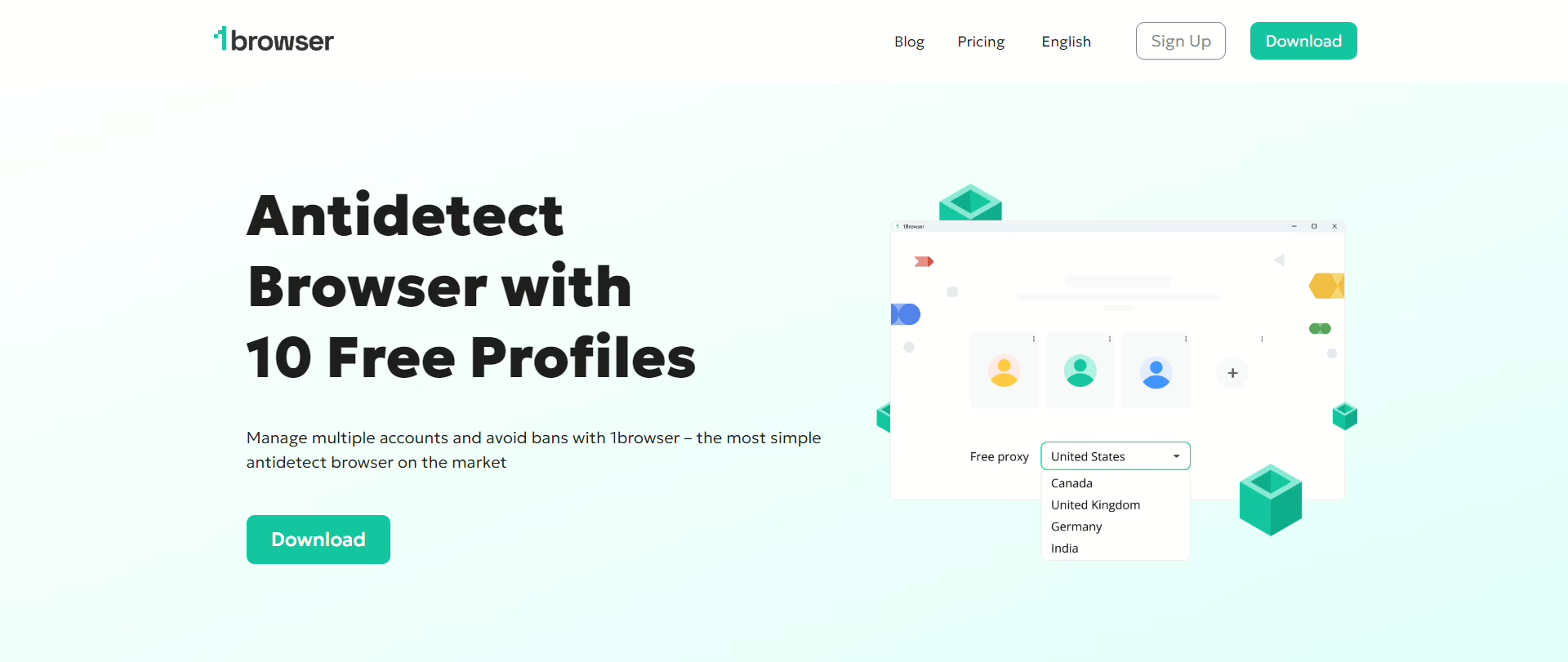
I felt very comfortable when I first tried it out, nothing complicated or too technical, especially since it has the same UI as Chrome. It just felt familiar.
It offers cloud-based isolation so the fingerprint data lives off-device with no local storage risk.
Another reason 1Browser is my favorite is the built-in proxies. Even mobile proxies are available on the browser for you to use directly, no need to grab proxies externally.
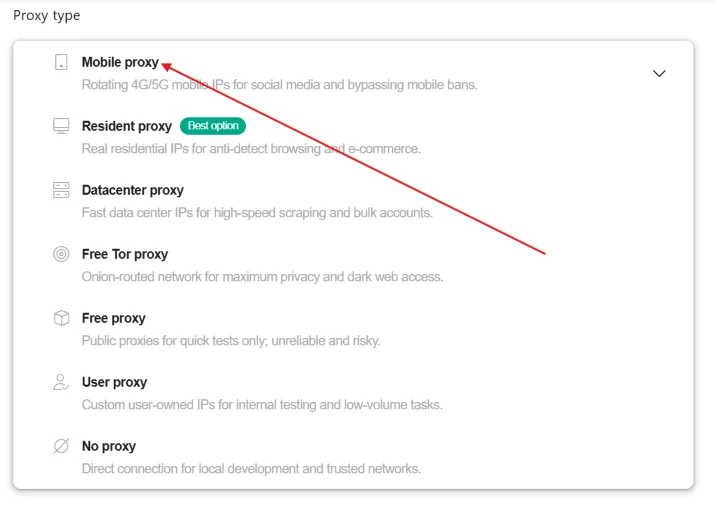
As you can see in the image above, 1Browser also offers free proxies (for up to 5 countries, like the US, UK, Germany, Canada, and India).
It also offers a very generous free plan with 10 fully isolated profiles that you can use forever without paying anything.
I used the free plan a lot before I grew my business because it was way more sufficient compared to competitors that offered only 2-3 profiles for free.
So with the 10 free profiles, plus the 5 free proxies, you can get started with 1Browser today with nothing to lose but a lot to gain.
If you’re a solopreneur, a freelancer, an affiliate marketer, or even a small team, 1Browser gives elite protection without any technical headaches, and for a fair price.
Gologin
Manage your profiles from your phone with Gologin.
It has an Android app you can download directly from the Google Play Store.
For better protection against detection, its Orbita engine modifies 50+ browser parameters at the engine level, not via JS injection.
It also offers built-in residential proxies on paid plans, so you don’t need to get external proxies from another platform.
And since it’s built for teams, you can share specific profiles with specific teammates without sharing your login credentials with them.
With a free plan offering 3 profiles, Gologin is a great anti-detect browser you can start with.
GeeLark
This one isn’t exactly a browser, it’s a cloud-hosted Android phone.
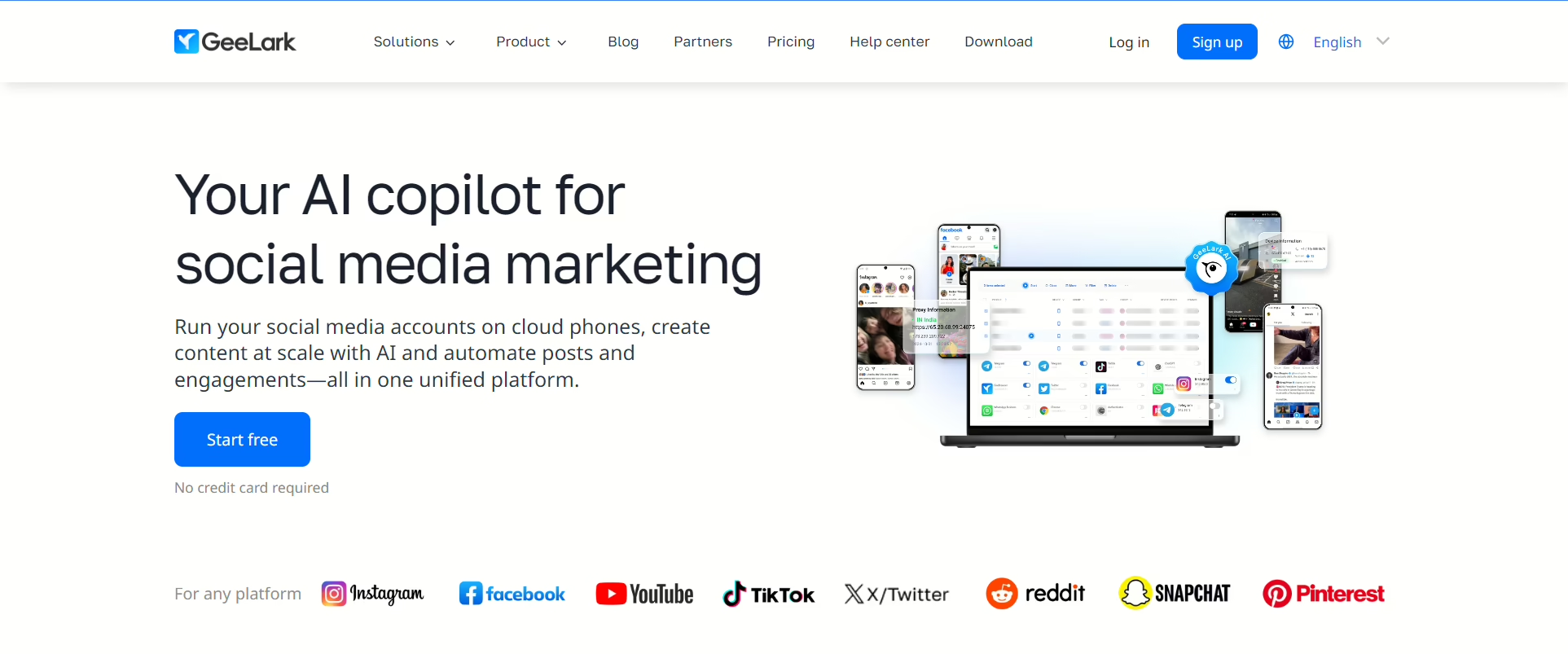
With GeeLark, your session runs on isolated cloud hardware.
For TikTok, Instagram DMs, and other tasks that can’t run in a browser at all, it’s pretty interesting because it gives you a 100% authentic mobile environment that social media apps cannot distinguish from a real physical smartphone.
And it’s more adequate for posting, engagement, app-based verification…etc. Basically, better for app-layer tasks.
It also includes automation tools to handle repetitive tasks, which you can customize according to your needs.
And the free team collaboration aspect of it is a huge plus.
The only tradeoff is that it’s more expensive per profile, plus, you’re dependent on their cloud infrastructure.
Kameleo
Next up is Kameleo.
This anti-detect browser lets you build and store unlimited mobile profiles locally and for free.
Kameleo doesn’t generate synthetic fingerprints, it instead uses real base fingerprints by collecting consumer device signatures.
The native Android app exists and you can download it on Play Store, but the main workflow is still happening more on the desktop.
And if you want to emulate iOS through desktop-based Safari profiles, Kameleo will allow you to do that.
AdsPower
Last but not least is AdsPower.
It allows you to automate repetitive mobile tasks without any code. It also allows you to synchronize your actions across multiple profiles thanks to the Synchronizer tool. Add the Cookie import/export, and it becomes very useful for e-commerce teams handing off accounts between operators.
The deep mobile emulation in AdsPower changes touch event simulation, viewport size, and device orientation.
You can also share profiles with your teammates with specific access permissions.
It also includes a nice freel plan with 2 profiles. Then, paid tiers can be customizable to your needs.
Conclusion
This guide teaches you everything you need to know about anti-detect browsers for mobile. I showed you what mobile fingerprinting actually tracks, made some specific explanations about the difference between Android and iOS, and then I showed you 5 of my favorite anti-detect browsers for mobile.
At the end of the day, picking the right tool comes down to what you actually need.
If you’re starting out and don’t want to spend money yet, 1Browser’s free tier handles real work. 10 profiles is enough to run a business and a lot of tasks, plus free proxies make it a great deal. And all it takes is to download 1Browser to get started.
Let’s start with the browser I love the most: 1Browser.