Best Antidetect Browsers for Multi-Accounting with Strong Anti-Fingerprinting Capabilities in 2026

I’ve managed a lot of online accounts for years, and I’ve watched browser fingerprinting go from a small security issue to something I have to think about every day.
A lot of people think a VPN or incognito tab solves the problem, but VPN only changes your IP address, and your browser still shares many details about your device and setup.
Sites can still see your canvas fingerprint, WebGL data, timezone, installed fonts, audio profile, hardware specs, and more. When two accounts share enough of those signals, platforms connect them fast.
That’s where I use anti-detect browsers to create separate browser profiles that act like completely different users. Each one has its own fingerprint, device setup, and location data. When you do it right, every profile looks like it belongs to a real person using a different computer somewhere else in the world.
But after testing a lot of these browsers, I learned that not all of them work the same way. Some promise strong protection and still fail basic fingerprint tests. Others charge huge prices but still underperform.
I tested 16 different tools to see which ones actually hold up. Below is a list of the anti-detect browsers I tested:
A Quick Comparison of Best Antidetect Browsers for Multi-Accounting
| Tool | Best For | Mobile Fingerprinting | Built-in Proxies | Team Collab | Cloud Profiles | Free Plan | Starting Price
(/month) |
| 1browser | Scaling multiple accounts | Android + iOS | ✅ Yes | ✅ Yes | ✅ Yes | 10 profiles (free) | $0 |
| Gologin | Solo businesses & beginners | Android | ✅ Yes | Limited | ✅ Yes | 7-day trial | $9 |
| Hidemium | Web and crypto agencies | Android + iOS Emulators | ❌ No | ✅ Yes | ✅ Yes | 15-day trial | Cloud: $15
Local: $25/15 days |
| DiCloak | Social media managers | No | ❌ No | ✅ Yes | ✅ Yes | Yes | $8 |
| Multilogin | Large teams | Android + iOS | ✅ Yes | Unlimited | ✅ Yes | No free plan | $10.5 |
| Vision | Affiliate marketing and trading | None | ❌ No | Limited | ❌ No | 4-day trial | $29 |
| Dolphin Anty | Web scrapers/Affiliate marketers | None | ❌ No | ✅ Yes | ✅ Yes | 5 profiles (free) | $10/mo |
| Maskfog | Budget users | None | ❌ No | ✅ Yes | ✅ Yes | Yes | $2 |
| Incogniton | Small teams in Social media | None | ✅ Yes | ✅ Yes | ✅ Yes | 10 profiles (free) in the first 2 months | $20/mo |
| SessionBox | Small scale Digital marketers | None | ✅ Yes | ✅ Yes | ✅ Yes | 7-day trial | $12.99 |
| Octo Browser | Teams & advanced users | Android | ❌ No | Limited | ✅ Yes | No | €10/mo |
| Kameleo | Developers & mobile testing | Android + iOS emulator | ❌ No | ✅ Yes | ✅ Yes | 2 browsers (free) | €45/mo |
| AdsPower | Automating heavy workflows | None | ❌ No | ✅ Yes | ❌ No | 2 profiles (free) | $9/mo |
| MoreLogin | Beginners with small budgets | Android only | ❌ Free but very limited | Limited | ✅ Yes | Free plan (2 profiles) | $9/mo |
| VMLogin | Social media and brand managers | Android + iOS emulator | ❌ No | ✅ Yes | ✅ Yes | 3-day trial | $99 |
| NstBrowser | Developers and scrapers | Android + iOS | ✅ Yes | ✅ Yes | ✅ Yes | 500 profiles free | $29.9 |
| GeeLark | TikTok and Mobile Apps | Android Emulator | ✅ Yes | ✅ Yes | ✅ Yes | 2 profiles free | $13 |
What Actually Gets Profiles Flagged
Before I break down the tools, it helps to understand why accounts are flagged in the first place.
The biggest problem is inconsistency.
For example, your browser may claim it runs on Windows 11, but other signals make it look like Linux. Your proxy says New York, but your timezone shows China. Your Canvas fingerprint may not match the kind of GPU a real device would use at that screen size.
WebRTC creates another big problem. It’s the browser feature that powers video calls inside websites, but it can also leak your real IP address even when you use a proxy. The better antidetect browsers either block WebRTC leaks completely or make WebRTC match the proxy IP.
I also noticed that many people ignore browser version age. Websites will notice if a browser still runs an old Chromium build while normal Chrome users have already moved many versions ahead.
The best performing anti-detect browsers I tested all used a modern Chromium base, pushed updates often, and kept every fingerprint signal consistent instead of only hiding the obvious ones.
Let me show them to you right away!
1Browser: Top AntiDetect Browser for Multi-Accounting
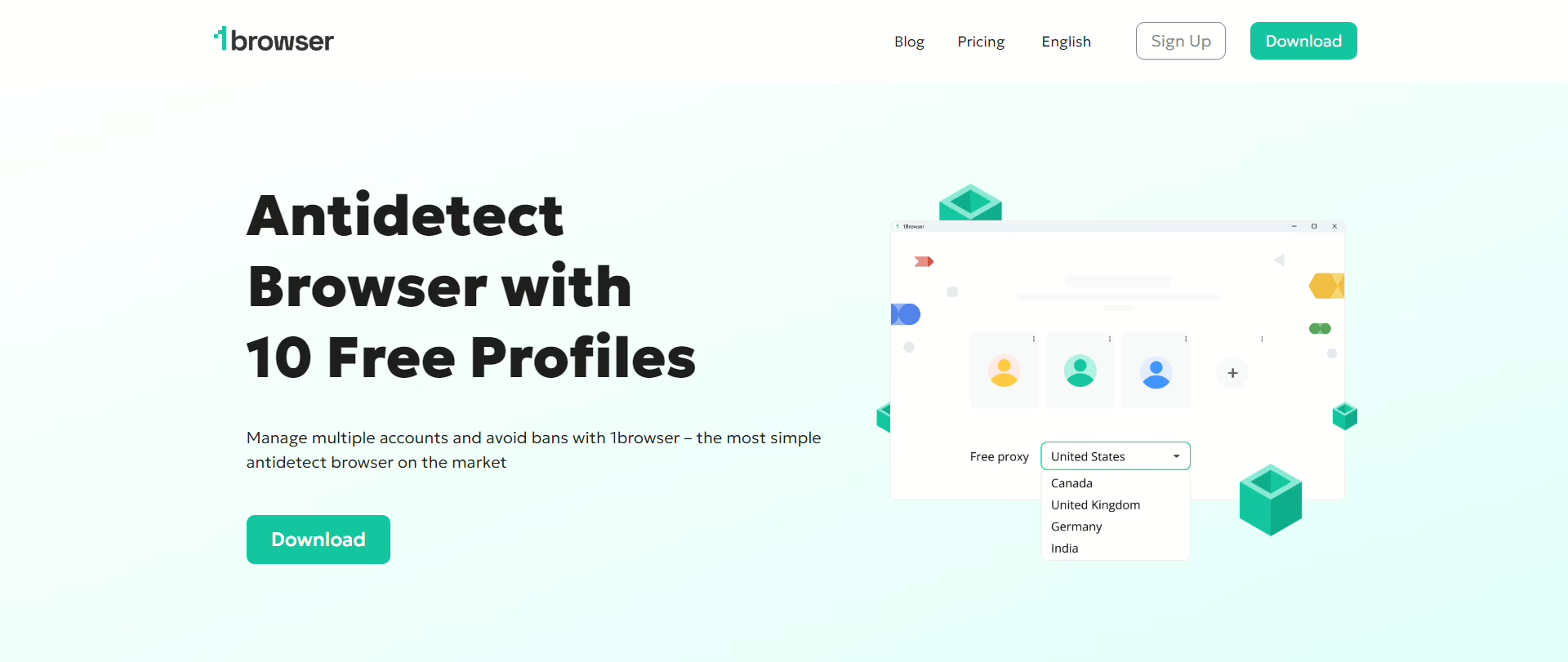
1Browser was such an incredibly easy-to-use anti-detect browser among the ones I tested. Instead of making the platform technical and expensive from day one, it focuses on making profile management easy to start and scale.
1Browser is also an antidetect browser with free proxies built in. I got 20 free profiles with cloud sync, and a setup that felt close to normal Chrome. Most competitors either lock key features behind a paywall or offer tiny free trials that barely let you properly test anything.
Fingerprint Testing
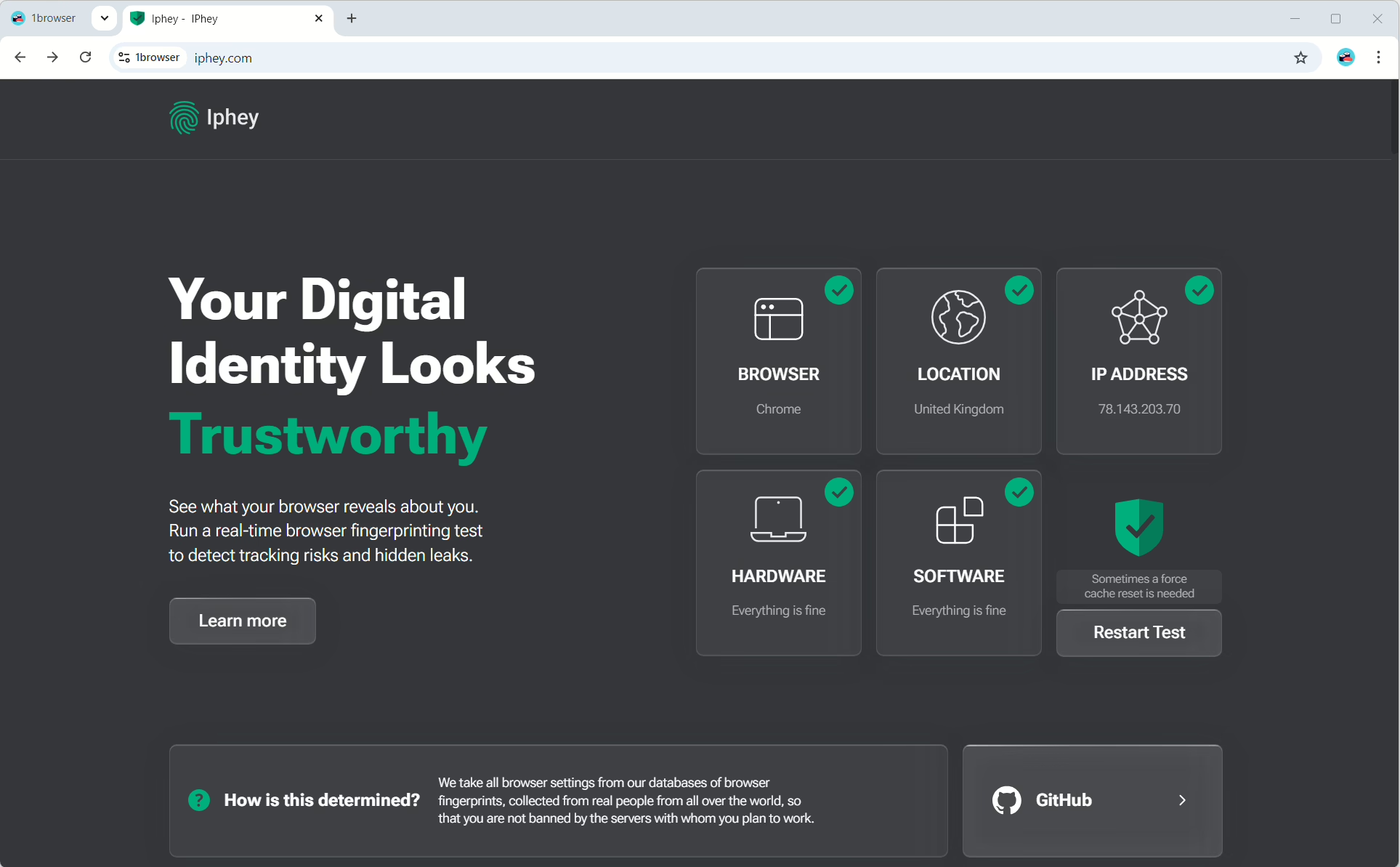
I ran 1Browser through both PixelScan and IPhey, and even with the free proxy plans, it passed splendidly. On one rare occasion, a profile was flagged because the free proxies use datacenter IPs in some regions.
But once I switched to their cheapest paid residential proxies, all five PixelScan tests passed cleanly without warnings. That told me the fingerprint engine itself works well. The only issue with the free plan comes from proxy quality, not the browser fingerprint system.
Performance
Performance stayed solid during testing. My profiles launched in under two seconds most of the time, even while I ran five sessions together. The cloud sync also stayed stable without random crashes or long loading times.
Proxies
The built-in proxy system is what really separates 1Browser from other tools.
Free users get a small amount of proxy traffic to test the platform. Paid plans have residential proxies, which route traffic through real internet providers instead of datacenter servers.
I also liked that I could connect my own HTTP or SOCKS5 proxies without extra setup problems.
Updates
A lot of smaller anti-detect browsers fall behind on Chromium updates, but 1Browser stayed current during testing.
Pros
- 10 free profiles that are actually usable
- Built-in residential proxies on paid plans
Cons
- Free proxies still trigger fingerprint warnings, even though rarely
Pricing
Free for up to 10 profiles. Paid plans start at $9/month for 20 profiles.
How to Set Up 1Browser
1. Go to 1browser.com and download the desktop app for your operating system (Windows, macOS, or Linux).
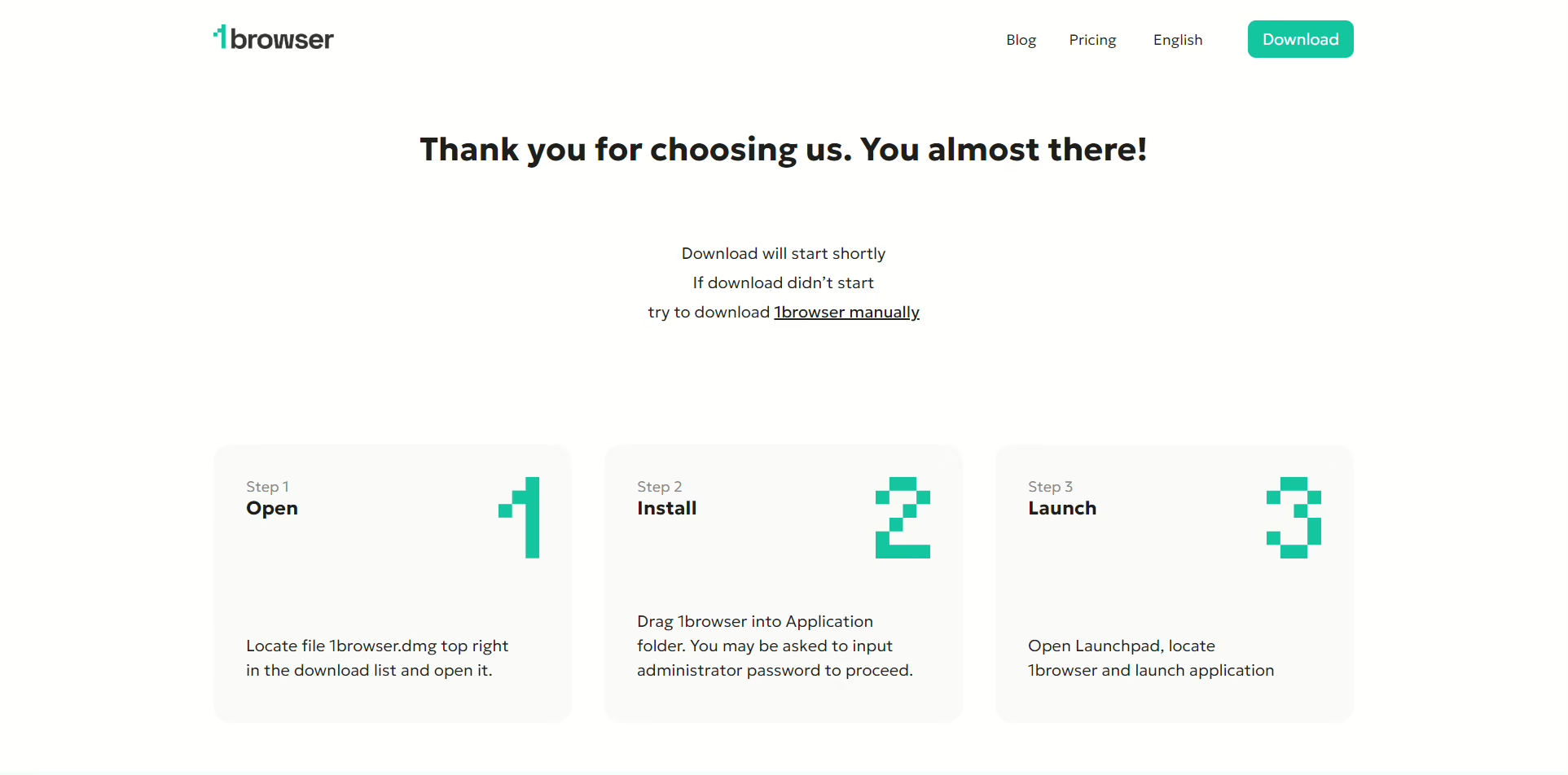
2. Launch the 1browser installer
After the download finished, I clicked the installer, and the full browser package was installed on my PC
3. Create an account
The browser will launch automatically or you can click on the app icon. Before creating an account, you can launch 2 browser profiles, but to enjoy the whole 10 profiles, you’ll need to sign up:
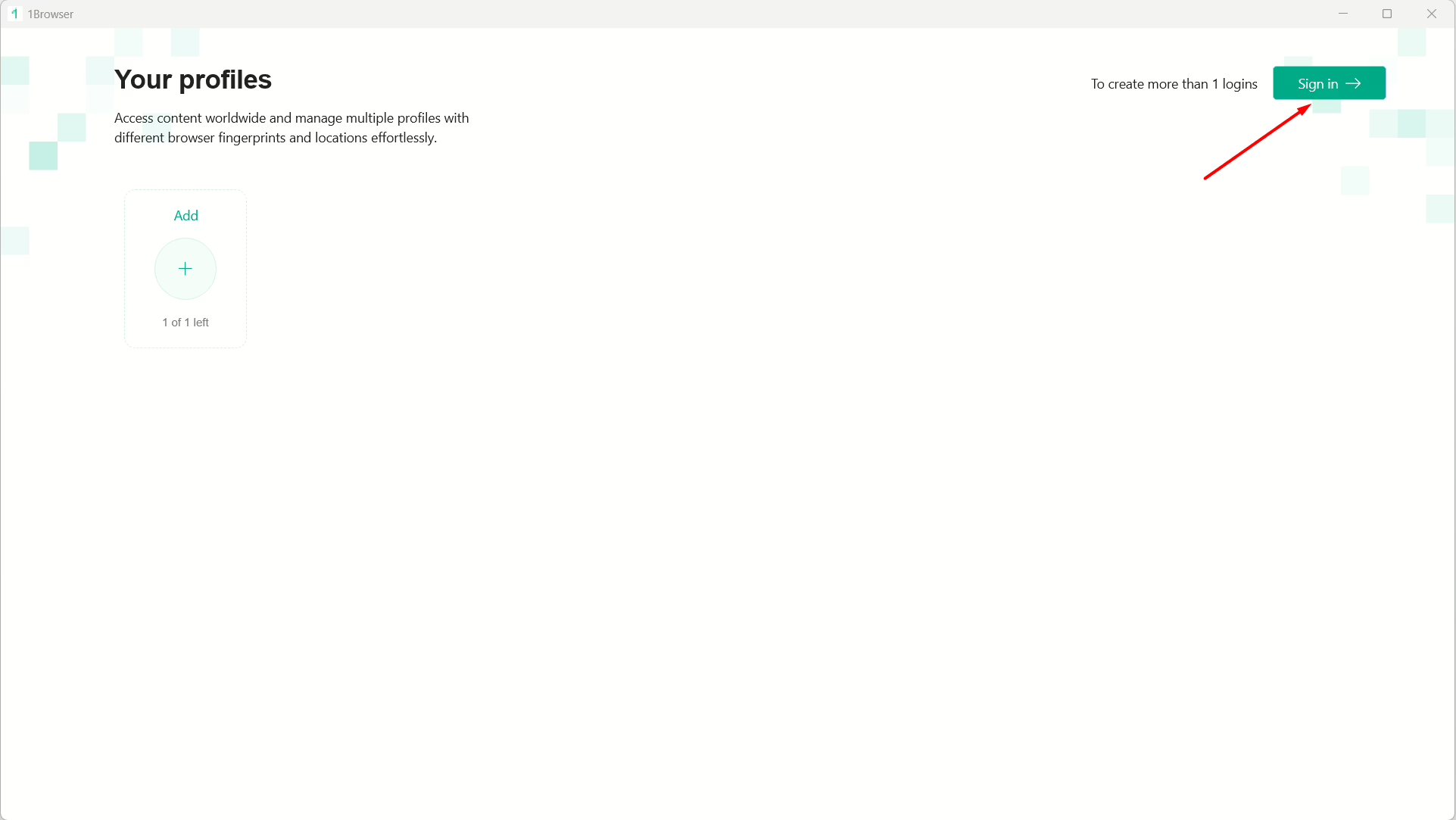
Click on ‘Sign in’ then on ‘Sign up’: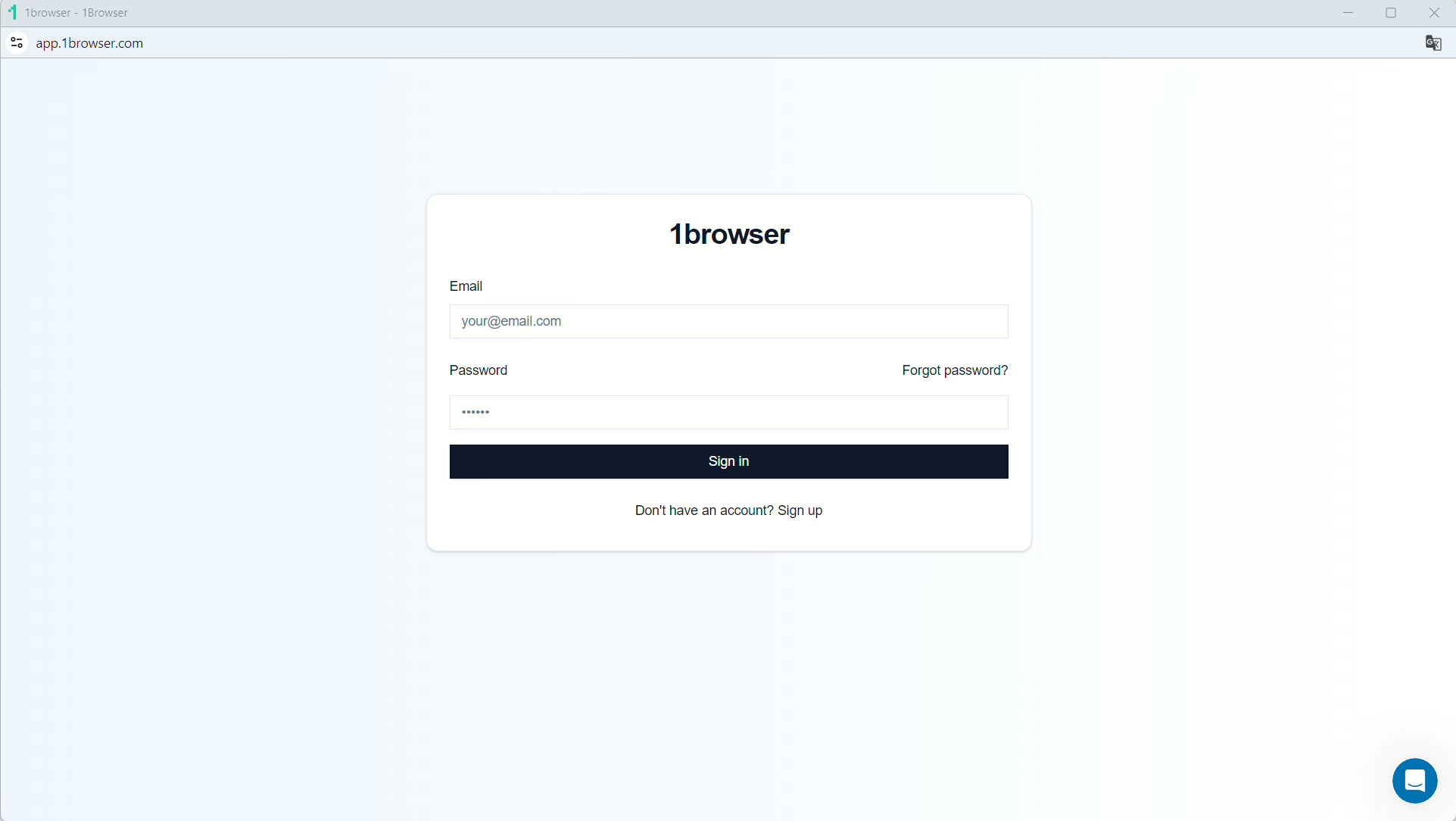
Simply type in your desired email and password, hit ‘Sign up’ and you’ll have your account! Now, close the app and launch it again, then set up your first profile:
Give it a name, select a theme or color, and click ‘Done’
4. Select your free proxy
Once your profile is live, you can set up your proxy to one of the free ones built into 1browser by clicking the avatar icon at the top right.
Click on ‘Proxy’ to open up the settings.
1browser will be set to a ‘User proxy’ by default. Click on the drop-down and select ‘Free proxy’ or ‘Free Tor Proxy’:
1browser’s Resident Proxy also gives you access to real home internet connections. These are authentic IP addresses assigned to users by their ISPs that are highly trusted, and servers rarely block them.
You’ll see ‘Proxy connected’, and you can now click on the drop-down to choose from 5 regions.
5. Configure your fingerprint
You can set up your fingerprint parameters by clicking on ‘Fingerprint’ but I usually let the browser set these parameters automatically.
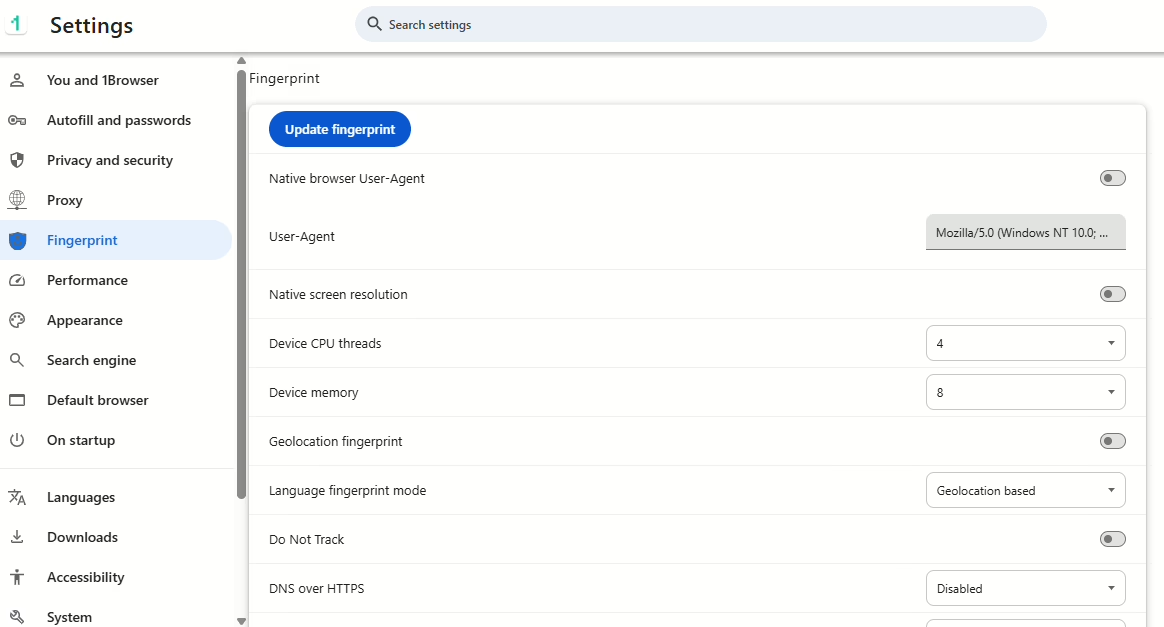
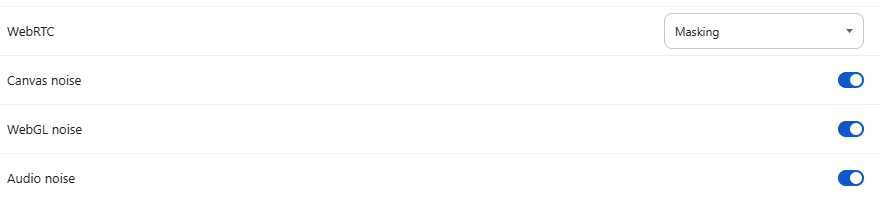
I’ll recommend you turn on Canvas noise, WebGL noise, and Audio noise:
6. Verify anonymity
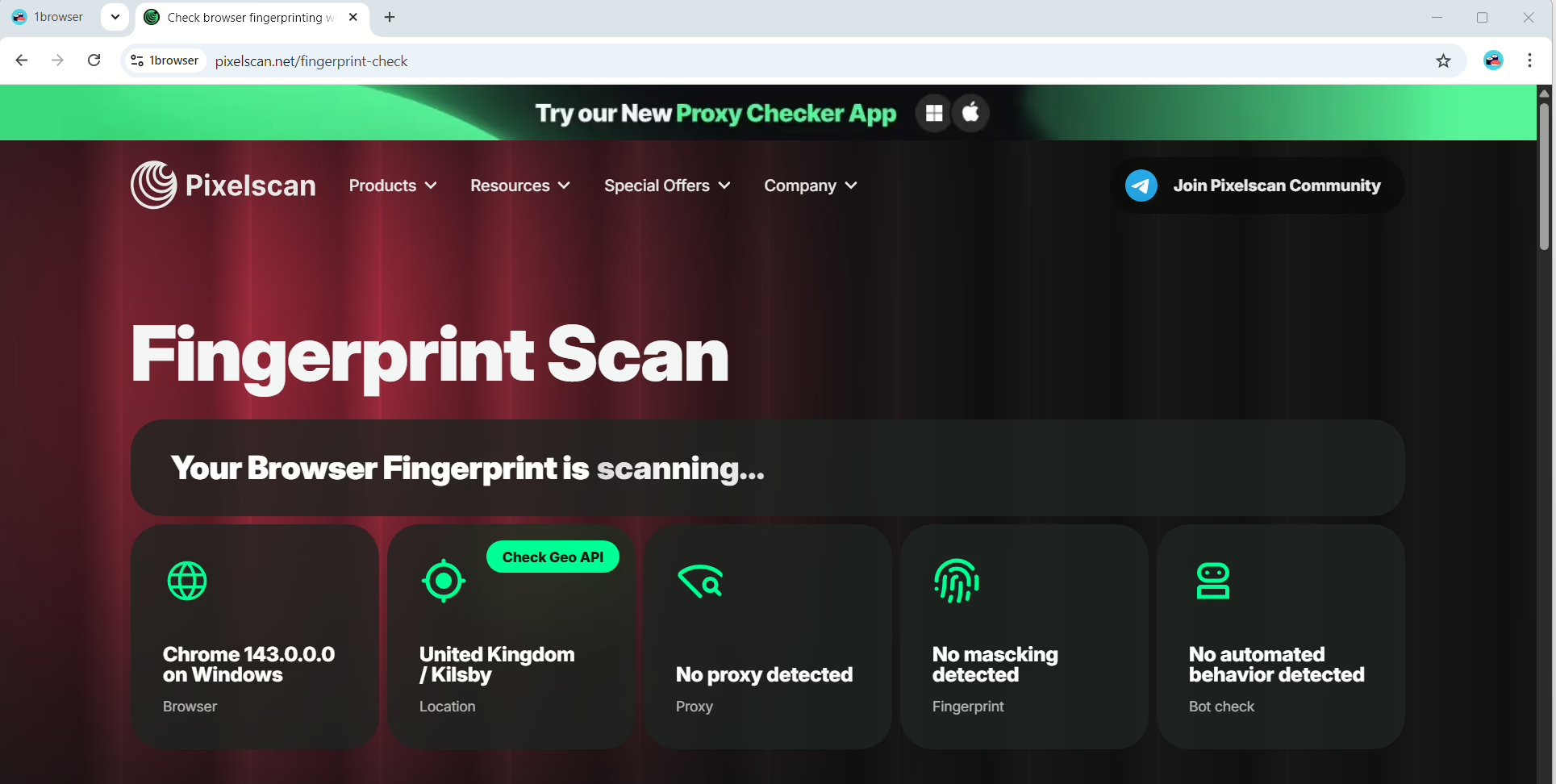
The final step is to launch the profile and verify if the browser is working fine at pixelscan.net
And that’s it!
2. Gologin
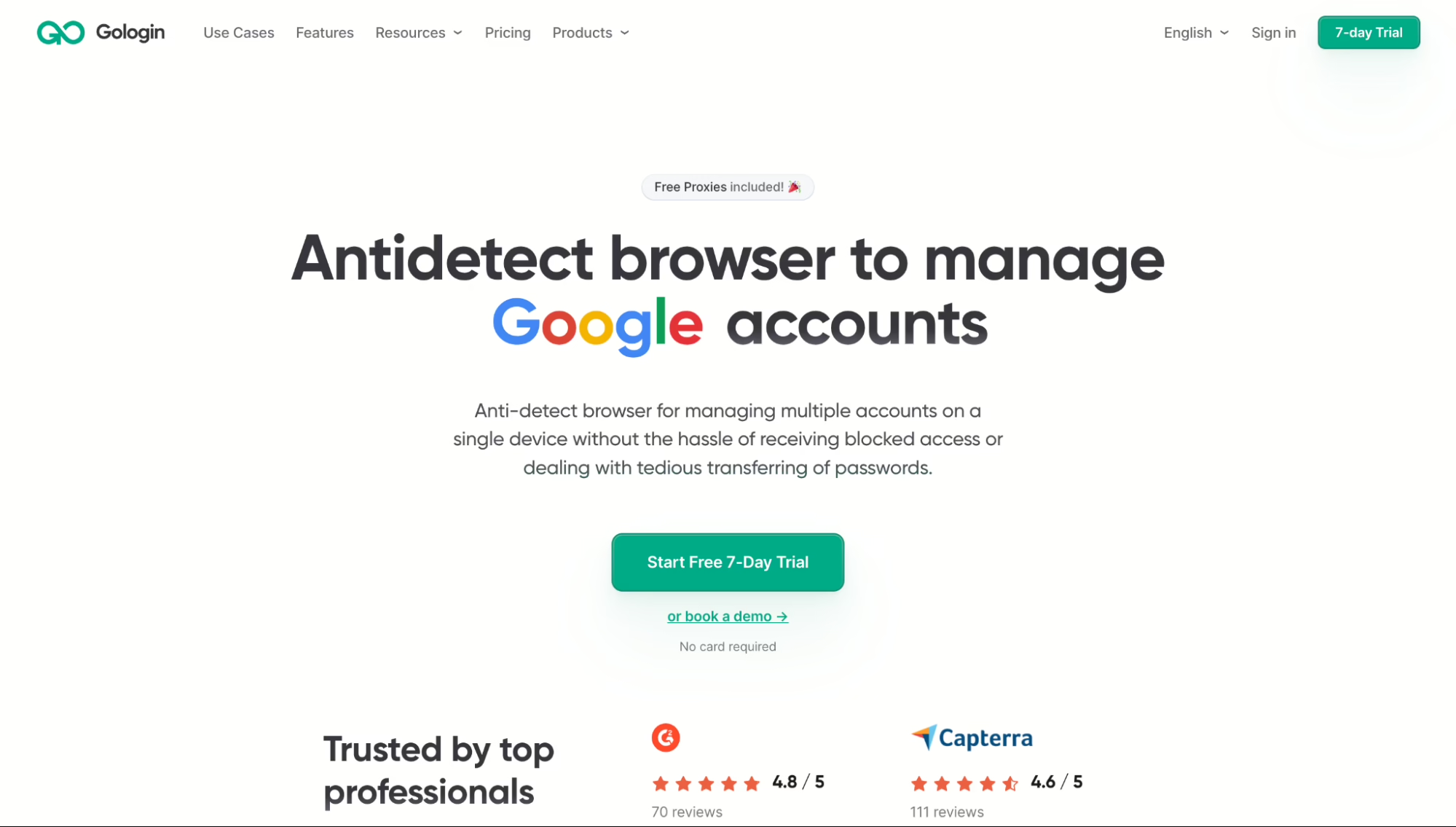
Gologin runs its own Chromium browser called Orbita. It’s been around for years, and after testing it myself, I can see why a lot of users like it.
The platform is mature, and I didn’t run into missing features or unfinished tools as I did with some newer browsers.
Fingerprint Testing
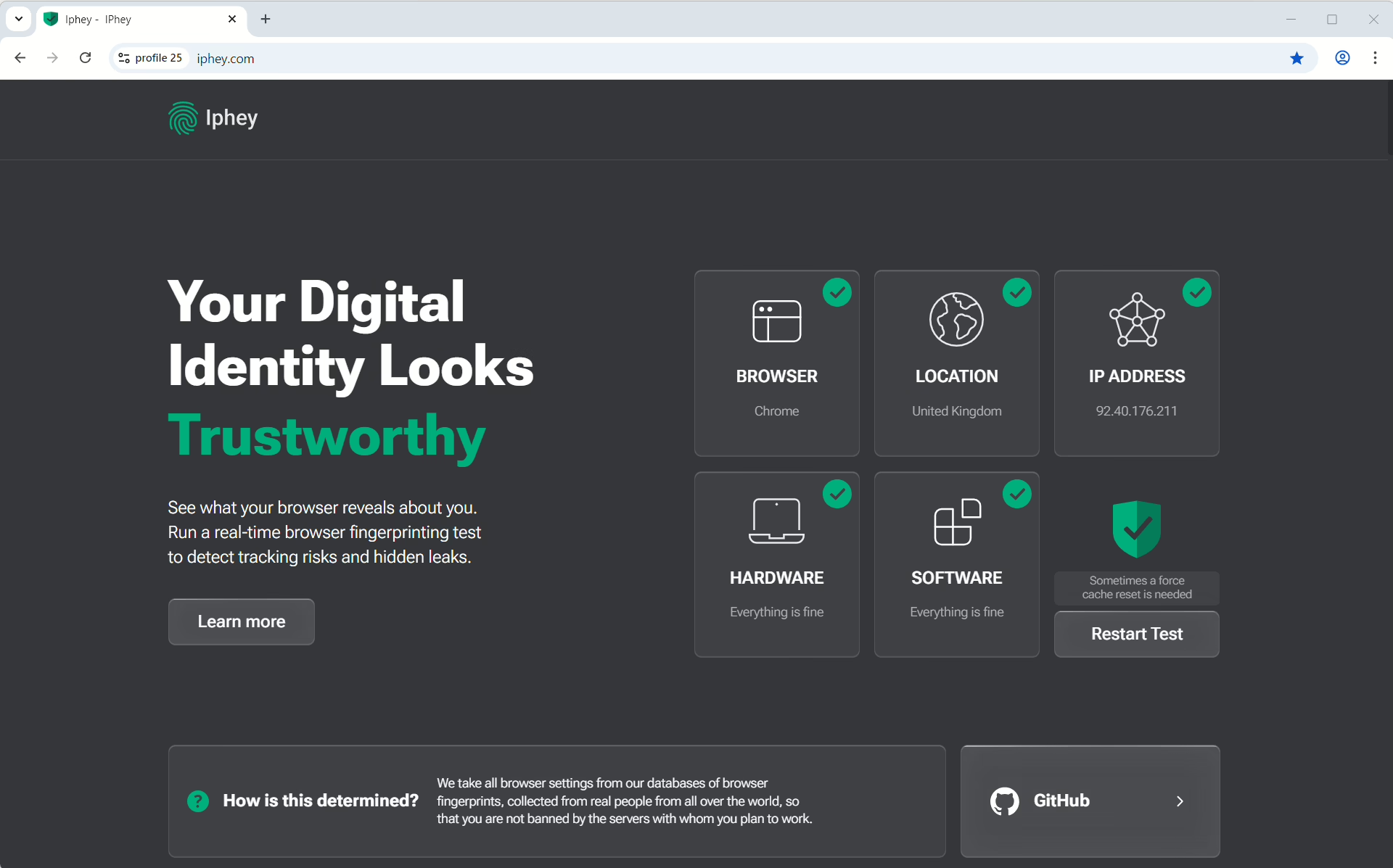
I ran Gologin through both PixelScan and IPhey using different profiles and proxy setups. It passed both cleanly on default settings.
The built-in free proxies also surprised me. Gologin offers residential proxies even for free users like 1Browser. The results came back clean there, too.
Proxies
Gologin’s free plan has five residential proxy regions, which already puts it ahead of many competitors, only second to 1browser. Paid plans add residential traffic at $15 per 5 GB, with mobile and datacenter options.
Pros
- Passed both PixelScan and IPhey without needing manual tweaks
- Residential proxies are included across paid plans
Cons
- The free plan only allows 3 profiles and 5 proxy locations
- API access is only available behind higher plans
Pricing
Plans start at $79/month for 100 profiles.
3. Hidemium
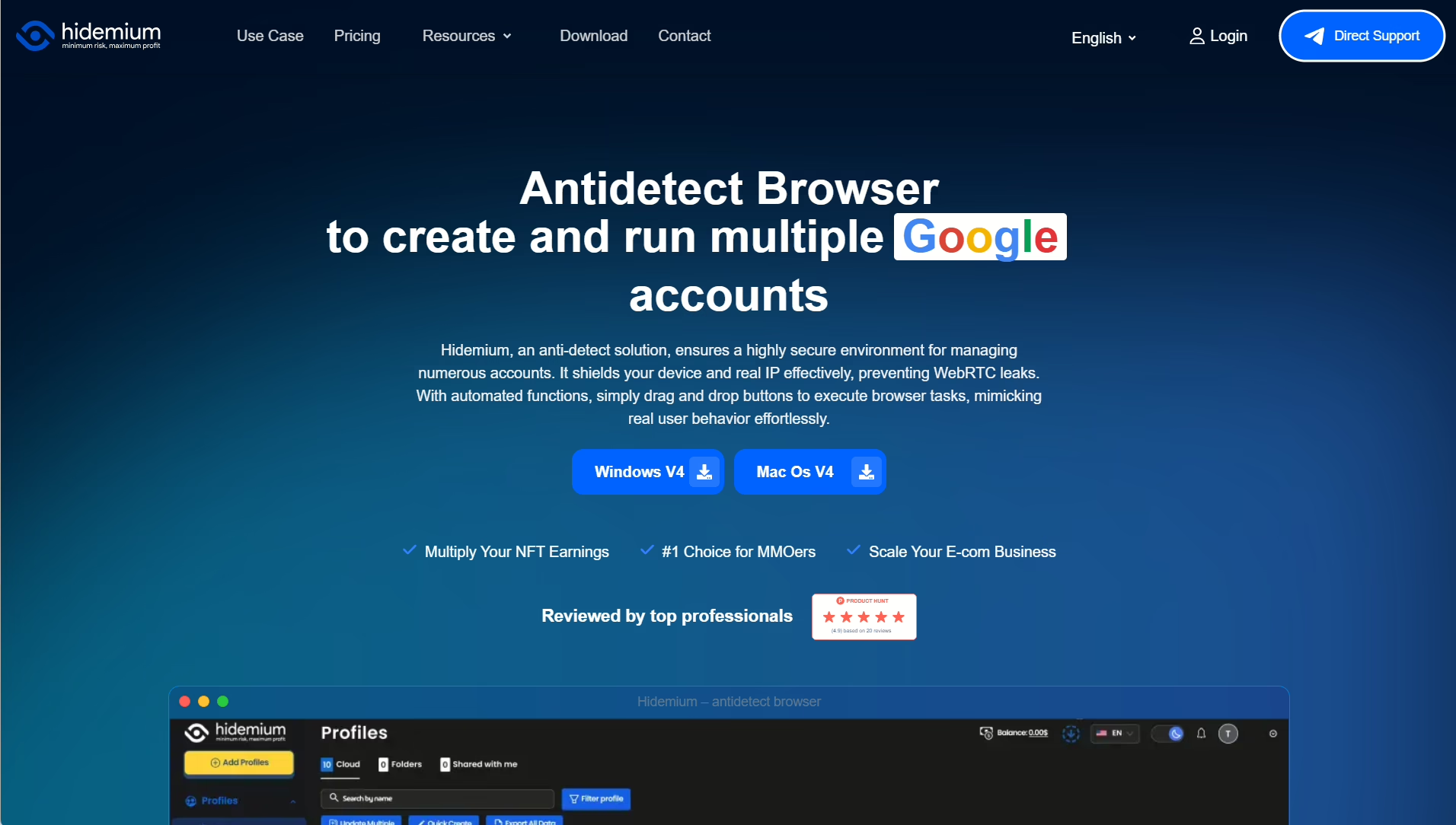
Hidemium is a Vietnamese antidetect browser for crypto users, e-commerce operators, and SEO workflows. Its main selling point is the Prompt Script, which helps you automate your workflow by describing what you want. The Prompt Script is perfect for non-tech people.
Fingerprint Testing
I struggled testing Hidemium on default settings. PixelScan flagged proxy and timezone mismatches.
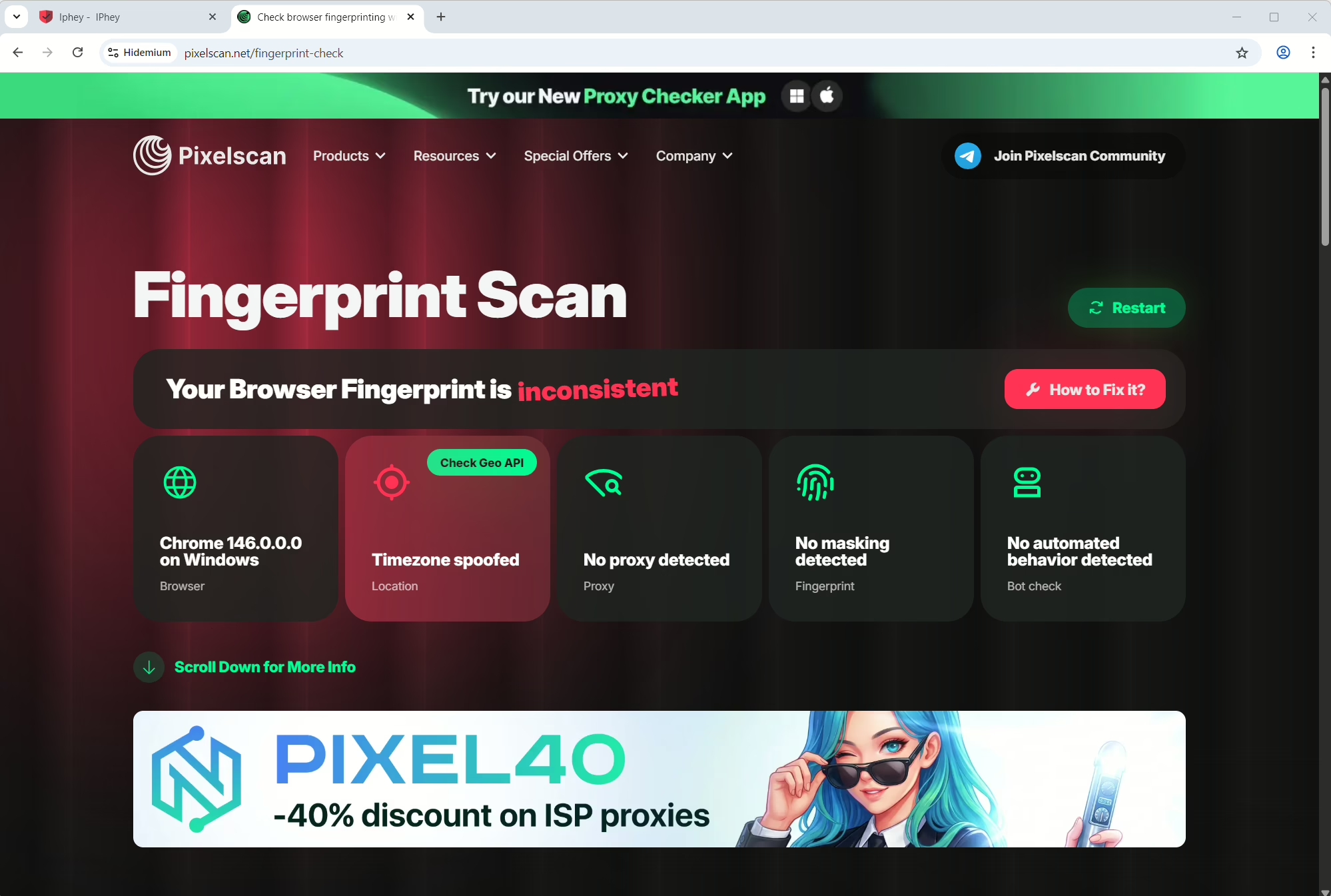
And IPhey detected GEO inconsistencies too.
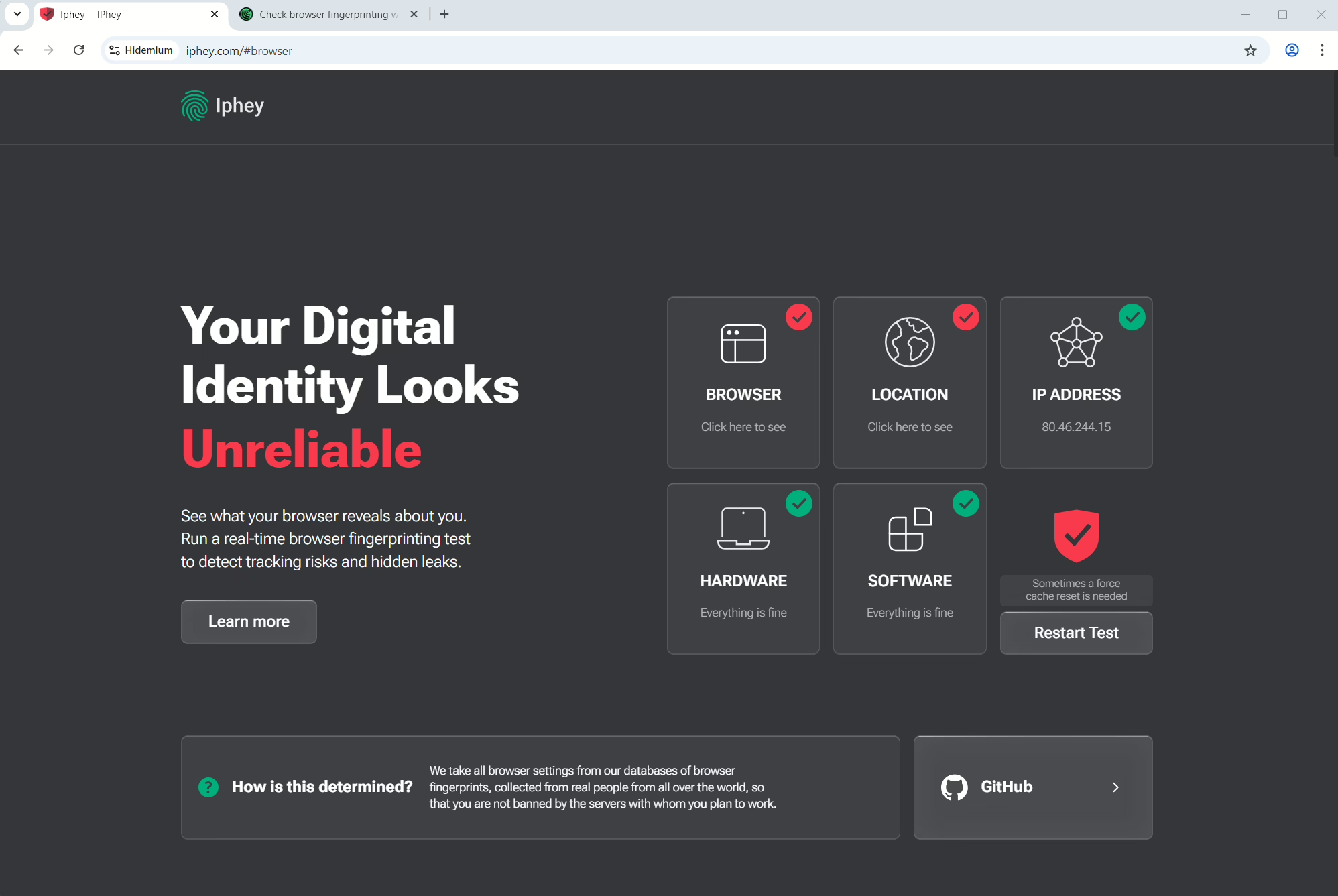
Once I adjusted the settings manually, it was good. The AI automation doesn’t fix fingerprint alignment issues alone, though, so you still need to understand how the signals fit together.
Proxies
Hidemium has some free proxy traffic on its paid plans, but you still need external proxies. It supports HTTP, SOCKS4, and SOCKS5 proxies.
Pros
- AI-powered Prompt Script automation without coding
- Affordable starting price
Cons
- Failed both PixelScan and IPhey on the default configuration
- The interface is cluttered and slow
Pricing
There’s a free trial. The cloud and local storage have different prices.
4. DiCloak
DiCloak is one of the newer tools in this space, and is friendly for first-time users. The Profile setup was quick and covers the core fingerprint signals, which are enough for basic multi-account work.
Fingerprint Testing
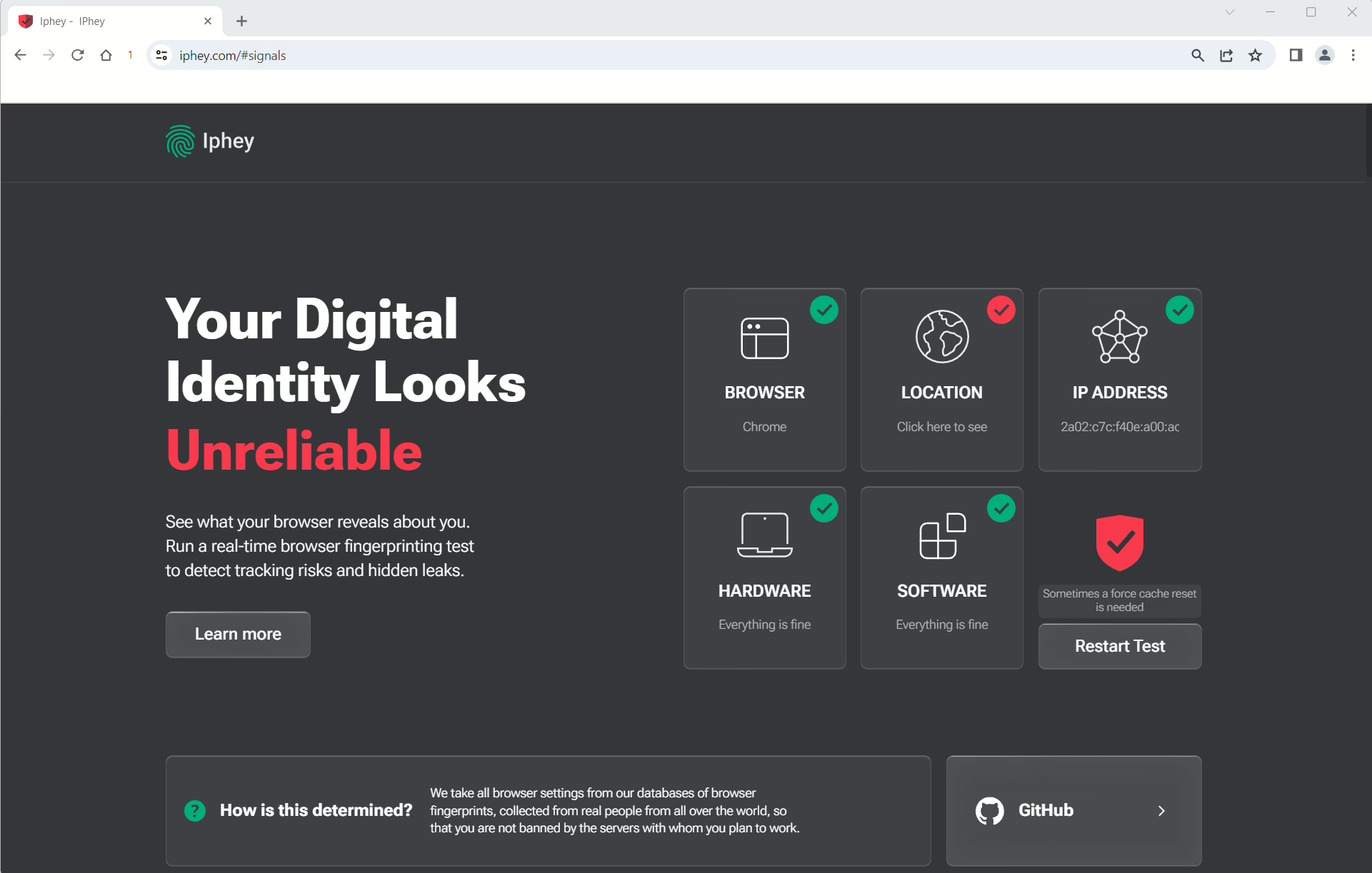
DiCloak proved consistent with its positioning. The browser handles basic fingerprint masking well, but the results depend on proxy quality.
Proxies
DiCloak does not have built-in proxies.
Pros
- Clean interface that’s easy to understand from day one
- Covers both desktop and mobile fingerprinting
Cons
- No built-in proxy
- Less advanced than more established tools
Pricing
There’s a free plan. Paid plans start at $8/month.
5. Multilogin
While many tools focus on solo users, Multilogin targets agencies and teams that manage huge numbers of profiles. One thing that stood out was the dual browser engine, making it one of the best antidetect browsers for Windows.
Multilogin gives you Mimic, which runs on Chromium, and Stealthfox, which runs on Firefox. Most competitors only support Chromium profiles. During testing, Stealthfox profiles sometimes blended in better on sites with stronger detection.
Fingerprint Testing
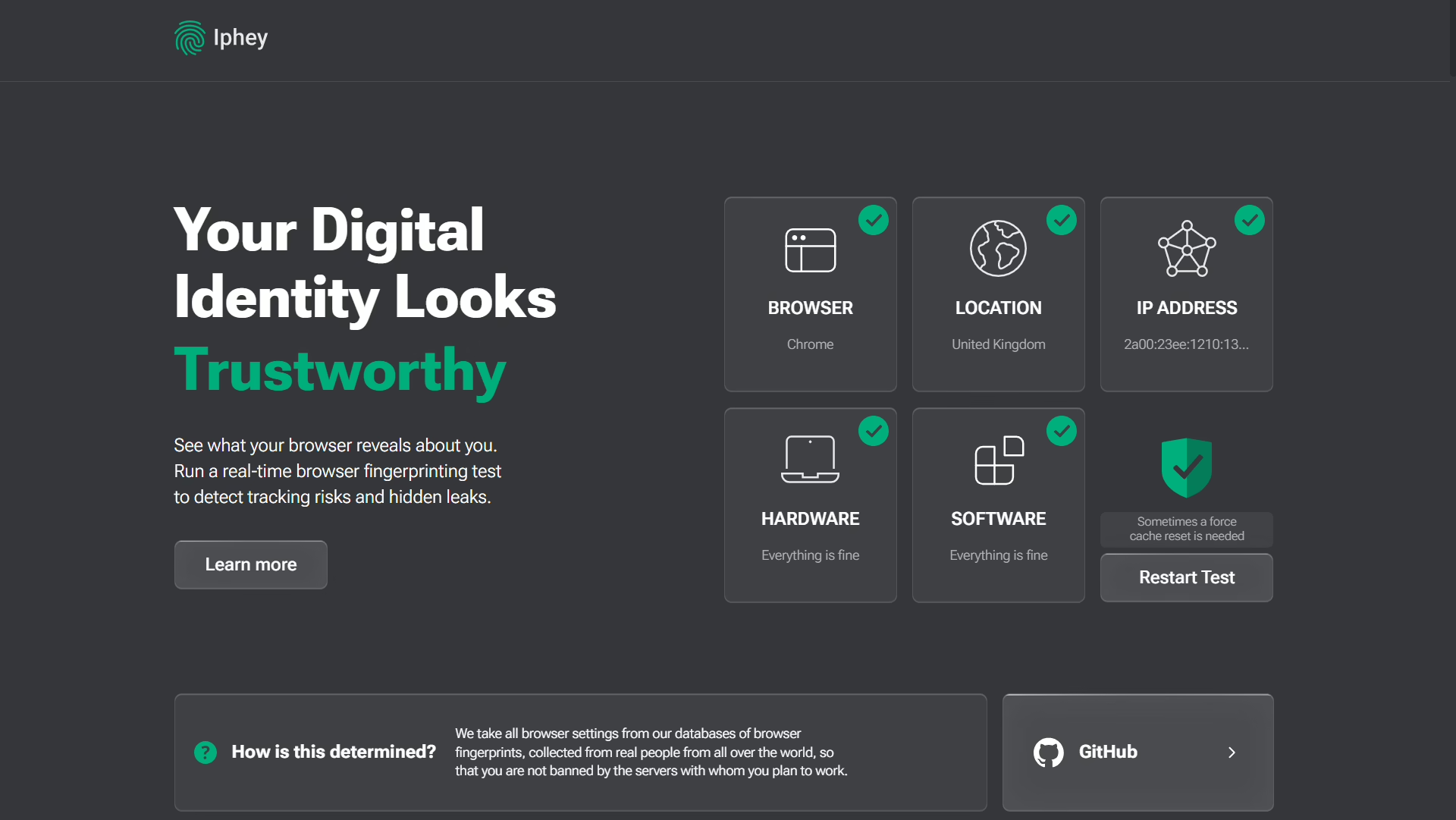
Multilogin passed on both PixelScan and IPhey without extra tweaking. I also noticed that Multilogin pushes browser engine updates very quickly after new Chrome releases.
Proxies
Multilogin has residential proxy traffic with paid plans. It is between 1 GB and 10 GB, depending on the package. It also supports both HTTP and SOCKS5 proxies, including external providers.
Pros
- Supports both Chromium and Firefox fingerprints
- Strong team management and profile sharing
Cons
- One of the more expensive tools I tested
- The entry plan only offers 10 profiles
Pricing
The 100 profile plan costs €35/month. Instead of a normal free trial, Multilogin offers a 3-day test for €2.
6. Vision
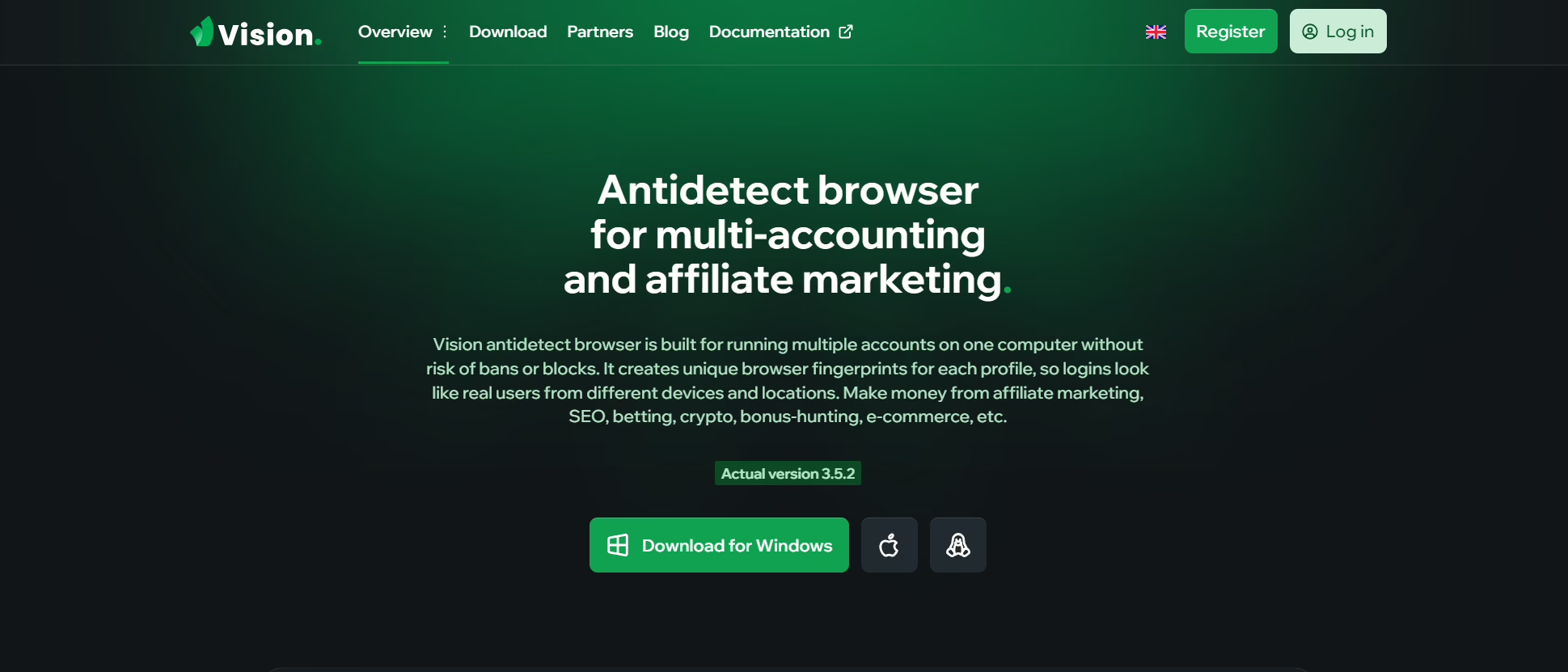
Vision is a sophisticated browser for people managing large operations. It targets affiliate marketers, crypto users, and e-commerce sellers running paid traffic on social media and search engines.
Fingerprint Testing
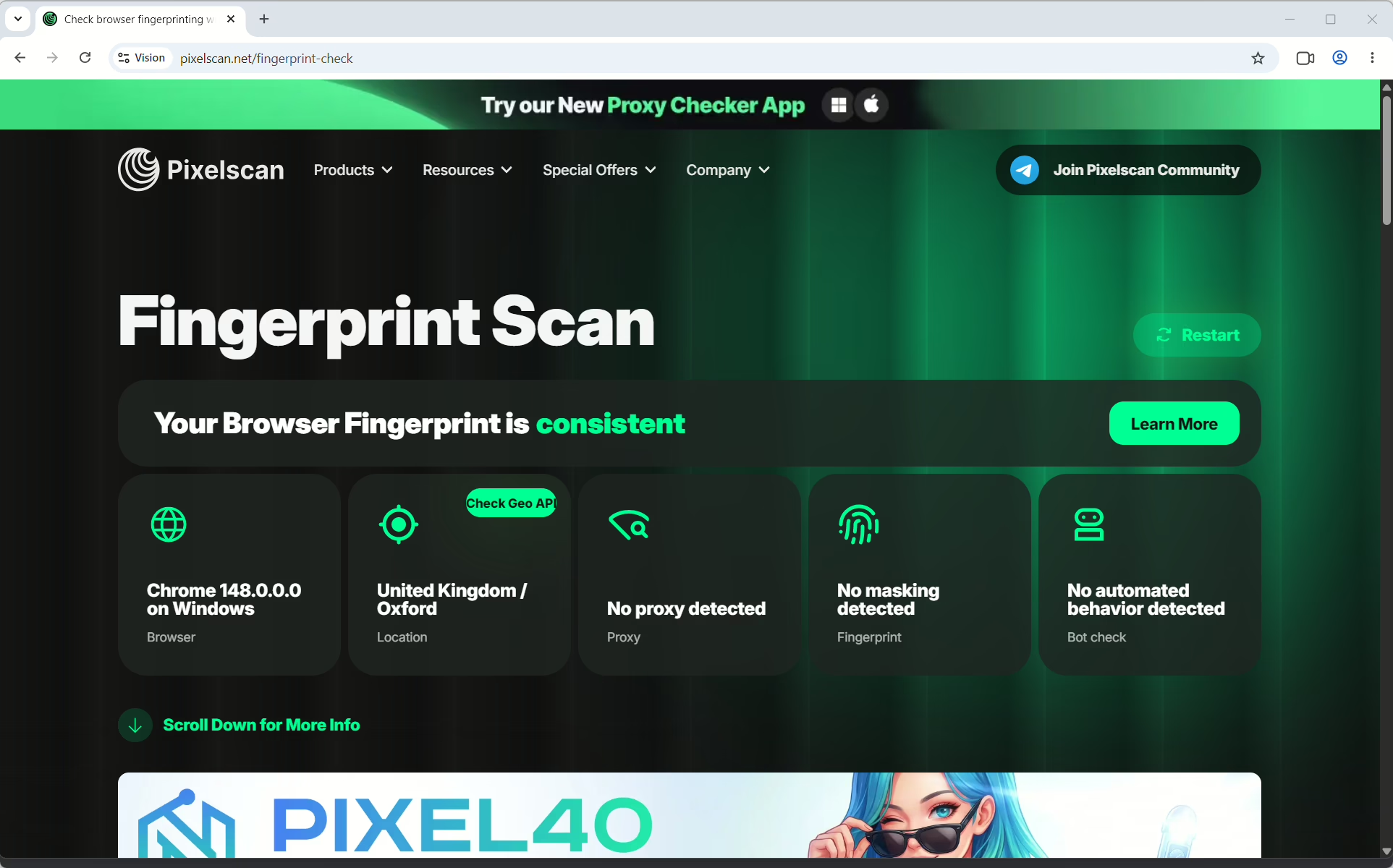
Vision has one of the deepest fingerprint systems I tested. The browser covers Canvas, WebGL, WebRTC, AudioContext, fonts, hardware specs, timezone, geolocation, media devices, and more.
Instead of generating random combinations, it uses fingerprints based on real data. The profiles also stayed consistent, especially with residential proxies. It’s for sure one of the top anti fingerprinting browsers on this list.
Proxies
No built-in proxies.
Pros
- Wide fingerprint customization using real device data
- Fast performance with low CPU and RAM usage
Cons
- No permanent free plan
- Trial requires linking a Telegram account
Pricing
Plans start at $29/month for 50 profiles. Higher plans scale up to thousands of profiles and team seats. A 4-day free trial is also available.
7. Dolphin Anty
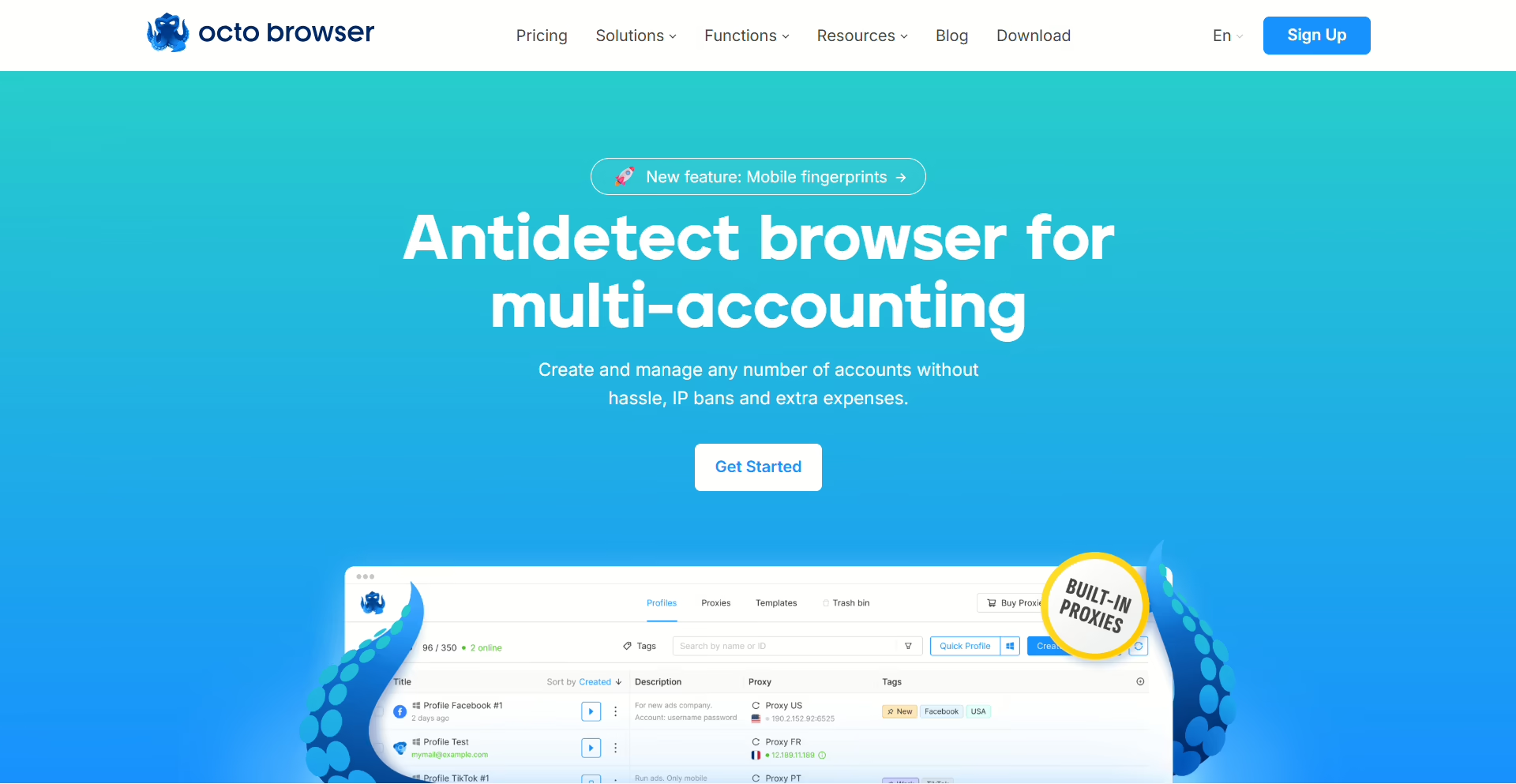
A lot of anti-detect browsers make bulk management feel clunky, but Dolphin Anty built the platform around it. I could assign proxies, filter profiles with tags, and install browser extensions across many profiles without needing to open them one by one.
Fingerprint Testing
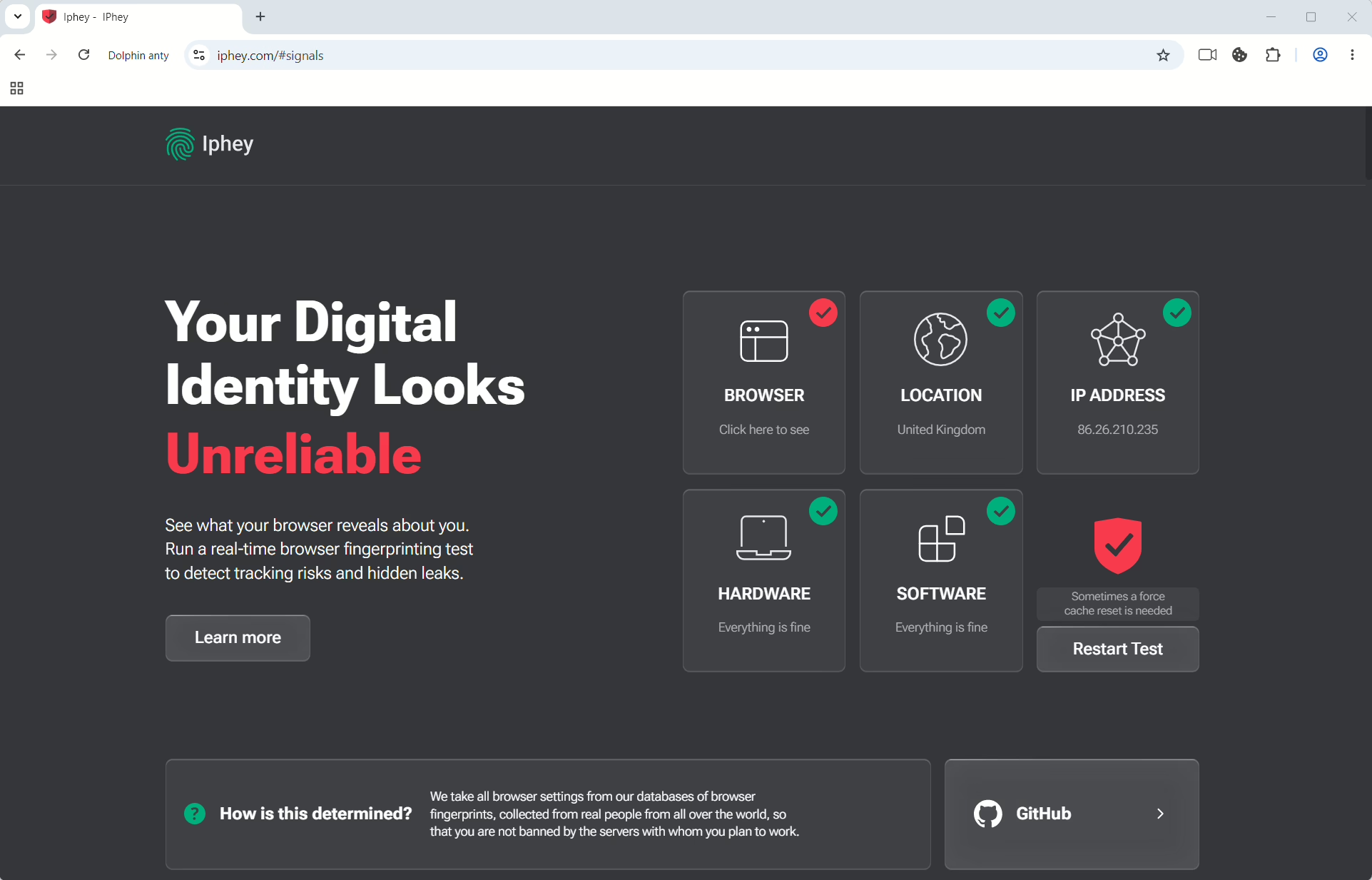
PixelScan passed cleanly, but IPhey flagged one fingerprint inconsistency. The good news is that the problems were fixable with manual changes.
Proxies
Dolphin Anty does not have built-in free proxies. Instead, it integrates with outside proxy providers. The setup was simple, but you still need to buy proxy traffic, which increases the total cost. The browser supports both HTTP and SOCKS5 proxies.
Pros
- Excellent bulk profile management tools
- Strong automation support for major browsers
Cons
- IPhey flags some issues with the default settings
- No built-in proxies
Pricing
The free plan supports 5 permanent profiles. Paid plans start at $89/mo for 100 profiles, while team plans begin at $159/mo.
8. Maskfog
MaskFog is an affordable option for e-commerce sellers and small marketing teams working on Amazon, eBay, and Shopee. It focuses on helping users run multiple accounts, even if they are not technical.
Fingerprint Testing
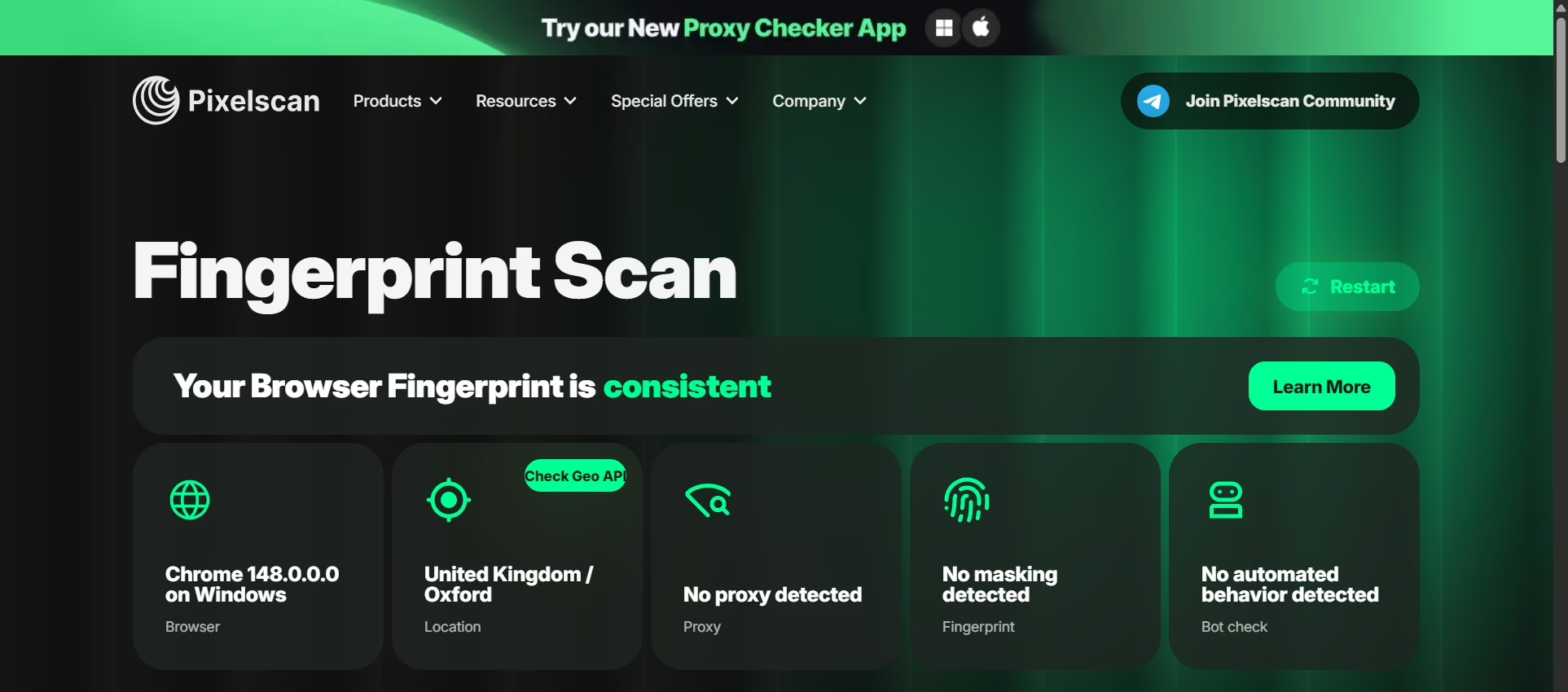
MaskFog covers all the basic fingerprint areas. But it was weaker than other premium tools. It also does not support real Android mobile emulation; only mobile browsers.
Proxies
There is no built-in residential proxy. MaskFog supports bulk import and profile setup. It also sells its own IP and device packages inside the app, which is convenient. But that also ties you into their ecosystem and limits other providers.
Pros
- Very low cost, with a free plan for local profiles
- Lightweight and works well on simple hardware
- Built-in option to buy proxy or device packages directly
Cons
- Weak fingerprint engine compared to premium tools
- Limited team collaboration and no real cloud syncing
- No mobile Android emulation
- Confusing pricing structure with add-ons
Pricing
Free tier allows unlimited local profiles. Paid plans start around $2/mo, with extra costs for cloud storage and device/IP packages.
9. Incogniton
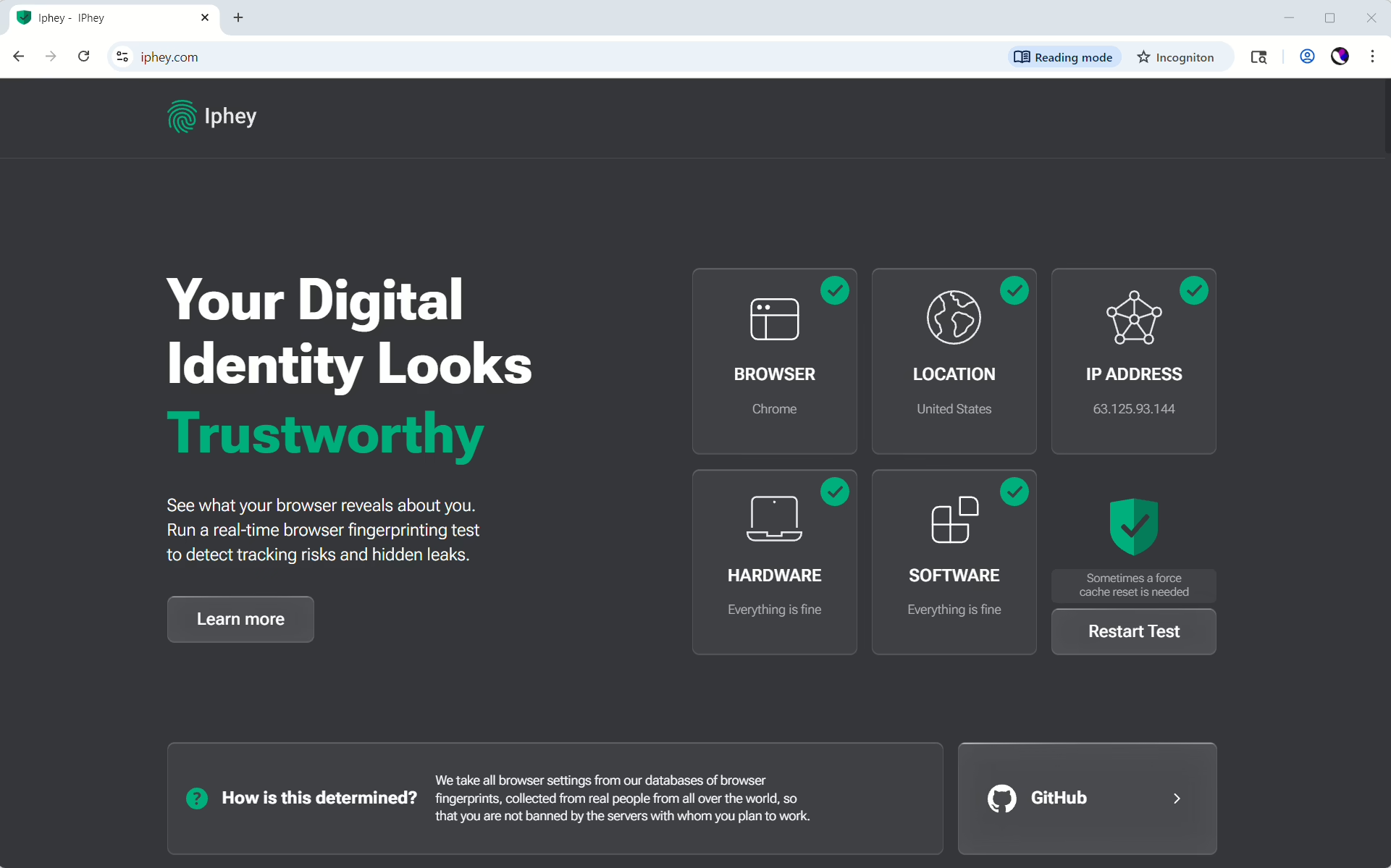
Incogniton is a budget-friendly browser. Out of the box, the setup is not optimized for clean fingerprints, but the developers provide a manual setup guide.
Fingerprint Testing
The profiles looked incomplete without manual adjustments. The engine depends on how carefully you configure each profile.
Proxies
There are no built-in proxies. There is an in-app proxy market, but the price is not very competitive compared to other providers.
Pros
- Very low cost at scale, especially for many profiles
- Full control over fingerprint settings for advanced users
Cons
- The interface feels old and not very intuitive
Pricing
Free (10 profiles for 2 months, drops to 3 after). Paid plan is from $20/month for 10 profiles.
10. SessionBox
SessionBox started as a Chrome extension for running separate sessions inside browser tabs, and it’s still lightweight today. Instead of launching full browser windows for every profile, SessionBox lets you manage accounts through isolated tabs.
Fingerprint Testing
The protection felt decent but less flexible than Multilogin or Gologin. I also noticed browser version mismatches and automation flags. SessionBox is mostly an antidetect browser for PC use.
Proxies
There are no built-in proxies.
Pros
- Cheap starting price
- Lightweight workflow is fast
Cons
- Limited fingerprint customization compared to bigger competitors
- No built-in proxies or mobile fingerprint
Pricing
Starts around $12.99/month. There’s a 7-day free trial.
11. Octo Browser
Octo Browser is kind of a mid-range tool. After testing it, I’d say it is a balanced option for agencies, affiliate marketers, and social media teams that need strong profile isolation without paying high prices. Octo Browser also doesn’t try to be flashy; it handles the core parts well.
Fingerprint Testing
With good residential proxies connected, profiles consistently passed both checkers. Octo Browser covers the major areas well, and I didn’t see any major inconsistencies once the proxy setup correctly matched the profile location.
Proxies
No built-in proxies.
Pros
- Strong fingerprint protection across the main detection signals
- Good team and profile-sharing tools without breaking the bank
Cons
- Costs more than Gologin with similar packages
Pricing
Starter plans begin at €29/month for 10 profiles. Plans with 100 profiles cost around €79/month.
12. Kameleo
Kameleo is a good antidetect browser for Android and emulates device signals like sensor data, device IDs, and mobile browser behavior that TikTok and Instagram check.
Fingerprint Testing
PixelScan flagged a GEO mismatch, and IPhey detected some fingerprint inconsistencies. After I manually adjusted the profiles, both problems disappeared.
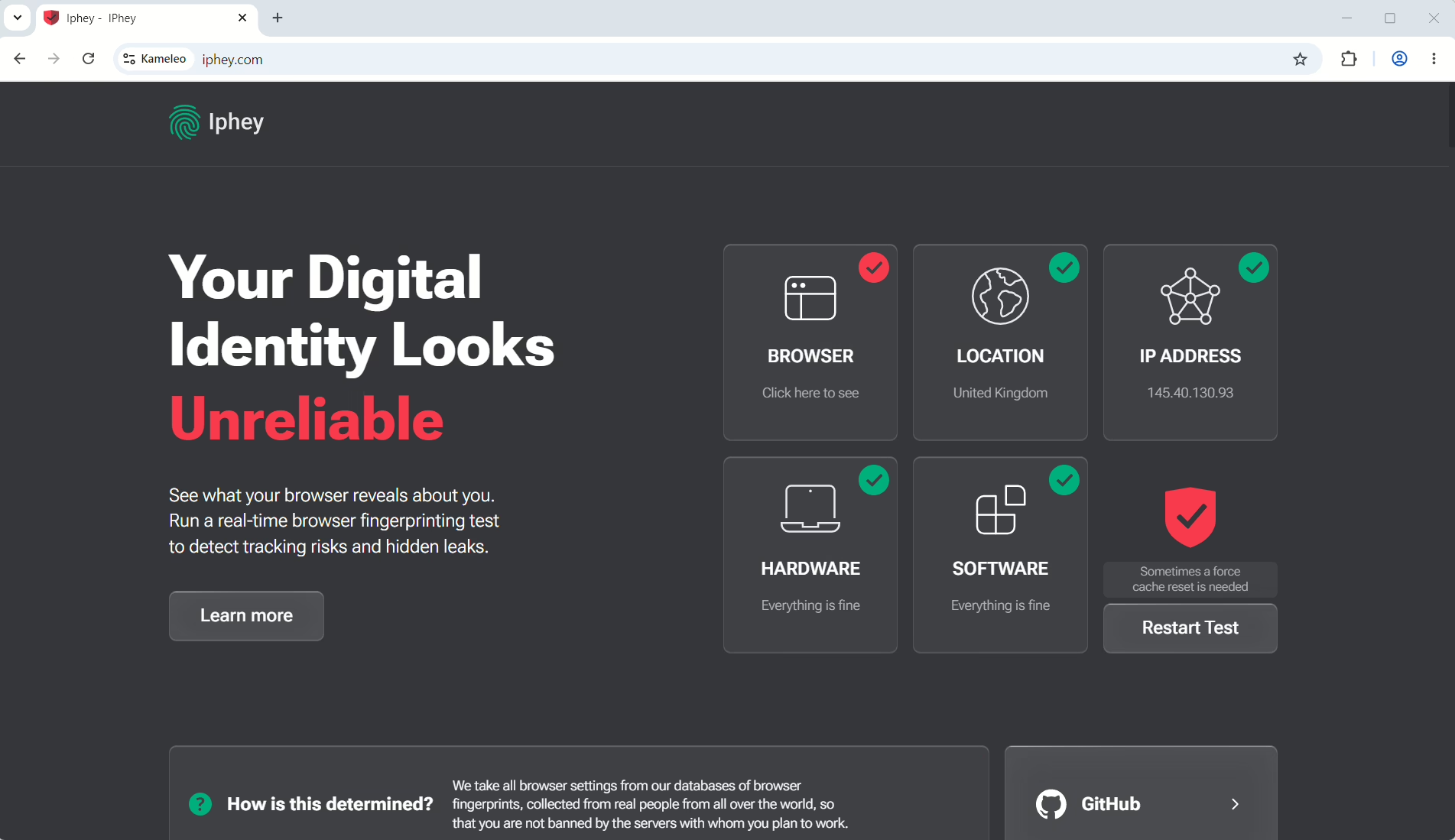
So the browser can produce clean fingerprints, but it takes more work compared to Gologin or 1Browser.
Proxies
Kameleo does not have built-in proxies. The browser supports HTTP and SOCKS5.
Pros
- Real Android fingerprint emulation with believable mobile signals
- Playwright support is built in
Cons
- Needs manual fingerprint tuning for the cleanest results
- No built-in proxies
Pricing
The free plan offers 300 minutes per month and 2 profiles. Paid plans start at €45/month. Instead of charging by total profile count, Kameleo charges based on how many sessions you run at once.
13. AdsPower
AdsPower is built for people who want automation without writing scripts. Instead of coding, you drag and drop steps to build workflows with its RPA editor.
I also set up flows in a visual builder, so it felt like building a simple automation app rather than working in a browser tool. AdsPower is great for warming accounts or handling basic stuff across many profiles.
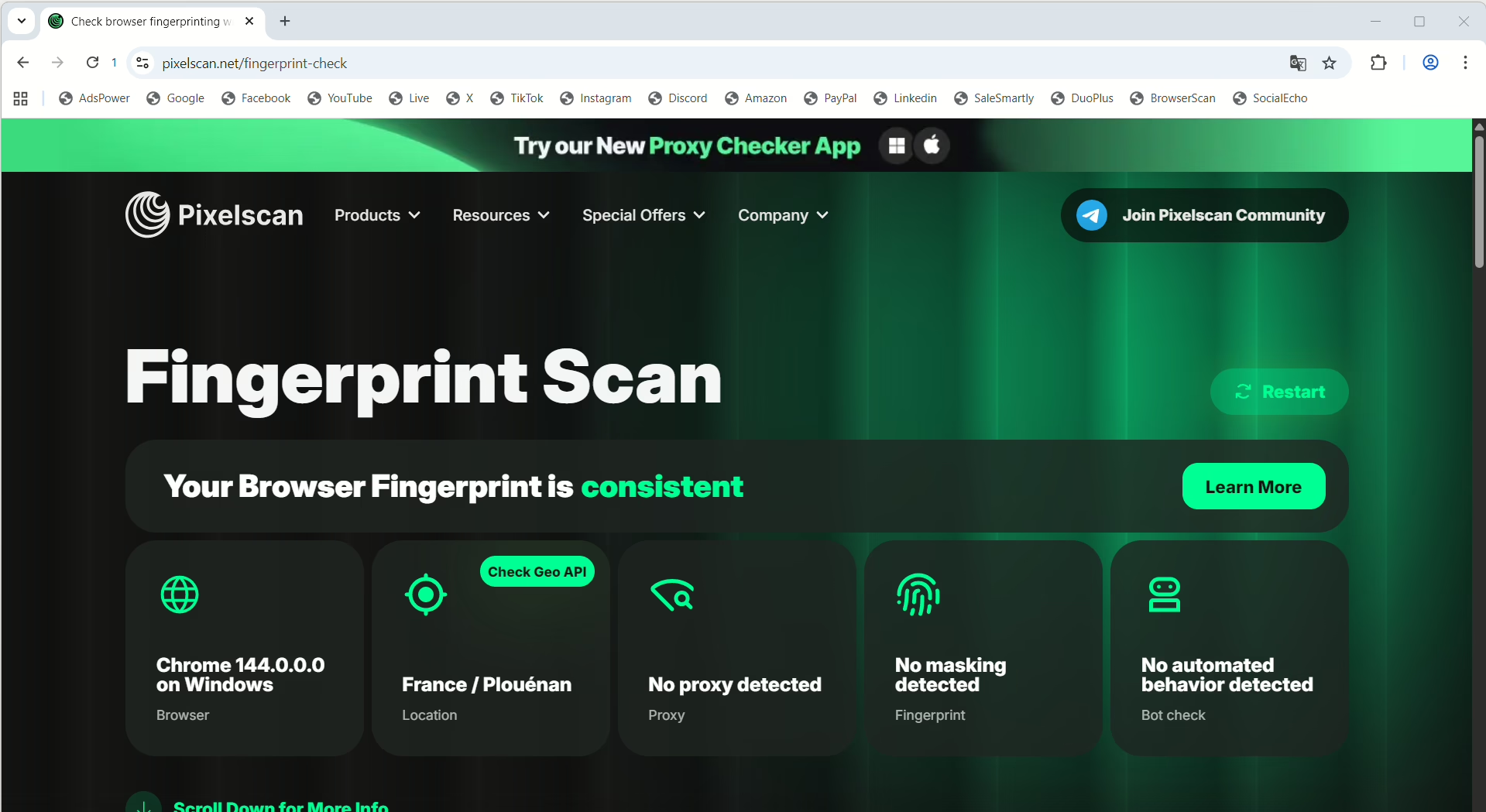
Fingerprint Testing
With Android fingerprinting enabled, it passed PixelScan consistently. The profiles looked stable and didn’t show obvious mismatches in core signals.
Proxies
AdsPower does not have built-in proxies.
Pros
- Visual RPA automation that works without coding
- Very low entry price compared to most tools here
Cons
- No mobile fingerprinting
- No built-in proxy system
Pricing
Free plan supports 2 profiles. Paid plans start at $9/month for 10 profiles.
14. MoreLogin
MoreLogin focuses on affordability, but it still has some features I usually only see in more expensive tools. The biggest one is Cloud Phone. Like GeeLark, it gives you cloud Android devices for mobile account management.
Fingerprint Testing
PixelScan flagged inconsistencies on the default Quick Profile setup. I also noticed the Chromium engine lagged behind the latest Chrome release on MacOS, creating another fingerprint signal that detection systems can track.
Proxies
MoreLogin does not have built-in proxies.
Pros
- One of the cheapest paid anti-detect browsers I tested
- Cloud Phone support for mobile account workflows
Cons
- Browser engine updates fall behind current Chrome versions
Pricing
The free plan comes with 2 profiles and 20 total launches. Paid plans start at $9/month for 10 profiles.
15. VMLogin
VMLogin is a Chinese anti-detect browser for teams that manage large accounts across Amazon, eBay, Facebook, and TikTok. It’s not actually for solo users. The entry plan starts at 100 profiles, which already tells you it is built for agencies and big operations. Although they offer a free trial.
Fingerprint Testing
VMLogin covers the basic fingerprint signals. It performed well once it was configured. The engine can generate realistic fingerprints, but it doesn’t always randomize them by default. You sometimes need to manually generate or adjust profiles before they look natural.
Proxies
VMLogin does not have built-in proxies. But it supports automation tools like Selenium and Browser Automation Studio for handling scripted proxy and bulk workflows.
Pros
- A high profile limit on the starter plan
- Solid core fingerprint coverage across major signals
- Supports automation tools like Selenium and BAS
- Stable Chromium-based engine
Cons
- Expensive basic price
- No built-in proxies
- Requires manual setup to get clean fingerprints
- Basic interface and limited collaboration tools
Pricing
Starts at $59/mo for 100 profiles. The highest plan is $499/mo (3,000 profiles) for large operations.
16. NstBrowser
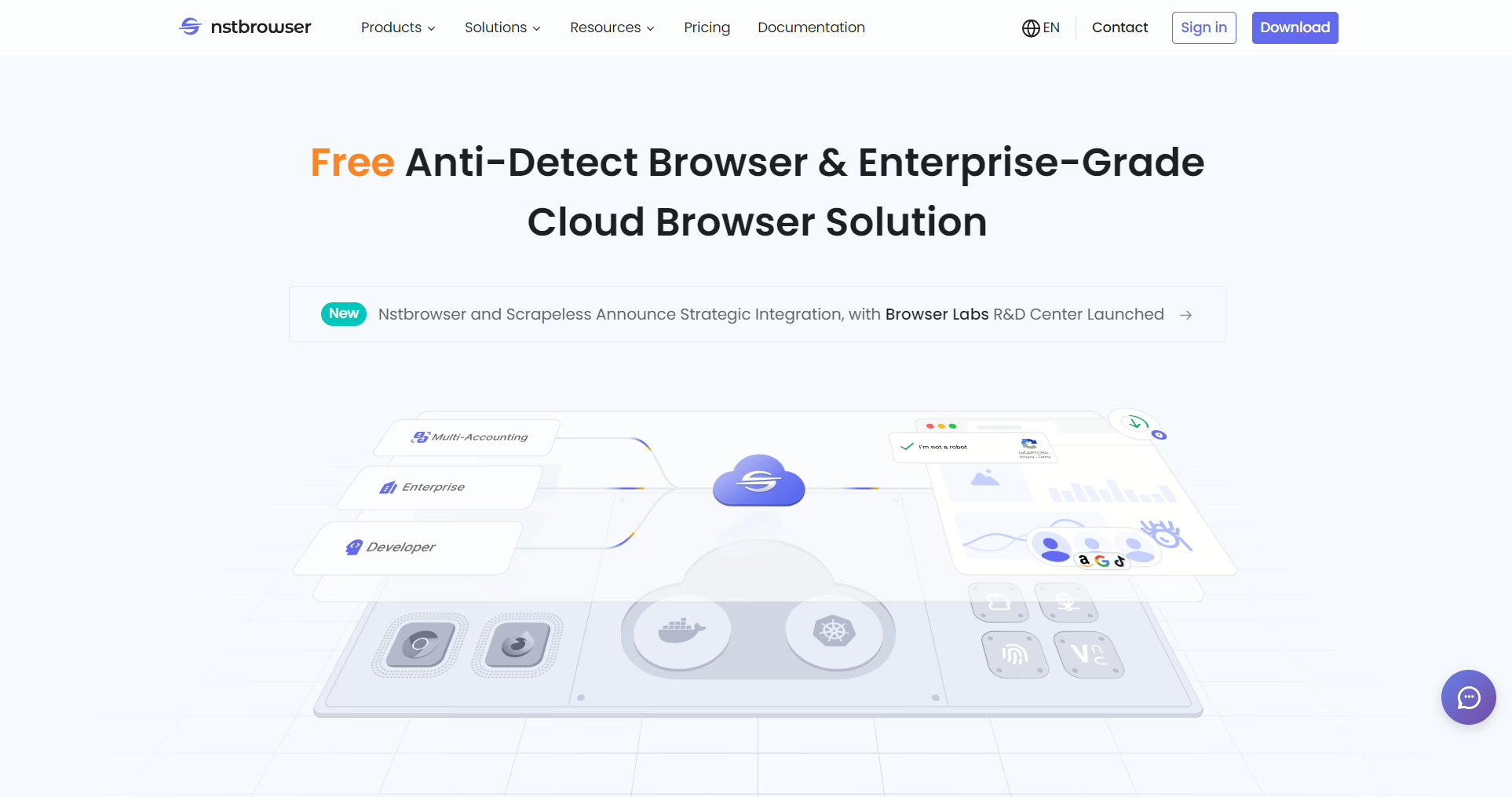
NSTBrowser is more like an automation platform with antidetect features added on than a normal anti-detect browser. It focuses on automation and has a full RPA system, a visual workflow builder, and a marketplace of scripts for account creation, cookie farming, and form automation.
Performance
NST feels heavier than most tools on this list. Profiles launched in around 4.5 seconds on average, and I noticed CPU usage climb quickly when many sessions ran together. Antivirus software also flagged the installer during setup.
Proxies
NstBrowser offers residential, IPV6, datacenter, and static ISP proxies.
Pros
- Excellent automation tools with visual RPA and ready made scripts
- Supports headless workflows for server operations
Cons
- Pricing is a bit high for smaller users
- Interface is a bit clunky
Pricing
The free plan allows 30 profile launches per day. Paid plans start at $30/mo for up to 100,000 profiles and $60/mo for 500,000 profiles.
17. GeeLark
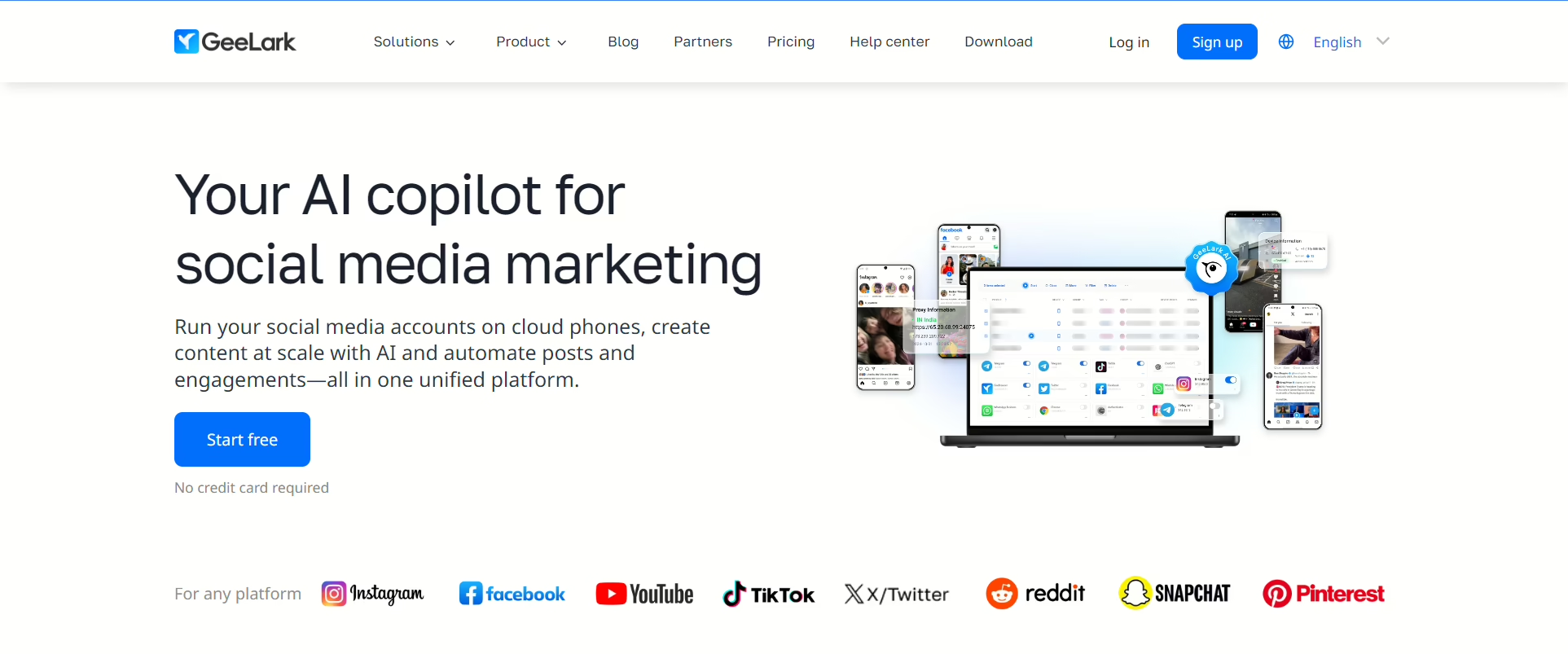
Instead of trying to make a browser look like a mobile device, GeeLark gives you actual cloud-based Android phones. Each one runs a real Android system with its own hardware IDs, IMEI, and full OS separation.
Fingerprint Testing
Desktop browser profiles showed inconsistencies like other emulated setups on IPhey. But the cloud Android phones passed cleanly because they are real Android environments with unique hardware identifiers.
Performance
Desktop profiles launched in around 11 seconds during my tests, which is slower than most browser tools. But when starting cloud phones, there’s a delay because each session boots a full Android system, not a simulator.
Pros
- Real Android environments
- Strong option for platforms that detect fake mobile fingerprints
Cons
- Usage pricing can get expensive
- Slow startup makes it less fit for fast profile switching
Pricing
The free plan comes with 2 phones and 30 minutes per month. Paid plans start at $13/month for 20 phones with 60 minutes.
Which Anti-Detect Browser Should You Choose?
I’ve done a pretty deep dive, but TLDR, which one is the best anti-fingerprinting browser? This is what I think:
- Best overall free option (1Browser): 20 real profiles, built-in proxies, cloud sync, and permanent free profiles.
- Best quality price (Gologin): Passes both checkers on defaults, residential proxies, and a proven track record.
- Best for enterprise teams (MultiLogin): Dual engine (Chromium and Firefox), premium team infrastructure.
- Best for affiliate marketing at scale (Dolphin Anty): Bulk profile management and automation depth with few matches for media buyers.
- Best fingerprint depth (Vision): 1000+ real-device parameters, UDP-over-SOCKS5, AES-256 profile encryption. The strongest technical option for serious ad operations.
- Best for mobile workflows (GeeLark): Real cloud Android devices that run on actual Android environments.
- Best deep mobile fingerprint emulation (Kameleo): The most tweakable Android/iOS fingerprint engine for PC antidetect browsers.
- Best for visual automation (AdsPower): Drag-and-drop RPA that actually works
- Best for Selenium/scripted automation (VMLogin or NstBrowser): VMLogin for mature Selenium integration, NstBrowser for RPA on a large scale.
- Most affordable price (1Browser, MoreLogin, MaskFog): functional and some advanced tools basics without huge fees.
If you’re starting from zero, 1Browser’s free plan handles more than most people need before they’re ready to spend anything.