Best Ghost Browser Alternatives in 2026

I manage social media accounts for a few clients and was looking for a better antidetect browser to keep my profiles separate. I tried Ghost Browser for a few weeks since it had many referrals. One thing it does well is let you run multiple logins in color coded tabs in the same window.
But what I found out later is that Ghost Browser is a productivity browser, not really an antidetect browser. It does isolate your cookies, but it doesn’t spoof your fingerprint at all.
I ran a quick test on PixelScan, and my profiles didn’t pass, and that was a dealbreaker for me. So, I searched for proper Ghost alternatives, and these are some good ones I found.
A Quick Comparison of Top 10 Ghost Alternatives
| Tool | Best For | Mobile Fingerprinting | Built-in Proxies | Team Collab | Cloud Profiles | Free Plan | Starting Price |
| 1Browser | Best overall value | Android + iOS | ✅ Yes | Yes | ✅ Yes | 10 profiles (free) | $0/mo |
| Gologin | Solo users & beginners | Android | ✅ Yes | Limited | ✅ Yes | 3 profiles (free) | $9/mo |
| Multilogin | Large teams & enterprises | Android | ✅ Yes | Yes | ✅ Yes | 3-day trial | $10.5/mo |
| Dolphin Anty | Affiliate marketers | None | ❌ No | Yes | ✅ Yes | 5 profiles (free) | $10/mo |
| AdsPower | Automation heavy workflows | None | ❌ No | Yes | ❌ No | 2 profiles (free) | $9/mo |
| Octo Browser | Advanced users & teams | Android | ✅ Yes | Limited | ✅ Yes | No | €10/mo |
| Kameleo | Developers & mobile testing | Android + iOS emulator | ❌ No | Yes | ✅ Yes | 2 browsers (free) | €45/mo |
| SessionBox | Small scale Digital marketers | None | ✅ Yes | Yes | ✅ Yes | 7-day trial | $12.99/mo |
| VMLogin | Social media and brand managers | Android + iOS emulator | ❌ No | Yes | ✅ Yes | 3-day trial | $99/mo |
| Maskfog | Budget users | None | ❌ No | Yes | ✅ Yes | Yes | $2 |
Why Look for Ghost Alternatives?
Ghost Browser has a free plan and its Chromium engine makes the UI very familiar. I finally paid to access their ‘unlimited profiles’ offer but the most useful feature, the Ghost Proxy Control, is locked behind the $46/month Pro plan.
On the basic plan, I created many profiles, but I couldn’t get different IP addresses for each of them. Later, I tried to cancel my subscription, but it was hard for me and other users (I found on Trustpilot) to do.
10 Best Ghost Alternatives I Tested in 2026
This is my list of better antidetect browsers that you can get your money’s worth using.
1. 1browser – Overall Best Ghost Alternative in 2026
Setting up my profile on 1browser took about three minutes because 1browser comes with built-in proxies on every plan, even the free one. It’s really great that I didn’t have to buy a different proxy or configure it myself.
The browser runs on a Chromium core, stores encrypted profiles in the cloud, and syncs them across devices. I didn’t get that with Ghost because I was on the basic plan.
Key Features:
- 1 browser has built-in proxies from 5 free countries and 100+ countries on paid plans
- 2 GB residential proxy traffic on paid plans
- You can have 10 profiles permanently on the free plan with no time limit
- Your cloud profiles are stored encrypted on AWS
- 1browser also offers a Chromium-based UI that won’t make you miss Chrome
- Optimized for PixelScan, BrowserLeaks, Whoer, and IPhey fingerprint checks
- Excellent cloud sync for Windows, macOS, and Linux
Pros:
- It’s the fastest setup process I’ve tested
- 1browser has very generous free tier for beginners
Cons:
- You’ll need some tech knowledge for advanced automation
Pricing: Free plan is for 10 profiles; Basic plan starts at $9/month ($7/month annually)
How to Set Up 1Browser
Go to 1browser.com and download the desktop app for your operating system (Windows, macOS, or Linux).
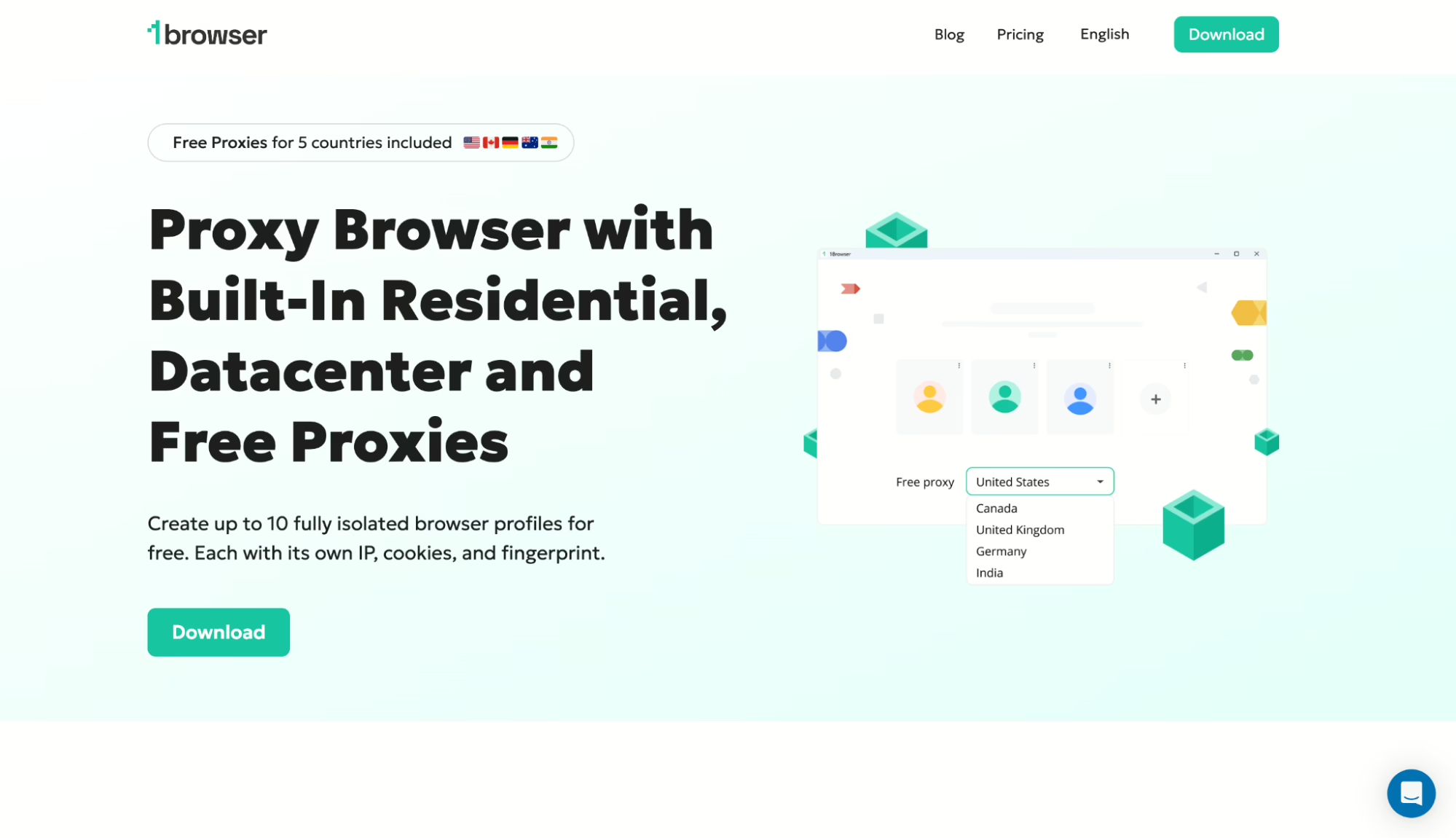
1. Launch the 1browser installer
After the download finished, I clicked the installer, and the full browser package was installed on my PC
2. Create an account
The browser will launch automatically or you can click on the app icon. Before creating an account, you can launch 2 browser profiles, but to enjoy the whole 10 profiles, you’ll need to sign up
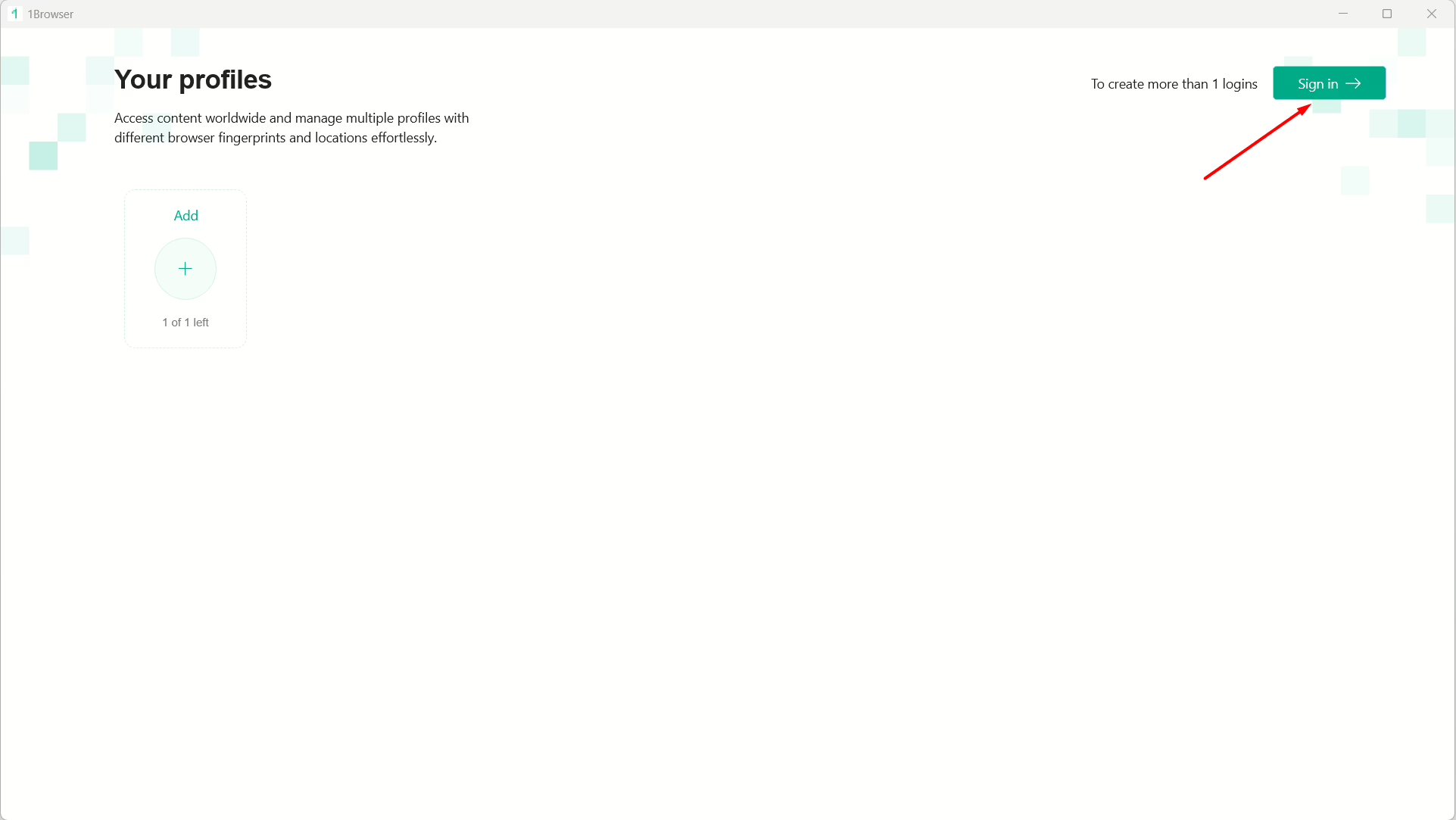
Click on ‘Sign in’ then on ‘Sign up’
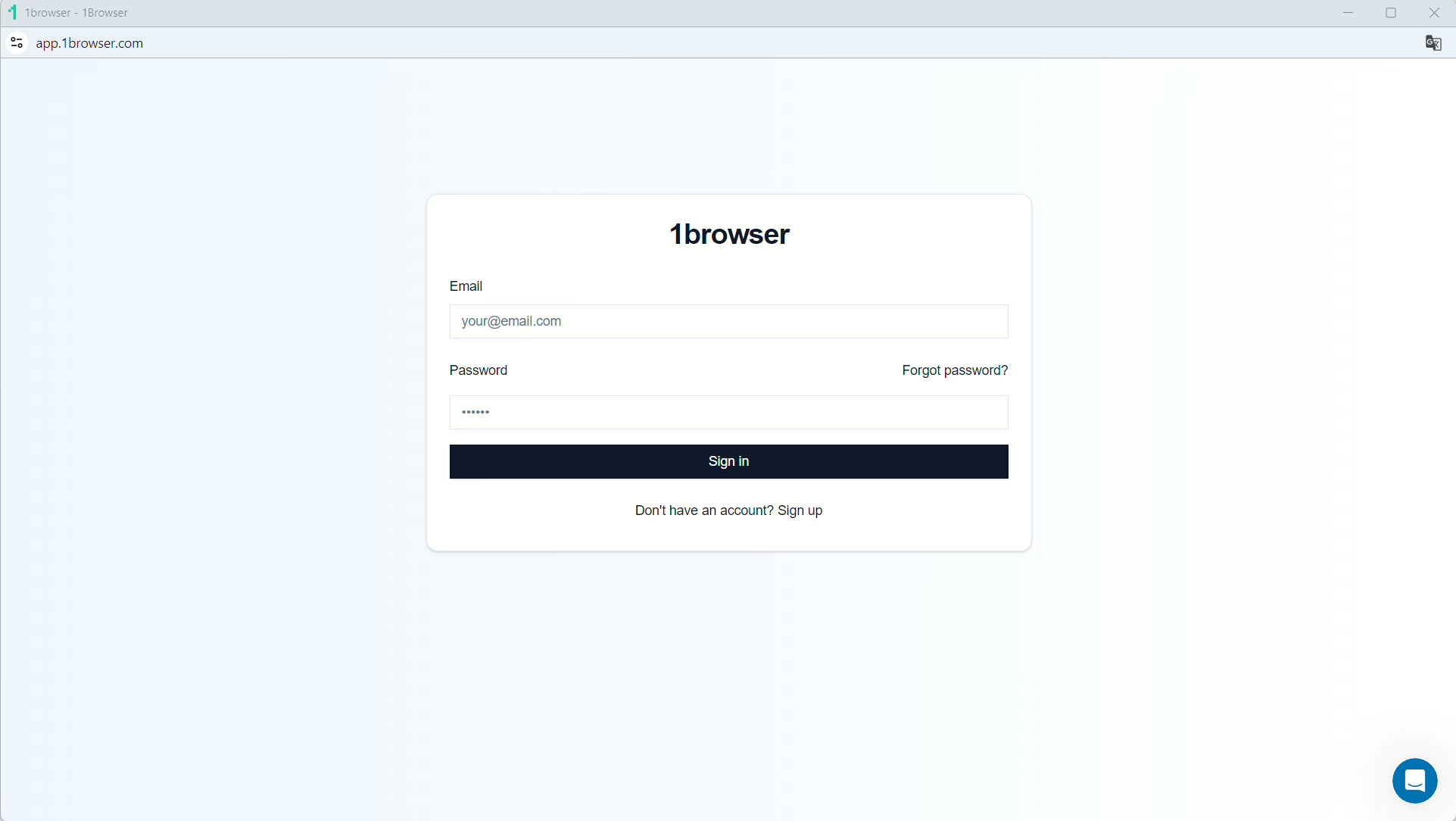
Simply type in your desired email and password, hit ‘Sign up’ and you’ll have your account! Now, close the app and launch it again, then set up your first profile:
Give it a name, select a theme or color, and click ‘Done’
3. Select your free proxy
Once your profile is live, you can set up your proxy to one of the free ones built into 1browser by clicking the avatar icon at the top right
Click on ‘Proxy’ to open up the settings
1browser will be set to a ‘User proxy’ by default. Click on the drop-down and select ‘Free proxy’ or ‘Free Tor Proxy’:
1browser’s Resident Proxy also gives you access to real home internet connections. These are authentic IP addresses assigned to users by their ISPs that are highly trusted, and servers rarely block them.
You’ll see ‘Proxy connected’, and you can now click on the drop-down to choose from 5 regions.
4. Configure your fingerprint
You can set up your fingerprint parameters by clicking on ‘Fingerprint’ but I usually let the browser set these parameters automatically.
I’ll recommend you turn on Canvas noise, WebGL noise, and Audio noise
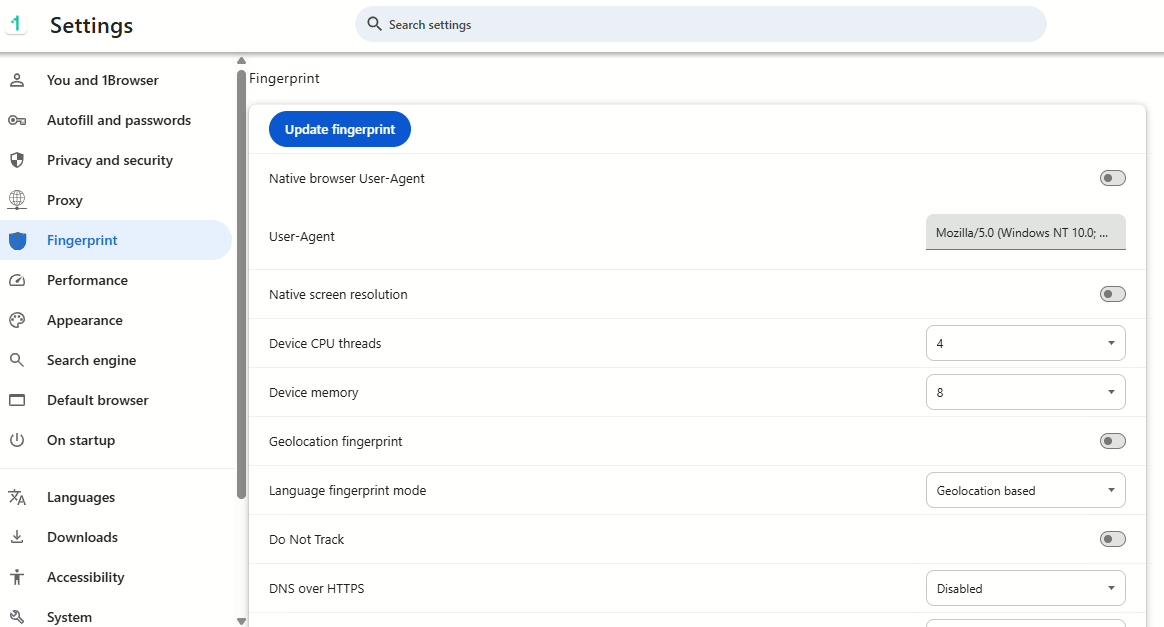
5. Verify anonymity
The final step is to launch the profile and verify if the browser is working fine at pixelscan.net
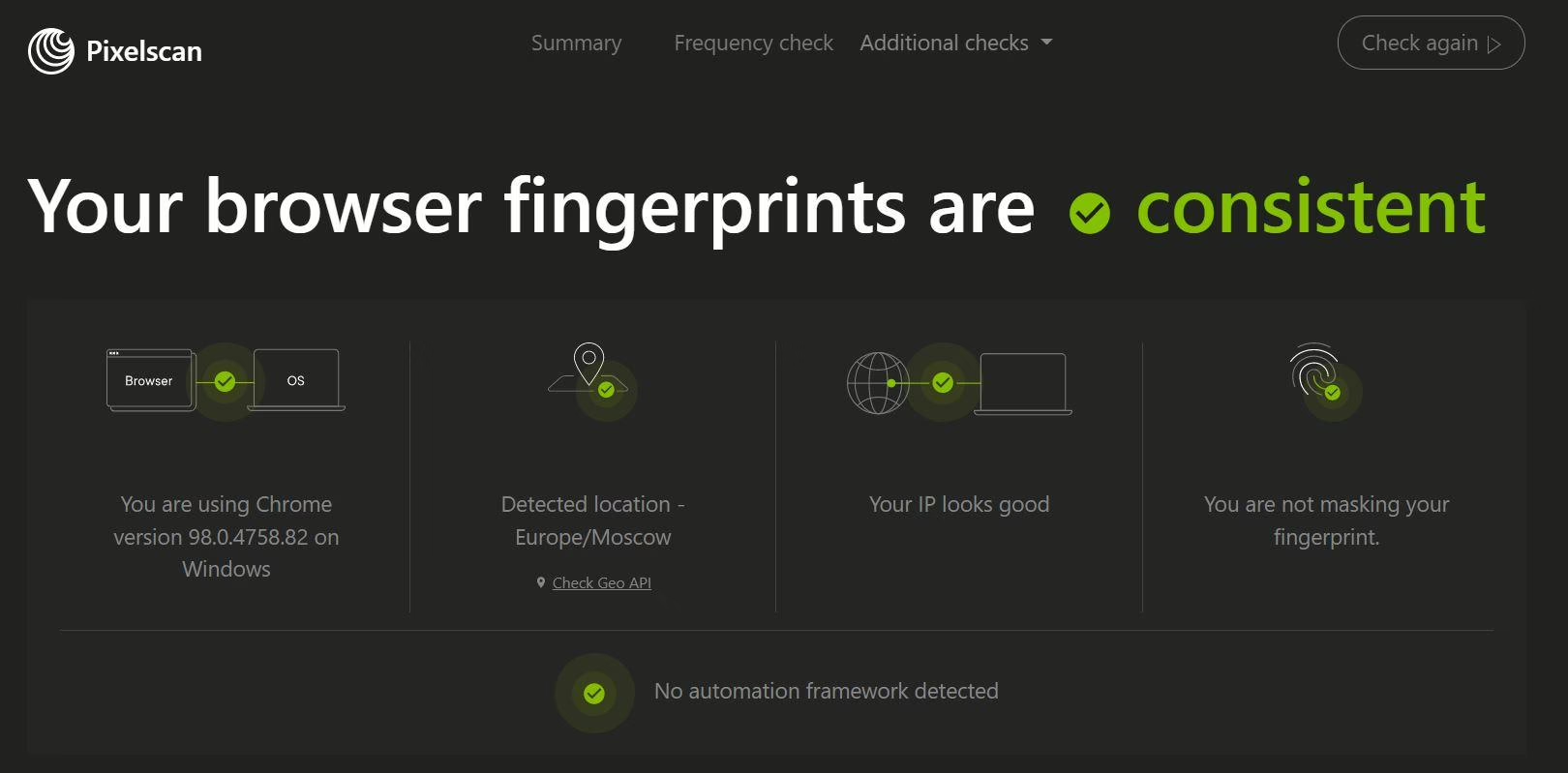
And that’s it!
2. Gologin
Gologin is another great Ghost browser alternative offering proxies for social media and eComm, and gives you better multi-team tools. However, while they do have a low starting price, you’ll notice slow browsing speeds, a clunky interface, and there’s talk of cookies being accessed by other people.
Pros
- Great for beginners
- Affordable basic plan
High uptime history
Cons
- Poor support
- Frequent bans or account hacks reported
Pricing: Free (3 profiles), $49/mo (50 profiles), $79/mo (100 profiles)
3. Multilogin
Multilogin runs Chromium and Firefox browser engines and includes residential proxies on paid plans. The team features allow users role-based access and workspace management.
Pros:
- Dual browser engines
- Team controls
- Built-in proxies
Cons:
- History of DDoS outages
- Profile launch issues
- No Linux support
Pricing: From €1.99/mo (5 profiles) up to €75/mo (300 profiles)
4. Dolphin Anty
Dolphin Anty speciality caters to the needs of affiliates and ad managers and features their no-code Scenario Builder which is great for automation. However, you’ll need to add proxies yourself and they’re desktop-only.
Pros:
- No-code automation
- Device Name Spoofing
- Good for Facebook Ads workflows
Cons:
- No built-in proxies
- No mobile fingerprinting
- No mobile app
Pricing: Free (5 profiles), $10/mo (20 profiles), $89/mo (100 profiles)
5. AdsPower
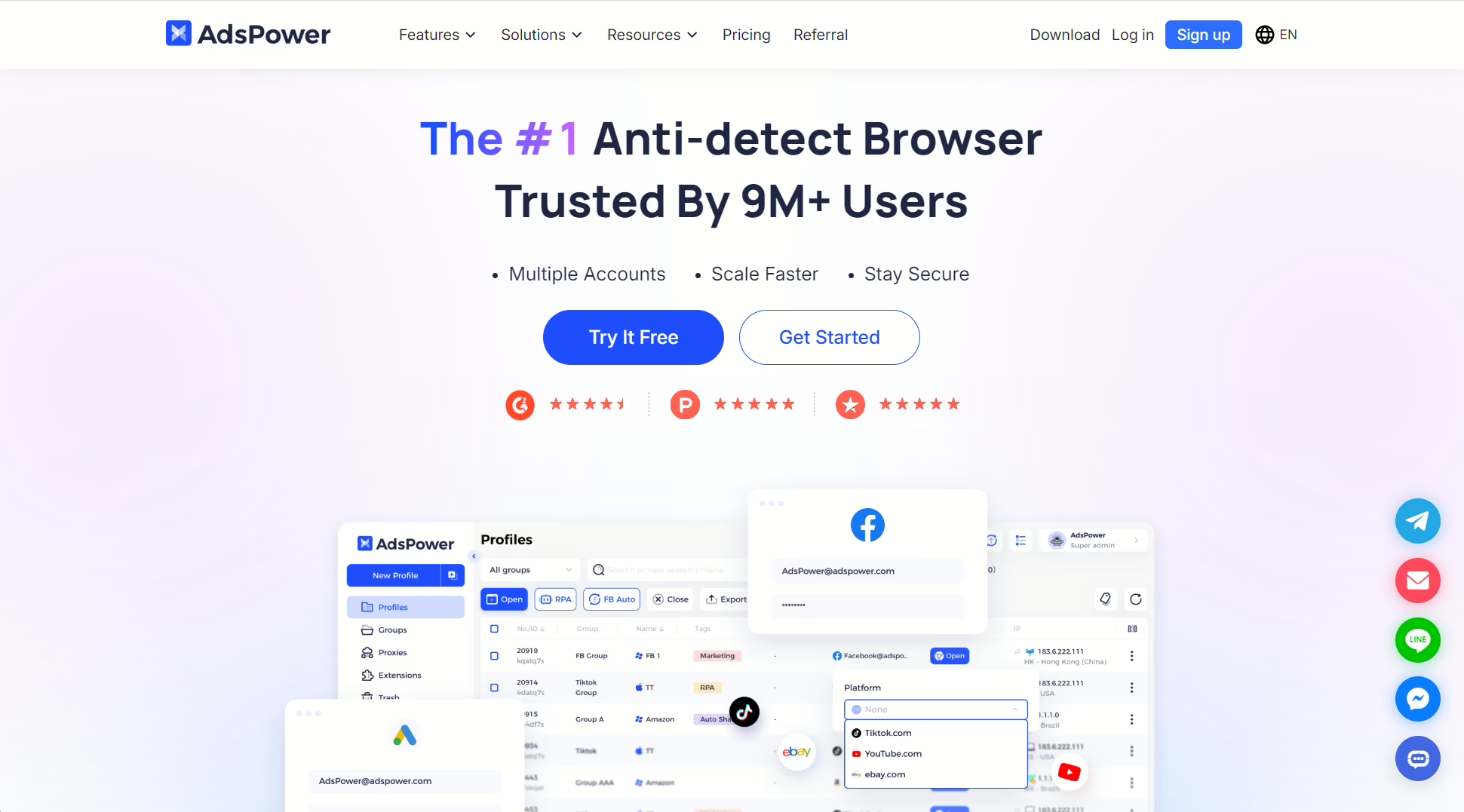
AdsPower is another niche tool that appeals to people who run ads often. You get a dual engine skeleton built on Chrome and Firefox engines and a visual RPA automation builder. However, for newbies, setting up more functionality like proxies can be a bit intimidating.
Pros:
- Plans are quite affordable
- Comes with two familiar browser stacks
- Features no-code automation
Cons:
- No built-in proxies
- Only gives 2 free profiles.
Pricing: Free (2 profiles), $9/mo (10 profiles), $36/mo (100 profiles)
6. Octo Browser
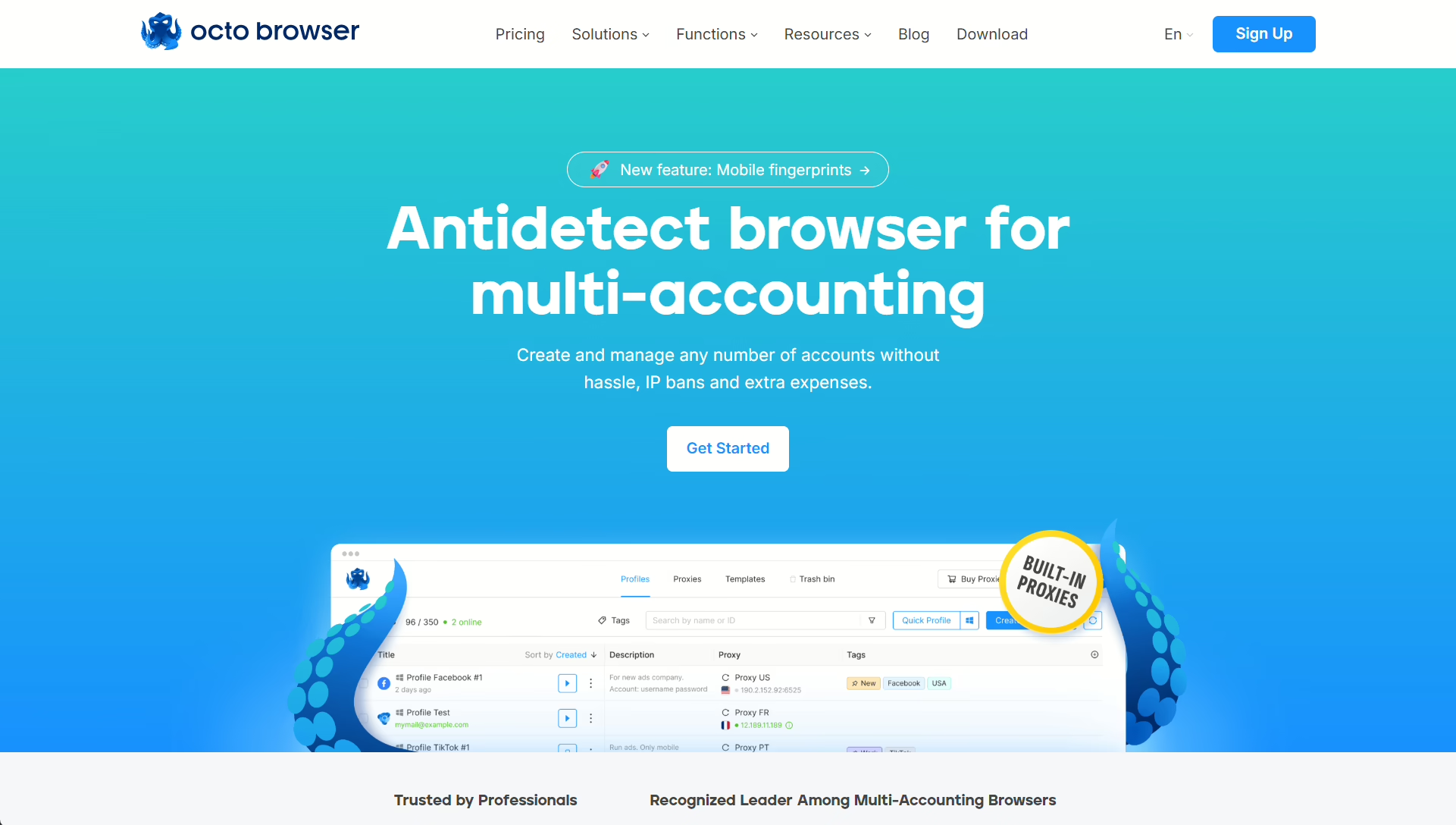
Octo Browser is another good Ghost alternative with good team collab tools and reliable footprinting. However, it’s also a pricey pick, has largely manual automation, no cloud phones, and no built-in proxies.
Pros:
- Real-device fingerprinting
- Fast Chromium updates and clean interface
Cons:
- It’s a bit pricey
- No profile warm up
Pricing: €10/mo (3 profiles), €29/mo (10 profiles), €329/mo (1,000 profiles)
7. Kameleo
Kameleo runs both Chromium and Firefox engines, and Microsoft’s Playwright automation library supports both, which is actually rare. If you need proper Selenium or Puppeteer automation with mobile profiles that look real, then Kameleo is your go-to.
Pros:
- Playwright works on both browser engines
- Android and iOS emulator
Cons:
- Big jump from their Startup (€59) to Business plan (€299)
- No built-in proxies
Pricing: Free (2 browsers), €59/mo Startup, €299/mo Business
8. SessionBox
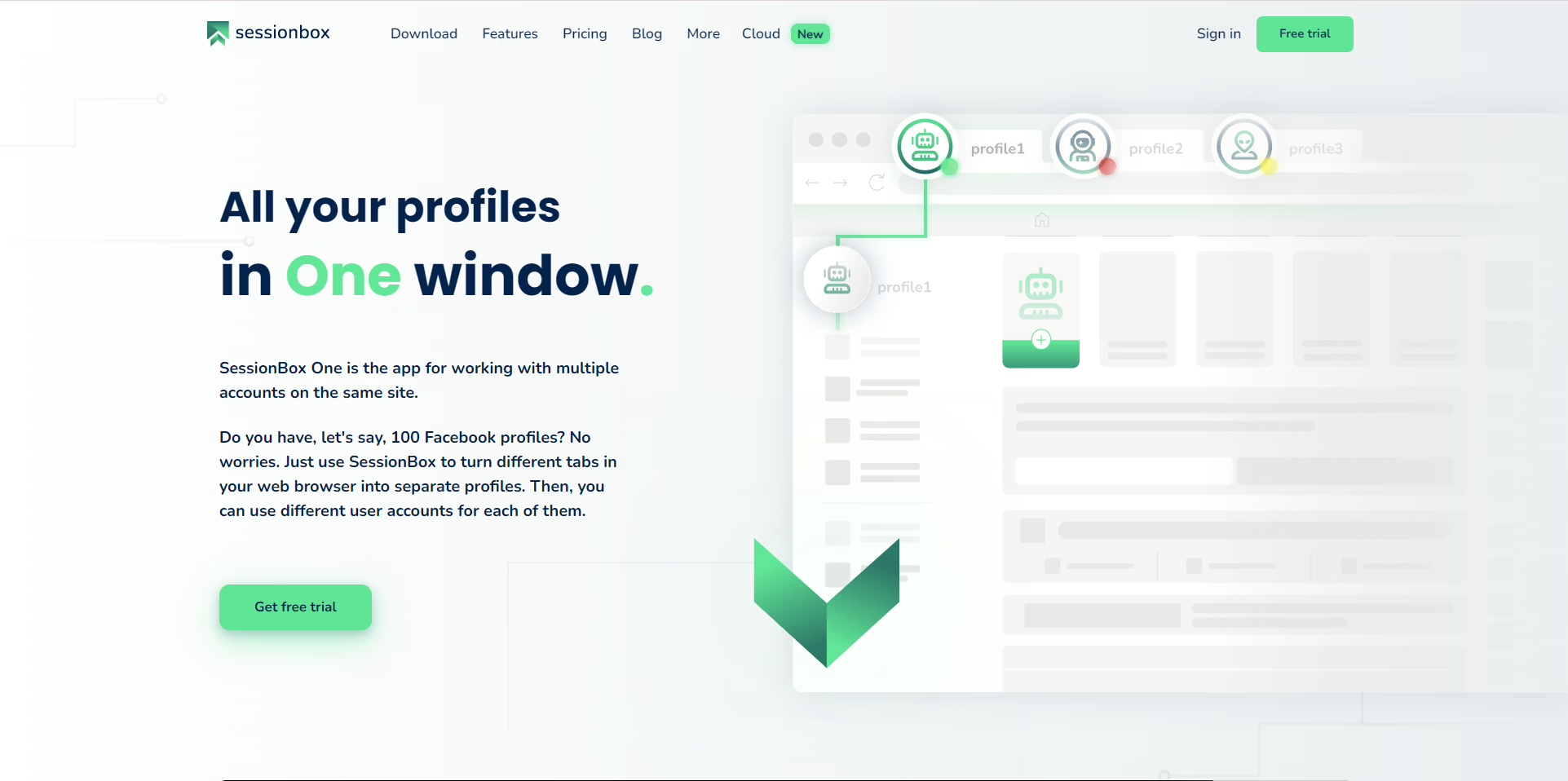
SessionBox was a Chrome extension that is now a lightweight desktop app. It runs inside your existing browser and lets you manage accounts through color coded tabs just like Ghost Browser. Although, I could only get fingerprint protection on the Professional plan and above.
Pros:
- One of the cheapest annual plans
- Runs in your existing Chrome browser
Cons:
- No fingerprint spoofing on lower plans
- Performance drops after 20 profiles
Pricing: $12.99/mo ($4.99 annual), $59.99/mo Professional ($21.99 annual)
9. VMLogin
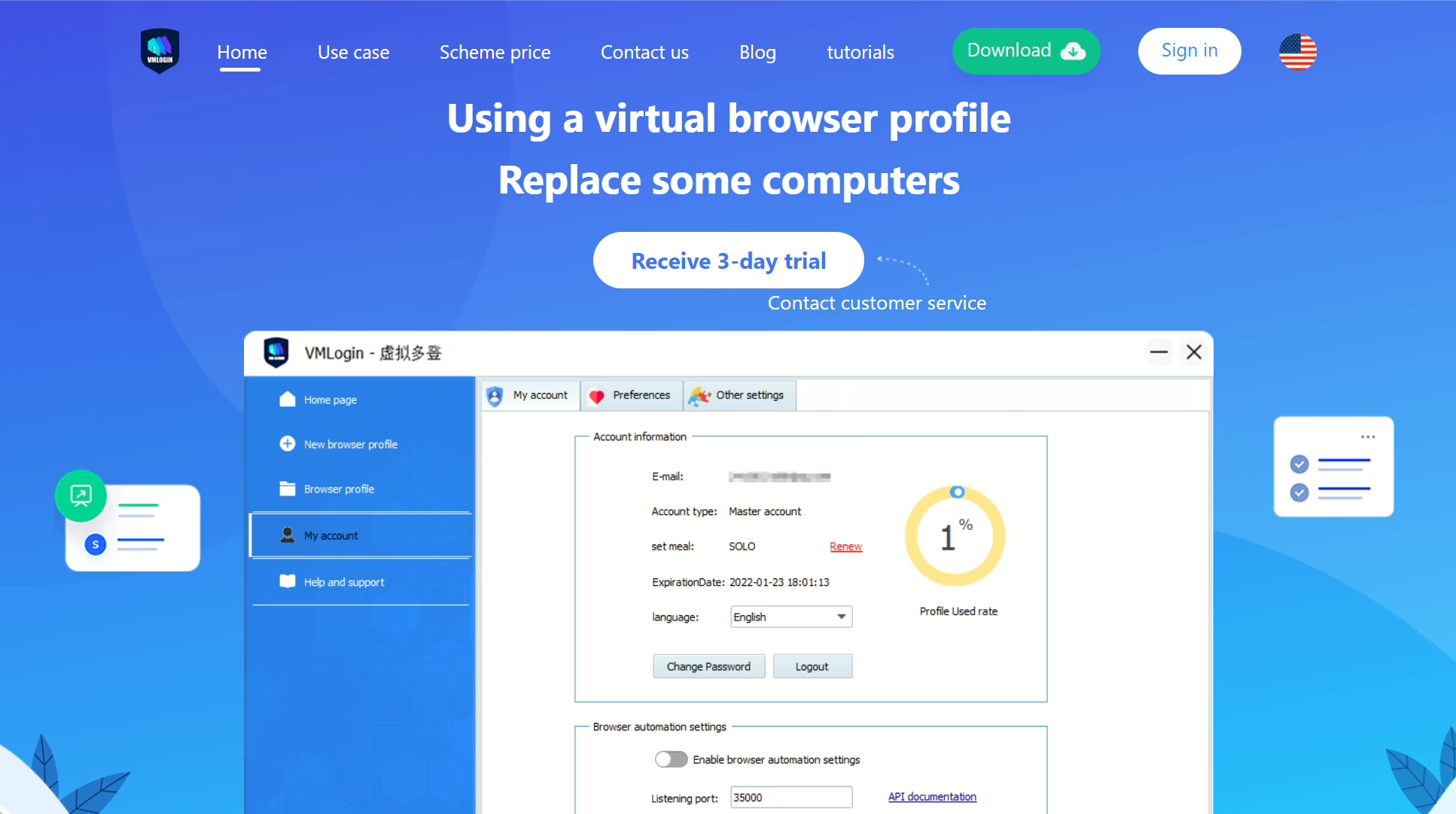
VMLogin only works on Windows and has very good fingerprinting hardware. It spoofed everything from my MAC address to my Bluetooth API. But the old-school interface and no support for macOS or Linux is a bit frustrating.
Pros:
- Deepest hardware fingerprint
- Good management for teams
Cons:
- No macOS or Linux support
- The basic price is really expensive at $99/month
Pricing: $99/mo (200 profiles), $209/mo (500 profiles), $499/mo (3,000 profiles)
10. Maskfog
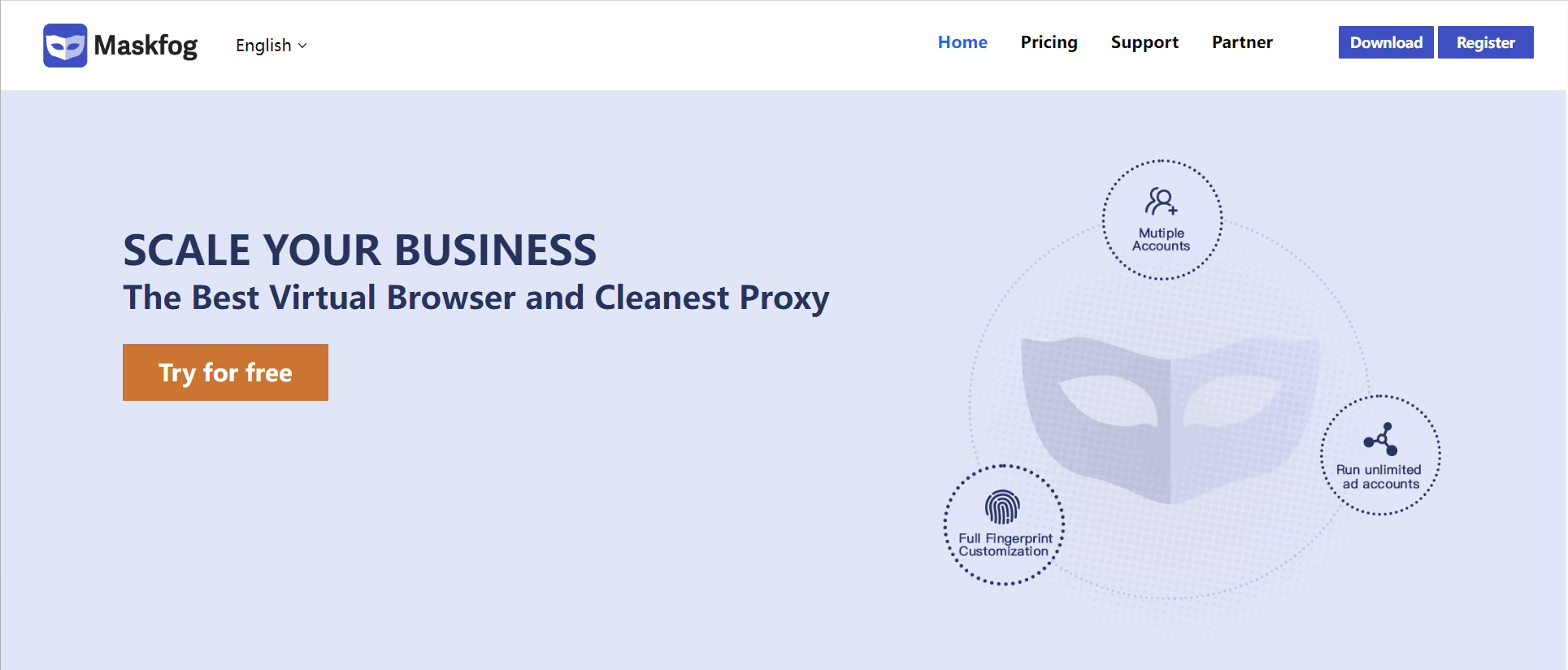
Maskfog is one of the cheapest Ghost competitors I’ve used on this list, even with a built-in proxy market. I got a good number of profiles on the free plan, but I found the fingerprinting to be basic compared to the other tools here. Also, Maskfog has almost no presence on major review sites.
Pros:
- Very low entry price
- Proxy market saves time
Cons:
- Weak fingerprint compared to competitors
- Almost no track record
Pricing: Free (20 profiles), $2/mo Base, $4.99/mo Pro
Which Ghost Browser Alternative Should You Choose?
Ghost Browser works fine if all you want is separate cookie jars for a few client logins. But if you need real fingerprint isolation, get a proper antidetect browser.
1browser was the overall best Ghost alternative in 2026 I tested because I got built-in proxies, 10 free profiles, and a setup process that only took minutes. You can check out their free plan here.
Gologin comes in at a close second and is particularly good if you work alone or want to manage profiles from your phone. Multilogin is the best pick for bigger teams with big budgets. Dolphin Anty’s automation features is the right fit if you run affiliate campaigns on Facebook or TikTok.
Kameleo is worth the price jump if you’re a developer who needs Playwright or Selenium support with mobile emulation.
Frequently Asked Questions About Ghost Alternatives
Is Ghost Browser an antidetect browser?
No. Ghost is a productivity browser that separates cookies and cache into different tabs. It does not spoof your browser fingerprint, and Facebook or Amazon can still identify your device on your sessions. 1 browser is a much better antidetect browser than Ghost.
Does Ghost Browser have built-in proxies?
Ghost Browser does not have free proxies. It has a marketplace called Pick-A-Proxy where you can buy proxies, and the full feature is only available on the $46/month Pro plan. Competitors like 1browser have proxies on even the free plan.
What is the best free Ghost Browser alternative?
Your choice depends on what you need, for example, you get 10 profiles and 5 built-in proxies for free with 1browser. You have 3 permanent profiles with a 7-day trial on Gologin. Both options offer actual fingerprint spoofing, which Ghost Browser does not offer at all.