How to Unblock Restricted Websites and Social Media in Russia in 2026

I’ve been living in Russia for work since late 2024. I’m not going to get into why, it’s a long story. When I got here I figured ok, some stuff is blocked, I’ll just use a VPN like everyone else and that’ll be that. Turns out it’s way worse than I expected and it’s gotten significantly worse just in the last six months.
As of April 2026 the list of what’s blocked here is honestly insane. Instagram has been gone since 2022. Facebook gone. Twitter — or X or whatever we’re calling it now — gone. YouTube is technically not “blocked” but they throttle it so hard that a 30 second video takes four minutes to buffer. LinkedIn has been dead here since 2016. Discord blocked.
WhatsApp calls stopped working in early 2025, and now the whole app is getting shaky. Telegram — which was the one thing everyone still relied on — started getting restricted in February and there’s talk of a full block coming in April.
And then last week they blocked Bluesky. The app that like 40 million people use globally. Because people were migrating to it after everything else got shut down, so Roskomnadzor noticed and killed that too.
VPNs used to work fine here. They don’t anymore. Roskomnadzor confirmed in February that they’ve blocked 469 VPN services. They’re blocking VPN protocols themselves now, not just the apps. I had three paid VPNs when I arrived and by March 2026 none of them could hold a connection for more than a few minutes at a time.
So I had to find other ways. Here’s what’s actually working for me right now.
What’s Blocked in Russia Right Now (April 2026)
I’m putting this here because the situation changes literally every month and most articles about this are outdated by the time you read them. This is what I’m personally seeing as of mid-April 2026:
| Platform | Status | Since |
| Fully blocked | March 2022 | |
| Fully blocked | March 2022 | |
| Twitter / X | Fully blocked | 2022 |
| YouTube | Throttled (unusable) | Late 2024 |
| Fully blocked | 2016 | |
| Discord | Fully blocked | 2024 |
| TikTok | Restricted (frozen feed) | March 2022 |
| Calls blocked, app shaky | 2025 | |
| Telegram | Gradually restricting | Feb 2026 |
| Bluesky | Blocked | April 2026 |
TikTok is a weird case. It’s not blocked by the government, ByteDance locked it down themselves because of the “fake news” law. You can still open the app but there’s no new content, no livestreams, just old Russian posts from 2022. It’s basically a ghost town.
To unblock TikTok and see the global feed you need to route through a proxy or VPN from outside Russia AND remove your Russian SIM card, which is a whole process.
There’s also been mobile internet shutdowns. Not just blocks on specific sites, the actual mobile internet goes down for days in some cities. Moscow had almost three weeks of it in March. People couldn’t use banking apps, ride-sharing, nothing. This isn’t just censorship anymore, it’s infrastructure warfare against your own citizens.
How to Unblock Facebook, Instagram and Twitter in Russia — What’s Working in April 2026
I lost count of how many things I tried. Nine? Maybe ten, I’m not sure. A few of them worked for a couple days and then Roskomnadzor caught up and they stopped. Two of them never worked at all, like I couldn’t even get past the setup screen without errors.
One was a browser extension that a guy on Reddit swore by and it turned out to be borderline spyware, I found a thread about it later and uninstalled it immediately. Anyway. Here’s what’s actually survived more than a month of daily use.
1. Antidetect Browser with Proxies — Never Heard of This Until November
So I was reading a forum thread about something completely unrelated — I think it was about scraping Avito listings — and someone in the comments mentioned they use an “antidetect browser” to get around blocks. I googled it, read the first result, thought it sounded like something for criminals, and closed the tab. Two months later I was desperate enough to actually try one.
The reason this works better than VPN in Russia specifically is that the traffic looks like normal HTTPS. When you use a VPN the traffic has a specific signature that Roskomnadzor’s TSPU system picks up and blocks. With a proxy browser the firewall sees regular web traffic from some guy in Germany. Nothing to flag.
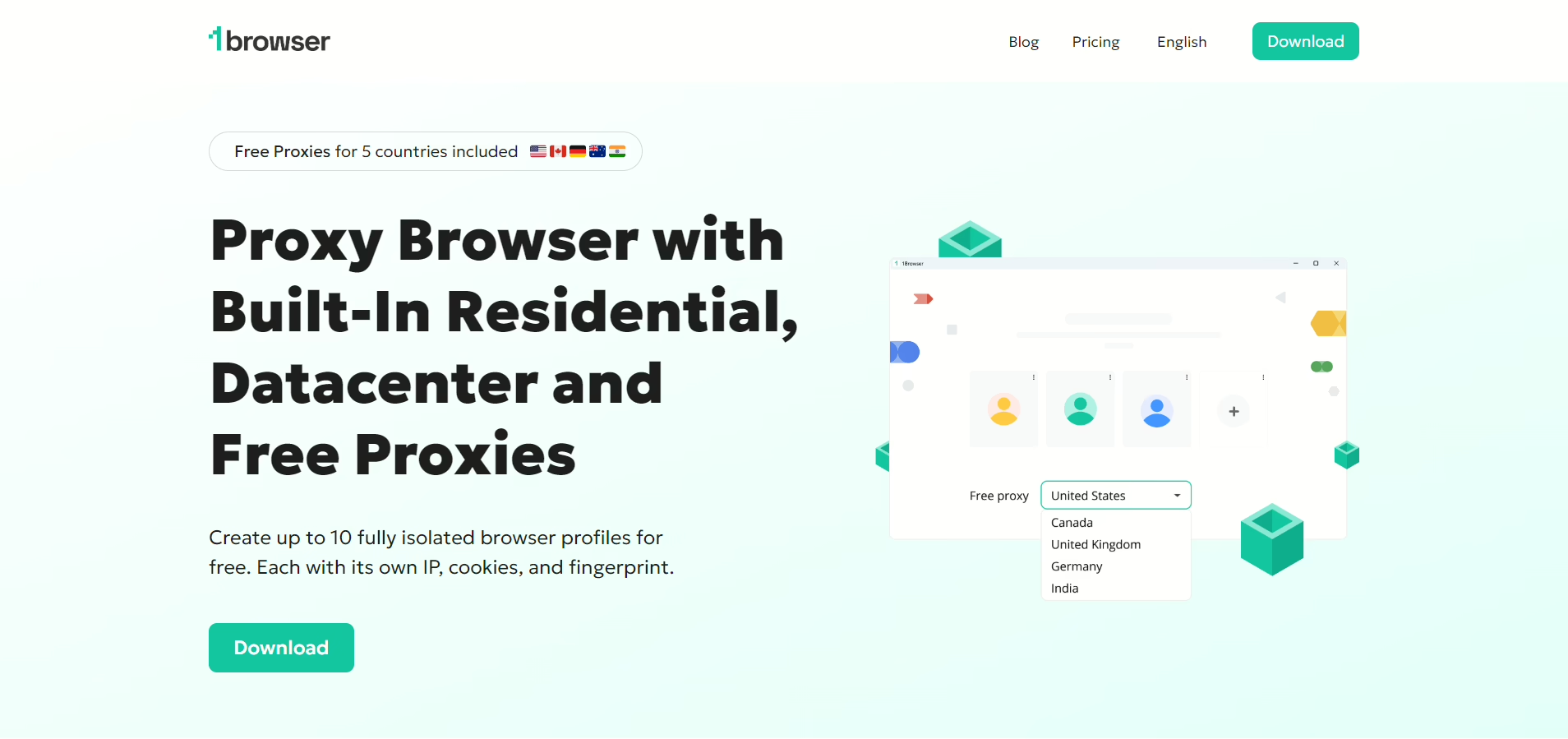
I ended up on 1Browser after a friend of a friend in Moscow recommended it. The guy works in IT and was using it to unblock Instagram in Russia since mid 2025. It’s built on Chromium so it IS Chrome. Same extensions, same everything. You create a profile, pick a proxy country, hit launch, and a chrome window opens. The first time I opened Twitter through it I just sat there for a second because I expected something to break and nothing did.
The thing that got me was the proxies are included. On the free plan. Five countries — US, Canada, Germany, Australia, India — plus 500 MB of datacenter. I was paying for a proxy service before this and I just cancelled it. The built-in ones pass PixelScan, I tested all five profiles. Didn’t expect that from a free tool.
Speed is not amazing but it’s actually usable which is more than I can say for any VPN I’ve tried in Russia this year. I’m watching YouTube videos through it, actual YouTube not the throttled Russian version. Video calls work. That’s all I need honestly.
Free plan: 10 profiles, 5 proxy countries, no credit card. Paid is $9/mo if you want more locations. I’m still free.
2. Tor
I have to talk about Tor because people keep asking me about it. Yes, I tried it. Russia blocks Tor entry nodes so you need bridges to even connect and getting those bridges is it’s own adventure because the main website for requesting them is also blocked. I ended up getting bridge addresses from a friend on Signal who got them from someone else.
When it works, and that’s a big when, the speed is so bad that social media is essentially unusable. A Twitter timeline takes maybe 10 seconds to load. Images don’t load half the time. Video is completely out of the question, I tried playing a YouTube clip and the loading circle just spun until I gave up and closed the tab.
For reading one article or sending an anonymous message it’s fine I guess. For unblocking Instagram or Discord for daily use? Absolutely not. I lasted maybe 10 days before I stopped trying.
3. Smart DNS
I tried a Smart DNS service called Control D for a couple of weeks thinking it might be faster since there’s no encryption overhead. And it was fast. Connection speed was basically normal, which was exciting for about two days.
Then I realized the problem. Smart DNS doesn’t encrypt anything. In a country where the FSB has SORM equipment installed at every major ISP and they’re literally fining people for trying to access blocked content, having your traffic visible to your ISP is not ideal. The speed advantage doesn’t mean much if someone can see exactly what you’re doing. I stopped using it pretty quick once it sank in.
How to Unblock Telegram and YouTube in Russia with 1Browser (Step by Step)
I’m writing this out because when I was looking for solutions every guide I found was either outdated or tried to sell me a VPN that doesn’t even work in Russia anymore. So here are the actual steps:
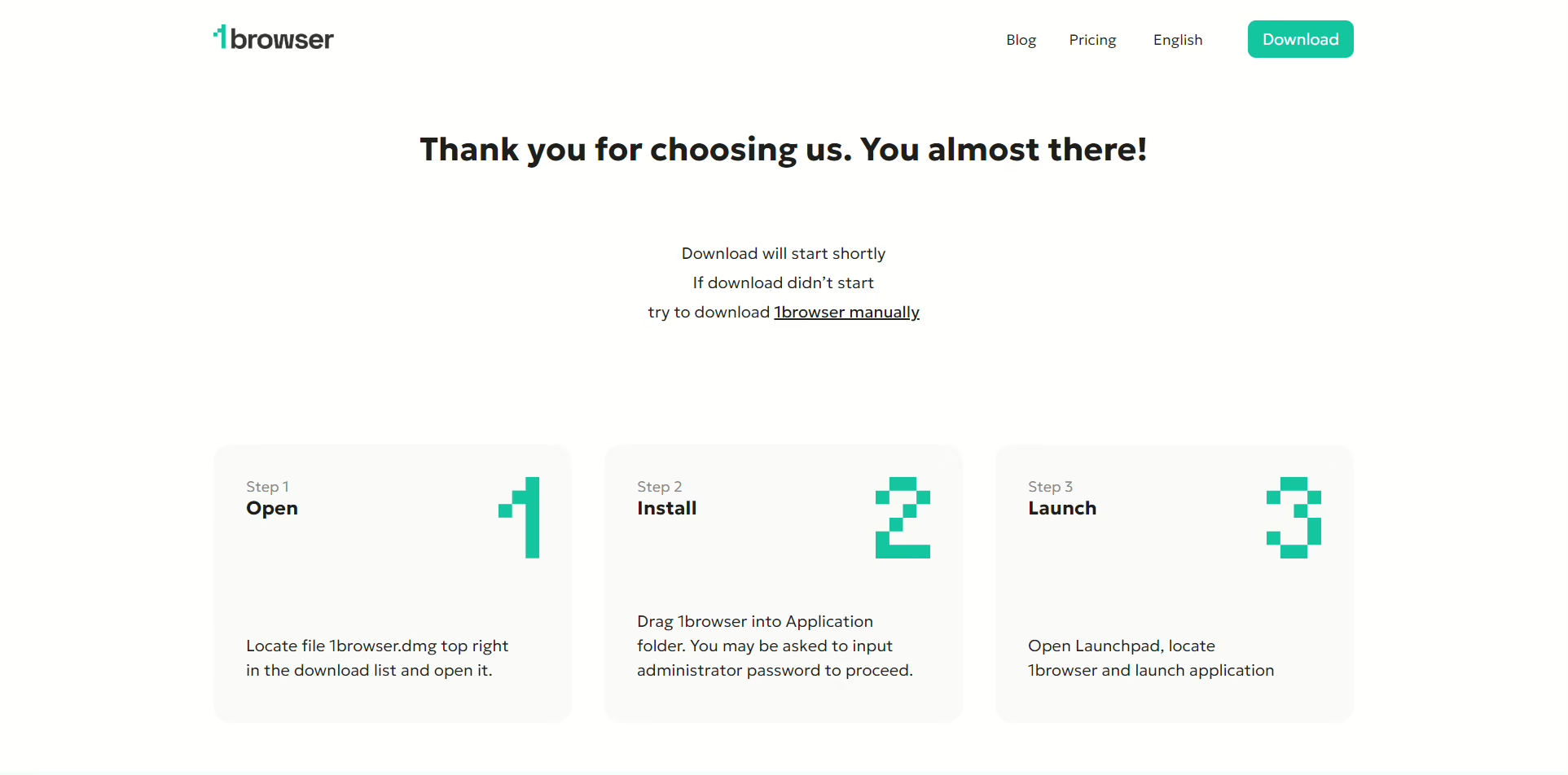
1. Go to 1browser.com and download it. Windows and Mac. The installer is small, I think under 100MB, took maybe a minute on my home wifi which is not great.
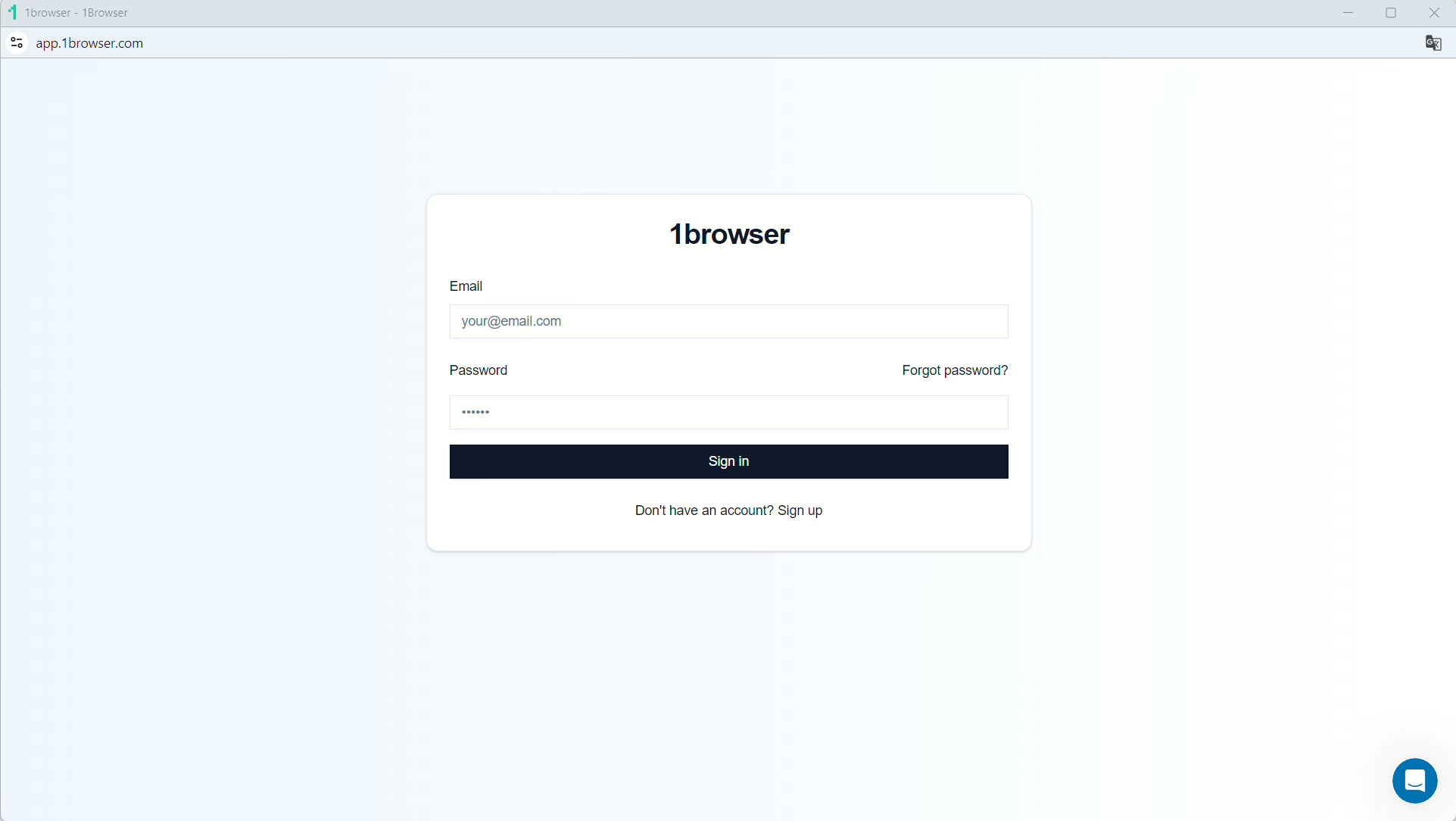
2. Create a free account. No card. This matters because some tools here want your payment info upfront and I don’t love giving my card details to random software companies while I’m in Russia.
3. Click New Profile. Name it whatever. I named mine “youtube DE” and “instagram US” because I’m boring. The fingerprint stuff configures itself, you don’t touch it.
4. Pick a proxy country. For unblocking stuff in Russia I go to Germany or US. Both fast, both unblocked. Don’t pick a country that also censors things or you’re just trading one problem for another.
5. Hit Launch. Chrome opens. Go to YouTube — actual full-speed YouTube, not the throttled version. Or Instagram. Or Twitter. Or whatever. It just works.
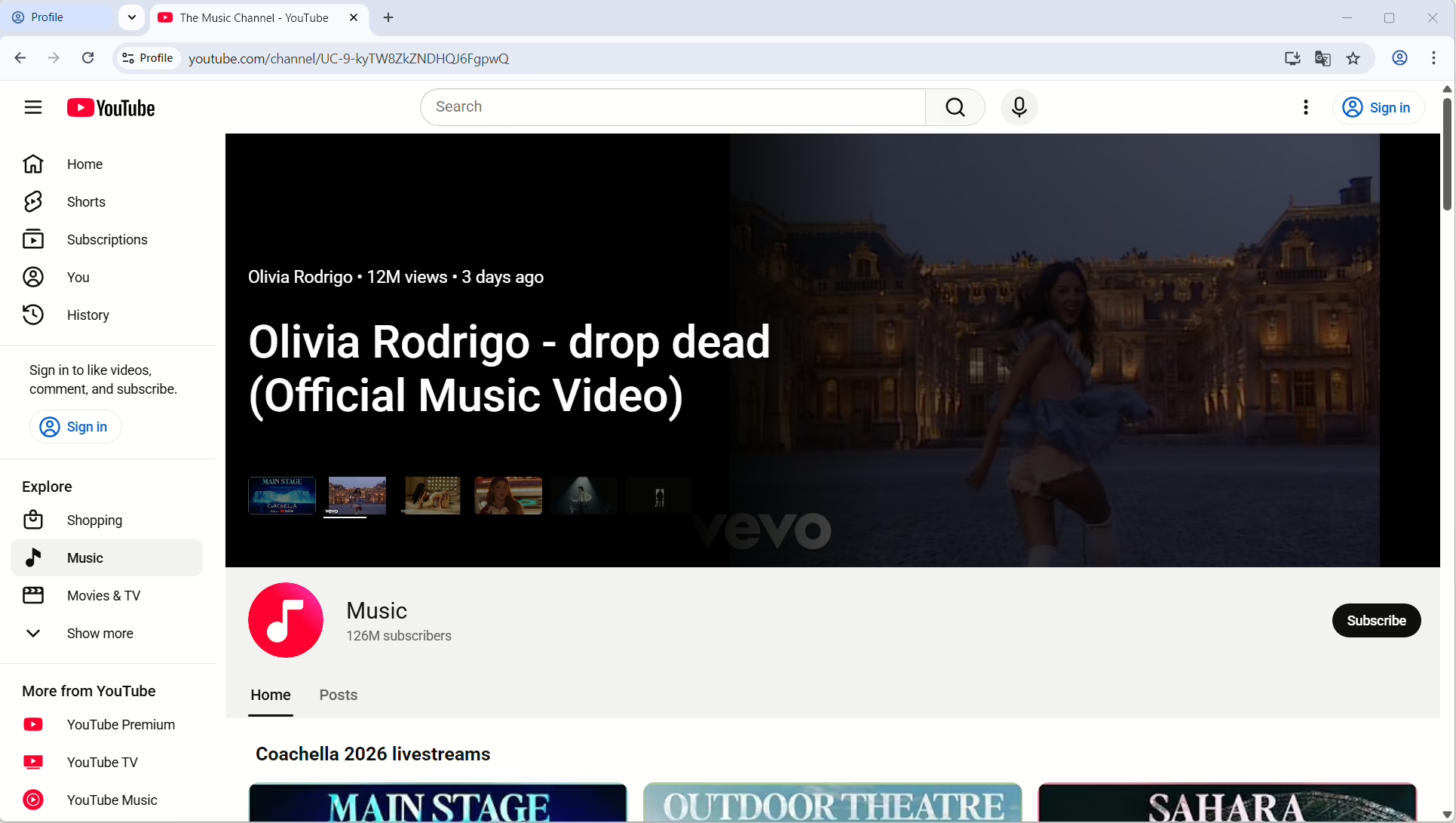
I’ve got seven profiles running now. YouTube, Instagram, Twitter, Telegram web, Discord, LinkedIn, and one general one for news sites. Each profile is isolated — own fingerprint, own cookies, own proxy. If one gets flagged the rest don’t care. Been using this setup since September and nothing’s been detected.
Floppydata — I Only Use This for One Thing
So my Sber app stopped working through proxies sometime in January. Just kept throwing me into a verification loop, enter code, confirm device, enter code again, over and over. I thought my account was compromised or something. I spent like 40 minutes on hold with their support line before I realized it was the datacenter IP getting flagged. Tinkoff did the same thing a week later. Great.
I complained about this in one of those expat Telegram chats and a guy whose name I can’t even spell just typed “floppydata” and nothing else. No explanation. I had to google it myself. Turns out it’s a residential proxy service, the IPs come from actual people’s phones and laptops instead of datacenter servers. Banks don’t flag them because the IP looks like a normal person sitting at home. I set it up for Sber, tried it, worked first attempt. Same with Tinkoff. Problem gone.
The pricing is per GB and I’m honestly still not sure how I feel about it. For banking stuff it’s fine, you’re loading a couple pages and checking your balance, that’s barely any data. But I once forgot I was routed through Floppydata and watched like three YouTube videos. Looked at my usage afterwards and I’d burned through almost a gig in one sitting.
I don’t even want to know what that cost. Now I only use it for the banking stuff and switch back to 1Browser’s built-in proxies for everything else because those don’t have a data limit.
If you’ve got an antidetect browser already and there’s one specific app that’s blocking datacenter IPs, Floppydata solves that. That’s all I use it for. If you’re just trying to unblock Instagram in Russia or get on YouTube, you don’t need it, 1Browser’s proxies handle that fine on their own.
Gologin — Good Tool, Wrong Country
A colleague at my office was using Gologin so I tried it too, this was December. First impressions were good actually. Their browser engine, Orbita I think they call it, worked well. No flags on Instagram, no flags on Twitter. The cloud profiles were the standout feature for me because I work on a desktop at the office and a laptop at home and I could pick up a session on either one without redoing anything. I was genuinely considering switching to it full time.
Then I noticed something weird. I opened two profiles at the same time one afternoon and ran them both through the built-in proxy. Checked the IPs. One of them was the same IP my other profile had assigned yesterday. The proxy pool is shared between every Gologin user, and that’s a problem everywhere but it’s a real problem in Russia where Roskomnadzor has systems built specifically to catch patterns like this.
Shared IP shows up across multiple sessions? That’s a circumvention flag. I mentioned this to my colleague and he just shrugged, but he quietly switched to 1Browser like two weeks later so I think it bothered him more than he let on.
$24/mo for paid, 3 free profiles. If you’re a team managing accounts across people the cloud features probably justify the price. But for one person in Russia who just needs to unblock Twitter and scroll Instagram? I can’t make the math work when 1Browser does the same thing and it’s free. Maybe I’m cheap, I don’t know.
Which Method Works Best to Bypass Russian Internet Restrictions?
People at work keep asking me this, friends back home keep asking me this, the Telegram expat group has this conversation like once a week. So:
- Daily social media, everything — unblock Facebook in Russia, Instagram, YouTube, Discord, LinkedIn, the whole list: 1Browser. Free plan, proxy traffic looks like regular HTTPS so TSPU ignores it. I’ve used it every single day since September and it’s never failed. Not even once. I don’t say that about anything.
- Anonymity is your priority and you genuinely do not care if a page takes twelve seconds to load: Tor. But figure out your bridge situation before you need it because finding bridges from inside Russia is a nightmare.
- You only care about speed and you’re comfortable with your ISP logging where you go: Smart DNS. In Russia with SORM on every ISP I personally wouldn’t. Somewhere like Turkey or UAE where the monitoring is less aggressive, sure maybe.
My setup is boring. 1Browser on my laptop, seven profiles pinned, one per platform. I open whatever I need in the morning, sometimes all seven at once which makes my fan spin up like a helicopter but everything loads. That’s the whole thing. No scripts, no terminal commands, no monthly subscription. Just a browser with proxies in it.
FAQ
Can you still unblock YouTube in Russia?
YouTube isn’t officially blocked, it’s throttled so hard it’s unusable without a tool. Through 1Browser with a German or US proxy it loads at full speed. I watch it every day this way.
Is it illegal to use a proxy or VPN in Russia?
As of late 2025 they can fine you for “intentionally” searching for extremist content through VPNs. Using a proxy for personal stuff is a gray area. I’m not a lawyer and this isn’t legal advice. Be careful and know the risks.
How to unblock Discord in Russia?
Same method as everything else. Proxy browser with a non-Russian proxy, open Discord in the browser profile, done. I have a dedicated profile for it and it’s been working since I set it up in October.
Can you unblock TikTok in Russia?
Sort of. TikTok’s restriction is different because ByteDance locked it down themselves, not the Russian government. You need to route through a foreign proxy AND remove your Russian SIM card AND clear the app cache. Even then it’s hit or miss. 1Browser helps with the proxy part but the SIM thing you have to handle on your own.