How to Bypass Government Blocks on Social Media and Websites Without VPN

My government blocks things. I’m not going to say which country because honestly what’s the point, there’s like 40 of them doing it now. One week it’s Twitter, next week WhatsApp stops working, once they killed Instagram for almost three weeks and the only reason I knew it was intentional was because my neighbor’s kid told me. No announcement, no nothing.
For years I just used VPN like everyone else. Had two actually, one was the backup. That worked until mid 2025 or so when they started doing deep packet inspection and both VPNs basically became useless overnight. The one that could still connect was so slow that Instagram stories wouldn’t even load, forget about video calls.
So I spent the last bunch of months trying everything I could get my hands on. Most of it was garbage. Some of it worked. Here’s the stuff that’s actually worth talking about if you want to bypass internet restrictions without relying on VPN.
VPN Isn’t Really Cutting It Anymore (At Least Not Here)
Look, I’m not anti-VPN. If you’re in a country where the blocks are lazy, a VPN still does the job fine and you should just use that. But where I am the situation is different and I think it’s getting worse in more places:
- Deep packet inspection is everywhere now. Not just China and Iran, way more countries are buying this tech. Your encrypted VPN traffic has a signature and the firewall spots it.
- Speed drops are insane. I tested NordVPN, Mullvad, and one other I can’t remember the name of. The best case was like 45% slower. The worst was basically unusable, I was getting timeouts on google.com which, come on.
- Platforms flag you. I got my Facebook locked twice in one month because the VPN IP was already flagged. I had to do the whole photo verification thing both times. Incredibly annoying.
- The “no-log” marketing. I don’t really buy it anymore. Maybe some of them actually don’t keep logs but there’s been enough scandals at this point that I just assume everyone’s keeping something.
If you’re at a hotel trying to watch Netflix or whatever, VPN is fine. But for bypassing government blocks on social media, the kind where someone is actively spending money to keep you off these sites? You need a different approach.
4 Ways to Bypass Government Blocks on Social Media (That I’ve Actually Used)
Quick overview first, then I’ll go into each one.
| Method | Difficulty | Speed | Best For |
| Proxy/Antidetect Browser | Easy | Fast | Daily social media |
| Tor | Easy | Very slow | One-off anonymous stuff |
| Smart DNS | Medium | Fast | Streaming, geo content |
| SSH Tunnel | Hard | Decent | Technical people only |
1. Antidetect Browser — The One I Wasn’t Going to Try
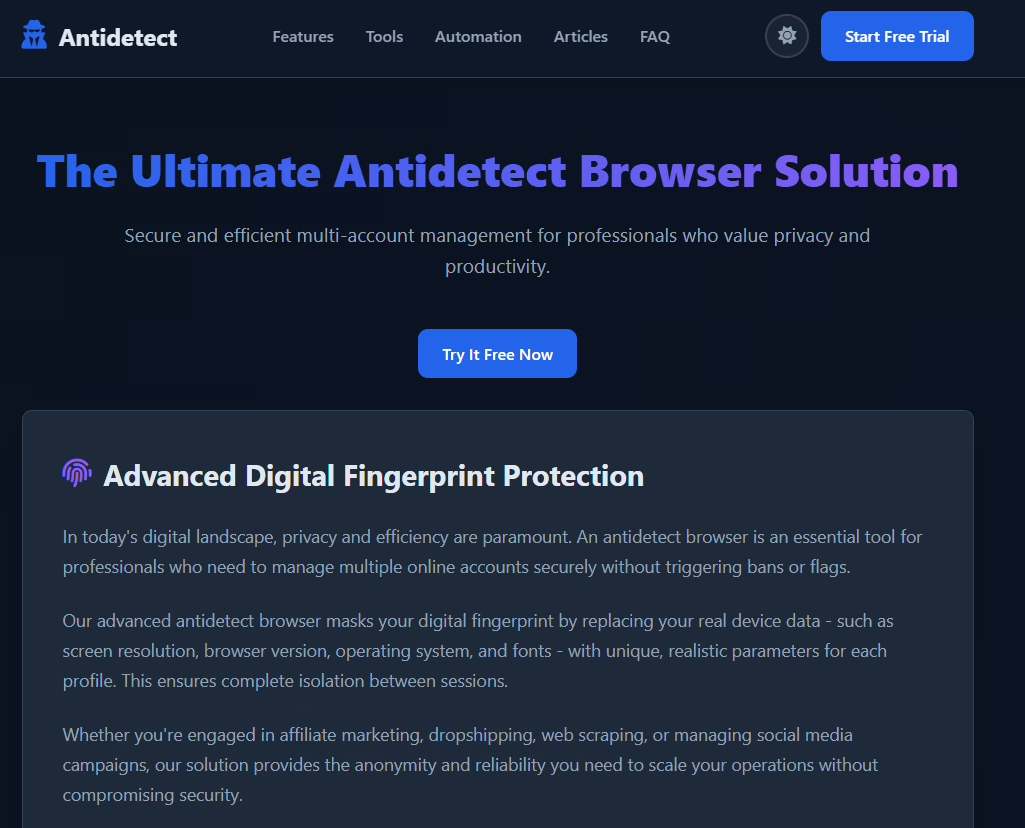
I kept seeing this term in forums and ignoring it. “Antidetect browser.” It sounds like malware. It sounds like the thing the FBI finds on someone’s laptop in a documentary. I genuinely thought it was for scammers and I skipped it for like two months because of that assumption.
Turns out it’s just a browser with proxies inside. That’s it. You open a profile, it connects through a proxy in whatever country you pick, and the site you’re visiting thinks you’re a normal person sitting in that country. The traffic is regular HTTPS so the firewall has nothing to grab onto. No VPN handshake, no weird protocol, just a browser loading a website. I felt kind of stupid for not trying it sooner.
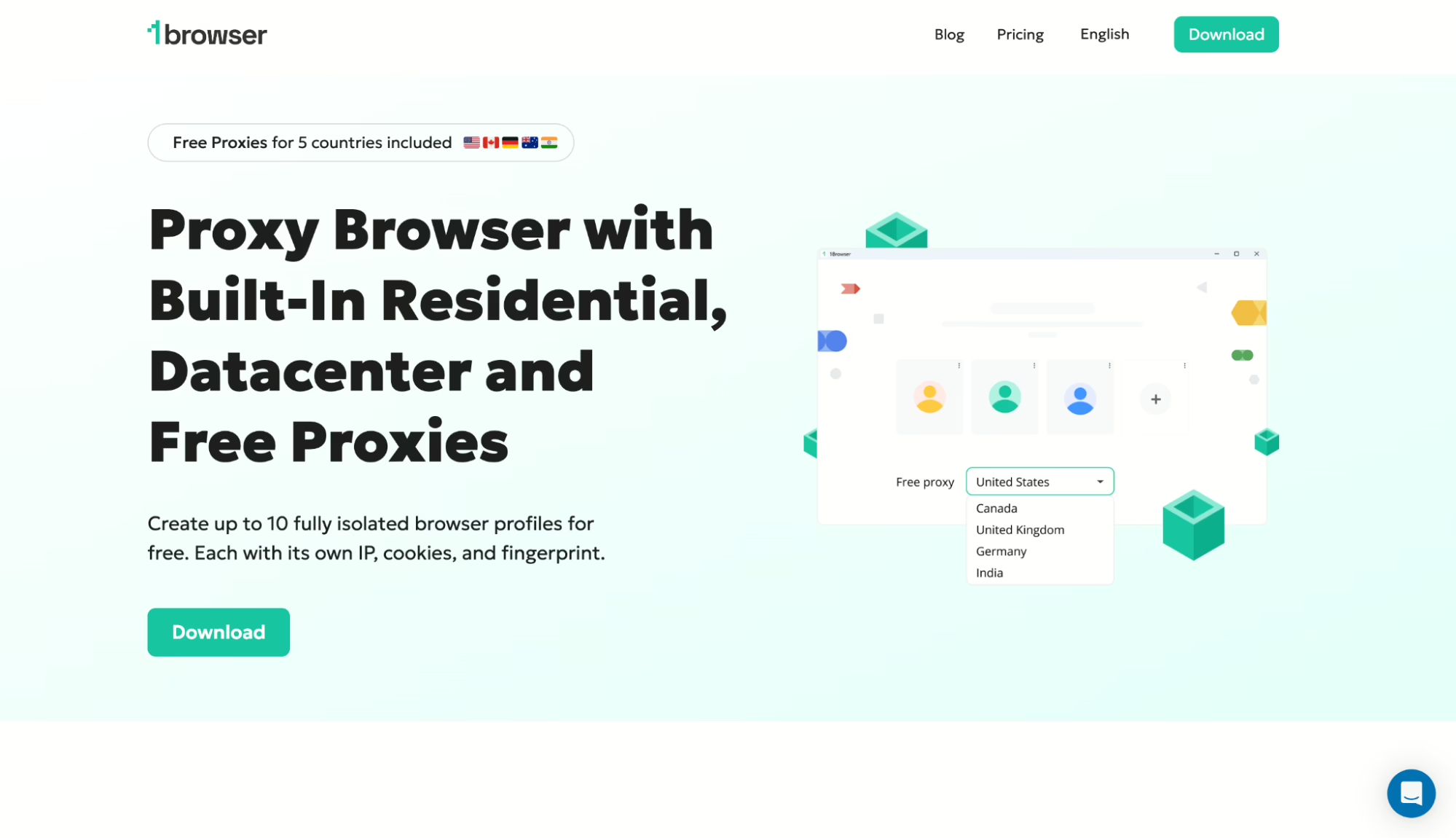
The one I went with is 1Browser. A guy on BlackHatWorld mentioned it in a thread that was actually about something else entirely, and I almost didn’t click the link. Glad I did. When you open it, it’s just Chrome. I don’t mean it looks like Chrome. I mean it IS Chrome, it’s Chromium, the same engine. My uBlock still works, my password manager still works, I didn’t have to reconfigure anything. I made my first profile in maybe 45 seconds.
Now here’s what I really didn’t expect. The free plan includes proxies. Real ones. Five countries — US, Canada, Germany, Australia, India — and they throw in 500 MB datacenter proxies too. Before this I was spending I think $35-ish a month on a separate proxy provider for my browsing. I cancelled that subscription in week two and I’ve not missed it. Ran all my profiles through PixelScan with the built-in residential ones and every single one came back clean. Five out of five.
Speed — ok it’s not fast fast. I’m not going to pretend. But it’s usable, which is more than I can say about VPN. I did a work meeting on Google Meet routed through the US proxy and the only issue was one freeze that lasted maybe two seconds. My coworker didn’t even notice. After six months of not being able to video call anyone this was a big deal for me.
Free plan is 10 profiles, 5 proxy countries, no card. They have a $9/mo tier if you need more locations. I haven’t upgraded, don’t see why I would yet.
2. Tor
I have to talk about Tor because if I don’t someone in the comments will say I forgot it. I didn’t forget it. I used it for two weeks and then I uninstalled it.
The privacy part is legit, I’ll give it that. Traffic goes through three nodes, nobody knows where you are, the whole onion routing thing. Fine. But the speed is so bad that I don’t even know how to describe it without sounding dramatic. A page that loads in one second normally takes seven or eight on Tor. Sometimes more. Images half the time just don’t load at all, they just sit there with the broken icon. And I tried loading a YouTube video once just to see what would happen and it buffered for so long I actually forgot I had the tab open.
Oh and there’s this other thing nobody warned me about. My country blocks some of the Tor entry nodes now. So you have to configure bridges first before you can even connect, and that makes an already slow thing even slower. I read somewhere that like 15 countries are doing this now but I’m not sure if that’s accurate.
For sending one anonymous email or checking something once, ok fine. As a daily driver for social media? I’d rather just not use social media. That’s how bad it is.
3. Smart DNS — Fast but You’re Kind of Naked
This was the one I had the most hope for and then the more I used it the less comfortable I got. The concept is simple, it only reroutes your DNS queries so the speed is essentially the same as your normal connection. There’s no encryption layer eating up bandwidth. I set up Control D, took maybe 10 minutes, and the internet felt exactly the same as before except now geo-blocked stuff loaded.
Cool right? Except your ISP can still see every site you visit. Like, all of it. The DNS part is resolved somewhere else so they can’t block you that way but they can absolutely see the traffic and log it. And in my country the ISP is basically an arm of the government so that’s not great.
For watching BBC iPlayer from a country where it’s not available or whatever, Smart DNS is perfect honestly. For bypassing censorship on the Internet in a place where authorities care about what you’re doing online? I stopped using it on its own after about three weeks. Too exposed. You could pair it with something else but at that point just use a proxy browser.
4. SSH Tunnel — For People Who Like Terminals
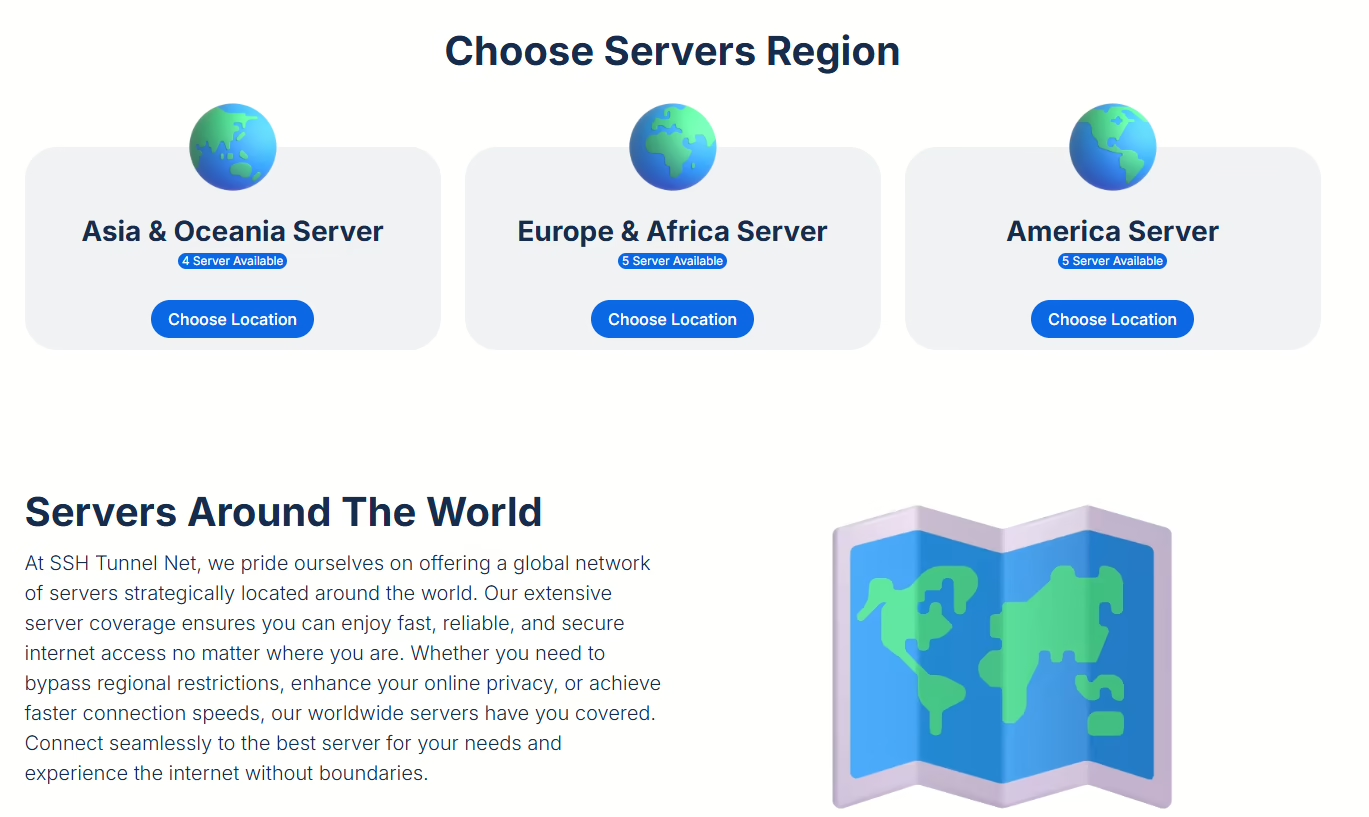
If you know what SSH is you already know where this is going. You can get a cheap VPS somewhere outside your country, I used DigitalOcean at $4/mo but Hetzner is cheaper I think, spin up a basic Ubuntu droplet, run one command to set up a SOCKS proxy, and point Firefox at it. Done. The traffic looks like SSH to the firewall and most firewalls don’t block SSH because too much legitimate stuff depends on it.
I actually liked this method. It worked well and the speed was reasonable. The problem is maintenance. The IP got blocked once in October and once in January so I had to destroy the droplet and make a new one both times. It takes like 15 minutes but its the kind of 15 minutes where you’re annoyed because you just want to check your messages and instead you’re in a terminal.
And obviously this is not for normal people. If your eyes glaze over when you hear “SOCKS5” or “port forwarding” then this method is not for you, just go with 1Browser and save yourself the headache.
How to Bypass Website Blocks with 1Browser — The Actual Steps
I’m writing this out step by step because when I was trying to figure this out every article I found was like 3000 words of background information before they told you what to actually do. So here, no filler:
- Go to 1browser.com and download it. They have Windows and Mac. The file was small, I think around 90MB or something, installed in under a minute.
- Create an account. Free. No card. I want to stress the no card part because I am so tired of tools that say free and then won’t let you in without a Visa number.
- New Profile button, top left. Give it whatever name you want. I called my first one “twitter” because I’m not creative about these things.
- In the profile settings there’s a proxy dropdown. Pick a country. I go to the US or Germany for social media, both work great. You can try the others too, Australia was fast when I tested it.
- Launch. A Chrome window opens. Not a Chrome-like window. Chrome. Go to whatever’s blocked and it loads. The first time I did this with Twitter I sat there for a second because I expected something to go wrong and nothing did.
And yeah that’s the whole process. I’ve got six profiles running now. Twitter, Instagram, WhatsApp web, a couple others. Each one has its own fingerprint and cookies and whatever else, the point is they’re separated so if one gets weird the rest don’t care. I’ve been doing this since August, which is what, eight months? Nothing flagged, nothing blocked, no account issues. I keep waiting for it to stop working and it just… doesn’t.
Floppydata — If You Need Different Proxies
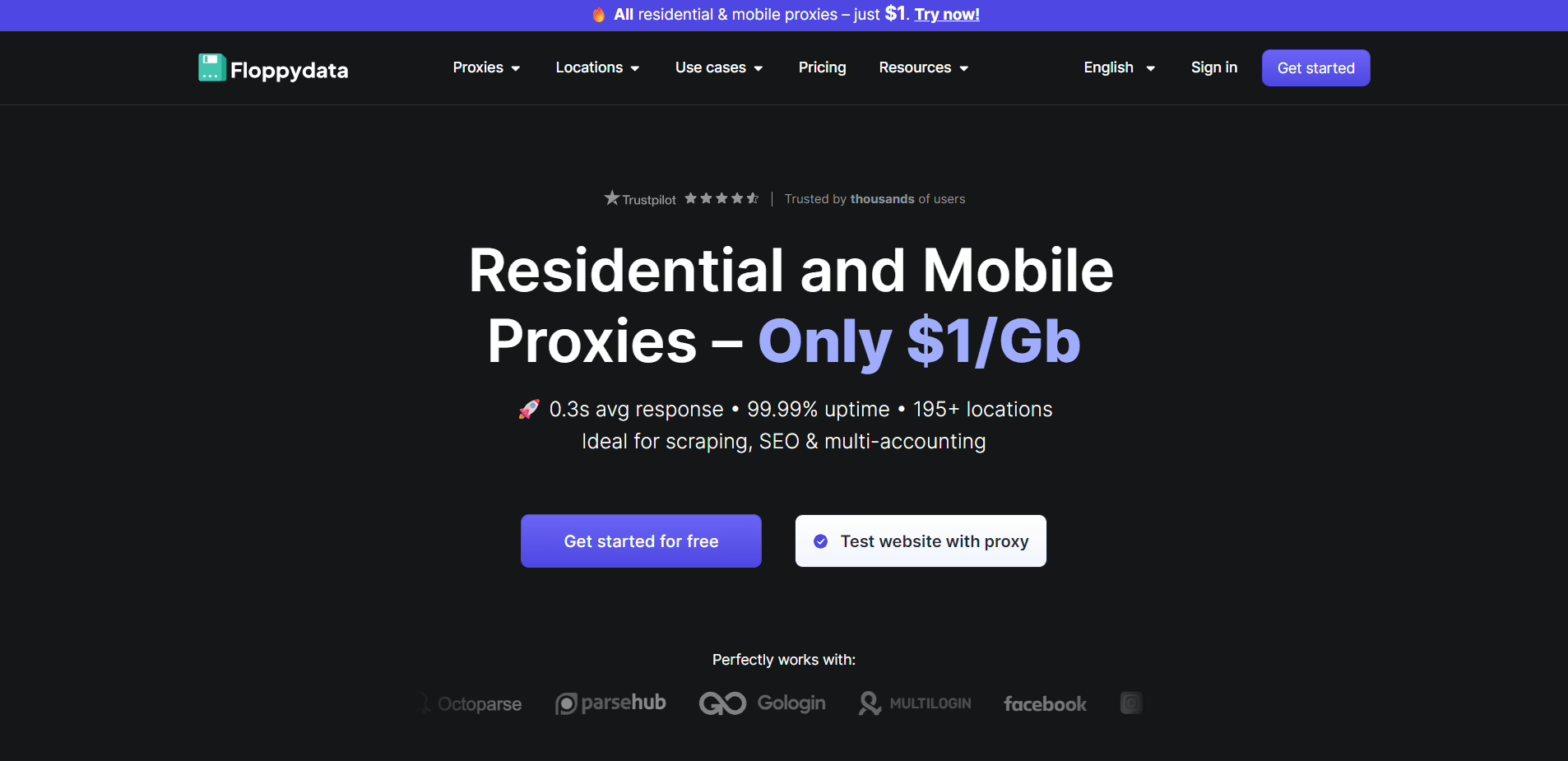
I heard about this from a Telegram group, someone was recommending it for scraping but I tried it for general browsing too. Floppydata is a residential proxy service so the IPs are from real phones and computers, not from a datacenter rack somewhere. That matters because platforms like Facebook are getting better at spotting datacenter IPs and blocking them.
The pricing is per GB which — ok I get why they do it that way but I don’t love it. If you’re scrolling Twitter and reading news articles you’re fine, a gig goes a long way for text. The second you start watching video or doing calls it eats through data and you’re suddenly doing math in your head about how much this scroll session is costing you. I don’t want to do math when I’m looking at memes. The pool is decent though, I used it for about a week and didn’t get a repeat IP.
Where Floppydata makes sense is if you already have an antidetect browser set up and you need higher quality IPs for something specific. Starting from scratch though? Just get 1Browser, proxies are already in there.
What About Gologin for Bypassing Internet Restrictions?
Gologin is the other big name in antidetect browsers. I used it for maybe a month, I think it was November. The Orbita engine is decent and I liked the cloud profiles — you can open stuff from any computer without installing anything, which is nice if you travel.
What killed it for me was the proxy pool. It’s shared between all users. I kept seeing the same IPs on different profiles and if I’m seeing them, platforms are definitely seeing them. Defeats the whole purpose kind of.
Paid starts at $24/mo. Free is 3 profiles. For teams that need collaboration features it makes more sense. For one person trying to access blocked websites? That’s a lot of money for what you’re getting when 1Browser does the same core thing for free.
So What Should You Actually Use?
I’ll keep this short because you probably already know which one fits you from reading the above:
- Need social media every day, need it to just work, don’t want to think about it: 1Browser. Free, quick, the traffic blends in with normal browsing.
- Anonymity is a priority and you can deal with it slowly: Tor.
- You’re a developer and enjoy setting stuff up: SSH tunnel.
- Mostly streaming content: Smart DNS, add a proxy browser on top if you also need social media.
Personally I run 1Browser for everything and keep an SSH tunnel as backup. The tunnel’s come in handy exactly twice since I set it up. Everything else goes through the browser profiles.
FAQ
Can you bypass government blocks on social media for free?
Yeah. 1Browser free plan is 10 profiles, proxies in 5 countries, no time limit, no card. Tor is also free but slow. Either one will get you past most blocks without paying anything.
Is it illegal to bypass website blocks?
Depends where you are. In most places using a proxy isn’t illegal by itself, what you do after connecting might be. I’m not a lawyer and this isn’t legal advice so check your own country’s rules on this.
How to bypass internet restrictions at school or work?
Work and school firewalls are way simpler than government blocks. Usually a web proxy is enough. If the firewall is more aggressive, 1Browser works here too because the traffic looks like normal HTTPS. No red flags in the network logs.
Do proxy browsers slow down your internet?
Less than VPN in my experience. On 1Browser’s free proxies I noticed maybe a 10-15% speed drop, paid ones were closer to 5%. Tor is a whole different situation, except 60-70% slower at least.