How to Unblock Discord: Best Methods

So here’s how this article happened. A friend of mine — she lives in one of the countries on the list further down, I’ll get to that — had to join a Discord server for a project we were running together and just couldn’t make it work.
She kept getting a blank page. She also tried the mobile app and that didn’t work either. She ended up sending me voice notes over WhatsApp for about three days before I finally sat down and went, okay, let me actually figure this out.
I tested basically everything I could find. Some methods worked. One or two kind of work and then stopped. A couple were honestly a waste of time.
This is what came out of it. If you’re dealing with Discord not working, or you’re looking for a discord unblocker in 2026, what I write below should cover most of it.
Where Is Discord Blocked as of April 2026?
Quick note on the where before getting into the how. Discord is fine in most places. There’s a short list of countries where it isn’t, and if you’re in one of them you already know. What’s in the table is what I was able to actually confirm as of early 2026, not stuff I copied from somewhere else.
| Country | Status | Notes |
| China | Blocked | Great Firewall stuff, blocked for years now |
| Russia | Blocked | Roskomnadzor pulled the plug in October 2024 |
| Iran | Blocked | Part of a wider ban on foreign platforms |
| North Korea | Blocked | Foreign services in general aren’t a thing there |
| UAE | Blocked | TRA restrictions on VoIP and similar stuff |
| Turkey | On and off | Courts have ordered temporary blocks before |
| Myanmar | Restricted | Access comes and goes depending on where you are |
There’s also a bunch of countries where Discord technically works but is flaky depending on which ISP you happen to be on. India and Pakistan come up a lot in forum threads.
Usually it’s network-level stuff and not an official block, though honestly the difference doesn’t really matter to you if you can’t log in. Schools and offices are their own thing entirely. A lot of workplaces and universities block Discord at the firewall level, which is a different kind of problem with different fixes.
Why You Might Need a Discord Unblocker
There’s actually a few different reasons somebody ends up needing one, and they aren’t the same problem technically which matters because the fix for each one is different. You’ve got country-level blocks, where your ISP or government is the one doing the blocking.
That’s the hardest to work around because it’s happening upstream of you and there’s nothing you can do from your end except route around it. Then you’ve got network-level blocks, like school or office or hotel Wi-Fi, which are usually easier to get around but not always.
You’ve got a couple different things going on here. One is account-level, where Discord itself flags your account or your IP. That’s a whole different situation that I’ll get into later on. Then there’s region stuff, like some voice regions or servers being geo-restricted even if Discord itself works fine for you.
I learned this the annoying way, btw. I spent almost an entire afternoon trying to fix something that wasn’t even the right type of block… It took me way too long to realize it. Don’t make the same mistake.
Method 1: Antidetect Browser with Built-in Proxies (The One That Actually Worked)
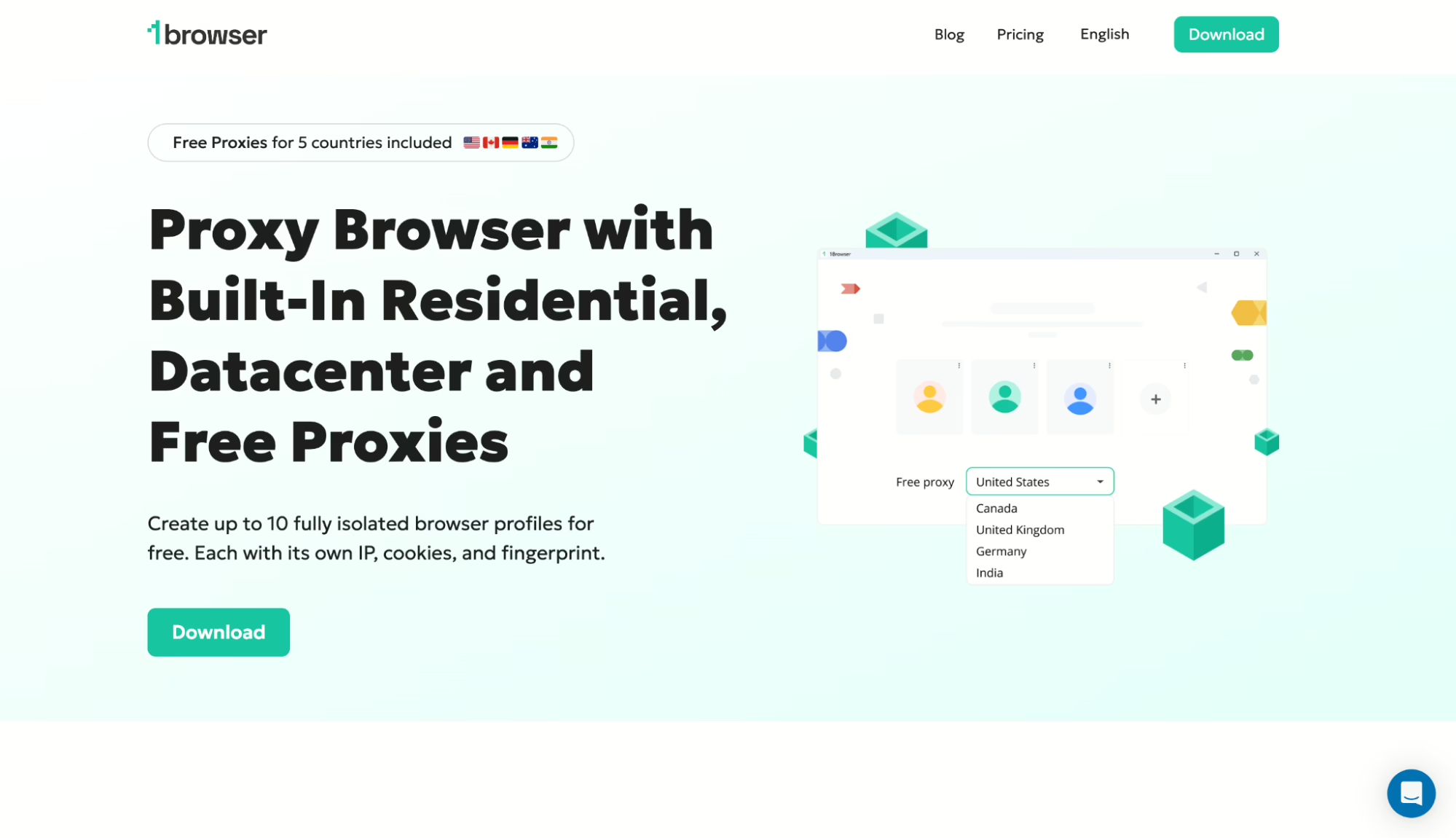
I’m putting this first because it’s what I ended up landing on after everything else either broke on me or got me flagged by Discord’s system. 1Browser, specifically. It’s an antidetect browser that has proxies built right into the tool. No separate subscriptions. No config headaches, nothing to piece together from three different services.
And here’s the part I didn’t really see coming. Discord does a lot of fingerprinting under the hood. It looks at your browser, your IP and your behavior patterns, and puts all of that together to decide whether you look legit from their end.
A plain VPN changes your IP but leaves the rest of your fingerprint untouched, and Discord has gotten pretty good at spotting that mismatch over the last year or two. An antidetect browser changes both at the same time, which ends up closer to what a real user from that location would look like.
What I actually did was pretty straightforward. I downloaded 1Browser from their site, signed up for the free plan (no card needed, which I appreciated because I wasn’t sure yet if any of this was going to work). I made a new browser profile, picked a residential proxy from the list they have built in. I went with a US one because that’s where my main Discord account is from and I didn’t want a sudden country jump to raise flags.
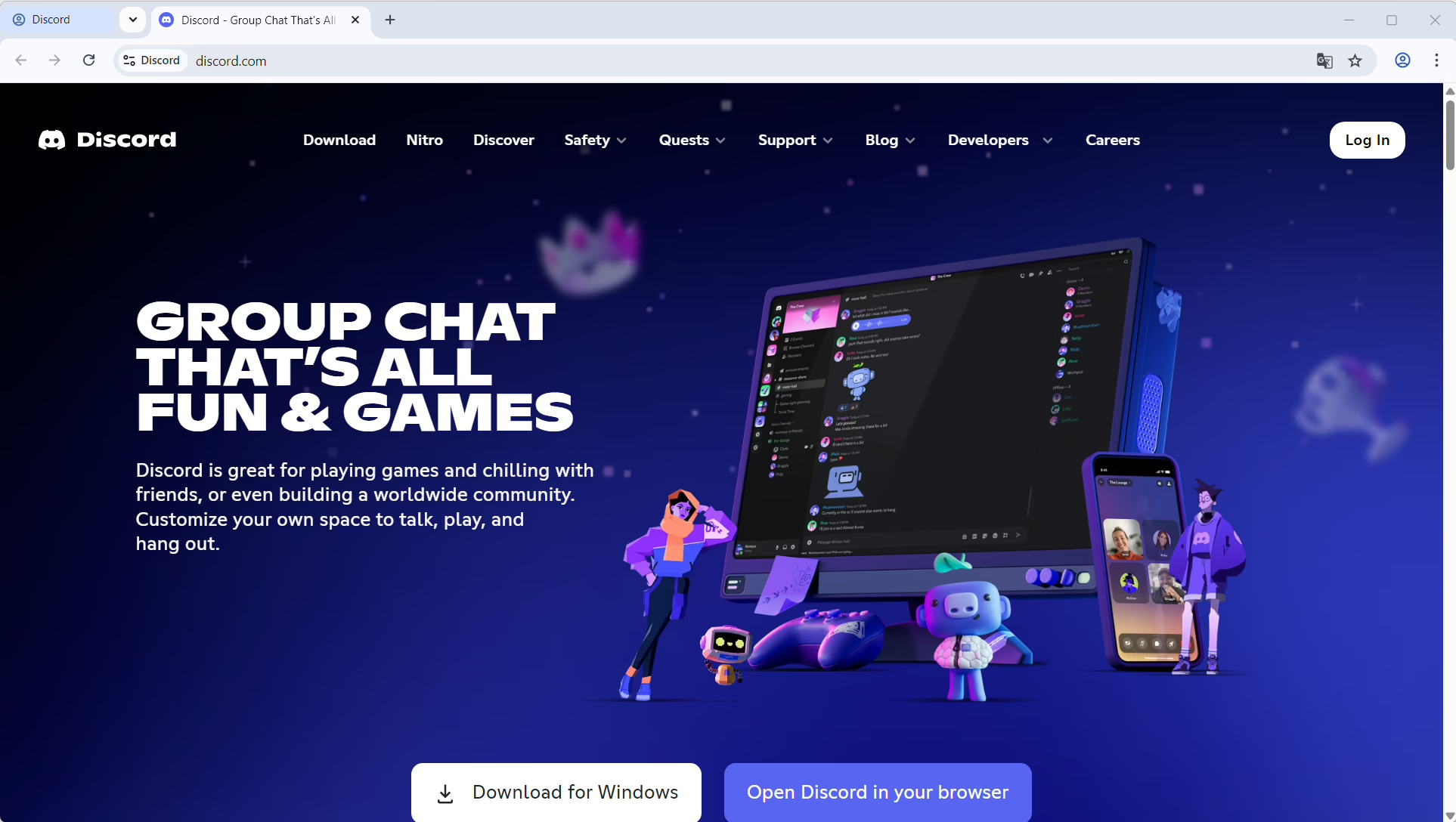
I opened the profile that looks exactly like Chrome, which threw me off for a second and just went to discord.com like normal. I logged in with my existing account. No warnings, no captcha loop, no email verification thing. I jumped into a voice channel to test and the audio was fine, video was fine, the latency was about what you’d expect from routing through a proxy and nothing worse
The whole thing took me maybe four minutes end to end. Honestly the part that took the longest was deciding which proxy country to use. 1Browser’s free plan includes proxies for 5 countries — US, Canada, Germany, Australia, India — and I actually tested all five with Discord just to be sure, and all five came back clean. If you need somewhere else on the map the paid plans open up to more than 100 countries.
Here’s why this beat everything else I tried, basically. A regular VPN changed my IP fine but Discord could still see my browser fingerprint was off, and I got flagged twice before I gave up on that approach.
Browser extensions were inconsistent in a weird way — one of them worked for about an hour and then just stopped, no error, just stopped working, and I never figured out why. Tor was slow to the point that voice chat was unusable. 1Browser worked. And kept working over several days of testing, which is the part that actually matters if you’re going to rely on it.
One small thing to mention. Make sure you create a fresh profile inside 1Browser rather than loading up your existing Chrome session into it, otherwise you’re kind of defeating the whole point of having it. I’ve seen people do that and then wonder why they’re still getting blocked.
Method 2: using a separate proxy service (Floppydata etc)
This is more like… the “manual” way of doing it. If you’re already using an antidetect browser, or you need proxies for something that isn’t just opening Discord normally, then yes.
You go with a standalone provider. I picked Floppydata mostly because I kept seeing people mention it in random threads while I was looking this up. Not even a strong reason, just… showed up a lot.
Anyway… they give you residential and mobile proxies in a bunch of locations. But you have to set everything up yourself inside whatever you’re using. Nothing is really pre-configured, which is fine, but also kinda annoying at first.
When talking about how to get unblocked on Discord, residential proxies worked way better (at least in my tests). Datacenter ones got flagged pretty quickly, or just acted weird. Discord seems to be pretty sensitive to that kind of traffic, which… yeah, makes sense, but still.
The downside here is you’re juggling two things now: the browser/tool and the proxy itself. So if something stops working, it’s not always obvious which part broke. I lost some time there tbh, thought it was one thing and it wasn’t. It’s also easy to mess up the config if you rush it.
Method 3: Gologin (Another Antidetect Option)
Everyone recommends Gologin and it does work for Discord, I used it for a day as part of this whole testing thing. Their Orbita engine held up fine, no flags, voice chat was smooth.
Where it falls a bit short compared to 1Browser for this specific use case is the proxy situation. Gologin’s built-in proxy pool is shared across users, which means the IPs get reused a lot, and some of them are already on Discord’s radar from whoever was using them before you got there. I hit a flagged IP within maybe ten minutes of logging in and had to swap it out for a different one.
So for discord unblocked access that actually stays reliable over time, you’re probably going to end up wanting your own external proxies on top of Gologin, which adds cost and setup complexity again. Still a solid option if you’re already using Gologin for other stuff, just don’t expect the built-in pool to be a long term fix here.
Method 4: VPNs (hit or miss)
VPNs aren’t useless at all, but they just aren’t reliable for this. Sometimes they work, sometimes they don’t, and it really depends on the situation. If you’re dealing with a basic network restriction at school or work, a solid VPN can usually get you past it without much effort.
I tried a few popular options against country-level blocks, and the experience wasn’t consistent. One might work fine, another gets stuck immediately. The main problem is that Discord already knows most VPN IP ranges.
From Discord’s side, you don’t look like one person. You look like hundreds of accounts coming from the same place. That’s why you start running into things like endless captcha checks or login issues.
So yeah, if you already have a VPN, it’s worth trying. But if you’re thinking of buying one just for this, there are usually better options out there.
Method 5: Tor Browser (Free, but Painful)
Tor is free and technically, yes, it will get you onto Discord in most cases. I tried it. It worked. I also could not stand using it for more than maybe fifteen minutes at a stretch. Voice calls were choppy, video was completely out of the question, and even regular text messages had a noticeable lag that made everything feel slightly broken. If you need Discord for a one-off thing, or send somebody a message, check a channel, whatever… Tor is a reasonable free fallback to have in your back pocket. For anything you’re actually going to use regularly, no. Not practical.
What About Mobile? Getting Discord Unblocked on Your Phone
Everything up to here assumes you’re on a desktop. Mobile is a bit different. On Android you can install most VPN apps and some of the antidetect tools work through companion apps, so you’ve got options.
On iOS your options are narrower because Apple doesn’t let third party browsers use their own engines under the hood, which means you’re mostly stuck with whatever VPN apps are in the App Store. A small piece of good news though.
The Discord mobile app doesn’t do as much fingerprinting as the desktop client, which means a plain VPN is actually more likely to just work on mobile than it is on desktop. So if mobile is your main use case, start with a VPN before going looking for anything more involved.
Quick Troubleshooting: Discord Still Not Working?
If you tried one of the methods above and Discord is still being difficult, a handful of things to check before giving up on it entirely. First one, clear your cookies and cache — sometimes it’s the old session that’s getting flagged rather than the connection itself, which is maddening to figure out but easy to fix once you know.
Try a different proxy country too. Some country-IP combinations get flagged more than others and nobody I’ve talked to really knows why, it just happens. Check Discord’s actual status page while you’re at it, because sometimes it’s not you, it’s them. I once spent half an hour debugging what turned out to be a Discord outage, which was embarrassing in retrospect.
Make sure your system clock is right. Sounds dumb, I know, but I’ve seen an incorrect clock cause login failures more than once. And if the issue is actually your account rather than your connection, no amount of proxy switching is going to help you and you’ll need to go through Discord support directly.
So, What’s the Best Way to Unblock Discord?
I keep going back and forth on this but the one I end up telling people about every time is 1Browser. Not because it’s the fanciest, it isn’t.
It’s that 1Browser takes care of the two biggest annoyances in this whole category — setting up proxies, and figuring out a complicated tool — at the same time, and it does it without asking you to understand any of the underlying machinery.
For somebody just trying to unblock Discord without turning it into a whole weekend project, that combination is pretty hard to beat.
You download it, you open it, it works. The proxies are already there. Fingerprints already configured. Grab the free plan — 10 profiles, 5 proxies, no card. Takes 2 minutes max.
FAQs
Is it legal to unblock Discord?
In most countries, yeah, it’s fine. Using a proxy or VPN to access a service is not illegal on its own. With that being said, in some of the countries on the list above, getting around government-level restrictions can carry real legal risk and the penalties aren’t always small. If you’re in one of those places, I recommend you look up the local rules before you try any of this personally.
Will Discord ban my account if I use a proxy?
Discord does not ban accounts just because they are caught using a proxy. What gets accounts flagged is unusual behavior. Sudden country changes, mismatched fingerprints and spammy activity, that kind of thing. The whole point of an antidetect browser is making the connection look consistent from Discord’s side, which is exactly why I kept pushing that approach over plain VPNs throughout this article.
Which free method is most reliable?
1Browser’s free tier, easily. 10 profiles, 5 proxies, no time limit, no card. Tor is the other free option but the speed kind of kills it for anything real-time like voice chat.
Do I need to buy proxies separately?
With 1Browser.. no, not really. It already includes residential, mobile, and datacenter proxies in the plan, so you don’t have to go hunt for anything extra.
Most of the other options, though, need external proxies. Which means you’re probably adding another $20–$50/month on top of whatever you’re already paying. Not always obvious at first tbh.