5 AdsPower Alternatives and Competitors in 2026

AdsPower is no doubt a popular antidetect browser having a strong user base, and it does the work for a lot of people.
But there are some areas that are quite concerning for AdsPower users. First of all, security is where AdsPower faced a serious issue back in January 2025 when its browser extension was compromised in a cyberattack. The malicious version enabled the theft of about $4.7 million in crypto from five users. News outlets and affected wallets confirmed that the breach happened even though AdsPower has deleted the evidence from its website.
Apart from security, in my experience, AdsPower can eat up a lot of system resources if you run multiple browser profiles simultaneously. Having faced these issues, I started looking for Adspower alternatives.
So I tested quite a few antidetect browsers side by side over the past few months, and here are the top 5 AdsPower alternatives that I think are worth considering.
5 AdsPower Alternatives That You Should Consider in 2026
Browser |
Best For |
Pricing |
Ratings |
1Browser |
Easy multi-accounting for beginners | There’s a free forever plan. Pricing starts from $9/month | Trustpilot: 4.3/5 · G2: 4.8/5 |
Gologin |
Agencies and marketers managing accounts at scale | There’s a forever free plan. Pricing starts from $9/month | Trustpilot: 4.3/5 · G2: 4.7/5 |
Multilogin |
Automation and enterprise-level teams | From €9/month (there’s no free plan) | Trustpilot: 3.4/5 · G2: 4.6/5 |
Octo Browser |
Small teams needing a clean UI | From €10/month (there’s no free plan) | Trustpilot: 4.2/5 · G2: 4.8/5 |
Dolphin Anty |
Affiliate marketers running ad campaigns | There’s a limited free plan. Pricing starts from $10/month | Trustpilot: 2.6/5 · G2: 4.4/5 |
1. 1Browser
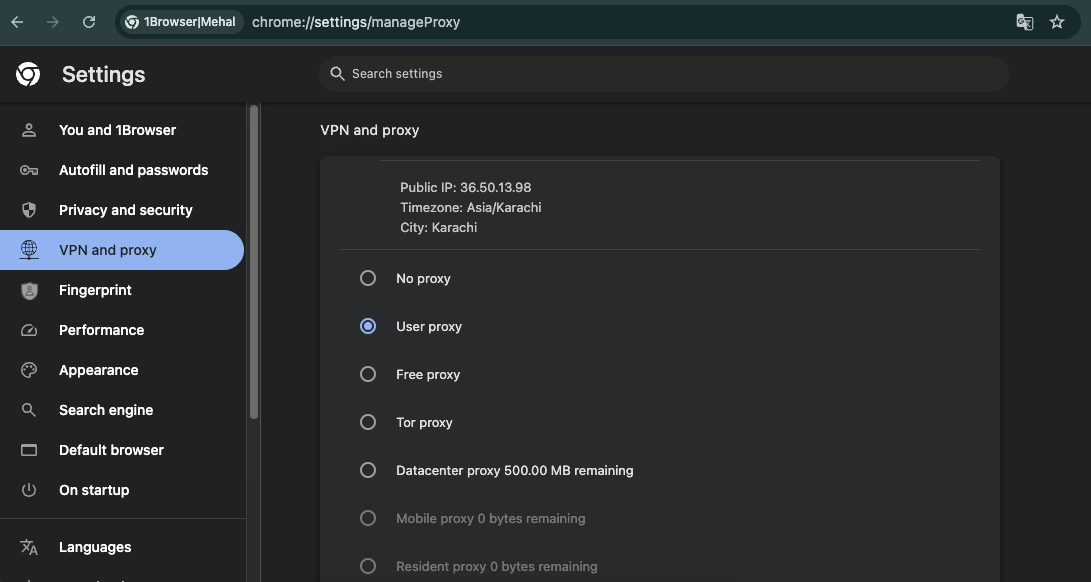
Since 1Browser is built on Chromium, it looks and functions exactly like Google Chrome. You don’t need to learn how to use it if you have used Google Chrome before.
On top of ease of use, it’s also the most beginner-friendly AdsPower alternative for multi-accounting out there.
All you need to do is create a profile within just a few clicks, and the browser handles the fingerprint settings on its own. There’s literally no manual configuration needed on your own, which is super helpful when your goal is simple or quick multi accounting.
Each profile you create on 1Browser operates in total isolation with its own fingerprint and IP address. Therefore, all the social platforms like Facebook, Amazon, or any other platform treat every profile as a separate device.
Key features
- Fully isolated antidetect browser profiles (10 browser profiles are completely free)
- There are built-in proxies (5 free proxies on every plan)
- You also have the option to configure your own proxies or switch on a Tor proxy if you prefer
- It’s pretty lightweight and hence has quick profile launch times
Pricing
- Free forever plan: 10 browser profiles + 5 built-in proxies
- Basic: $9/month (20 profiles, 100+ country proxy network)
- Pro: $29/month (100 profiles, 100+ country proxy network)
Pros & Cons
Pros |
Cons |
| One of the most simple-to-use browser for multi-accounting with a close to zero learning curve | Does not support advanced fingerprinting customization |
| Quite generous free plan with 10 profiles and 5 built-in proxies | |
| Profiles load very quickly with no noticeable delays |
2. Gologin
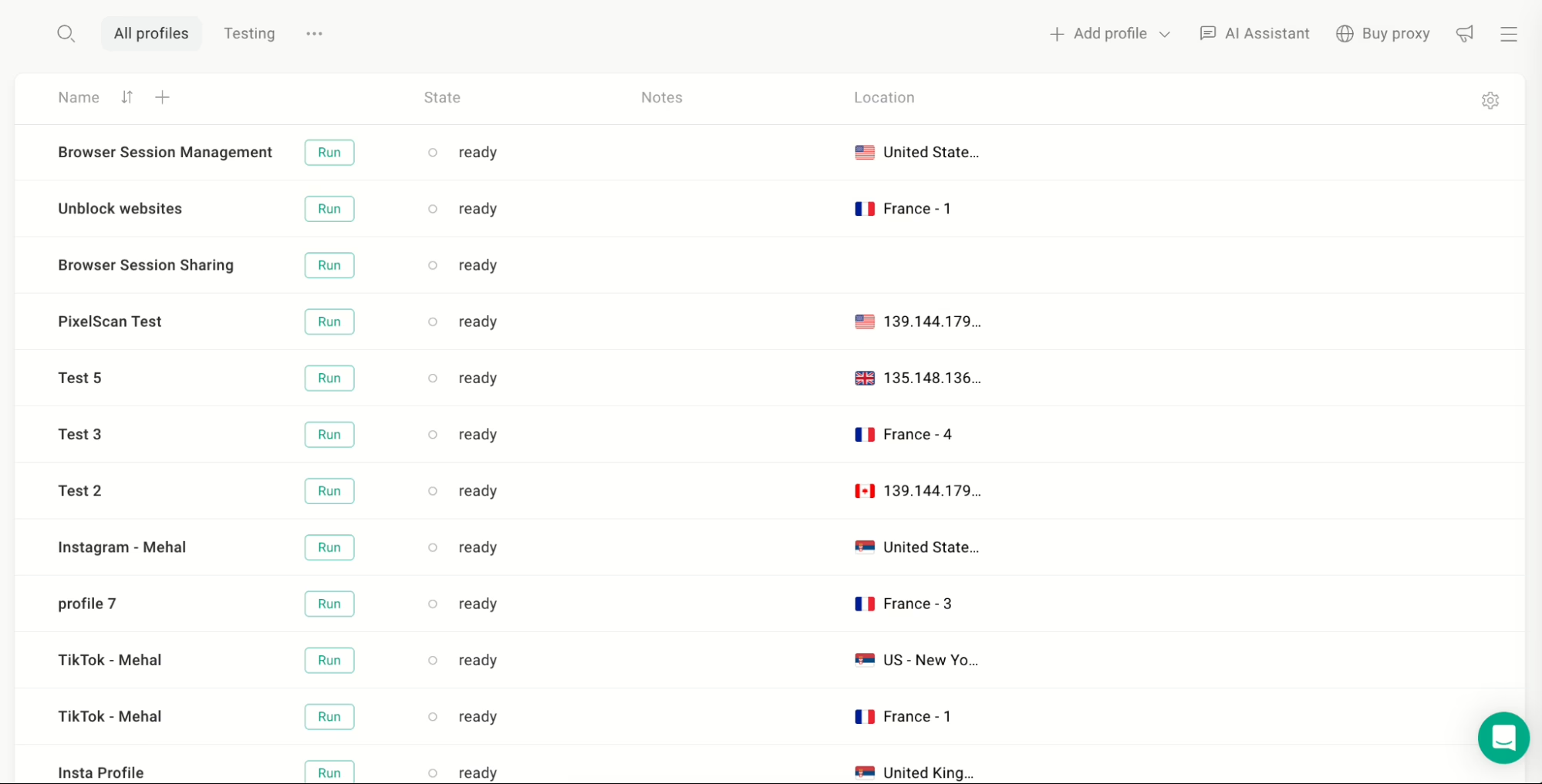
Just like 1Browser, Gologin is also Chromium-based, which means that once you have created a browser profile, you can easily conduct your tasks within.
It allows you to create multiple browser profiles where each one appears as a completely different user to websites. It’s available on Windows, macOS, Linux, Android, and even has a fully functional and fast web application.
What makes Gologin unique from other AdsPower alternatives on this list is how well it scales. You can create anywhere from 100 to 100,000 browser profiles, depending on the plan you are on, which makes it a no-brainer choice for agencies and marketers managing accounts at scale.
Although Gologin auto-configures fingerprint parameters for each profile you create, if you want more control, you can manually adjust things like:
- User agent
- Timezone
- Screen resolution
- Language, and much more
That flexibility is optional, though. So you don’t have to touch any of it unless you actually need advanced fingerprinting.
Key features
- Option for automatic fingerprint configuration with optional manual fine-tuning for each profile
- Create anywhere from 10 to 100,000 browser profiles
- Built-in free and paid proxies, plus support for external proxy providers
- Profile sharing with three permission tiers: view-only, edit, and full access
- API access available for automating tasks
Pricing
- Free forever plan: 3 profiles (no profile sharing or team features)
- Professional: $9/month (starting from 10 profiles)
- Business: $119/month (starting from 300 profiles, team seats included)
Pros & Cons
Pros |
Cons |
| Highly scalable with deep fingerprint customization options | There’s a bit of a learning curve when you first start out |
| Development pace is very fast with frequent updates and bug fixes | |
| Best value for money among free and paid antidetect browsers |
3. Multilogin
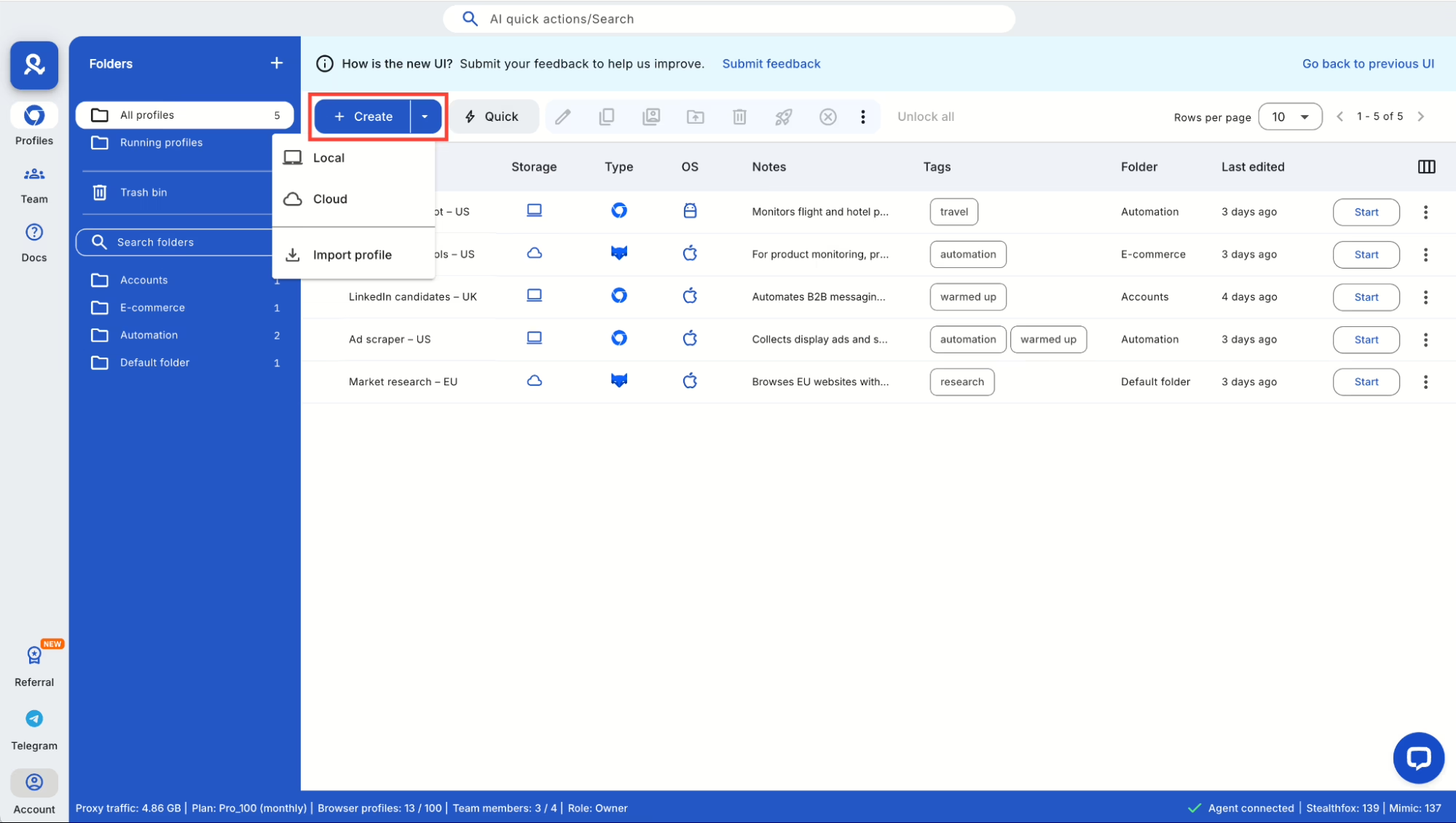
Multilogin is an Estonian antidetect browser that gives you access to modified versions of both Chrome and Firefox with completely separate browser fingerprints. Not many alternatives to AdsPower offer you that choice between two browser engines.
All your profile data is encrypted and stored in the cloud. Depending on your plan, up to 10 people can work with the same set of accounts, which makes it a solid option for teams.
In 2024, the company launched Multilogin X, which is a major upgrade that uses an API-first architecture and a web-accessible interface. This is now the default version for new subscribers, while older users can still run Multilogin 6 if they want to.
For developers specifically, Multilogin integrates with Selenium and Puppeteer to automate thousands of profiles a day. So if automation is a big part of your workflow, you can benefit from it greatly.
Key features
- Choice between modified Chrome or Firefox browser engines
- Multilogin has its own proxy service with a pool of over 30 million residential IPs
- Cloud-based profile storage with encryption
- Supports Windows, macOS, and Linux, including full compatibility with Apple M1 through M4 chips
Pricing
- Pro: €9/month (10 profiles)
- Business: €159/month (300 profiles)
- No free plan. There’s a 3-day trial for €1.99 that includes 5 browser profiles.
Pros & Cons
Pros |
Cons |
| Dual browser engine support gives you more flexibility than most antidetect browsers | No free plan at all, and even the trial costs €1.99 |
| Strong automation capabilities through Selenium and Puppeteer integration | It is a relatively expensive alternative to AdsPower |
| Massive residential proxy pool built right into the platform |
4. Octo Browser
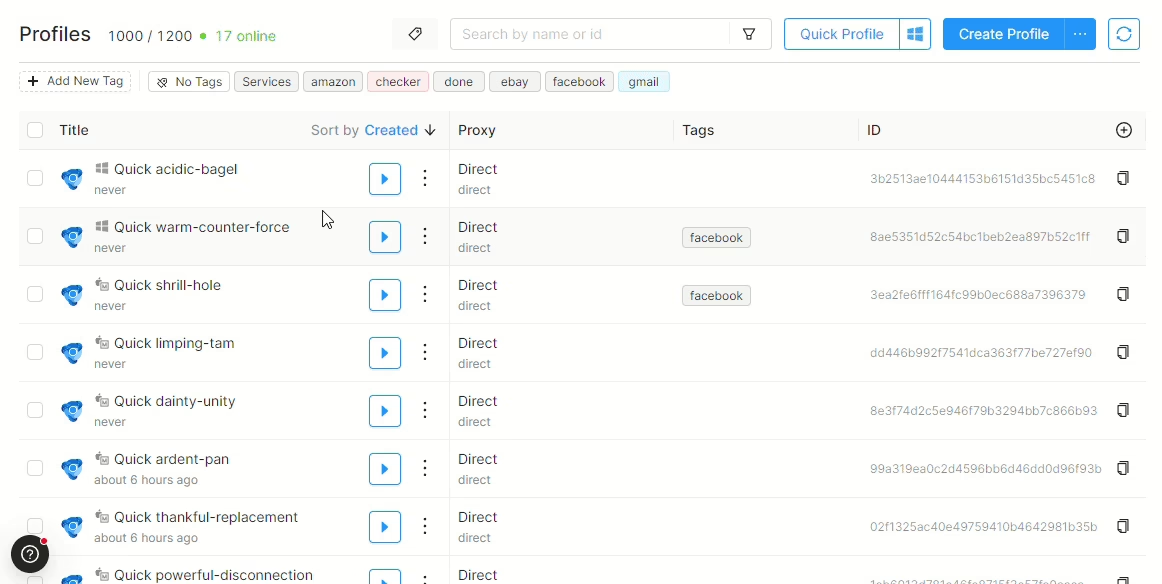
Octo Browser is a Belarus-based antidetect browser and a decent AdsPower browser alternative that allows you access your profiles on unlimited devices.
It has a clean interface that doesn’t overwhelm you with too many options at once. You can create profiles easily and configure proxies in minutes.
It all sounds great, but there are some trade-offs that I think you should know about.
First of all, just like Multilogin, there’s no free plan or trial available for Octo Browser. The entry-level starter plan is also expensive (€29 for 10 profiles) relative to other AdsPower competitors on this list, and even that plan is quite restrictive.
Restrictive how? You may think. Well, you can only connect one proxy server for all profiles on the starter plan, which basically means that each profile shares the same IP.
Although higher-tier plans don’t have this limitation, they are even pricier.
Key features
- You can purchase residential proxies directly inside the Octo Browser app
- Clean and minimal interface that doesn’t overwhelm new or beginner users
- Browser profiles can be accessed on unlimited devices
- Supports Windows, macOS (Intel and M-series), and Linux (beta)
Pricing
- Lite: €10/month (3 profiles)
- Starter: €29/month (10 profiles)
- Base: €79/month (100 profiles)
- Team: €169/month (350 profiles)
- Advanced: €329/month (1,200 profiles)
- No free plan or free trial is available
Pros & Cons
Pros |
Cons |
| The interface is clean and easy to navigate for users who are new to the space | There’s no free plan or free trial of any kind |
| Unlimited device access is a nice-to-have for people who switch between machines | Bulk profile management features are lacking |
| The update schedule is quite inconsistent as compared to other AdsPower competitors |
5. Dolphin Anty
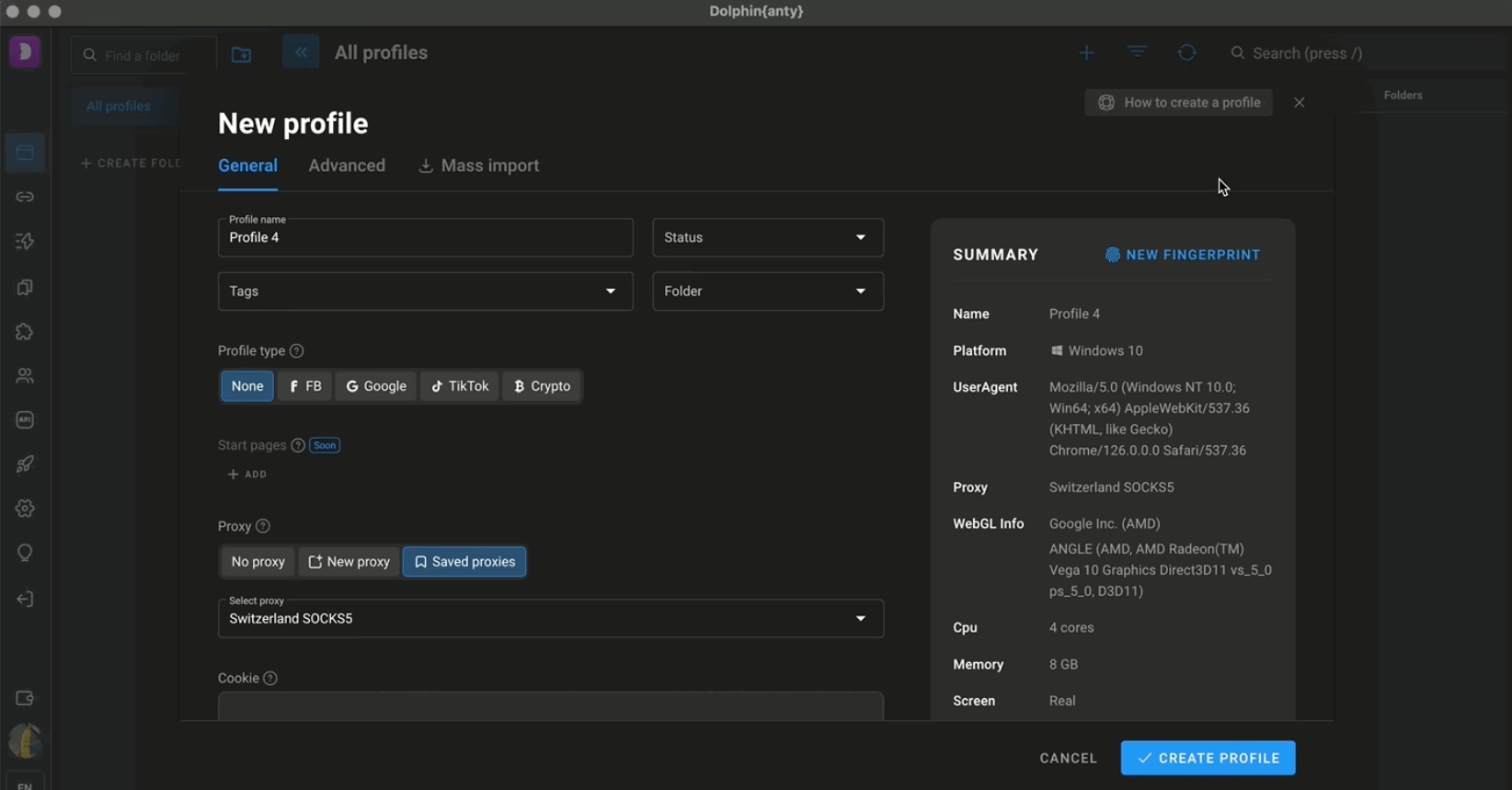
Dolphin Anty initially gained traction in local advertising communities because it was built by a marketer who understood the specific problems affiliates face when running paid campaigns on Facebook and other platforms. The makers of the product openly state that it’s designed for this audience.
The interface of Dolphin Anty is normally easy to understand, though it does require some getting used to for new users.
The browser used to include specialized tools for automatically running Facebook ad campaigns. Those social features have since been removed and replaced with a no-code automation scenario builder and a Synchronizer for social media tasks.
When it comes to the proxies, Dolphin Anty has two integrated proxy providers. Every user, including those on the free plan, gets a one-time bonus of 1.5 GB of free ASocks proxy traffic. You can also purchase paid IPs, but no proxy traffic is included in any of the paid plans by default.
Key features
- There’s a no-code automation scenario builder, where you can create workflows by combining blocks
- Comes with a synchronizer tool for handling social media tasks
- Two integrated proxy providers with a 1.5 GB free proxy traffic bonus for all users
- There’s a free plan available, giving you 5 browser profiles
Pricing
- Free+ (Starter): $10/month (20 browser profiles)
- Base: $89/month (100 browser profiles)
- Team: $159/month (300 browser profiles)
- Enterprise: $299/month (1000 browser profiles). This plan is scalable to 50K browser profiles, and the price will increase accordingly.
- There’s also a free plan that gives you 5 profiles
Pros & Cons
Pros |
Cons |
| It is purpose-built for affiliate marketers running ad campaigns in mind | Trustpilot rating score is quite low at 2.6 stars |
| The no-code automation builder is useful if you want to create custom workflows without coding | App updates are irregular and sometimes takes months |
| The original Facebook automation tools have been removed |