5 Opera Browser Alternatives and Competitors in 2026

Opera is good. No browser beats its customization on mobile, especially. But honestly, there are a few good Opera browser alternatives available in the market now. Which Opera browser alternative you should use depends on what specific thing(s) about Opera pushed you to look for alternatives.
For most people, it’s one of these three things:
- Privacy
- Customization
- Multi-accounting
Our list of Opera browser alternatives covers all these bases. You’ll find browsers with the same philosophy as Opera, just executed better in certain areas. You’ll also find an Opera alternative browser that lets you do things that aren’t possible on Opera at all, like multi-accounting.
Let’s walk you through all those browsers.
Top 5 Opera Browser Alternatives to Consider
Browser |
Best For |
Built-in Tools (VPN, sidebar, extras) |
Multi-Account / Profile Isolation |
Performance & Stability |
Ease of Use |
Starting Price |
1Browser |
Simple and small multi-account workflows | Medium | ⭐⭐⭐⭐ | Medium | Medium | $9/month |
Gologin |
Agencies and marketers managing accounts at scale | Low | ⭐⭐⭐⭐⭐ | Medium | Low–Medium | $9/month |
Vivaldi |
Heavy customization | ⭐⭐⭐⭐ | ⭐⭐ | ⭐⭐⭐⭐ | Medium | Free |
Zen Browser |
Minimalists and keyboard-first users | Low | ⭐ | ⭐⭐⭐ | Low–Medium | Free |
Brave |
Everyday users who want privacy | ⭐⭐⭐ | ⭐⭐ | ⭐⭐⭐⭐⭐ | ⭐⭐⭐⭐⭐ | Free |
1. 1Browser
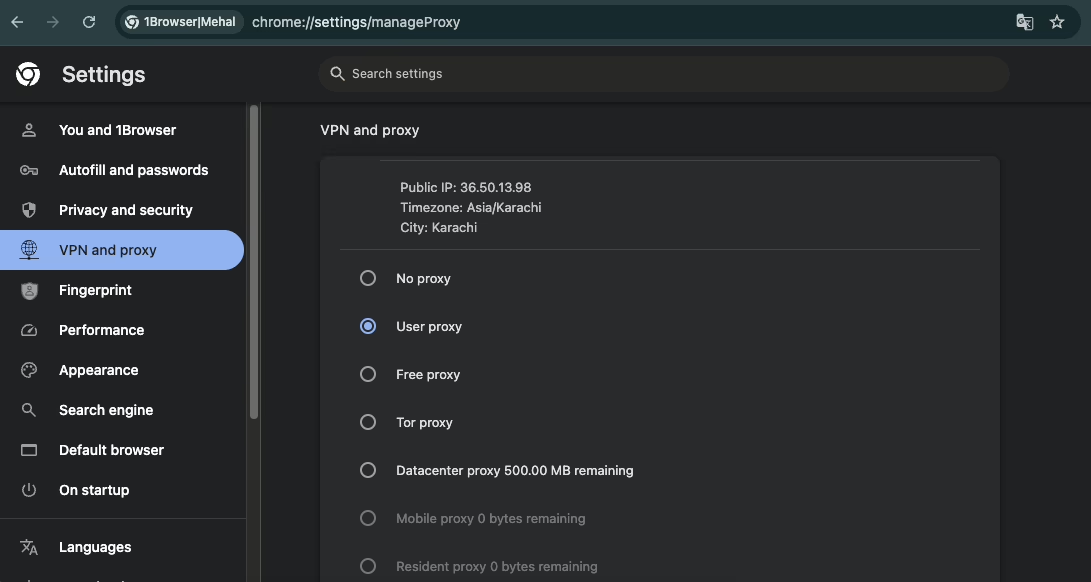
1Browser is an anti-detect, or you can say a proxy browser, which is a completely different category of browsers from what most people are used to. The browser lets you create browser profiles, each of which acts as a completely separate device with its own digital fingerprint and IP. You can log in to and use each of your multiple accounts (Facebook, Instagram, ChatGPT) etc in those browser profiles simultaneously. Regular browsers don’t have this feature. They only allow one account at a time.
Since each 1Browser profile acts as a completely separate device, platforms you’re logged into with multiple accounts can’t link those accounts back to each other. That’s how your accounts avoid detection and suspension. And this is what an anti-detect browser does.
1Browser also comes with built-in 5 free proxies right out of the box, covering countries like the USA, UK, Germany, Canada, and India.
Key features
- Looks and works like regular Chrome
- Each browser profile has unique fingerprint parameters
- Every plan includes built-in proxies
- 3rd-party proxies are also supported
- Supported proxy types: HTTP, HTTPS, SOCKS, Tor
Pricing
- Free plan: 10 profiles + 5 built-in proxies
- Basic: $9/month (20 profiles, 100+ country proxy network)
- Pro: $29/month (100 profiles, 100+ country proxy network)
Pros & cons
Pros |
Cons |
| 10 free browser profiles | Doesn’t allow advanced fingerprint customization |
| Very easy to use | |
| Built-in proxies included for free | |
| Lightweight UI makes it fast |
2. Gologin
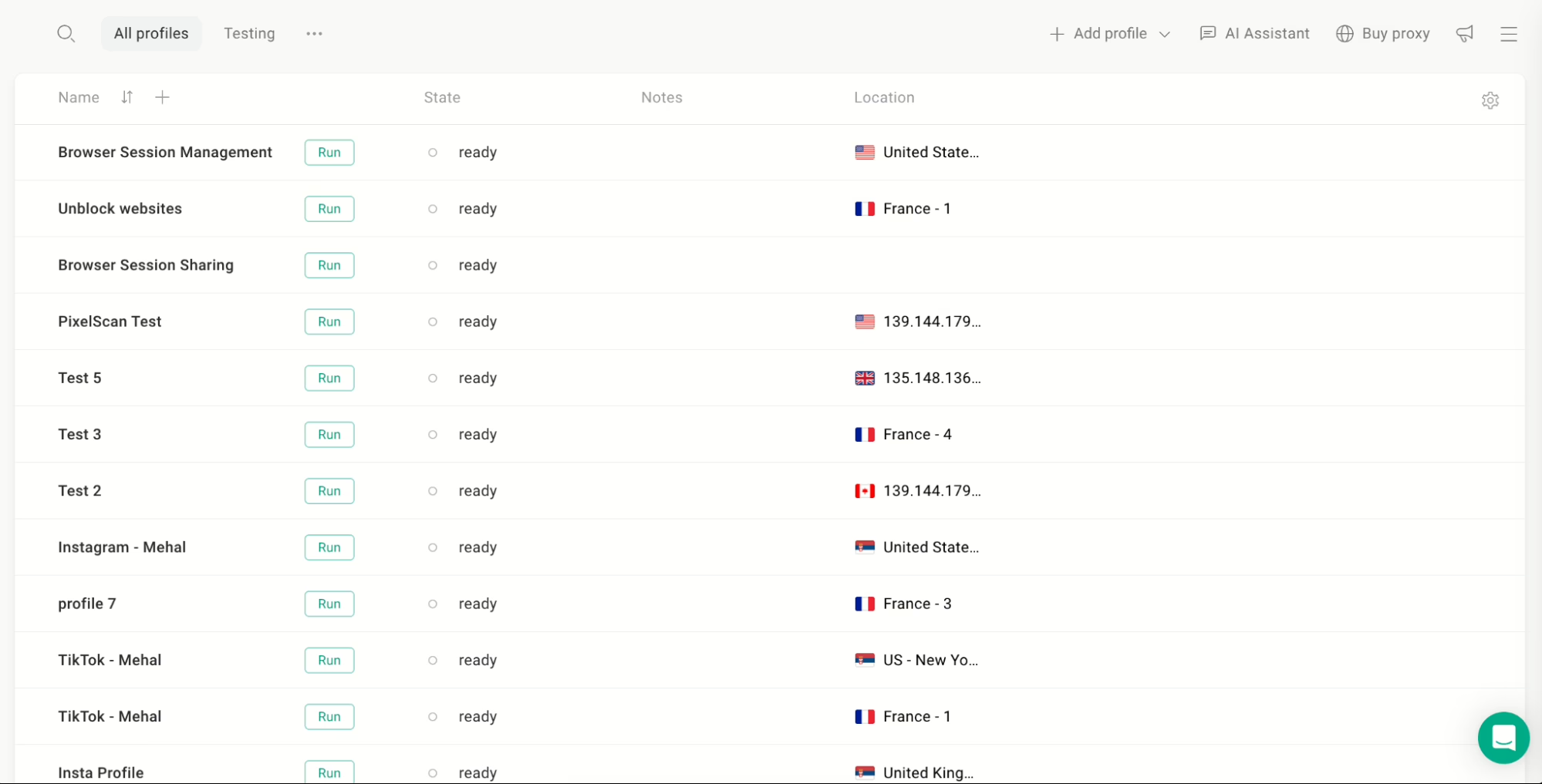
Gologin is built for the same thing as 1Browser: avoid detection and allow multi-accounting. But Gologin lets you do that at a much larger and more advanced scale. On its paid plans, you can make up to 100,000 browser profiles and manage all your multiple accounts of any platform within them simultaneously.
This is the reason why the browser is popular among marketers, affiliate teams, and agencies. They all have to manage plenty of accounts, their own and their clients’, and Gologin is one of the few options that lets them do that.
Gologin is also quite good at fingerprint management. It gives you two ways to configure them. When you create a profile, a random but common-looking fingerprint is automatically assigned to it. If you aren’t happy with this fingerprint, you can manually tweak each fingerprint parameter for your specific use case. On top of that, GoLogin has its own built-in proxies. Even the free plan includes 500MB of datacenter proxy traffic each month.
The browser is available on Windows, Mac, Linux, and Android. There’s even a web version so you can access your profiles from any device without installing anything.
Key features
- Create up to 100,000 browser profiles
- Every profile gets an auto-generated fingerprint
- Fingerprint parameters are manually customizable
- Browser profiles can be shared with anybody with 3 types of access:
- View
- Edit
- Full access
- Gologin profiles can be accessed via the web without installing the browser
- Automation with tools like Selenium
Pricing
- Free plan: 3 profiles (no profile sharing or team features)
- Professional: $9/month (starting from 10 profiles)
- Business: $119/month (starting from 300 profiles, team seats included)
Pros & cons
Pros |
Cons |
| Highly scalable | Slight learning curve |
| Successful anti-fingerprinting | |
| Granular fingerprint customization | |
| Built-in proxy settings | |
| Team collaboration |
3. Vivaldi
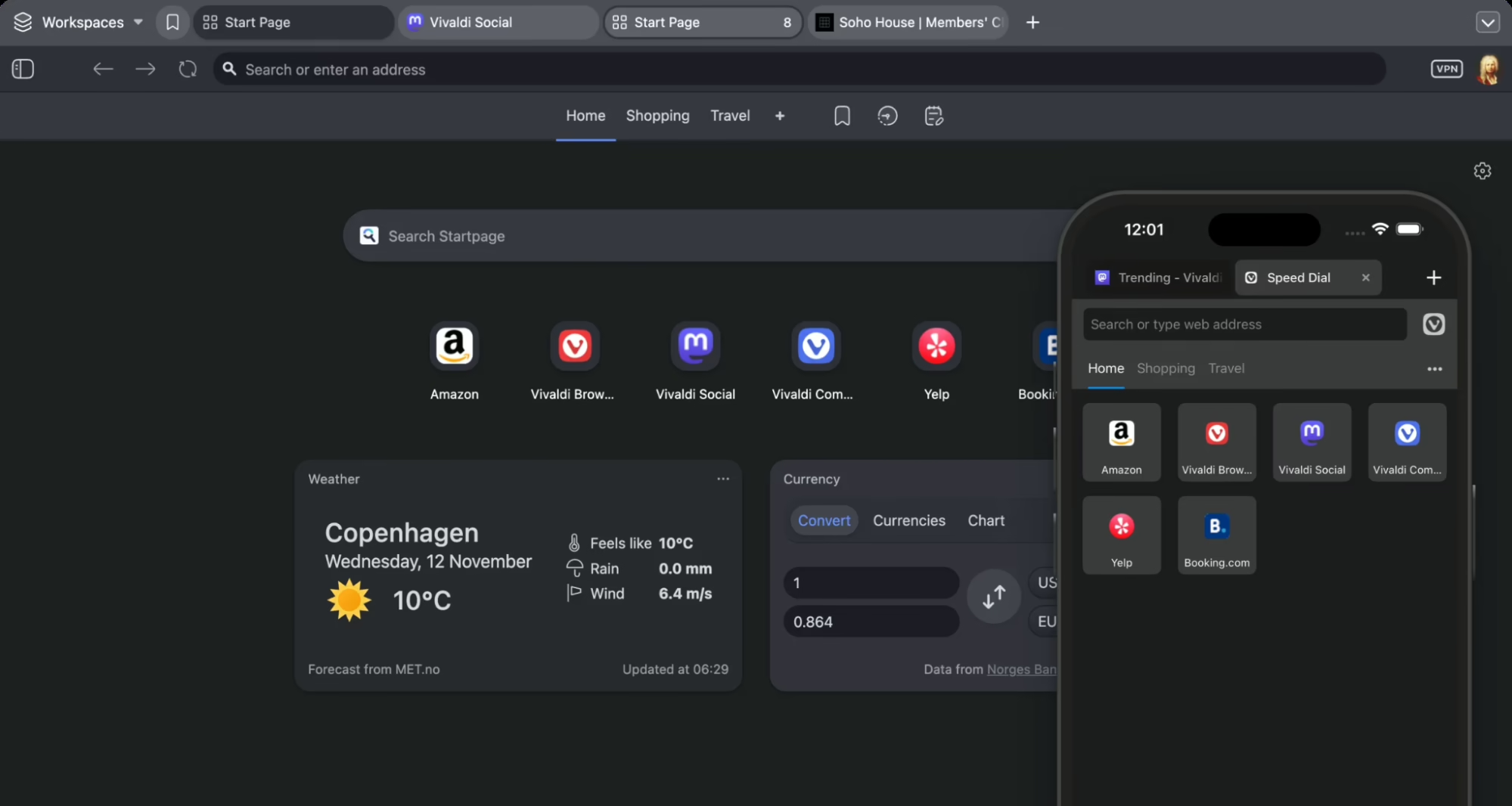
Vivaldi is an interesting Opera browser alternative because it was built by one of Opera’s co-founders. They built it around the idea that you should be able to change almost anything about the browser. Where tabs sit, what color the interface turns, how your keyboard shortcuts behave, and where the address bar lives. Everything is on the table.
I’ve never seen another browser let you move things around quite like this. Vivaldi also ships with an impressive set of built-in tools, which other browsers ask you to install extensions for.
It’s completely free and available on Windows, macOS, Linux, and Android.
Key features
- Interface is fully customizable
- Ad and tracker blocker enabled by default
- Chrome plugins available
- Rich tab management features (stacking, vertical tabs, split-screen view, hibernation, named sessions)
- Built-in email client
- RSS feed reader
- Web panels let you pin any website to a sidebar
Pricing
- Completely free on all platforms
Pros & cons
Pros |
Cons |
| Unmatched interface customization | Resource heavy |
| Built-in productivity features end the need for many extensions | It can feel overwhelming for new users |
| Superior privacy & ethics vs Opera |
4. Zen Browser
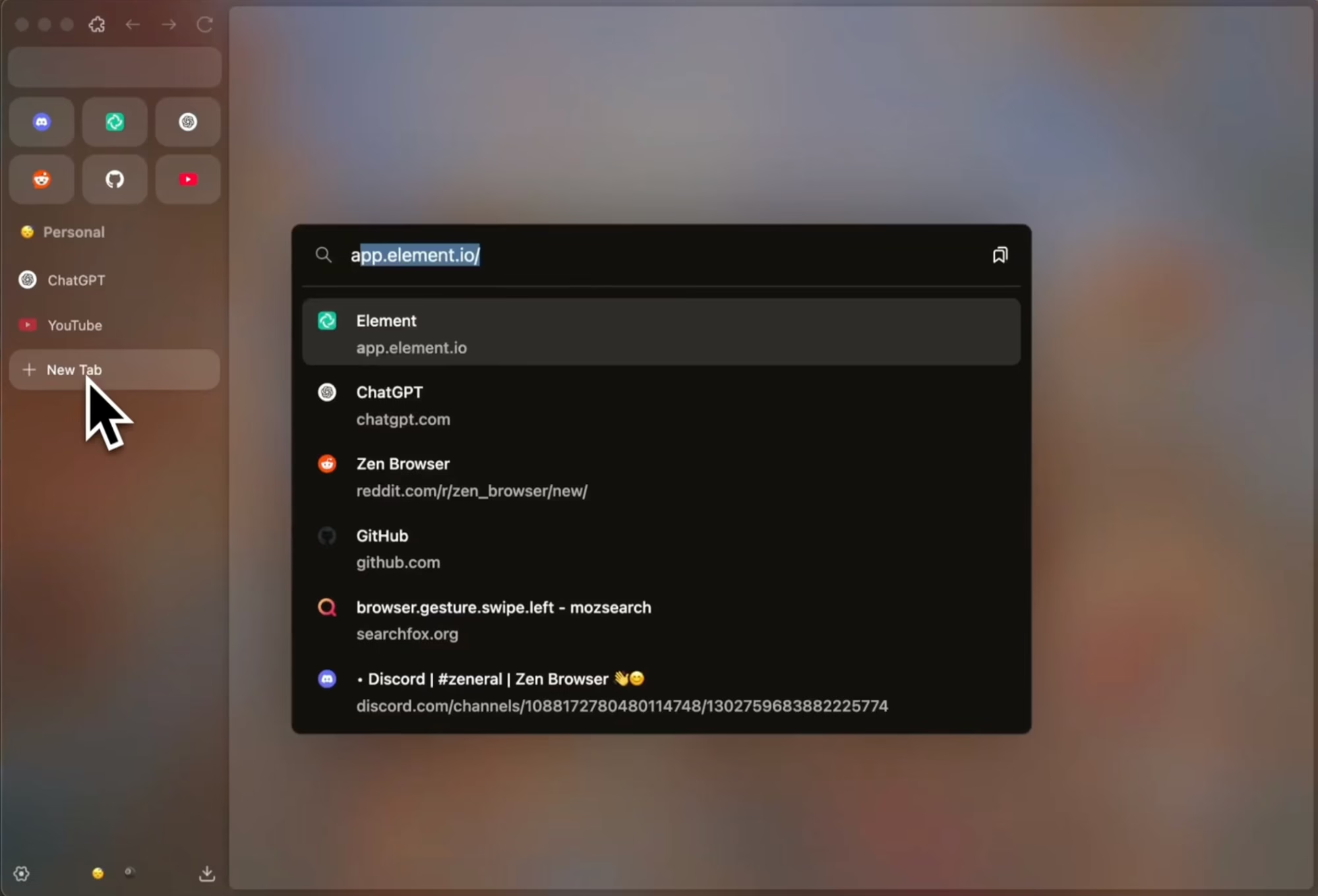
Zen Browser showed up in 2024, and it has already built a serious following. It is a Firefox-based alternative to Opera browser and thus, takes Firefox’s privacy-first foundation.
Its developers threw out the dated interface of Firefox and rebuilt the whole experience from the ground up with a modern design and smarter tab management. For instance, it has a Workspaces feature that lets you organize your tabs by project or context and switch between them cleanly. On top of that, Zen includes a feature called Glance. With Glance, you can preview any link in a floating overlay without opening it in a new tab.
This is going to become your second nature very quickly if your work involves research. The browser is free and open source. You can download it on Windows, macOS, and Linux.
Key features
- Workspaces for organizing tabs by project or context
- Zen Glance: preview links without opening a new tab
- Community-built mods to customize the browser’s appearance or behavior
- Built-in privacy protections
- Tracker blocking and fingerprinter blocking
- Telemetry comes disabled by default
- Supports all Firefox extensions
Pricing
- Vivaldi is completely free and open source.
Pros & cons
Pros |
Cons |
| Mozilla’s privacy-focused foundation | Occasional stability quirks |
| Sleek UI | Smaller extension library |
| Fast and efficient | Site compatibility issues |
5. Brave
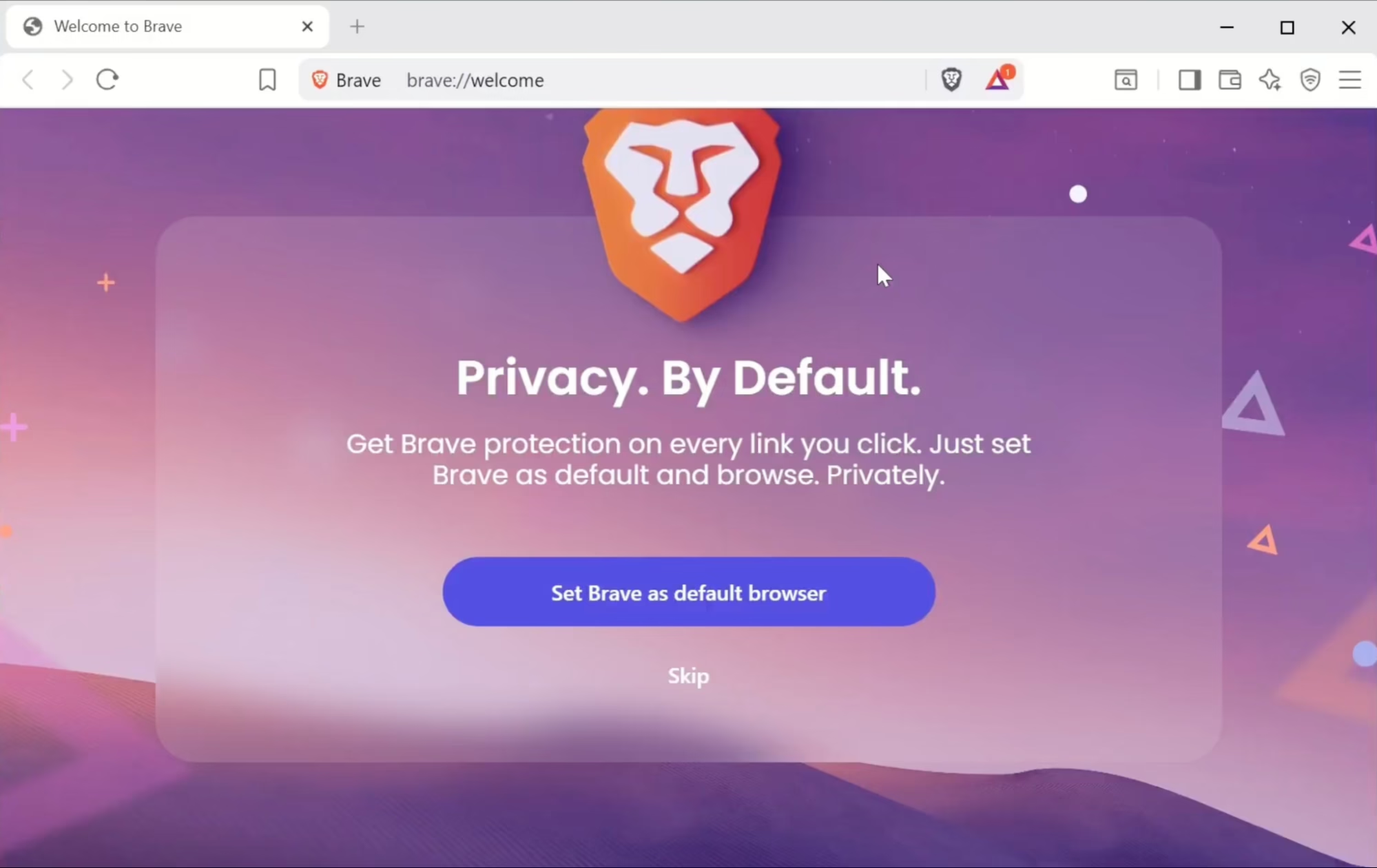
You may consider Brave if privacy is the reason you’re looking for an Opera alternative. Brave is made for privacy out of the box. You aren’t required to configure anything to be private.
From the moment you start using it, the browser starts blocking ads, trackers, fingerprinting, cookie consent banners, etc. Most other browsers require you to install privacy-focused add-ons like uBlock Origin or fiddle with settings to get this level of protection. Brave does all of that for you by default. Like Opera, Brave also runs on Chromium. You’ll find all your favorite Chrome extensions on it. If you want a built-in VPN similar to Opera, Brave gives you that. However, Brave’s built-in VPN is paid. Brave also has its own search engine that uses an independent index. It doesn’t route your searches through Google.
It’s free and available on Windows, macOS, Linux, Android, and iOS.
Key features
- Chromium-based
- Blocks ads, trackers, fingerprinting, and cookie banners on every site
- All Chrome extensions are supported
- Built-in Leo AI assistant
- Proprietary search engine “Brave Search”
- Private browsing mode with Tor routing
Pricing
- Browser: Free
- Brave VPN: $9.99/month or $99.99/year (7-day free trial included)
Pros & cons
Pros |
Cons |
| Strong privacy without touching settings | VPN is paid, unlike Opera |
| Fast page load times due to aggressive blocking of unwanted content | Fewer built-in features |
| Many users dislike the constant promotion of BAT and crypto rewards |