5 Best Mullvad Browser Alternatives in 2026

The Mullvad browser has good privacy measures. It does that part well. But the issue is that it just does very little else. It’s a hardened browser and nothing more.
For instance, it lacks a built-in VPN even though Mullvad was a VPN before its browser launched in 2023. Then, if someone wants to log in and manage multiple accounts on a platform, Mullvad doesn’t give them the infrastructure for that either.
Whatever Mullvad limitation brought you here, you’ll find a browser for that in our guide.
To be exact, we have covered two kinds of Mullvad browser alternatives. Browsers that are fundamentally similar to Mullvad but are more feature-rich. And multiaccounting or proxy browsers that let you run multiple isolated identities, something Mullvad can’t do at all.
Here’s an overview of all those browsers before we start.
Top 5 Mullvad Browser Alternatives Worth Considering
Browser |
Best For |
Match with Mullvad Ideology |
Anti-Fingerprinting |
Multi-Account Support |
Automation / Marketing Use |
Starting Price |
1Browser |
Easy multi-accounting | Low | Medium | ⭐⭐⭐⭐ | ⭐⭐⭐⭐ | $9/month |
Gologin |
Agencies and marketers managing accounts at scale | Low | ⭐⭐⭐⭐ | ⭐⭐⭐⭐⭐ | ⭐⭐⭐⭐⭐ | $9/month (starting from 10 profiles) |
Tor Browser |
Maximum anonymity | ⭐⭐⭐⭐⭐ | ⭐⭐⭐⭐⭐ | ⭐ | ❌ | Free |
LibreWolf |
Maximum privacy | ⭐⭐⭐⭐ | ⭐⭐⭐⭐ | ⭐⭐ | ❌ | Free |
Brave |
Everyday privacy users | ⭐⭐ | ⭐⭐ | ⭐⭐ | ❌ | Free |
1. 1Browser
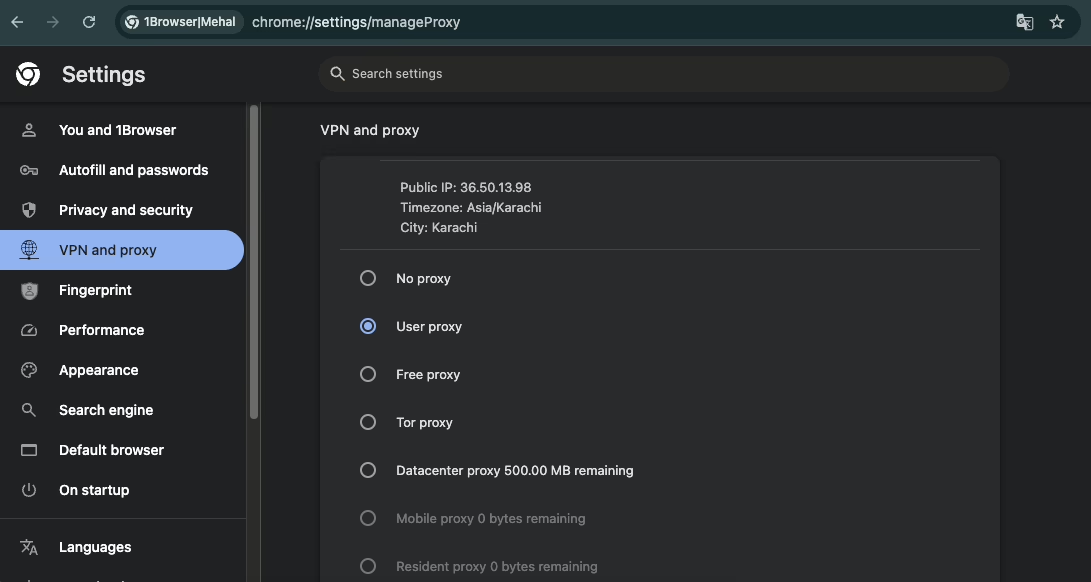
Mullvad browser has good privacy, but you cannot use it for multi-accounting. In other words, Mullvad lacks the required infrastructure to log into and manage two or more Facebook, Instagram, or other platform accounts simultaneously.
So if you’re after a Mullvad browser alternative that lets you do that, 1Browser is worth a shot.
It is an anti-detect browser built on Chromium, so it looks and works almost exactly like regular Chrome. The difference is that you can create multiple browser profiles, each of which is isolated with its own fingerprint and IP address.
You can create a new browser profile for each of your accounts. The platforms you’ll log into will see all your accounts as being operated from separate devices.
The good thing about 1Browser is that it handles fingerprint settings for each profile automatically.
Key features
- Chromium based
- Fully isolated browser profiles with a unique fingerprint and IP
- 5 free built-in proxies that cover 5 locations
- USA
- UK
- Germany
- Canada
- India
- Support for custom proxies
- Supported proxy types: HTTP, HTTPS, SOCKS
- Supports Tor proxies
- Lightweight
Pricing
- Free plan: 10 browser profiles + 5 built-in proxies
- Basic: $9/month (20 profiles, 100+ country proxy network)
- Pro: $29/month (100 profiles, 100+ country proxy network)
Pros & cons
Pros |
Cons |
| All plans come with 5 free built-in proxies | Doesn’t support advanced fingerprint customization |
| Free plan offers 10 browser profiles | |
| Extremely simple to set up and use | |
| The lightweight design gives it a fast speed |
2. Gologin
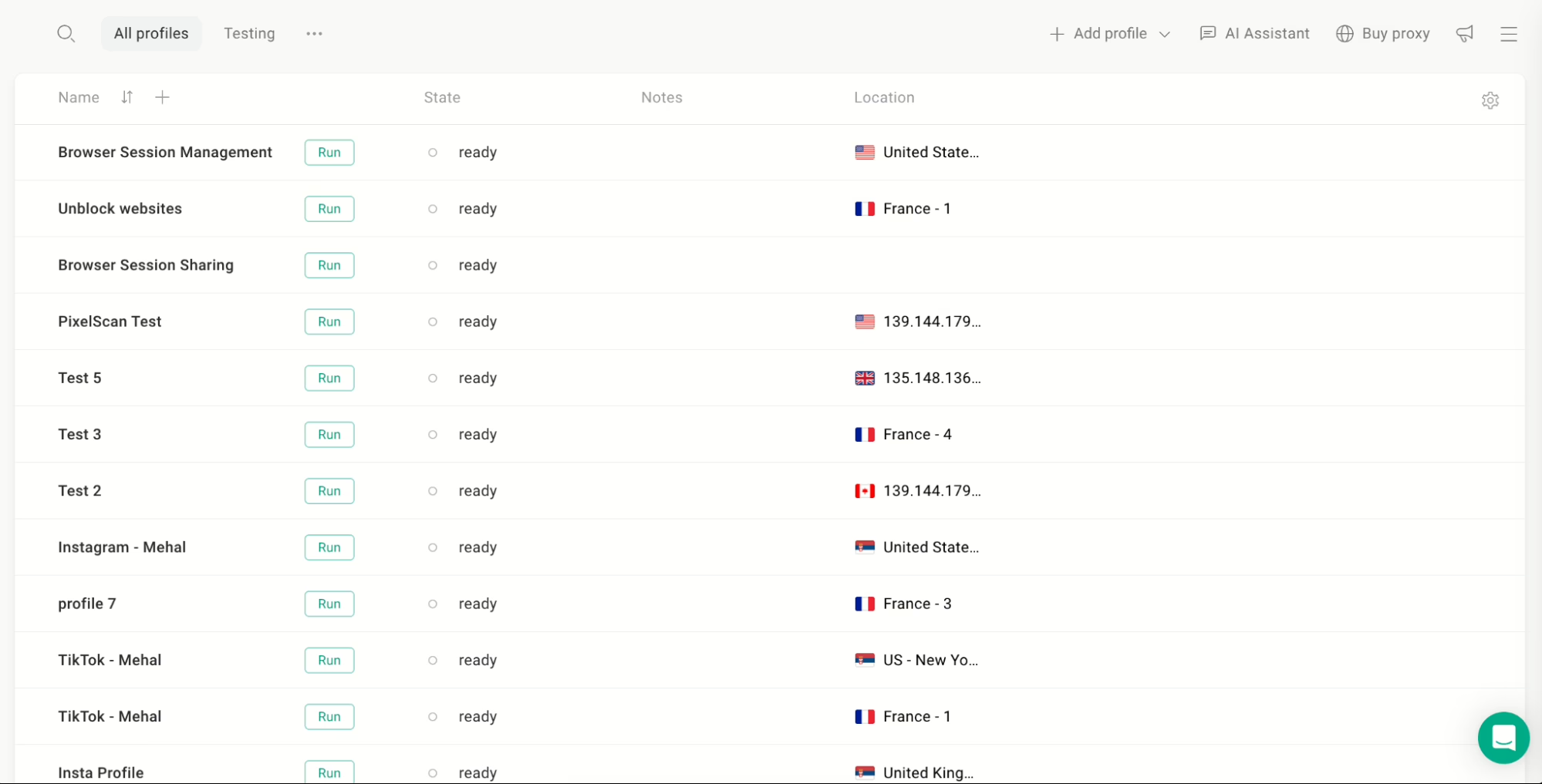
Gologin is probably the most recognizable anti-detect or multiaccounting browser right now.
Where 1Browser is built for multi-accounting with simplicity, Gologin is built for large-scale multi-accounting. It lets you create anywhere from 3 profiles on the free plan to 100,000 on an enterprise custom plan. So Gologin is a better fit for both individuals with simple needs as well as agencies that manage hundreds of social accounts.
Similar to 1Browser, Gologin also automatically generates fingerprints for each profile. But in the case of Gologin, you can also go in and tweak parameters manually if a specific use case calls for it.
Key features
- Supports both automatic and manual fingerprint configuration
- Built-in proxies included on the free plan (500MB datacenter traffic/month)
- 3rd party proxy services supported
- Web version available
- Profile sharing with three permission tiers:
- View-only
- Edit
- Full access
- API access available for automating tasks
Pricing
- Free plan: 3 profiles (no profile sharing or team features)
- Professional: $9/month (starting from 10 profiles)
- Business: $119/month (starting from 300 profiles, team seats included)
Pros & cons
Pros |
Cons |
| Massive profile scale, from 3 to 100,000 | First-time anti-detect browser users will feel a learning curve |
| Built-in proxies on all plans | |
| Profile can be shared without sharing the credentials of accounts logged in inside those profiles | |
| Granular fingerprint customization | |
| Anti-fingerprinting measures actually work |
3. Tor Browser
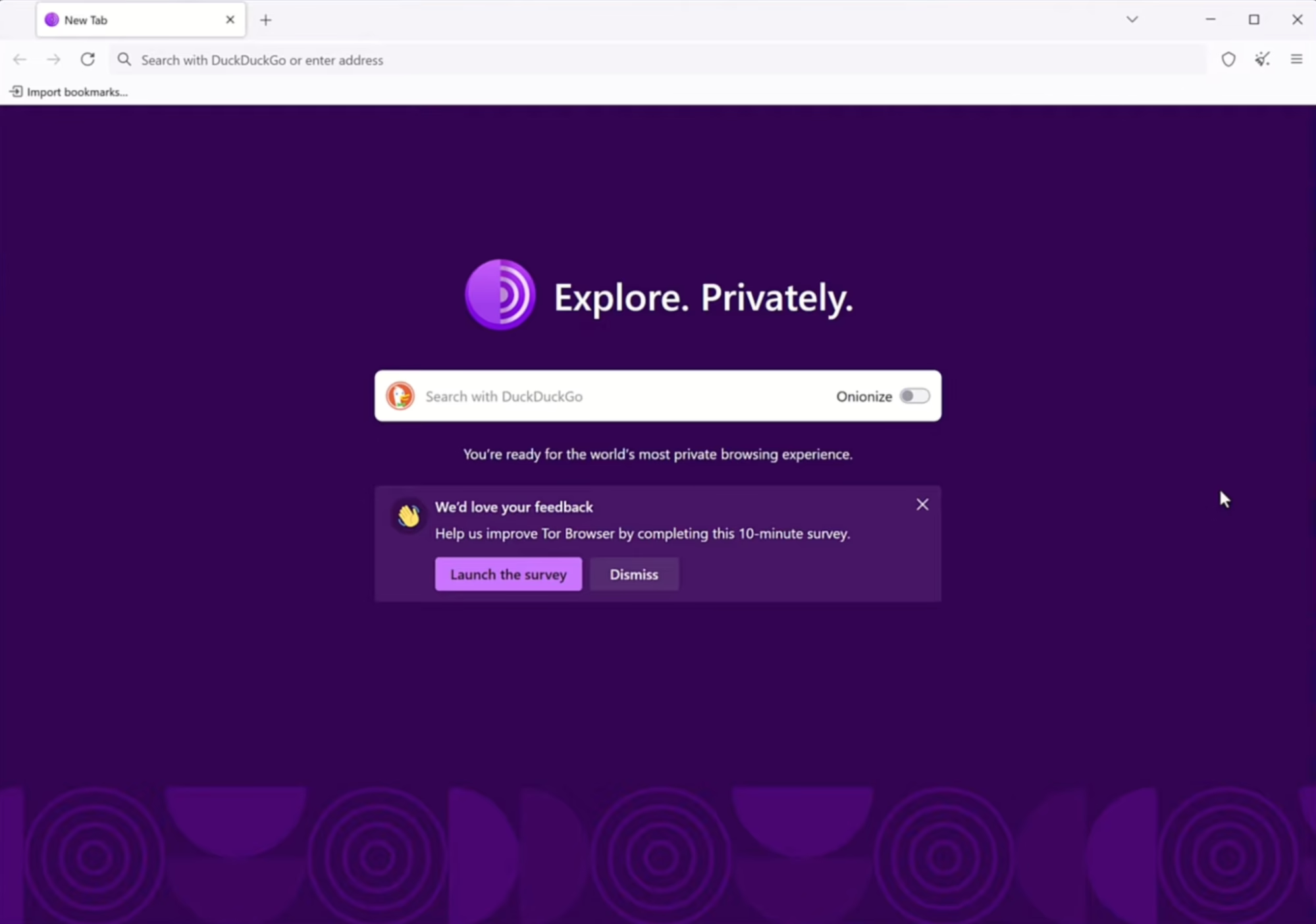
Tor Browser and Mullvad Browser have shared DNA because the latter was built by the Tor Project itself.
However, Tor differs from Mullvad in how it routes your traffic. Your traffic travels through a network of volunteer-run relays. There are three of these relays:
- Entry node
- Middle node
- Exit node
None of these relays knows both who you are and where you’re going. In short, it’s a fundamentally different model from a VPN. With a VPN, you’re trusting one company with your traffic. Routing through multiple anonymous nodes doesn’t have that risk.
Key features
- Routes traffic through three volunteer relays
- Fingerprinting resistance and anti-tracking built in by default
- Controls how much JavaScript and media are allowed using three security levels (Standard, Safer, Safest)
- HTTPS-Only by default
- Access to .onion sites that aren’t available on any other browser
- Open source
Pricing
- Tor Browser is completely free to use. There are no paid plans.
Pros & cons
Pros |
Cons |
| Strongest anonymity | Noticeably slower due to multi-relay routing |
| Free and open source | Some websites block Tor, and Tor’s JavaScript restrictions itself breaks some websites |
| No account or setup required |
4. LibreWolf
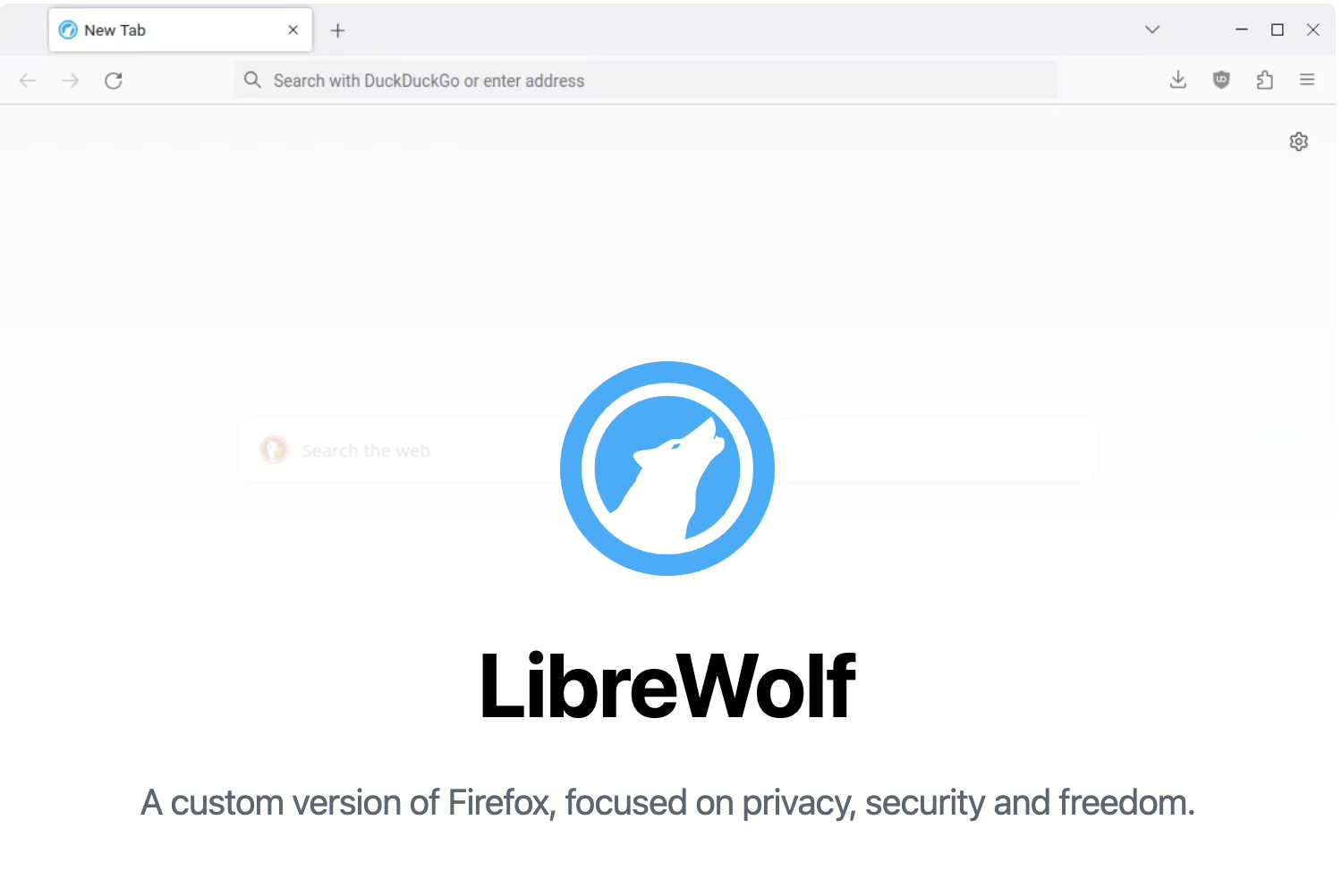
LibreWolf is built on Firefox, so it takes Mozilla’s privacy and removes the telemetry, the sponsored content, the Google tie-ins, and anything else that phones home. In short, all data collection is stripped out.
In addition, LibreWolf uses the same anti-fingerprinting technology developed by the Tor Project, called RFP (Resist Fingerprinting). This is used by Mullvad as well.
LibreWolf’s main difference with Mullvad is that while the latter is purpose-built around VPN use, LibreWolf is made as a standalone privacy browser that also works well with a VPN.
Key features
- Firefox-based
- No data collection of any kind. Clears cookies and history on close
- Blocks fingerprinting using RFP (Resist Fingerprinting)
- Privacy-respecting default search engines (DuckDuckGo, Searx, and others)
- WebGL disabled by default to block a common fingerprinting vector
- Gets updated very quickly after each Firefox release
- HTTPS-only mode
Pricing
- Completely free to use.
Pros & cons
Pros |
Cons |
| Same anti-fingerprinting tech as Mullvad and Tor Browser | No built-in VPN or proxy |
| uBlock Origin is included out of the box | Strict privacy measures can occasionally break websites |
| Zero telemetry | |
| Free and open source |
5. Brave
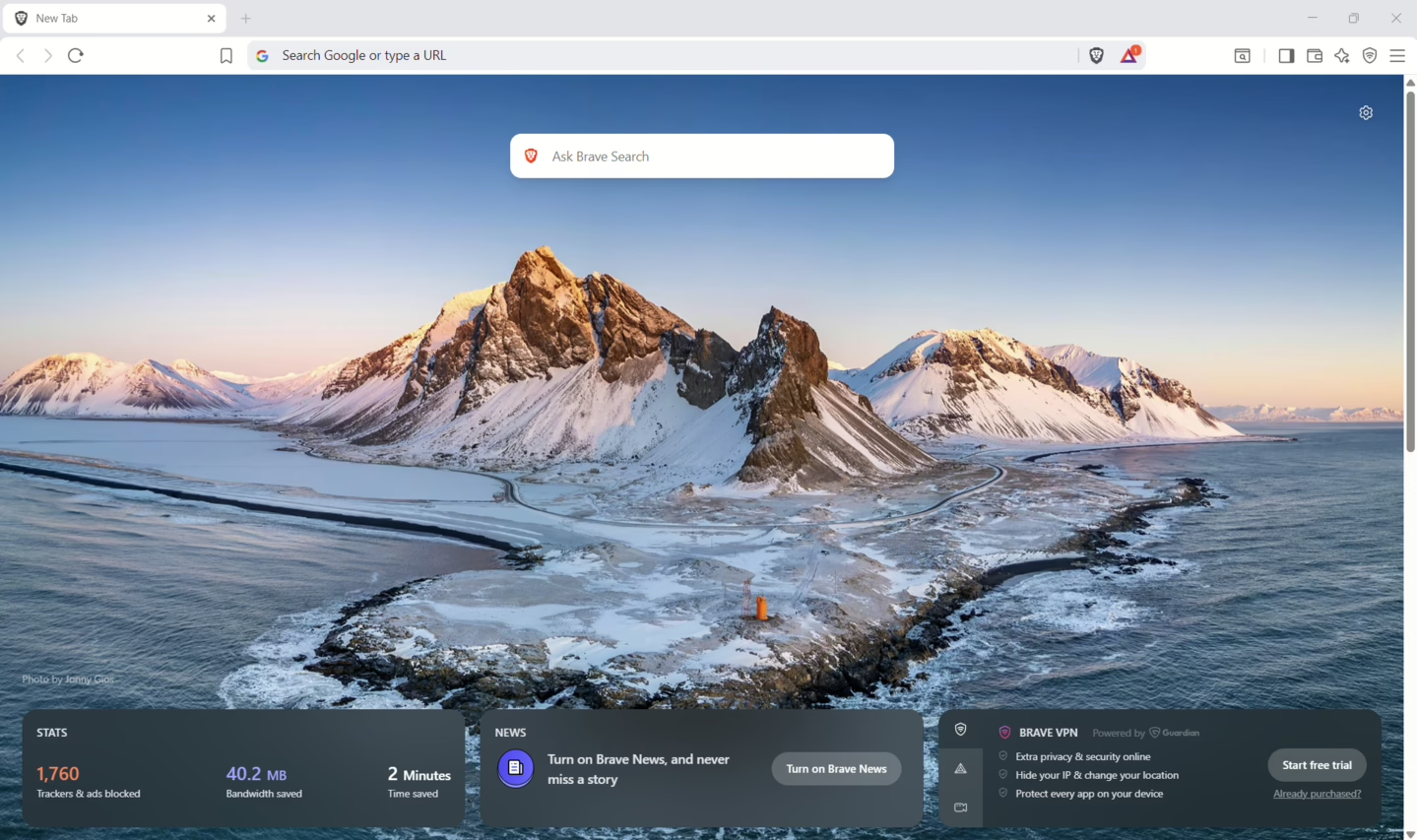
Brave is a mainstream browser with good privacy features.
This is its main difference from other Mullvad browser alternatives on this list. Others have more or less niche use cases. Brave can be used for everyday browsing.
And like Mullvad, Brave has a built-in VPN too, called Brave Firewall + VPN. With one subscription to this VPN, you can use it on up to 10 devices. The VPN has a no-logs policy and protects traffic from every app on your device at the network level. Brave even has a private browsing mode (often considered an alternative to incognito mode) that routes traffic through Tor.
Key features
- Built-in ad and tracker blocking
- Anti-fingerprinting settings
- Private browsing mode with Tor routing
- Device-level VPN
- Built-in AI assistant (Leo) and private search engine
- All Chrome extensions work
Pricing
- Browser: Free
- Brave VPN: $9.99/month or $99.99/year (7-day free trial included)
Pros & cons
| Pros | Cons |
| Strong privacy defaults | Brave VPN is expensive |
| VPN covers the device’s traffic too | Privacy-lite relative to Tor or LibreWolf |
| Works on both desktop and mobile |