5 Brave Browser Alternatives and Competitors in 2026

Brave is a solid privacy browser, and it works well for a lot of people. But just like any browser, it cannot be perfect at everything. For instance, its customization options are thin. Some users also don’t like that the built-in VPN requires paying extra.
And then there are things which Brave was never made to do. We’re talking about managing multiple accounts across different platforms. For example, if you want to log in to 2 or more Facebook accounts, Brave doesn’t have the infrastructure for that. You’ll need special multi-accounting or proxy browsers for that.
The following list walks you through Brave Browser alternatives that cover all these gaps and offer much more.
Let’s get you started with an overview of all those Brave Browser competitors.
How We Picked These Alternatives
We looked at what Brave specifically lacks — multi-account support, deep customization, a truly free VPN, and maximum privacy hardening — and picked one strong alternative for each gap rather than just listing generic “Brave competitors.” Pricing, ease of setup, and whether the tool actually solves the gap (not just resembles Brave) were the deciding factors.
5 Brave Browser Alternatives That You Should Consider
Browser |
Type of Alternative |
Best For |
Pricing |
1Browser |
Does what Brave doesn’t | Easy multi-accounting | From $9/month |
Gologin |
Does what Brave doesn’t | Agencies and marketers managing accounts at scale | From $9/month |
Vivaldi |
Similar model to Brave | Deep browser customization | Free |
Opera |
Similar model to Brave | Free built-in VPN and messaging integrations | Free |
LibreWolf |
Similar model to Brave | Maximum privacy | Free |
Which Alternative Fits Your Situation?
- You need to run multiple accounts on the same platform: 1Browser (easiest) or Gologin (more scale, more control)
- You want to fully customize how your browser looks and behaves: Vivaldi
- You want a free VPN and don’t want to pay extra for it like on Brave: Opera
- Privacy is your only priority, even if some sites break: LibreWolf
1. 1Browser
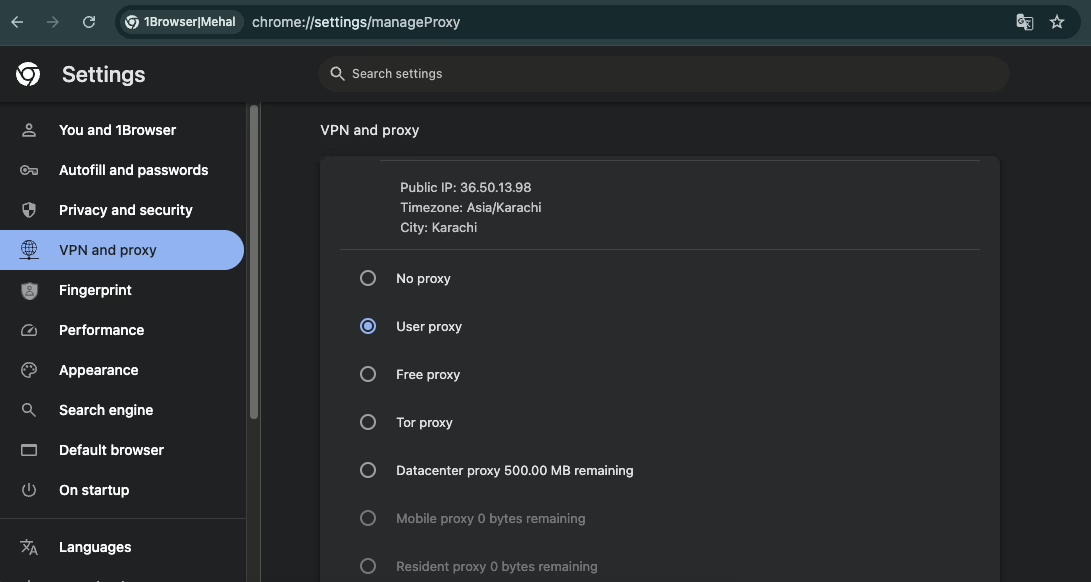
1Browser is a browser for multi-accounting, which Brave simply isn’t made for. This essentially means that you can run multiple accounts on Facebook, Amazon, or any other platform simultaneously using 1Browser.
The browser profiles it creates are completely isolated. Each of them has its own fingerprint and IP address. When you visit platforms within those profiles, those platforms see each profile as a separate device.
1Browser is built on Chromium and looks very similar to Google Chrome. It also doesn’t require you to manually configure fingerprint parameters as well. The browser itself manages those things.
You simply create a profile and get going. These qualities make 1Browser the most beginner-friendly Brave Browser alternative for multi-accounting tasks.
Key features
- Fully isolated antidetect browser profiles (10 browser profiles are completely free)
- Built-in proxies (5 free proxies on every plan)
- Support for custom proxies
- Looks and works like regular Chrome. It’s the most simple multi account browser out there.
- Pretty lightweight
Pricing
- Free forever plan: 10 browser profiles + 5 built-in proxies
- Basic: $9/month (20 profiles, 100+ country proxy network)
- Pro: $29/month (100 profiles, 100+ country proxy network)
Pros & cons
Pros |
Cons |
| Most beginner-friendly browser for multi-accounting | Not suitable for advanced fingerprint fine-tuning |
| Generous free plan with 10 profiles and 5 built-in proxies | |
| Near-instant profile launch times |
2. Gologin
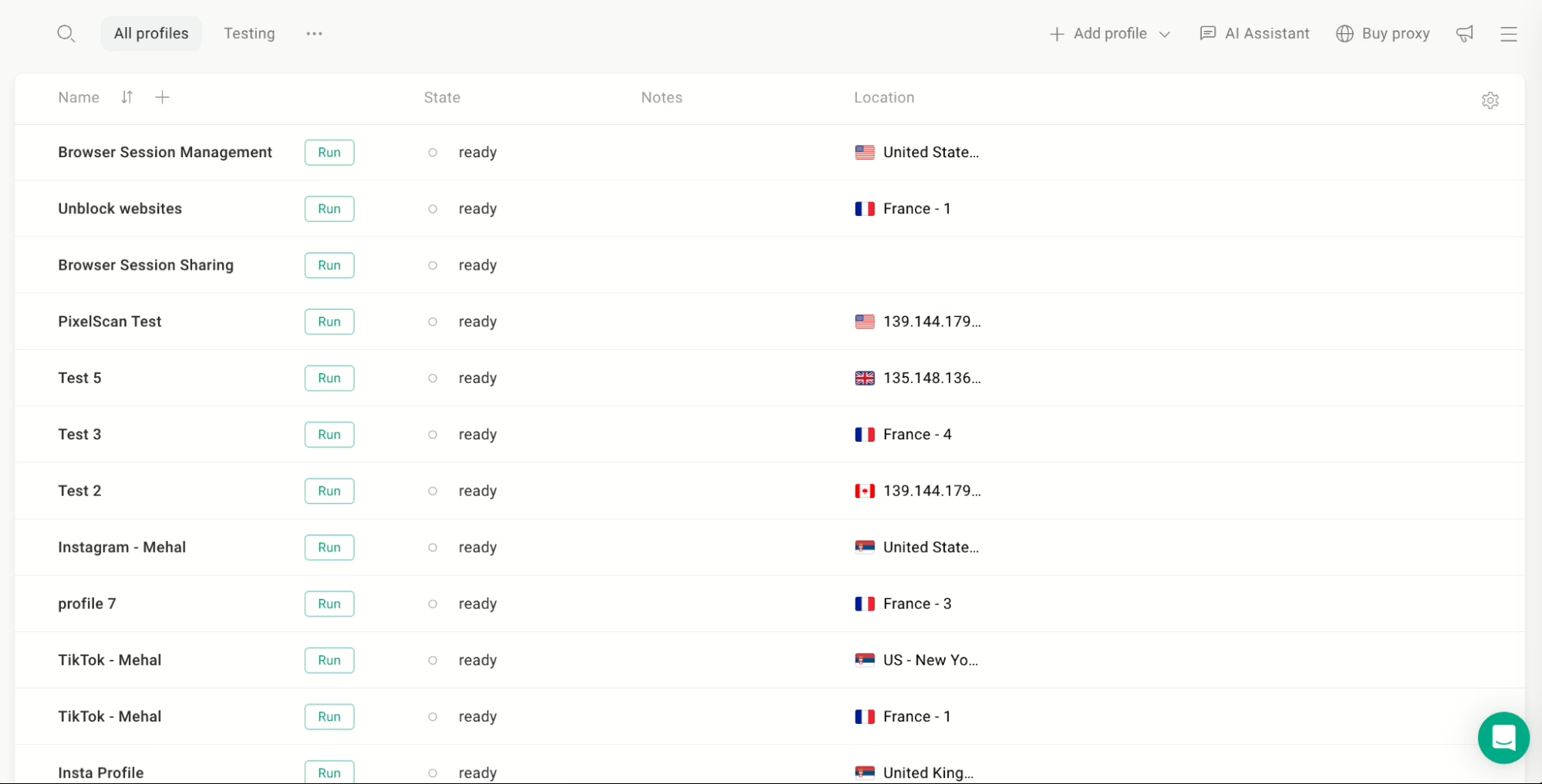
Among alternatives to Brave Browser, Gologin consistently tops search results for “anti-detect browser” and “multi-account browser.”
Like 1Browser, it’s Chromium-based and lets you create multiple browser profiles that each appear as a completely different user to websites.
But it goes ahead and enables you to manually adjust fingerprint parameters for each profile. You can fine-tune parameters like user agent, timezone, screen resolution, language, and more.
Keep in mind that the manual settings are optional. Gologin auto-configures these parameters by default. So you don’t have to touch the settings unless you want to.
Key features
- Create anywhere from 100 to 100,000 browser profiles
- Automatic fingerprint configuration
- Optional manual fingerprint configuration
- Built-in free and paid proxies
- Support for external proxy providers
- Profile sharing with three permission tiers:
- View-only
- Edit
- Full access
- API access available for automating tasks
Pricing
- Free forever plan: 3 profiles (no profile sharing or team features)
- Professional: $9/month (starting from 10 profiles)
- Business: $119/month (starting from 300 profiles, team seats included)
Pros & cons
Pros |
Cons |
| Highly scalable | There’s a learning curve |
| Deep fingerprint customization | |
| Best value for money | |
| Best for bypassing fingerprinting by websites |
3. Vivaldi
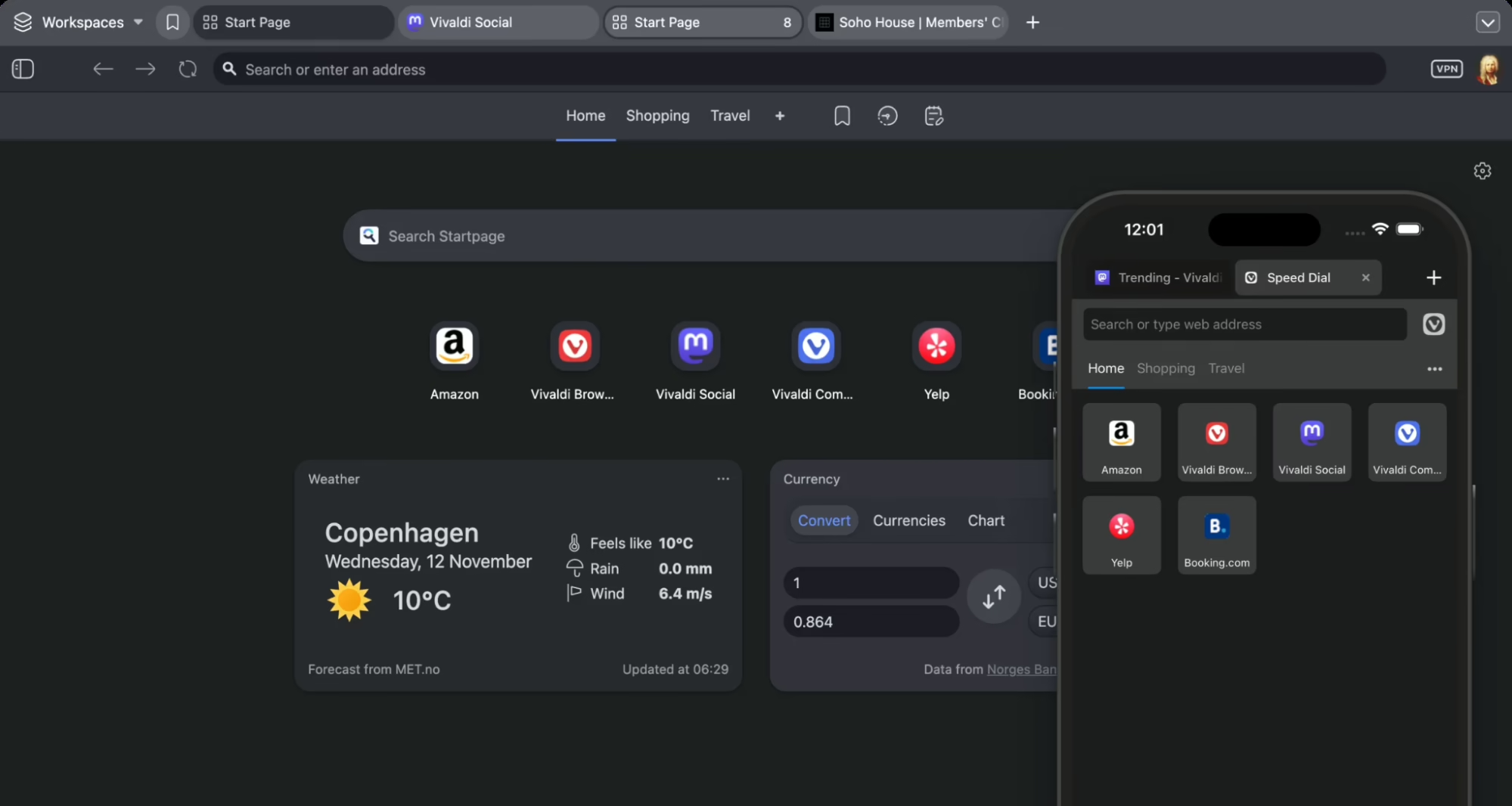
Brave is a set-it-and-forget-it privacy browser. It lets you block ads and calls it a day.
Vivaldi is also similar to Brave in that it’s Chromium-based, blocks ads and trackers by default, doesn’t sell your data, and supports Chrome extensions.
But Vivaldi also goes further by providing you with more control over the browser.
It is a Brave alternative for deep browser customization. You can customize things like where every button sits, how your tabs behave, what your sidebar contains, etc.
On the privacy side, Vivaldi doesn’t track your browsing history. It only sends anonymized metadata to its servers to count active users.
Key features
- Full tab management suite (stacking, split-screen, session saving, hibernation)
- Built-in ad and tracker blocker
- Built-in email client, calendar, RSS reader, and notes
- Compatible with all Chrome extensions
- Fully customizable interface
Pricing
- It is totally free of cost. There are no paid plans of Vivaldi.
Pros & cons
Pros |
Cons |
| Unmatched customization depth compared to other Brave Browser alternatives on this list | Can feel overwhelming for simple use cases |
| Its built-in features eliminate the need for many extensions | Some users of Vivaldi browser often complain about higher RAM consumption and its slow launch time relative to its lightweight counterparts |
| Completely free |
4. Opera
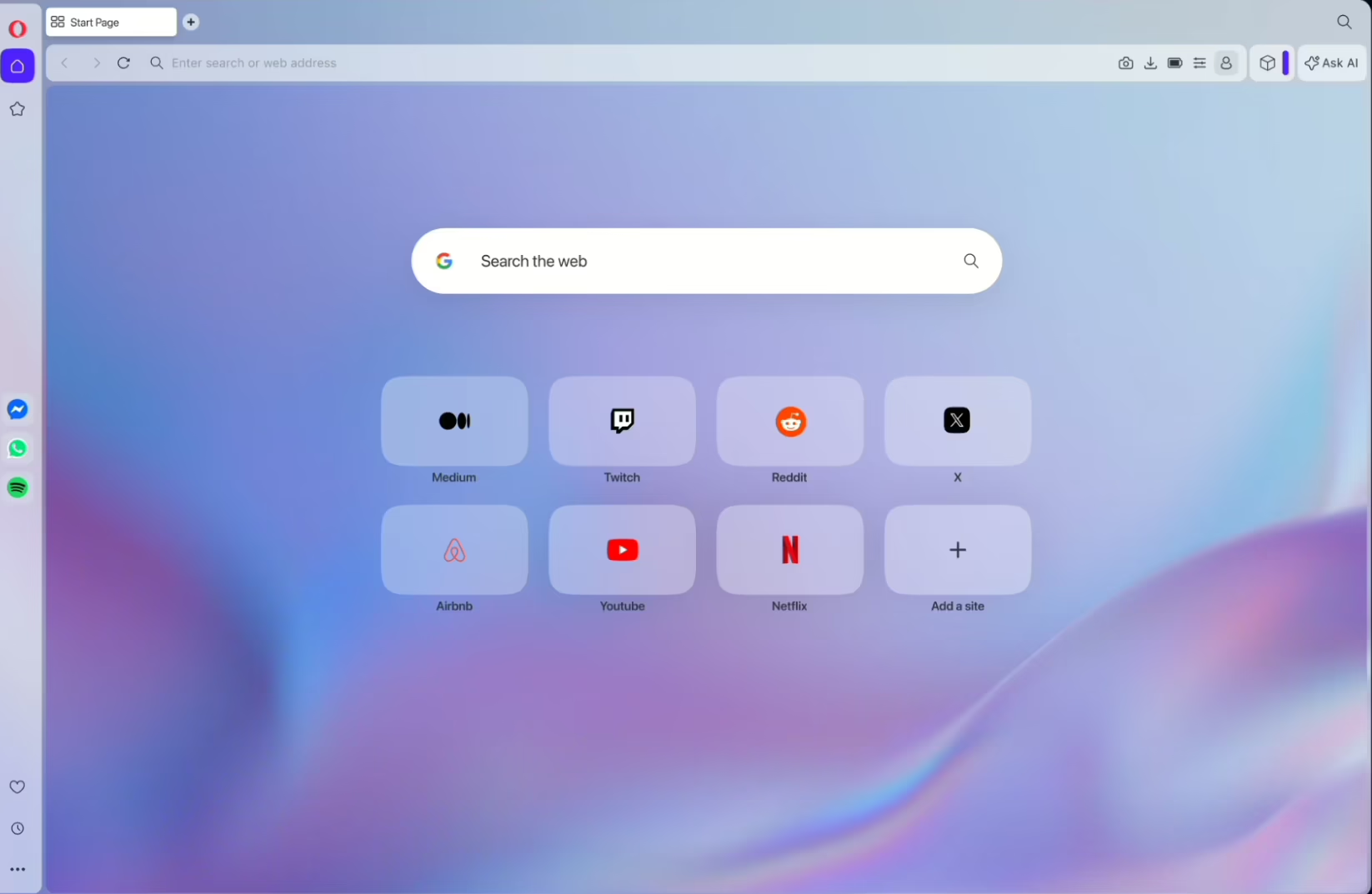
Opera is one of the oldest browsers that’s still actively developed.
It was also the first major browser to offer a built-in ad blocker back in 2016, before Brave was even a thing.
And today, it’s built-in free VPN sets it apart from Brave. Brave also offers a VPN, but as a paid add-on.
On top of that, Opera also integrates messaging apps (WhatsApp, Instagram, Telegram, Discord, etc) into its sidebar. This saves you a lot of tab switching, something that productive individuals might like.
Key features
- Free built-in VPN
- VPN has no data limits and doesn’t require a login
- Built-in ad and tracker blocker
- Sidebar integration
- Instant file sharing between mobile and desktop
- Built-in Aria AI assistant
- Cryptojacking protection
Pricing
- Opera is free just like Vivaldi. There are no paid plans. It does offer a VPN Pro option alongside its free VPN. VPN pro allows you to have access to 48 unique locations with high server speeds.
Pros & cons
Pros |
Cons |
| Free VPN which Brave doesn’t offer | Collects some browsing category data by default |
| Saves a lot of tab switching | More resource-heavy than Brave |
| Actively supports Manifest V2 ad blocking extensions, unlike Chrome |
5. LibreWolf
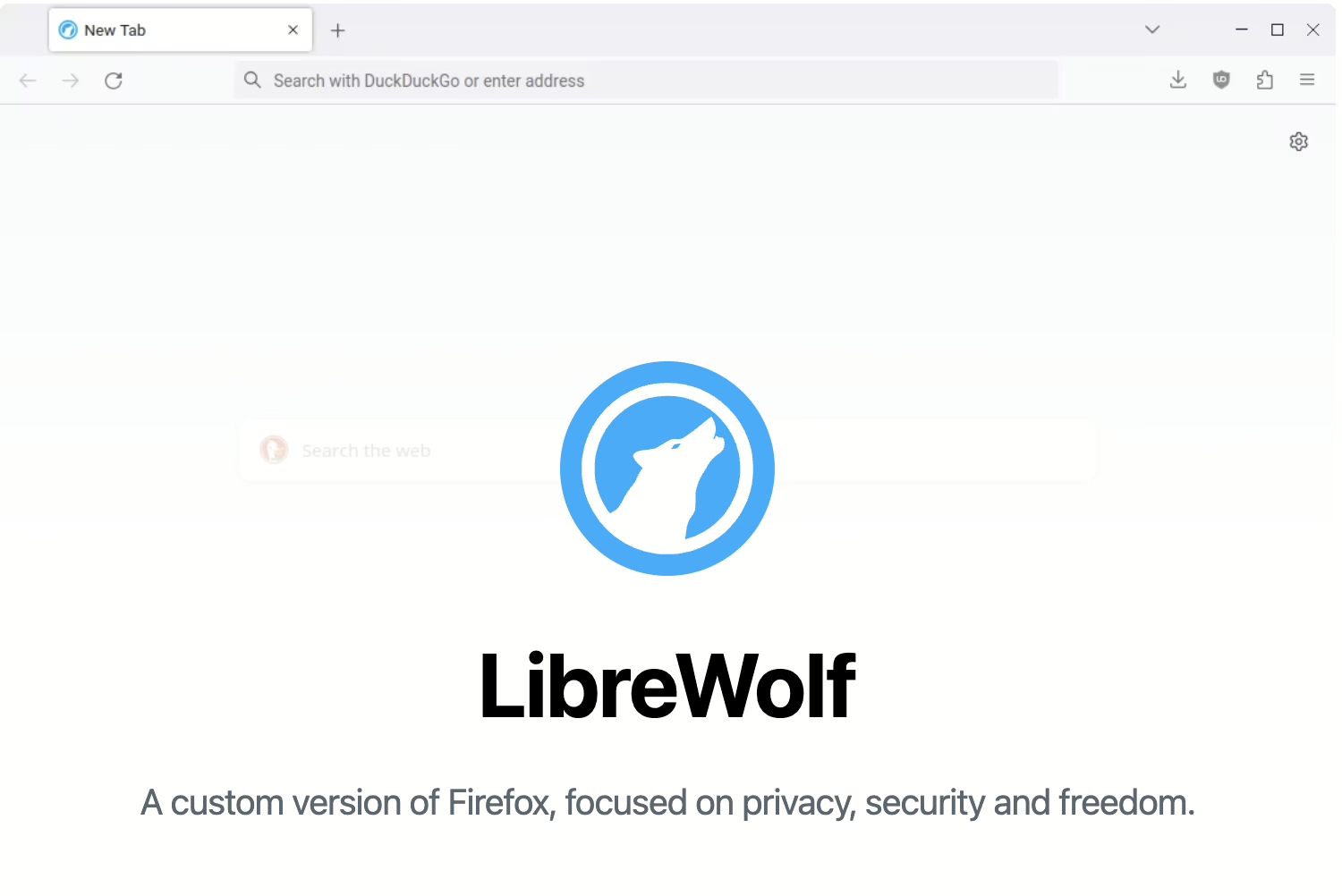
Among privacy focused browser alternatives to Brave browser in this list, LibreWolf is the strictest. It strips off everything that could compromise your privacy and ships nothing else.
Therefore, you won’t find the following in LibreWolf:
- Telemetry
- Data collection
- Sponsored shortcuts on new tab page
- Pocket integration
- Experiments running in the background
The developers have said the infrastructure to collect user data simply doesn’t exist on their end. Moreover, LibreWolf comes with uBlock Origin pre-installed, which is widely considered the strongest ad blocker available.
However, these thorough privacy measures can cause sites to behave unexpectedly. So, only pick LibreWolf when privacy is the priority above everything else. Otherwise, drop it if you want things to just work.
Key features
- Firefox-based
- Zero telemetry. Doesn’t collect data of any kind, by design
- Uses the same anti-fingerprinting system as Tor Browser (Resist Fingerprinting (RFP))
- Clears cookies and history on close
- Default search engine is DuckDuckGo
- HTTPS-only mode
- Strict TLS settings
Pricing
- Free
- Fully open-source and community-maintained
Pros & cons
Pros |
Cons |
| Most thorough privacy configuration | Requires manual updation |
| Doesn’t feed Google’s Chromium engine monopoly | Some websites break due to hardened settings |
| Completely community-driven | No built-in sync feature by default |
Multi-Accounting Made Simple with 1Browser
All the Brave Browser alternatives on this list cover a specific limitation of Brave. But if your day-to-day tasks include multi-accounting, only 1Browser and Gologin actually do that.
Between the two, 1Browser is the most beginner friendly. Simply because there’s no learning curve, and there’s also no fiddling with fingerprint settings. You can literally create a browser profile in seconds and start working.
The forever free plan of 1Browser is quite generous as it gives you 10 browser profiles and 5 built-in proxies. That’s enough to test everything before spending a dime, right?
Give 1Browser a shot by downloading it and see how it fits into your workflow.
FAQ
Is Brave bad for privacy?
No – Brave is genuinely privacy-focused. These alternatives aren’t about Brave being unsafe; they’re about specific gaps like multi-accounting, VPN cost, or customization depth that Brave doesn’t cover by design.
Which Brave alternative is best for running multiple social media accounts?
1Browser for ease of use, or Gologin if you’re managing accounts at a larger, agency-level scale with more fingerprint control.
Is there a completely free Brave alternative with a built-in VPN?
Yes – Opera offers a free VPN with no data limits, unlike Brave’s paid VPN add-on.
Do any of these alternatives support Chrome extensions like Brave does?
Vivaldi and Opera both support the full Chrome Web Store, since they’re Chromium-based like Brave. LibreWolf, being Firefox-based, uses Firefox extensions instead.
Which alternative is best if I care most about privacy, not features?
LibreWolf – it strips out telemetry and data collection entirely, though some sites may behave less smoothly as a result.